Cloud Release 2025.44
Briefly: introduced Logistics mission module, enhanced Industrial inspection with photo comparison and AI object recognition, added text recognition on photos, improved file processing status display, optimized mobile UI for both Admin and Operator interfaces, and added emergency stop release functionality.
New Features
Logistics Mission
We are happy to introduce a new mission: Logistics mission.
It's a new module that allows you to perform logistics tasks in a very simple and straightforward way.
To create a mission you just need mark the points on the map at which the robot should stop and set the waiting time for each point.
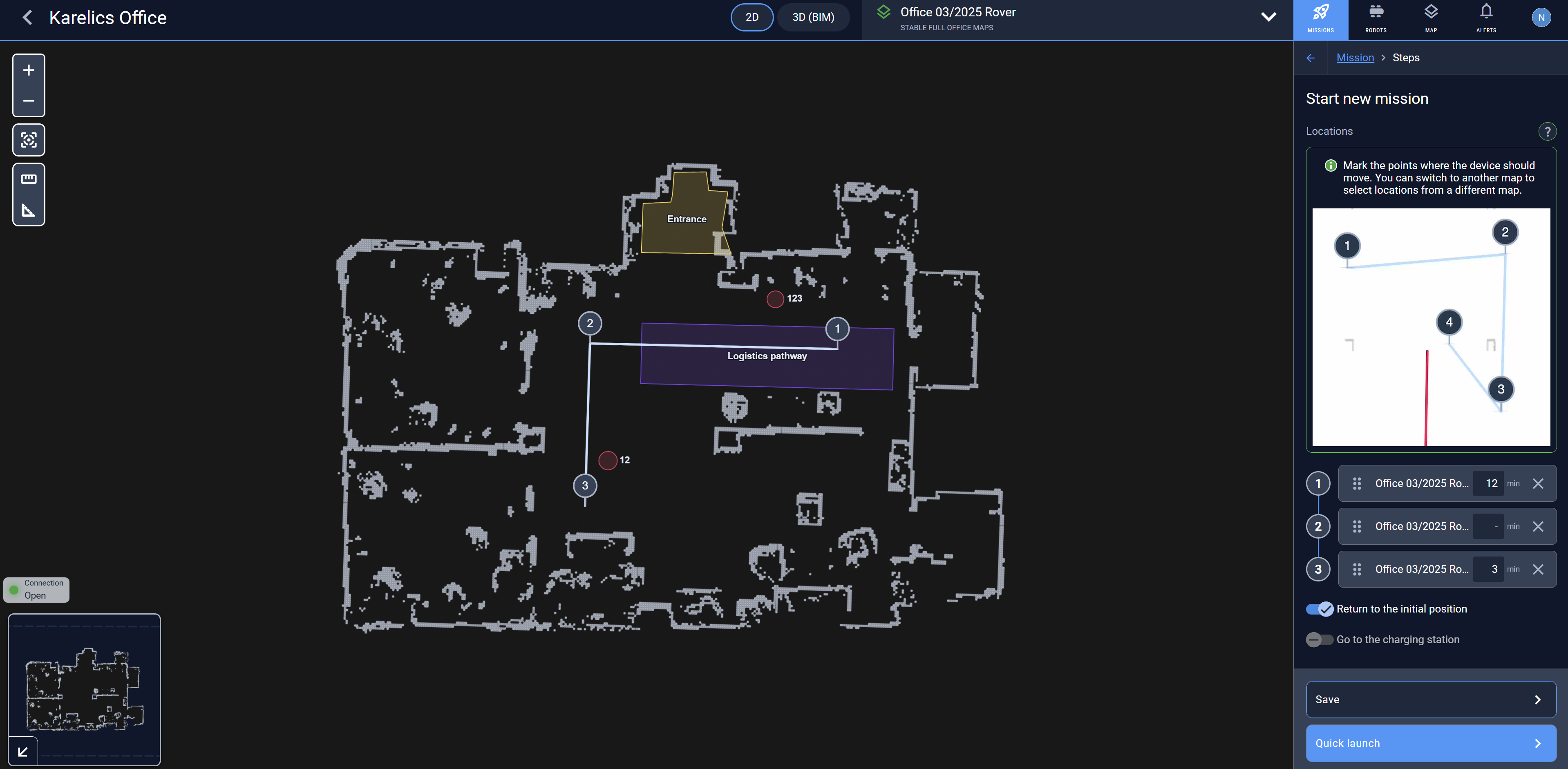
You can also tell the robot to Return to the initial position at mission end by checking the corresponding checkbox.
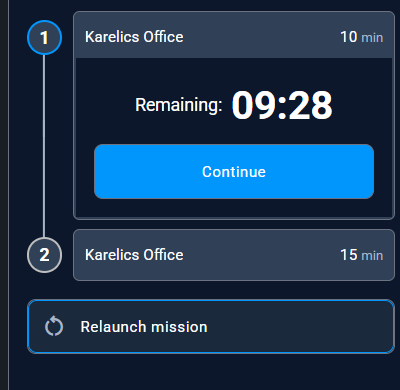
You can proceed to the next mission step by clicking the Continue button without waiting for the time to end.
Enhanced Features
Photo Comparison in Industrial Inspection
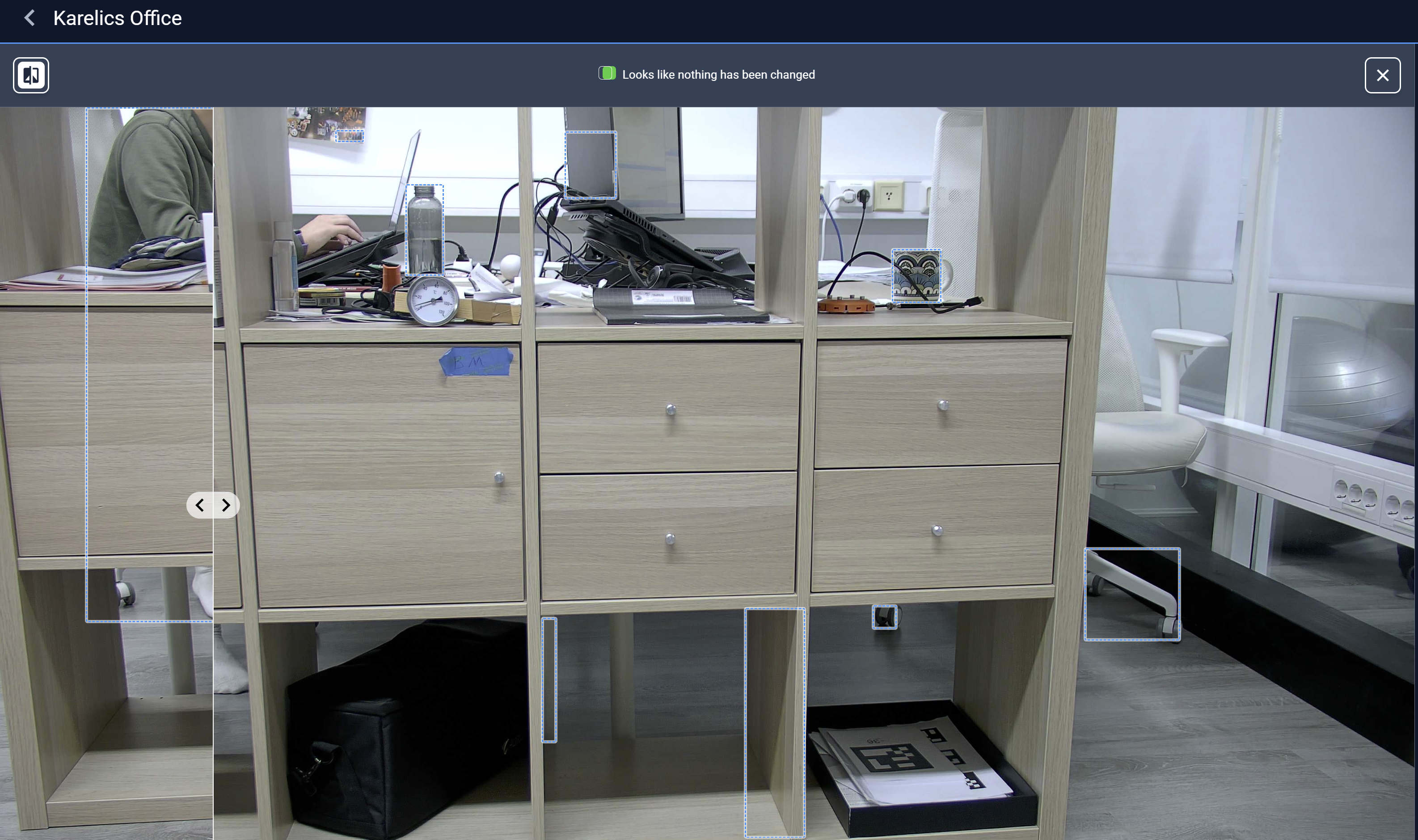
When viewing photos for Points of Interest (POI) such as Object Detection, Gauge Reading, and Infrared, users can now see the similarity score with the previous photo from the same POI.
Additionally, the user is able to compare two photos side by side. Changes will be highlighted with frames.
Text Recognition on Photos
To ease photo inspection, we integrated an AI model that recognizes text, allowing the operator to identify the observed object easily.
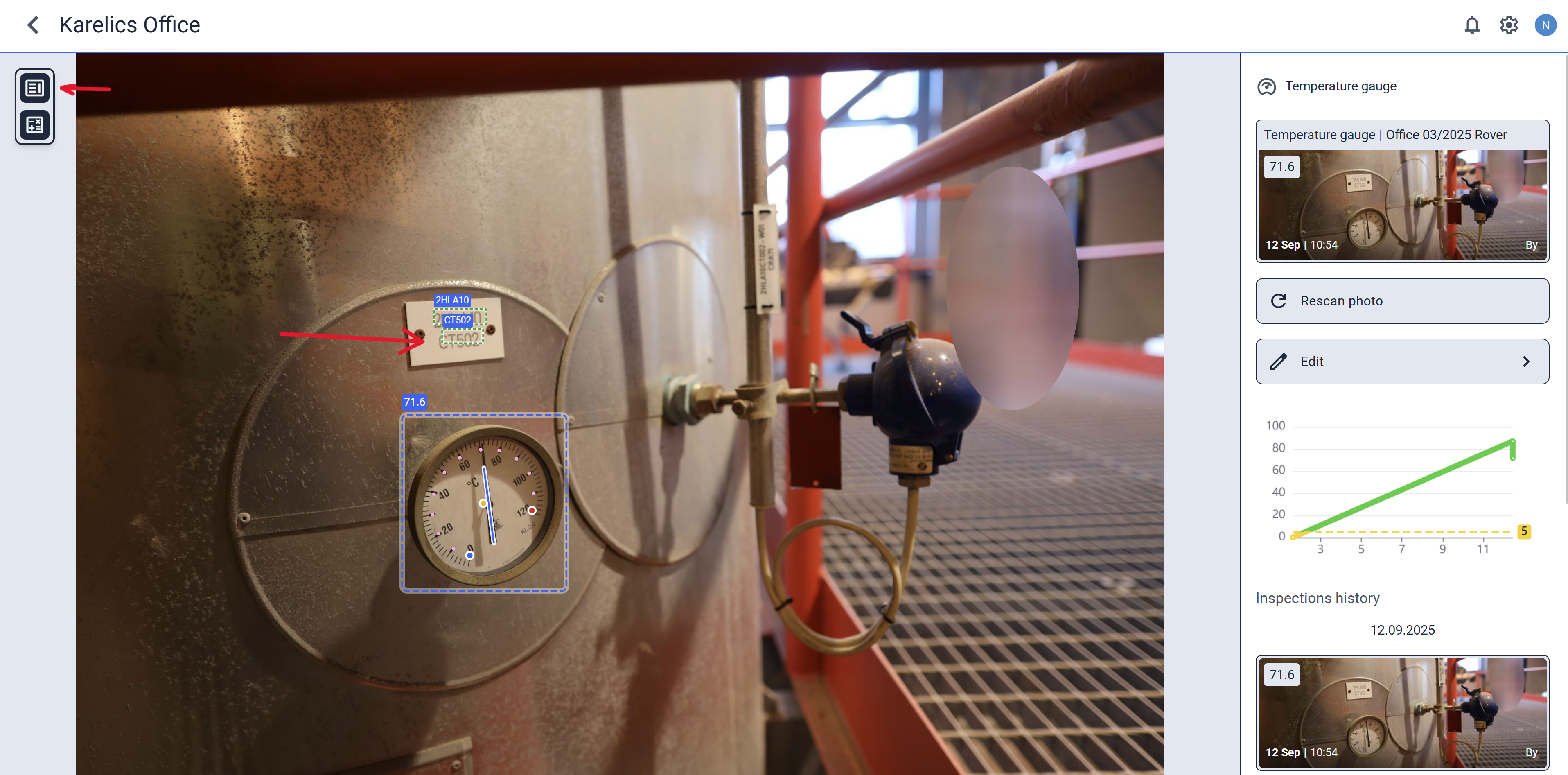
Hide text recognition results by clicking the button in the top-left corner.
AI Object Recognition in Industrial Inspection
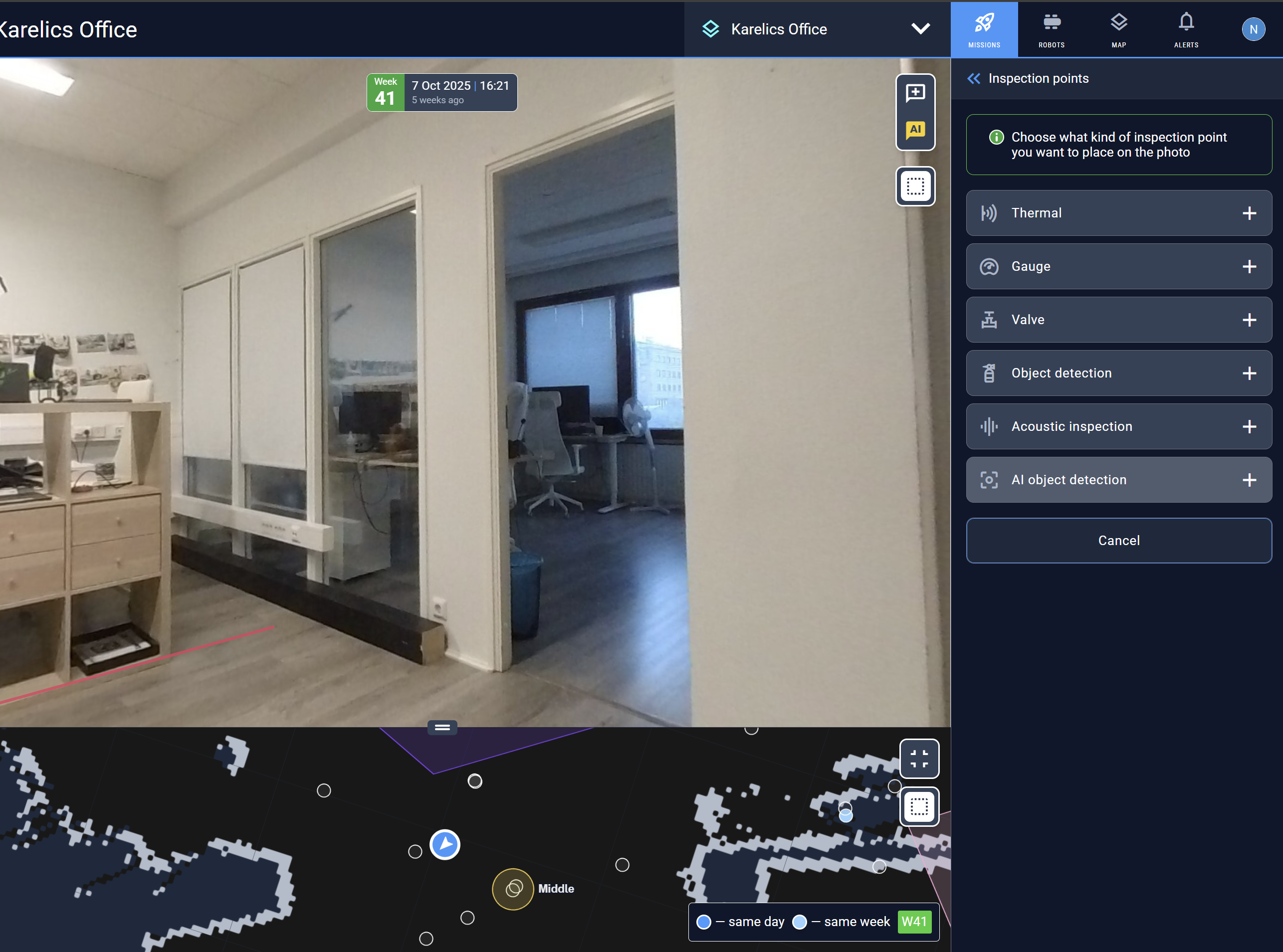
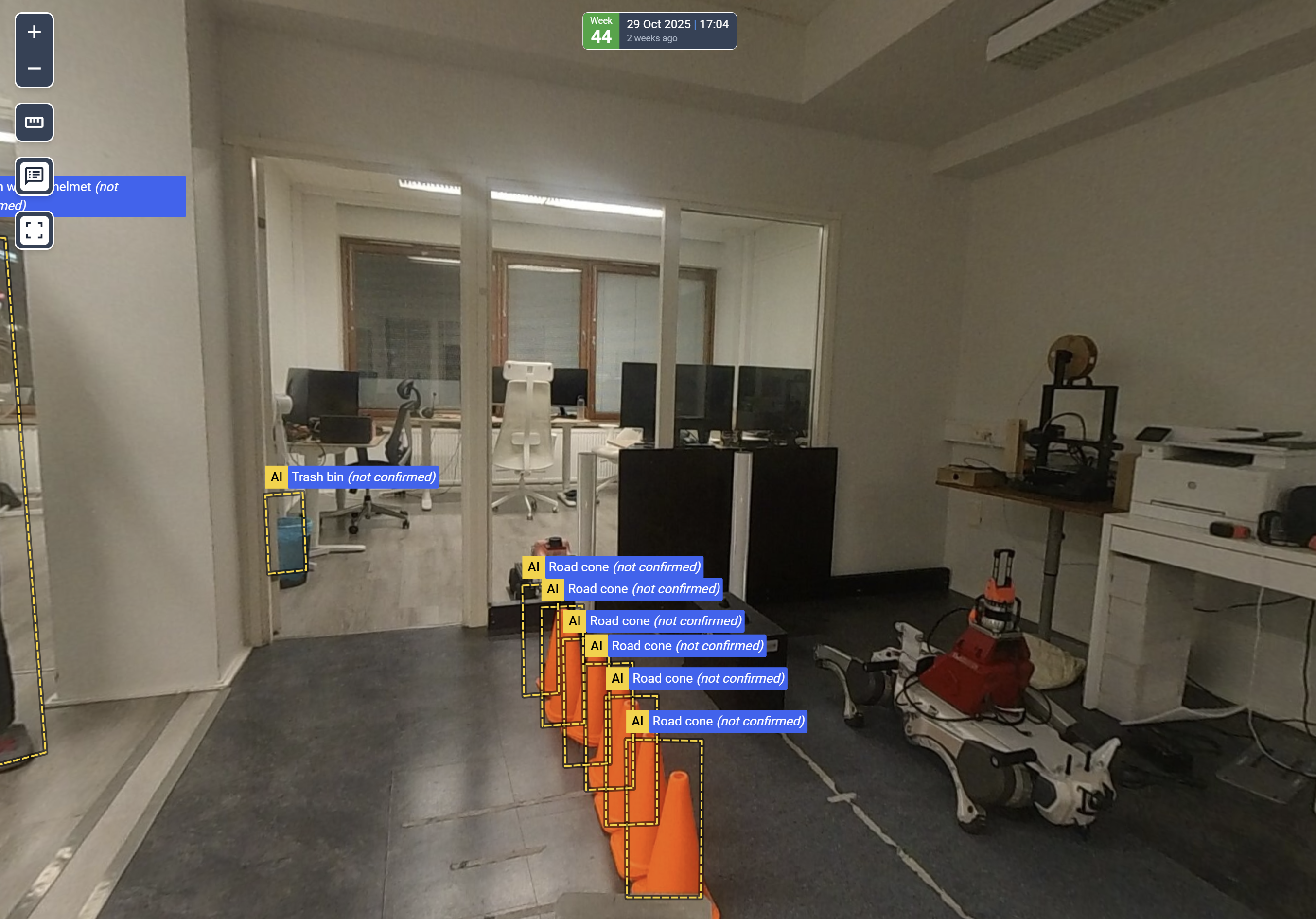
Now you can configure the robot to take a 360 photo for objects recognition during inspection.
Simply create an AI object detection POI at the desired map position.
The result appears in the operator interface:
User-Friendly File Processing Status
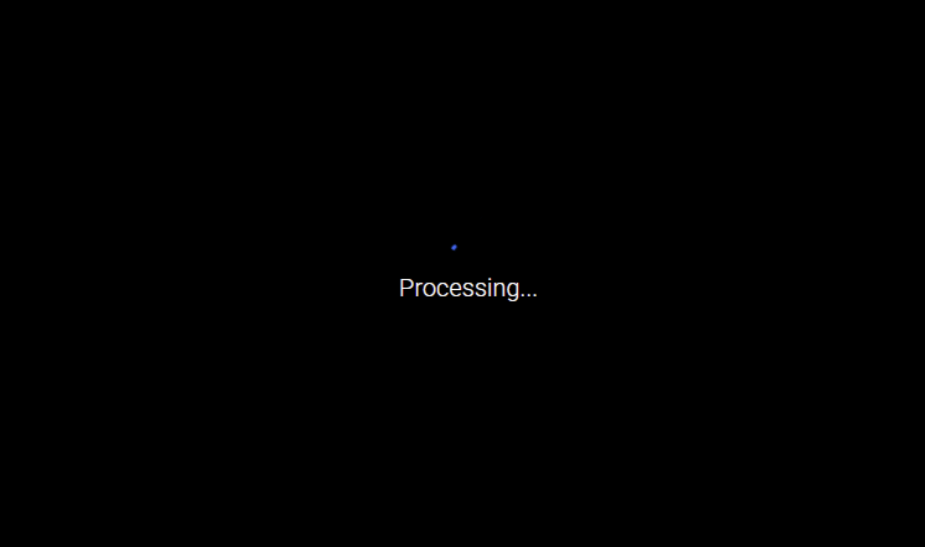
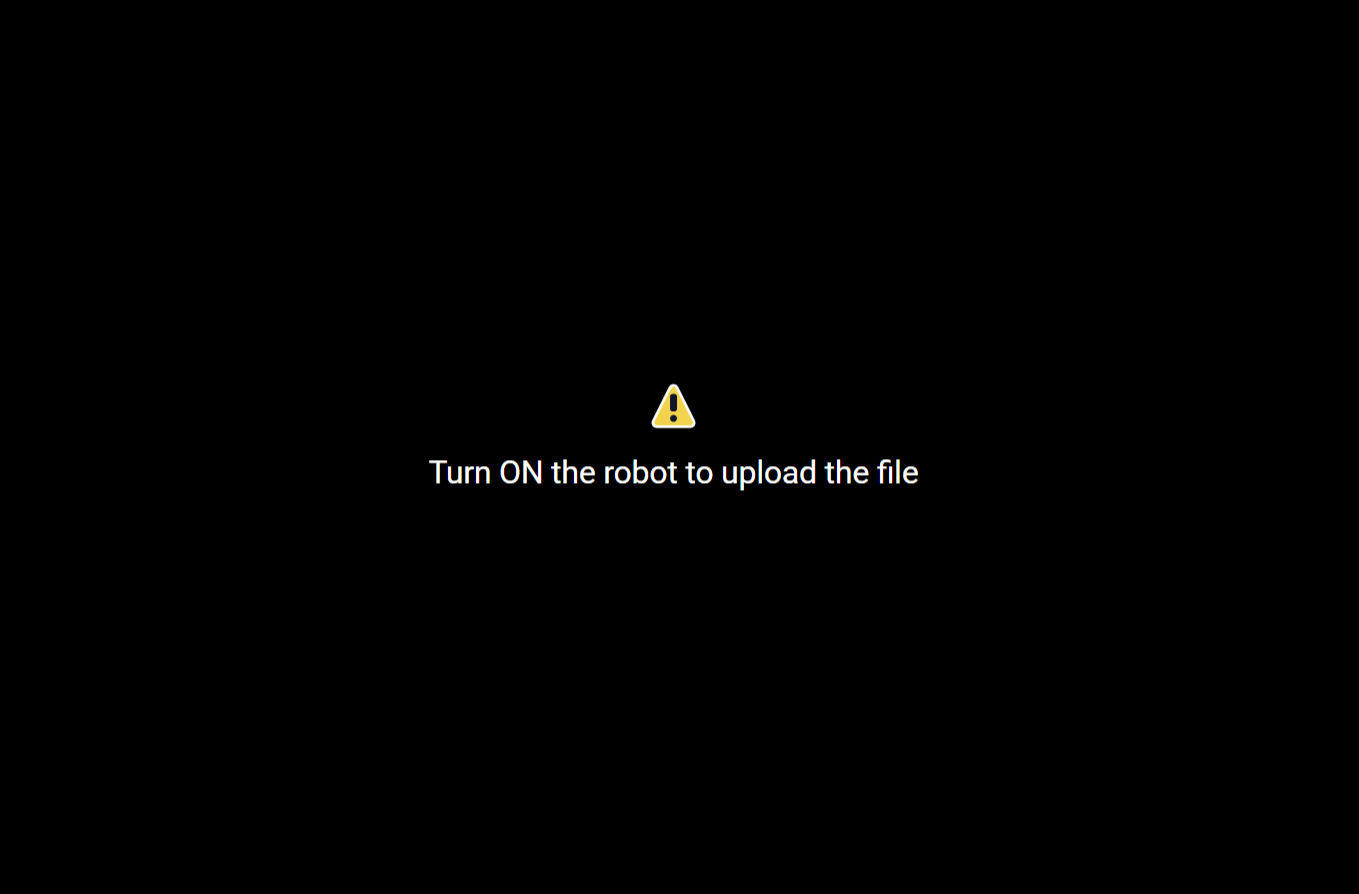
We improved the view for unprocessed files to clearly show the file's status and the actions users can take to resolve issues.
Mobile UI Adjustments
Admin UI
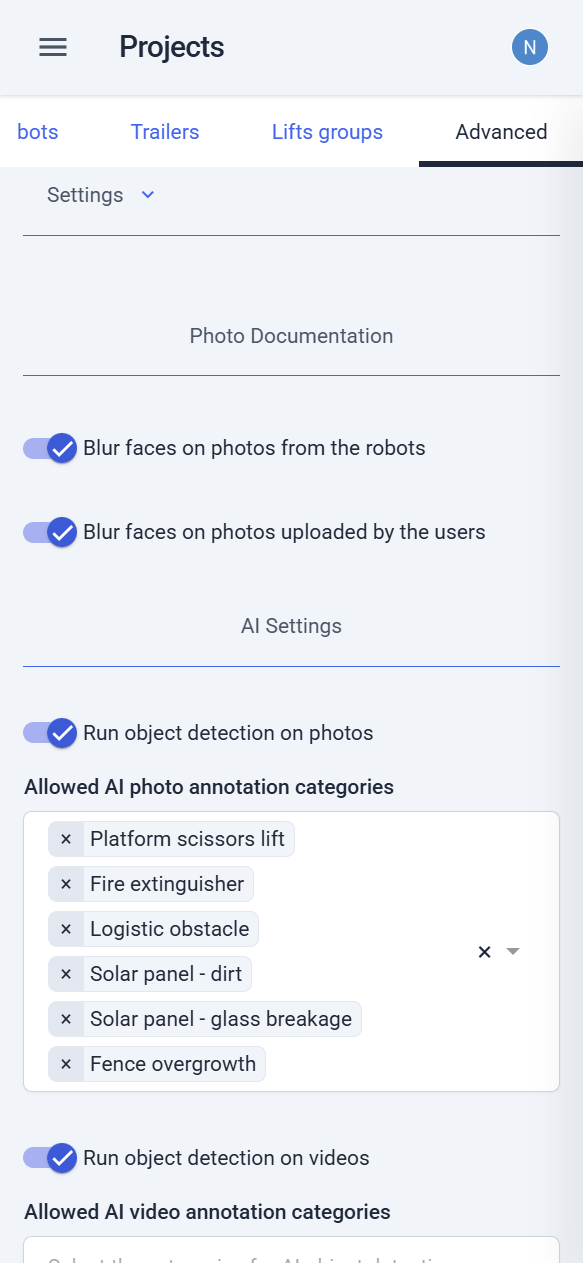
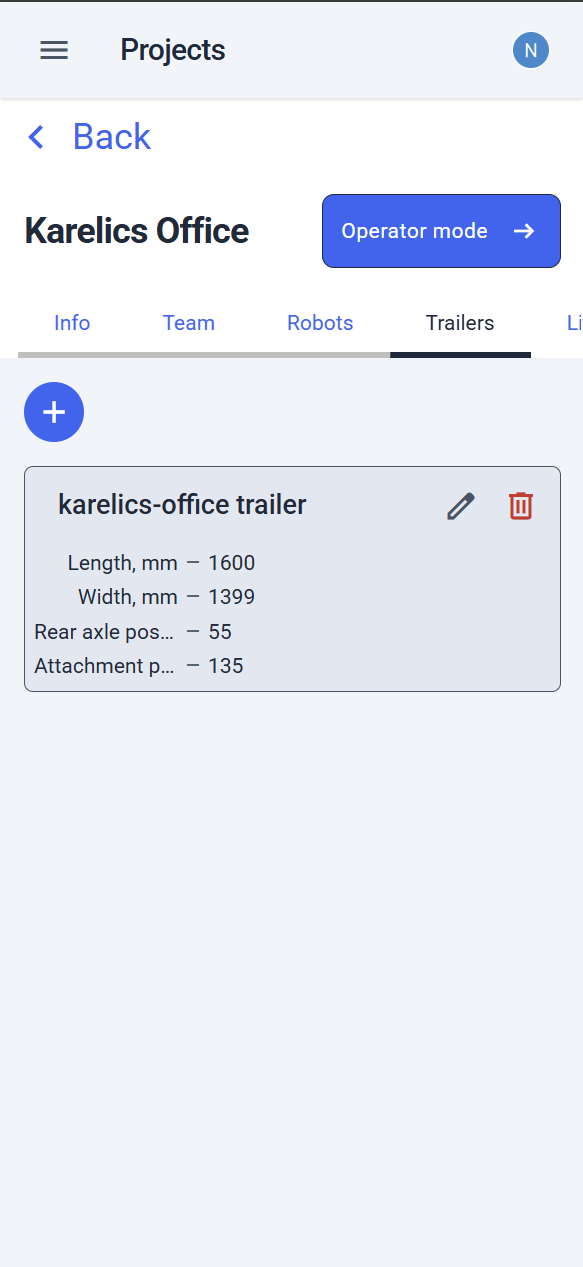
We fixed layout issues and improved main use cases on small screens. The admin UI now looks attractive and user-friendly.
You can manage your projects and devices directly from your mobile device!
Operator UI
As the operator interface grows complex, maintaining its simplicity is essential.
Horizontal sliders have been added to the last inspections view to expand vertical space.
A control panel now appears at the bottom of the screen to let users fast scroll to the desired section of the project page.

Navigation throughout the project page is now easy and convenient!
Safety Features
Releasing Emergency Stop
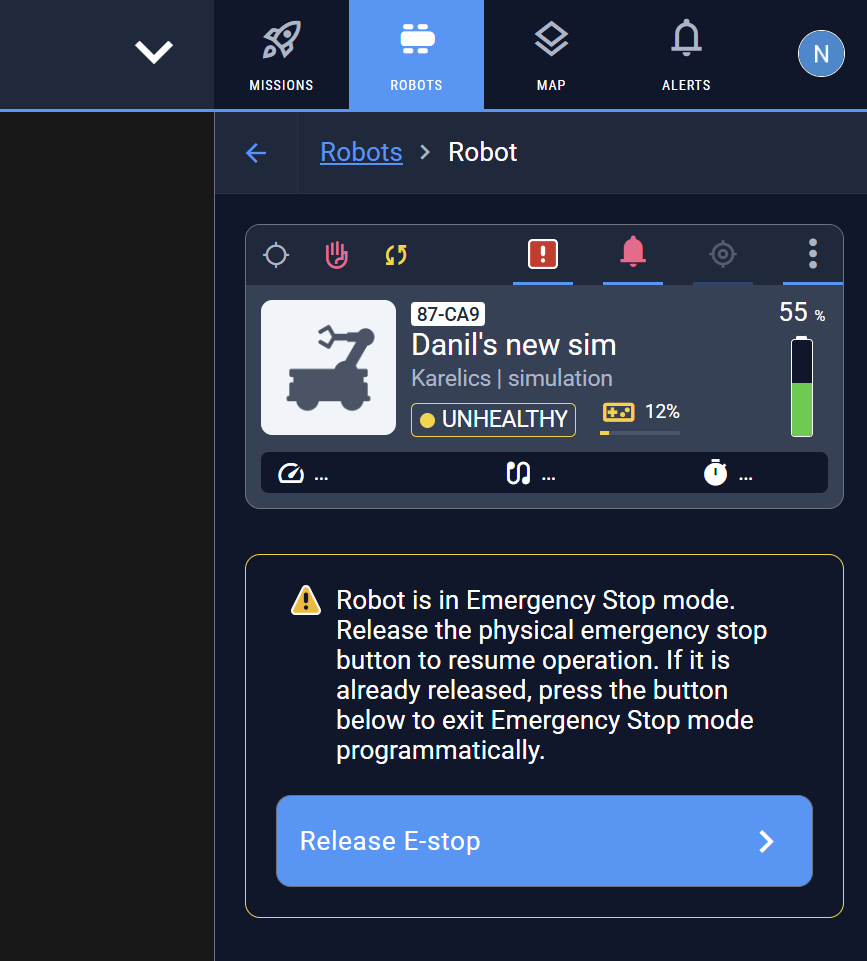
If the robot enters Emergency stop mode, you can exit it via a button in the web UI.