Cloud Release 2025.49
Briefly: improved AI annotations with date, creator name, and area detection previews, enhanced photo viewer with map navigation, introduced oil level reading feature, added new email notifications for missions and battery status, improved GNSS map with saved positions and context menu, enhanced operator UI with offline robot position display and shortcuts search, fixed device control page updates, and added various UI improvements.
Enhanced Features
AI Annotations
We continuously improve AI integration in the Karelics cloud.
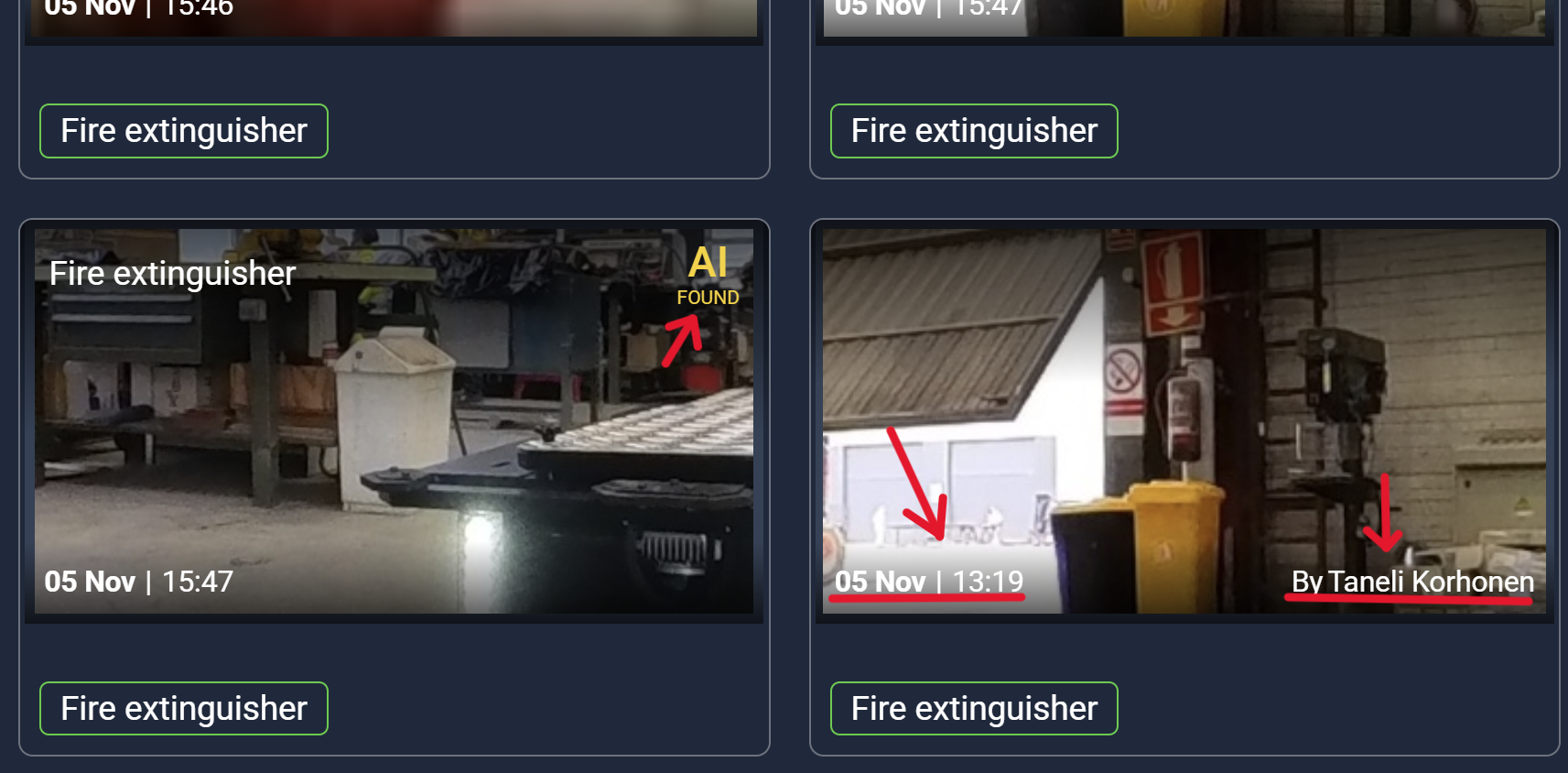
We use annotations to display AI processing results. The following improvements have been made:
We display the date and creator's name (or "AI" for auto generated annotations) for easier navigation:
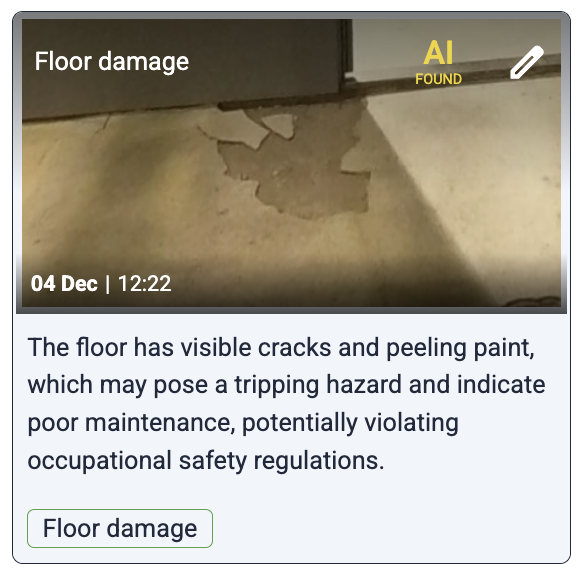
We retrieve the AI's description to display in the annotation card:
For area object detections, we added preview image generation so you can view the detected object in the annotation card:
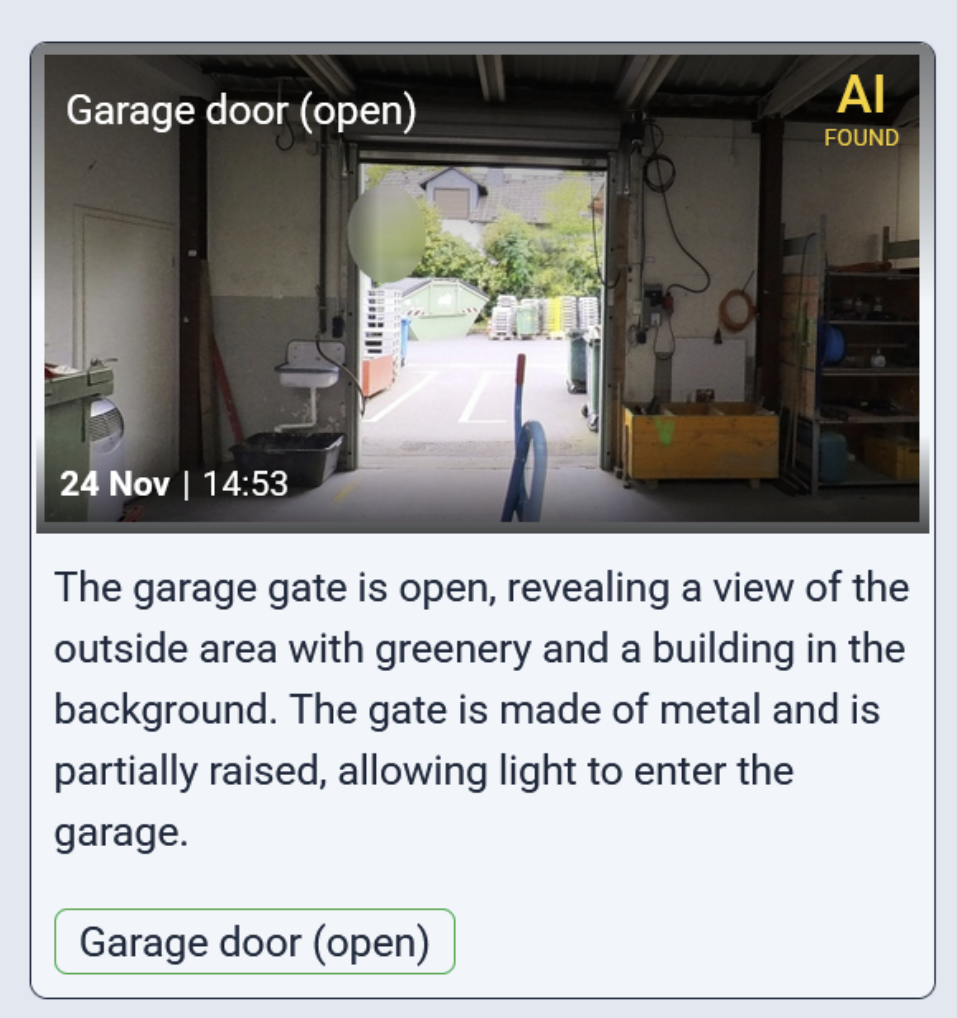
Photo Viewer
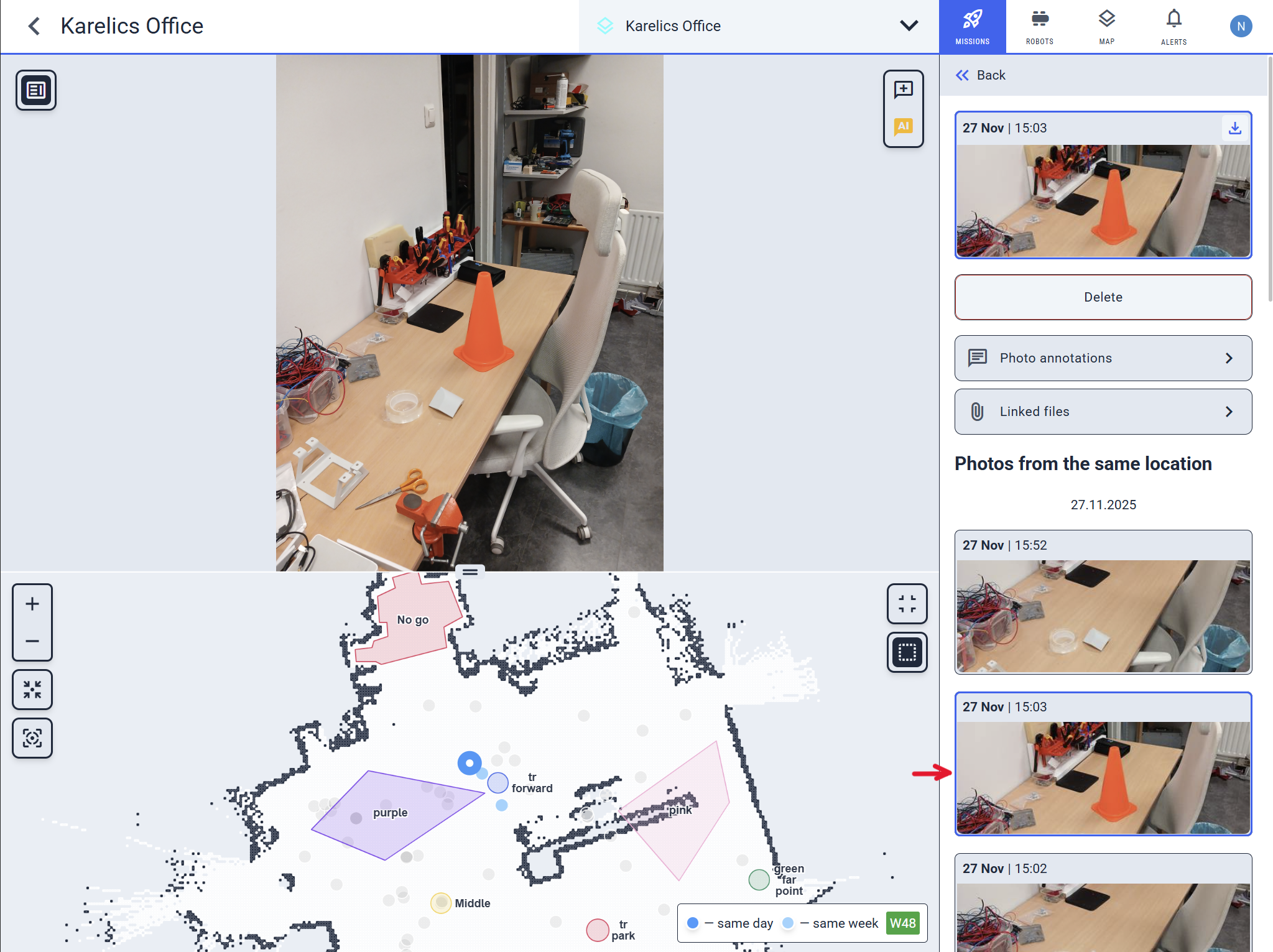
You can now use the map to navigate regular (2D) photos, not just 360 photos.
The selected image is highlighted in the sidebar, making navigation smoother and clearer
GNSS Map Improvements
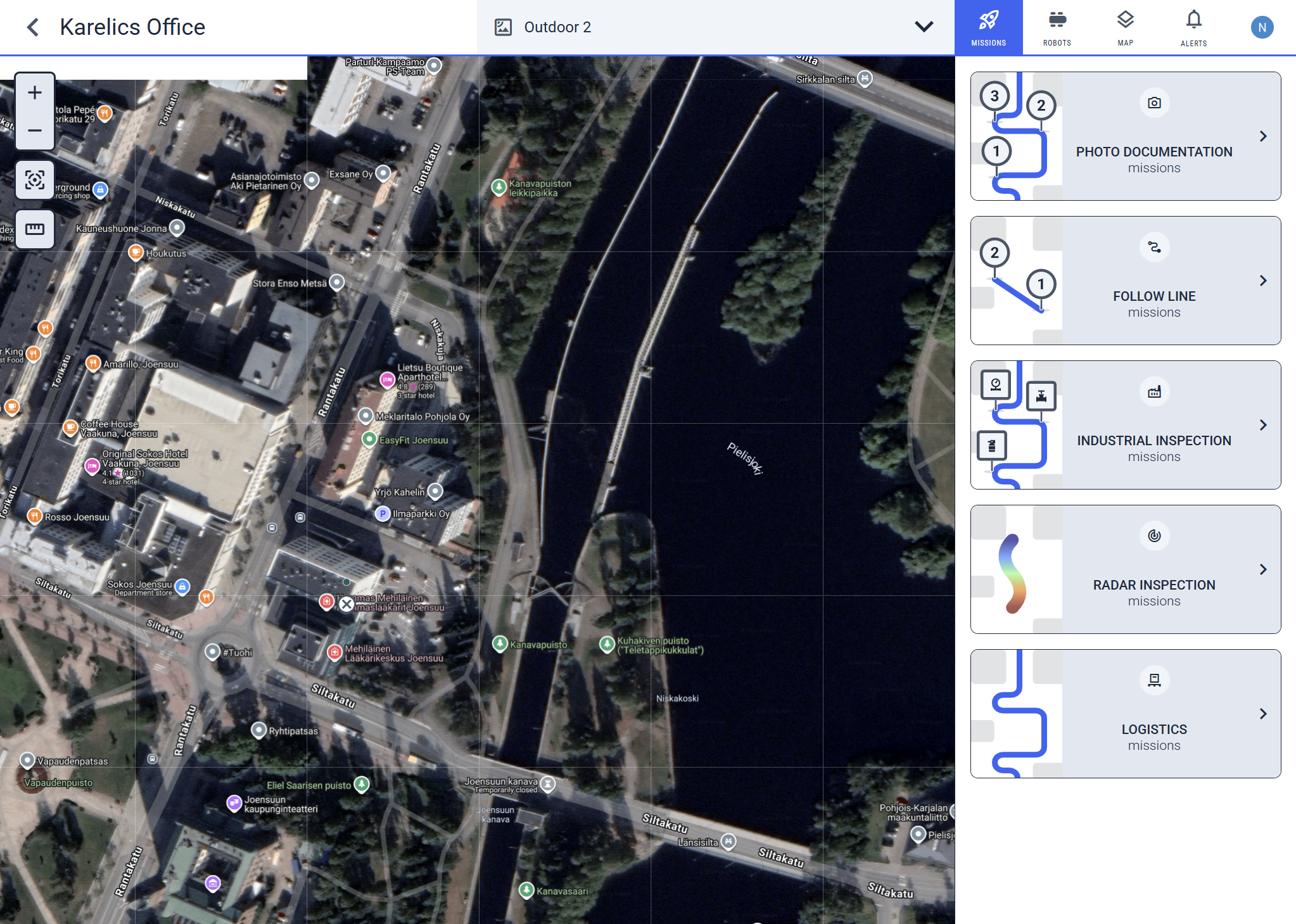
GNSS maps now save your last position, making navigation easier
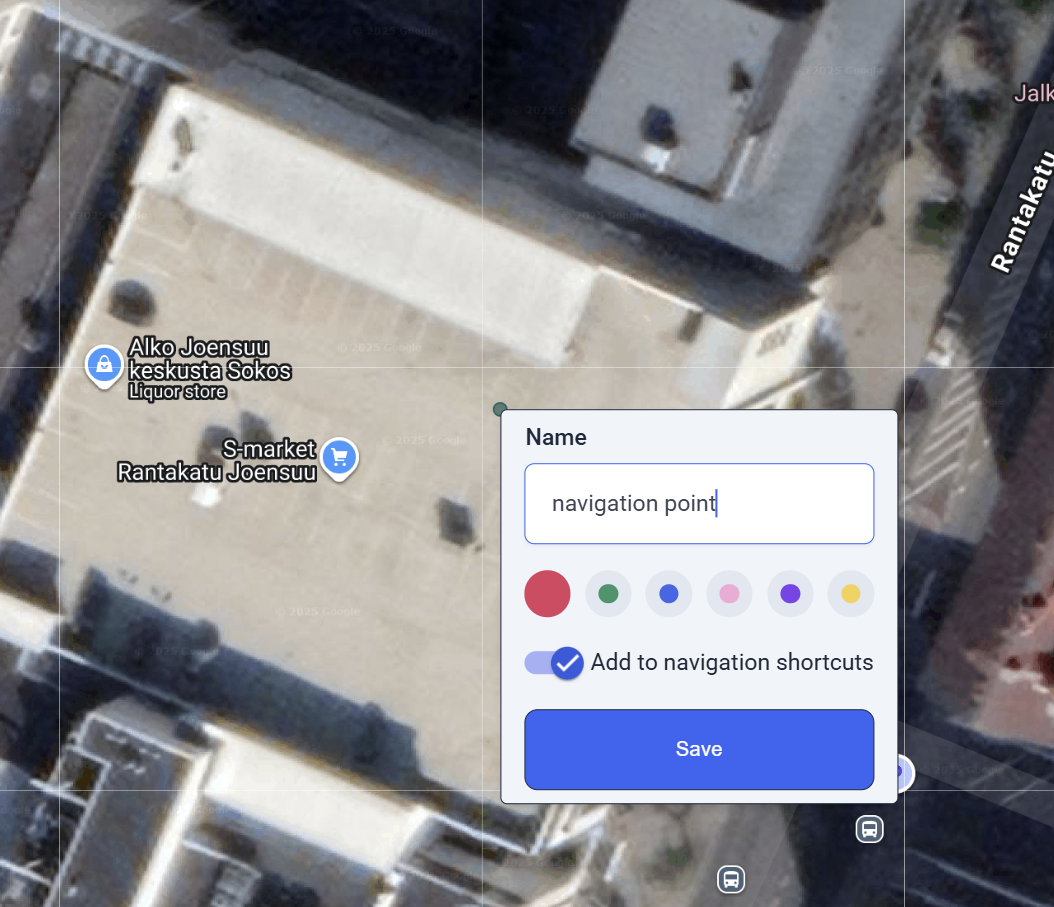
Create locations easily through the context menu by right-clicking on the map
New Features
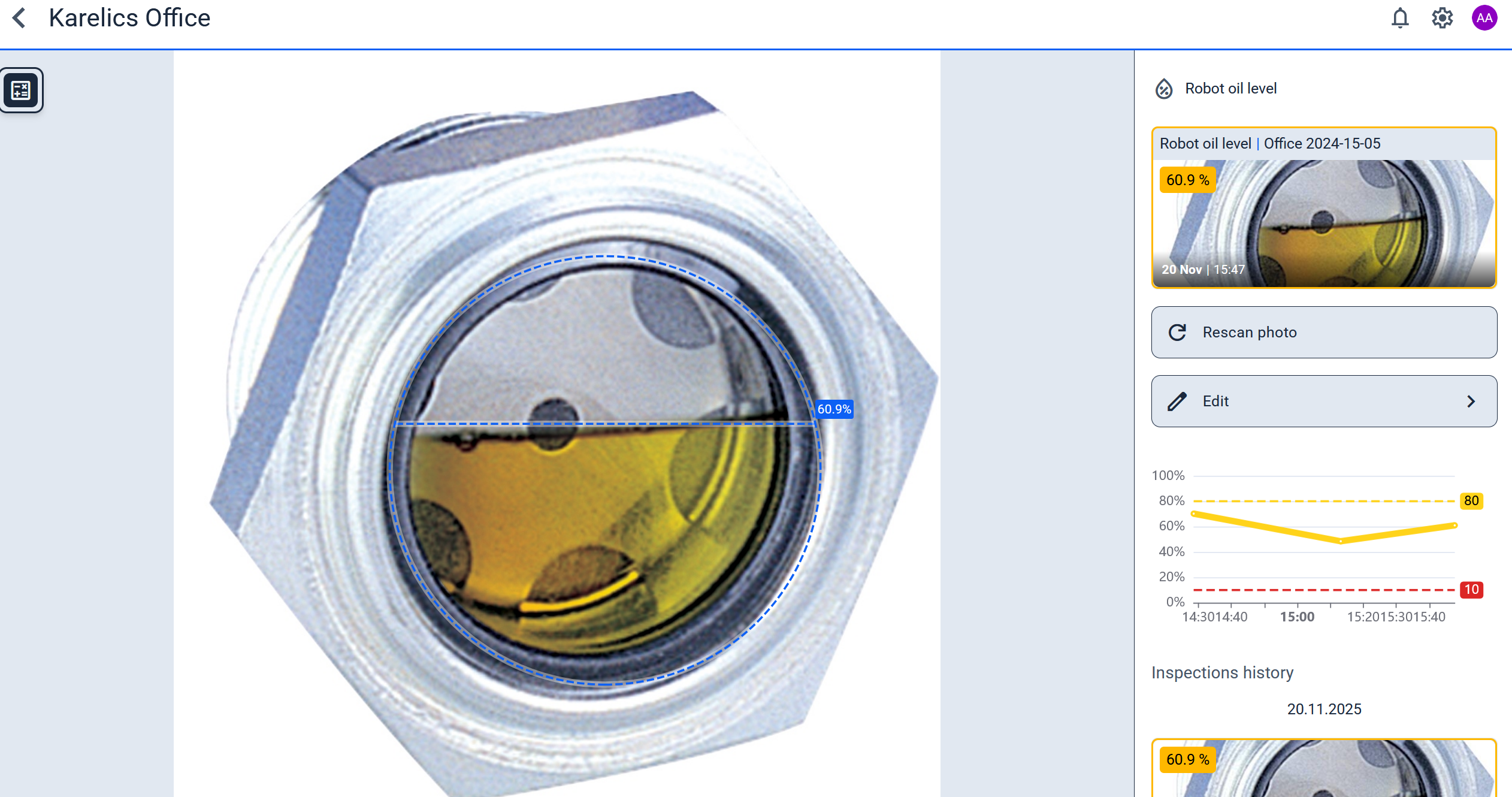
Reading Oil Level [Beta]
We actively use AI to handle common tasks. One new feature is reading Oil level.
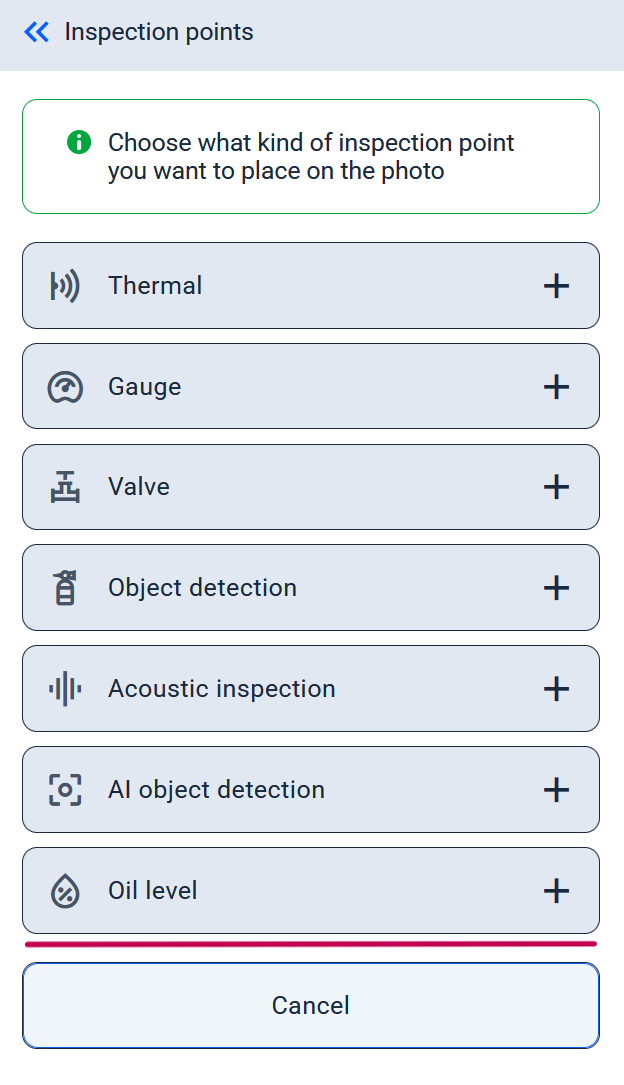
You can now create a point of interest to inspect the oil level at any position.
The potential result looks like this
3D map for pipes
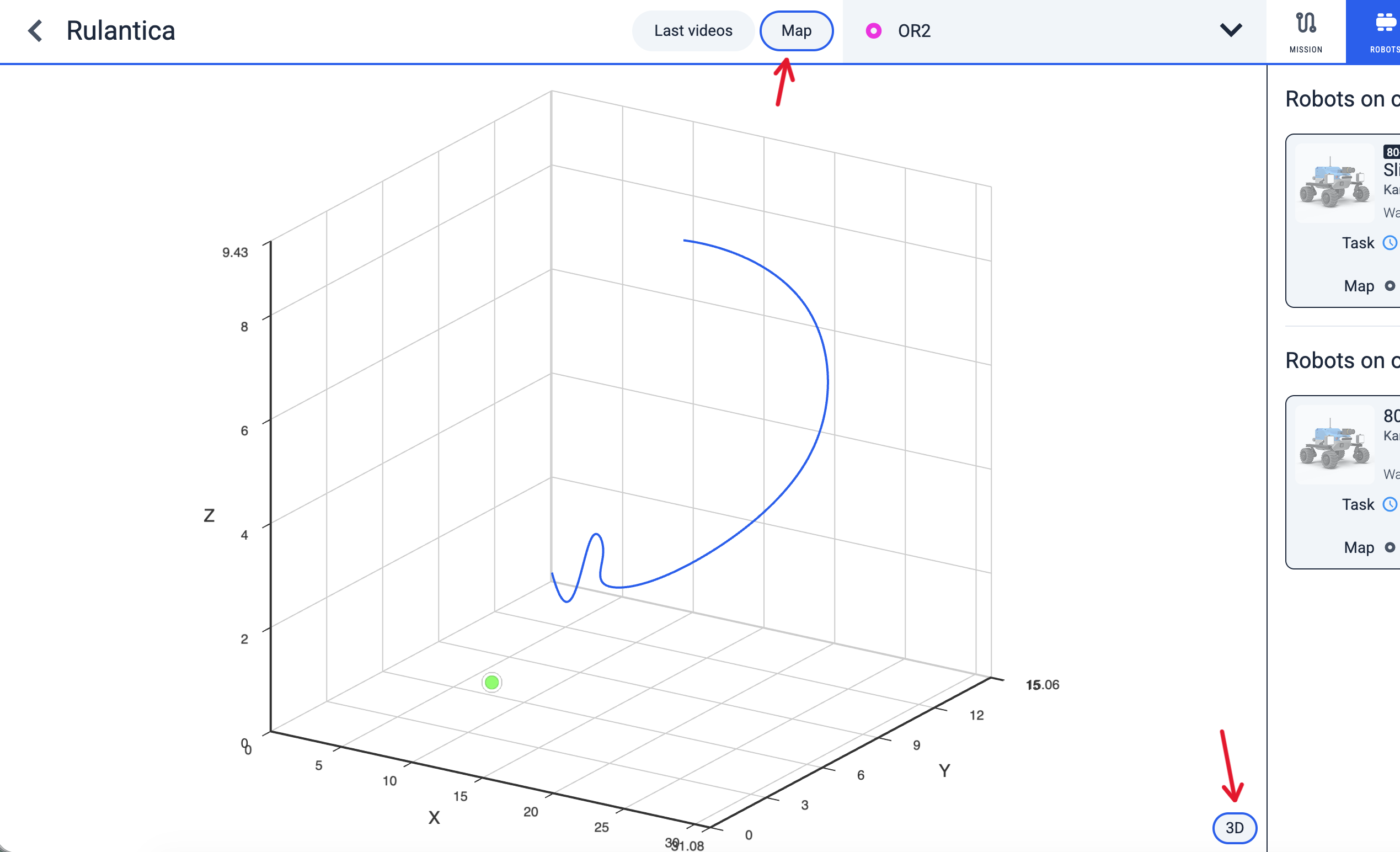
3D view for a pipe map is now available!
The robot collects all data needed to build a 3D model of the pipe.
Access it by clicking the “Map” button in the header, then the “3D” button at the bottom right.
New Email Notifications
To keep Karelics cloud users updated, we send emails about project and robot status.
Notifications now cover these events:
- failed missions
- low battery for the robot
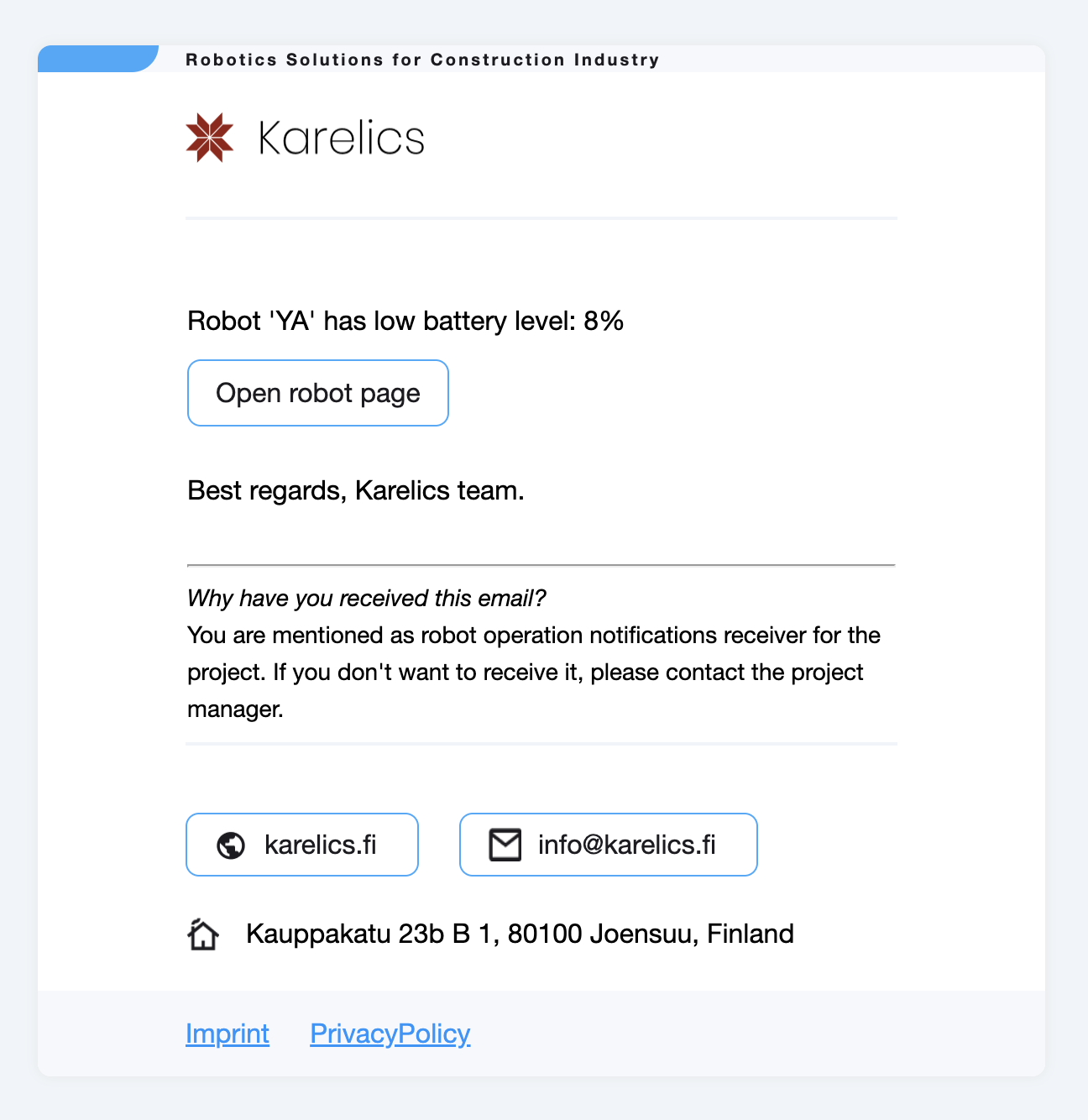
Example of a 'low battery' notification
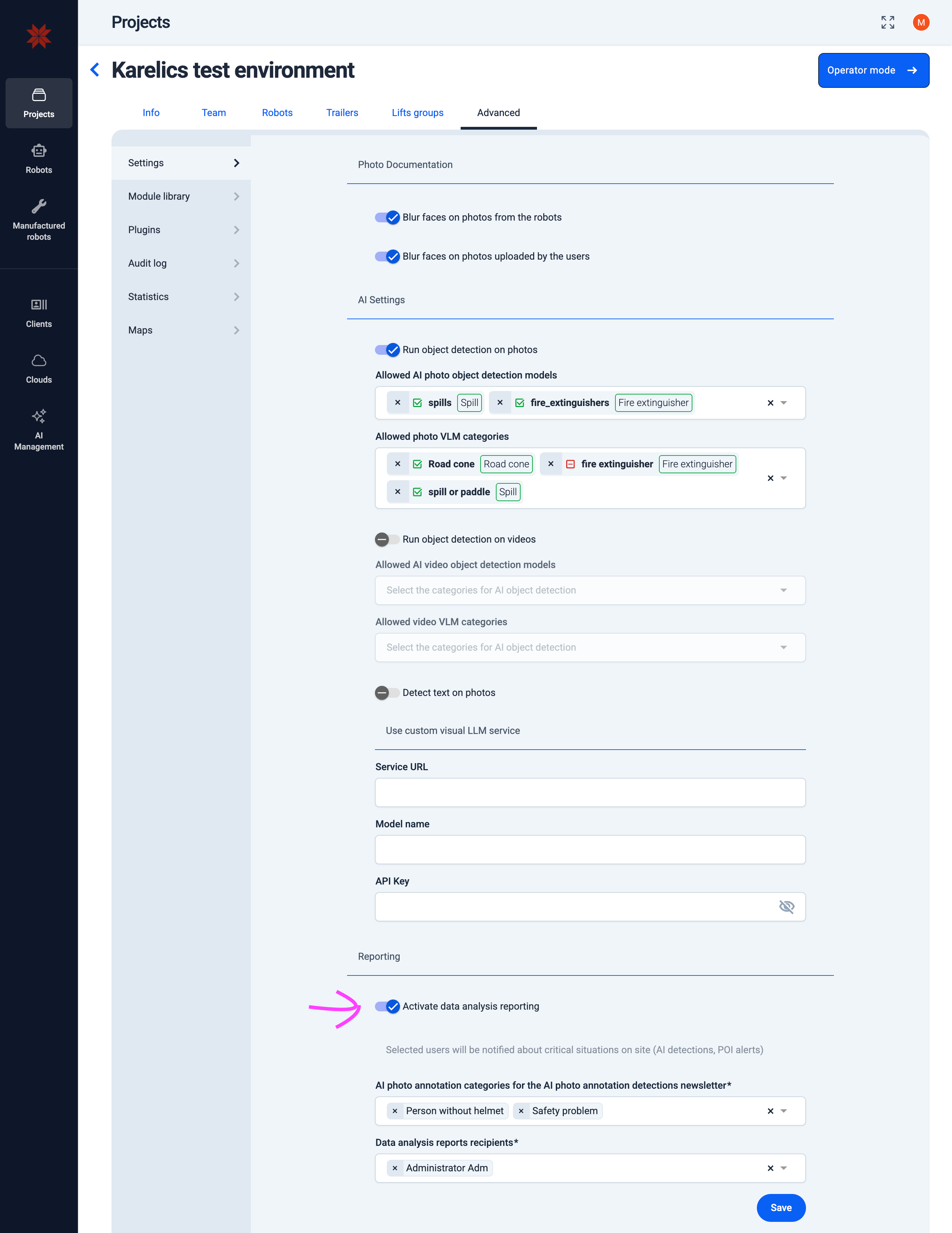
Added an hourly email notification with details on Warning and Critical POI measurements from the last hour.
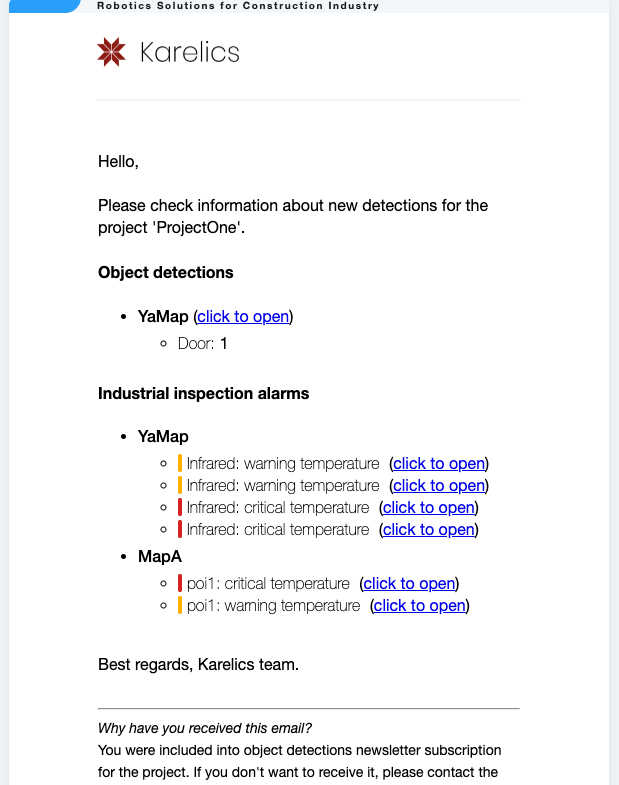
Configure notification recipients and trigger events in the Admin UI under Project > Advanced > Settings > Reporting
Operator UI
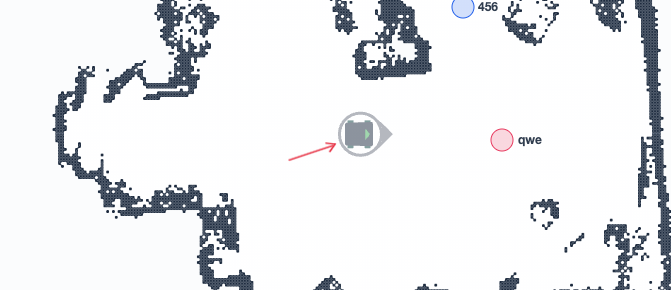
Operator Map
Displaying the last position for offline robots if the robot goes offline suddenly
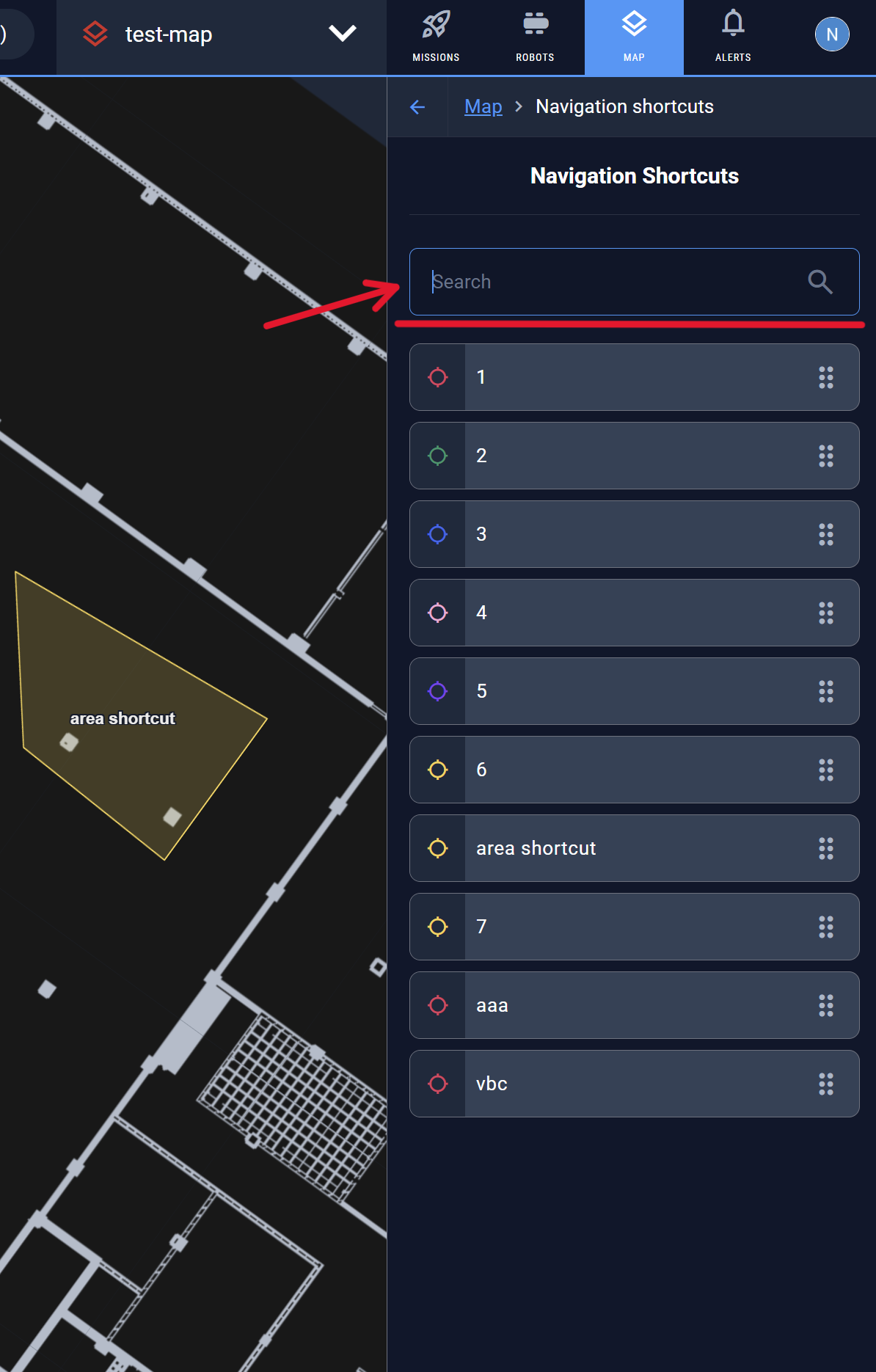
Added a search bar for navigation shortcuts that appears when there are 10 or more shortcuts
Device Control Page
Fixed live updates on the device control page to keep the displayed data relevant.
The "Release E-stop" button has been added to the device control page
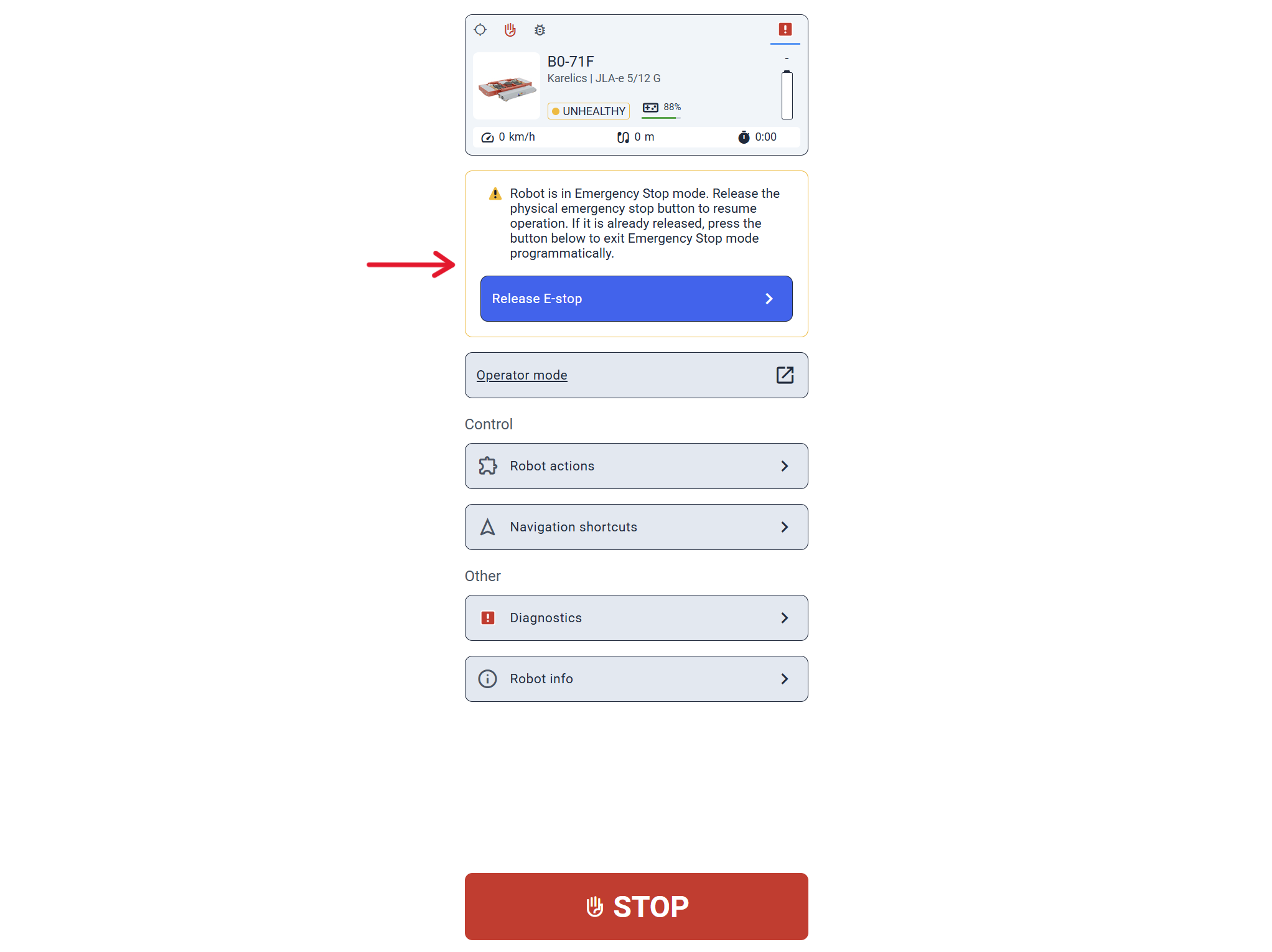
access the page via the device's QR code
Other Changes
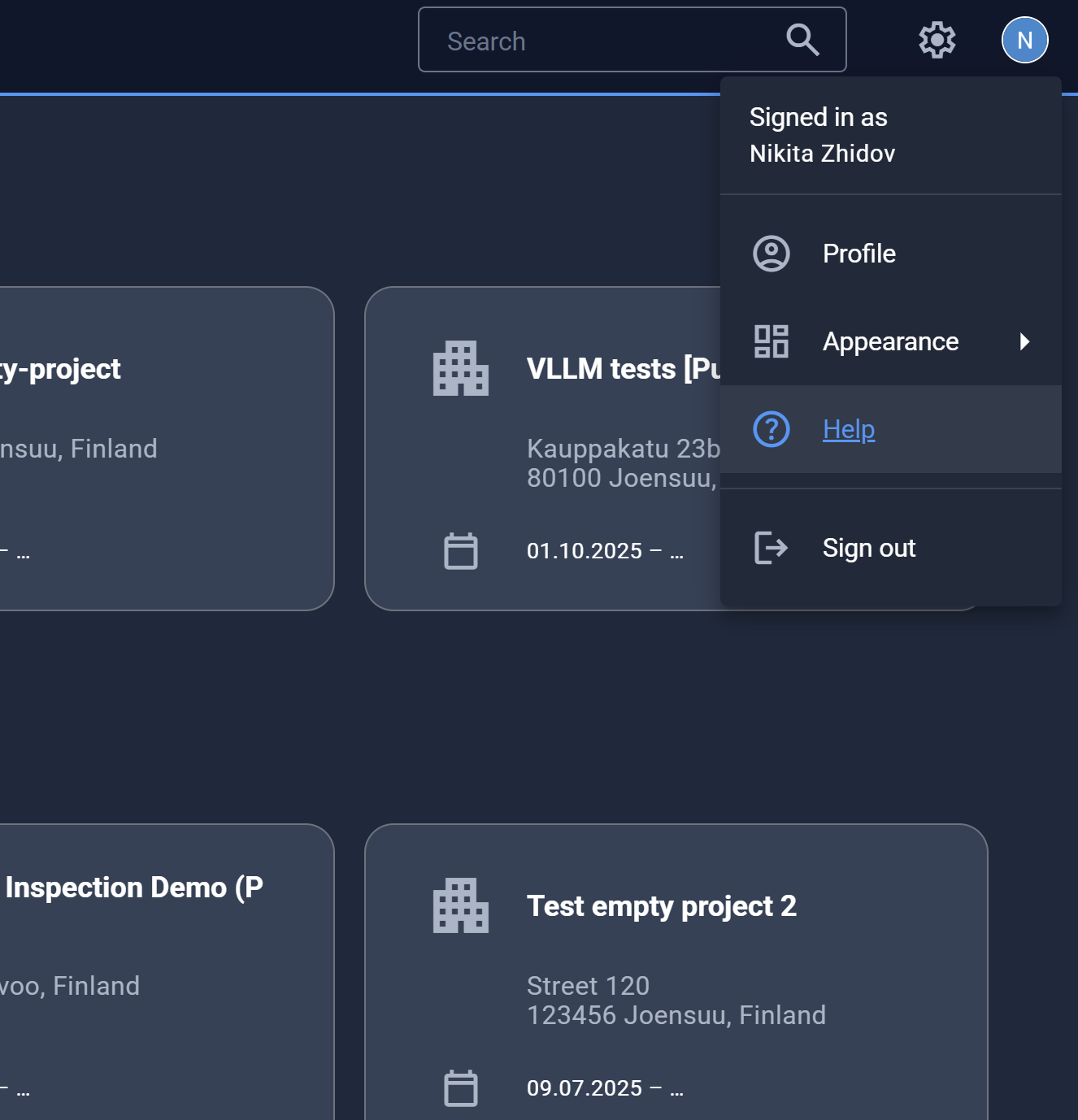
We added a link to the Karelics documentation in the user menu
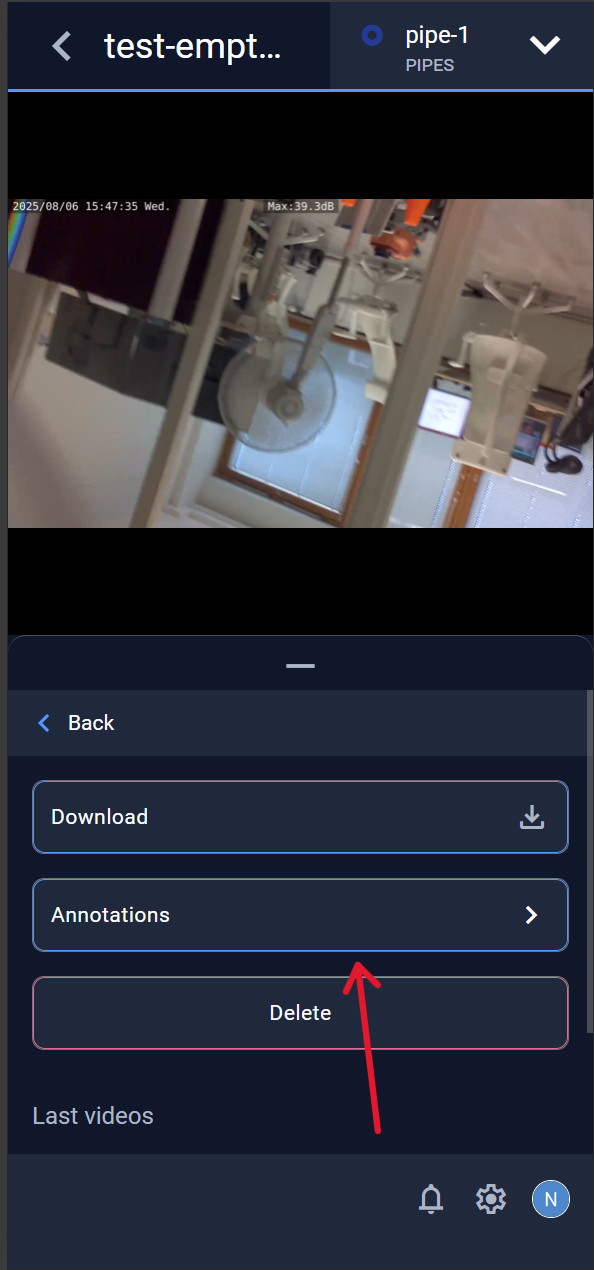
Adjusted the layout of the mobile video viewer to keep control buttons always visible
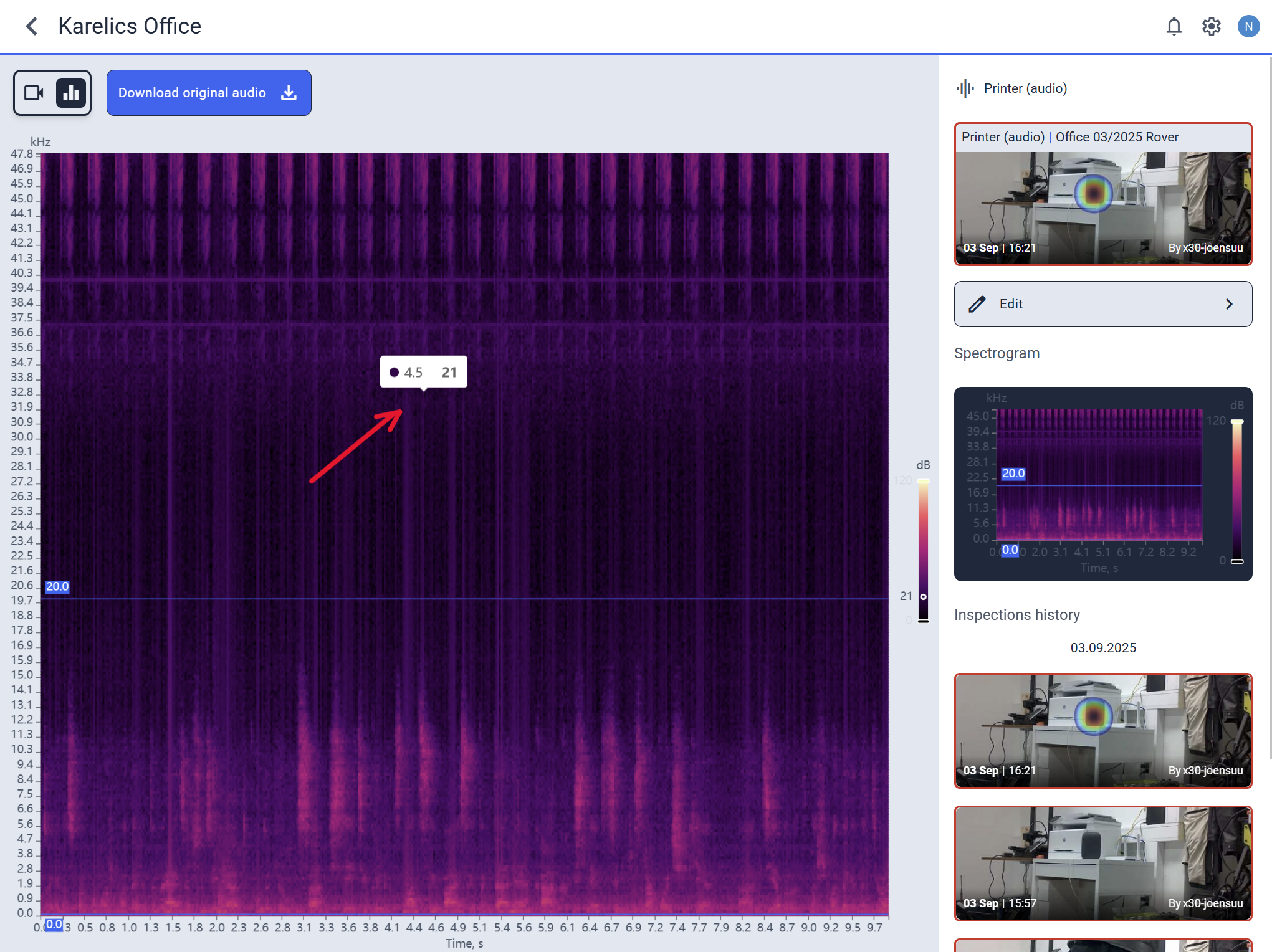
Added a fix that lets you inspect sound results by moving your finger over the chart on touch devices
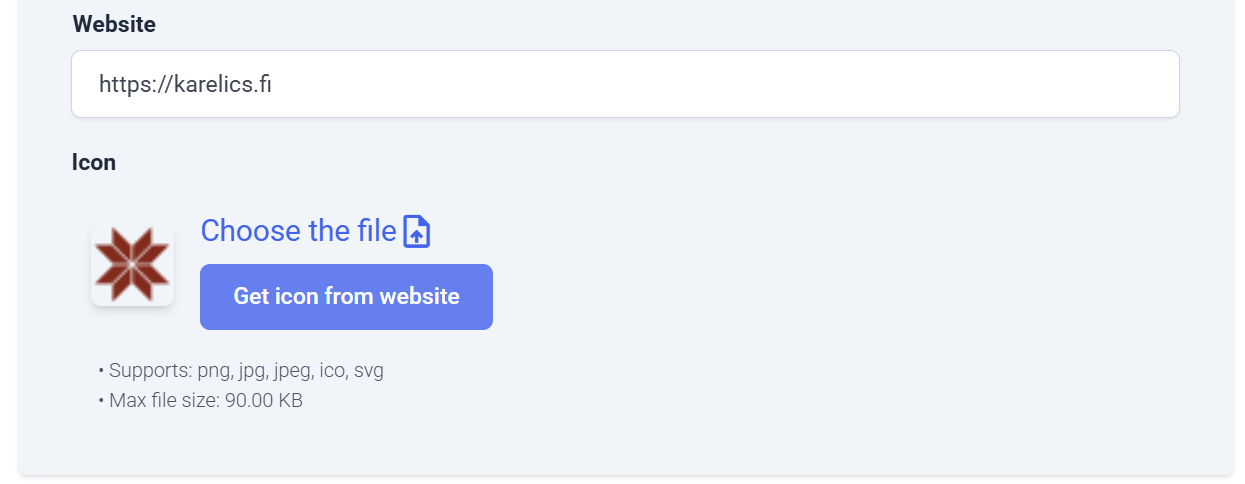
Added a label specifying requirements for a company icon file
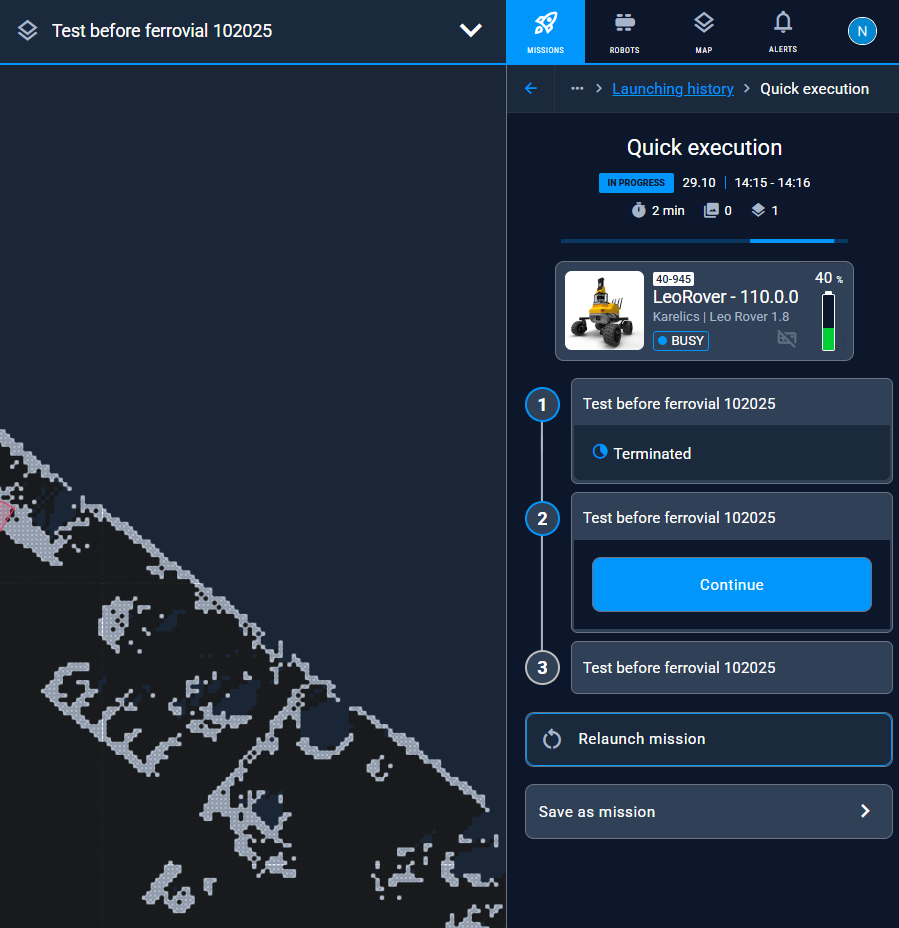
Adjusted the "Skip step" button behavior for missions with a few 'In progress' steps
Hide the "Attach trailer" button if the robot doesn't have a map
Render annotations more smoothly and synchronously when switching photos in the gallery
Added a link to the login screen after password reset via a link