31 December 2025
Cloud Release 2025.53
Briefly: introduced gauge reading POIs with manual and robot inspections, digital gauge readings, improved POI user interface with zoom and navigation features, enhanced operator UI with teleoperation interface actions, annotation improvements, WiFi and LTE signal strength display, module selection during project creation, AI model selector improvements, and various bug fixes.
New Features
Point of Interest (POI) Inspection
Gauge Reading POIs
- Now, you can enter gauge readings, combining manual and robot inspections
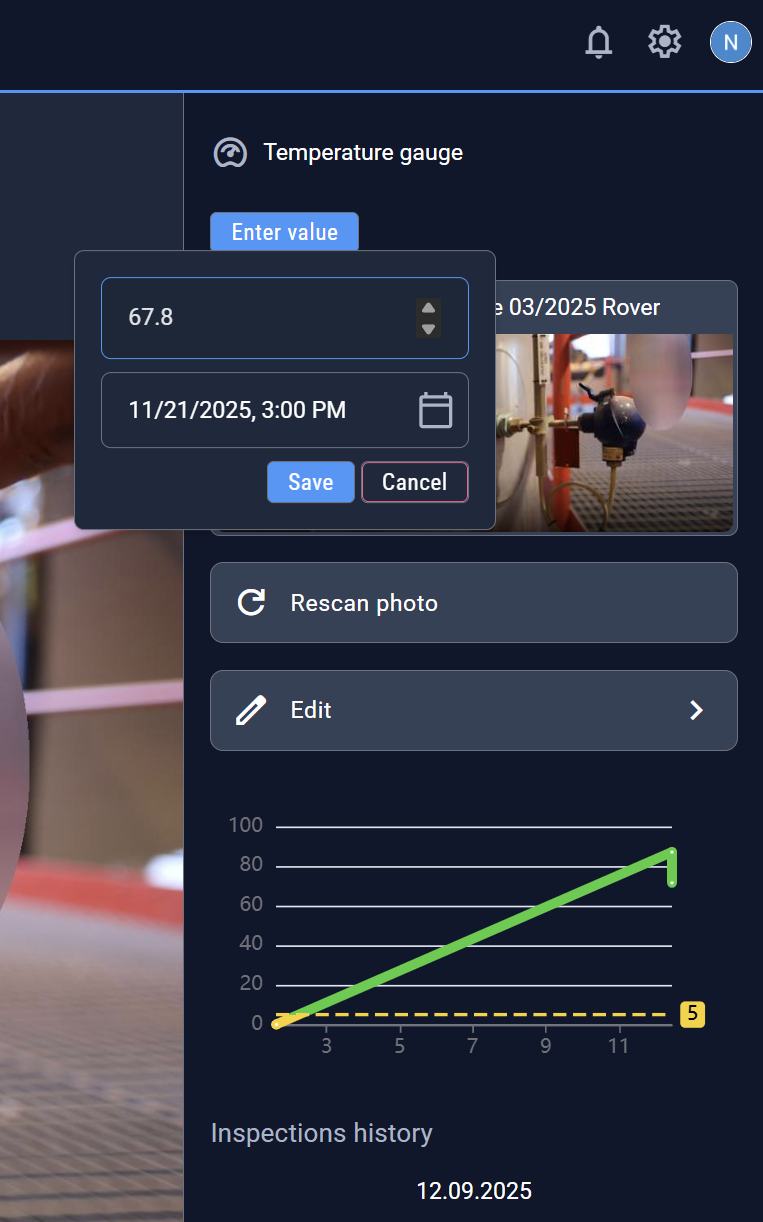
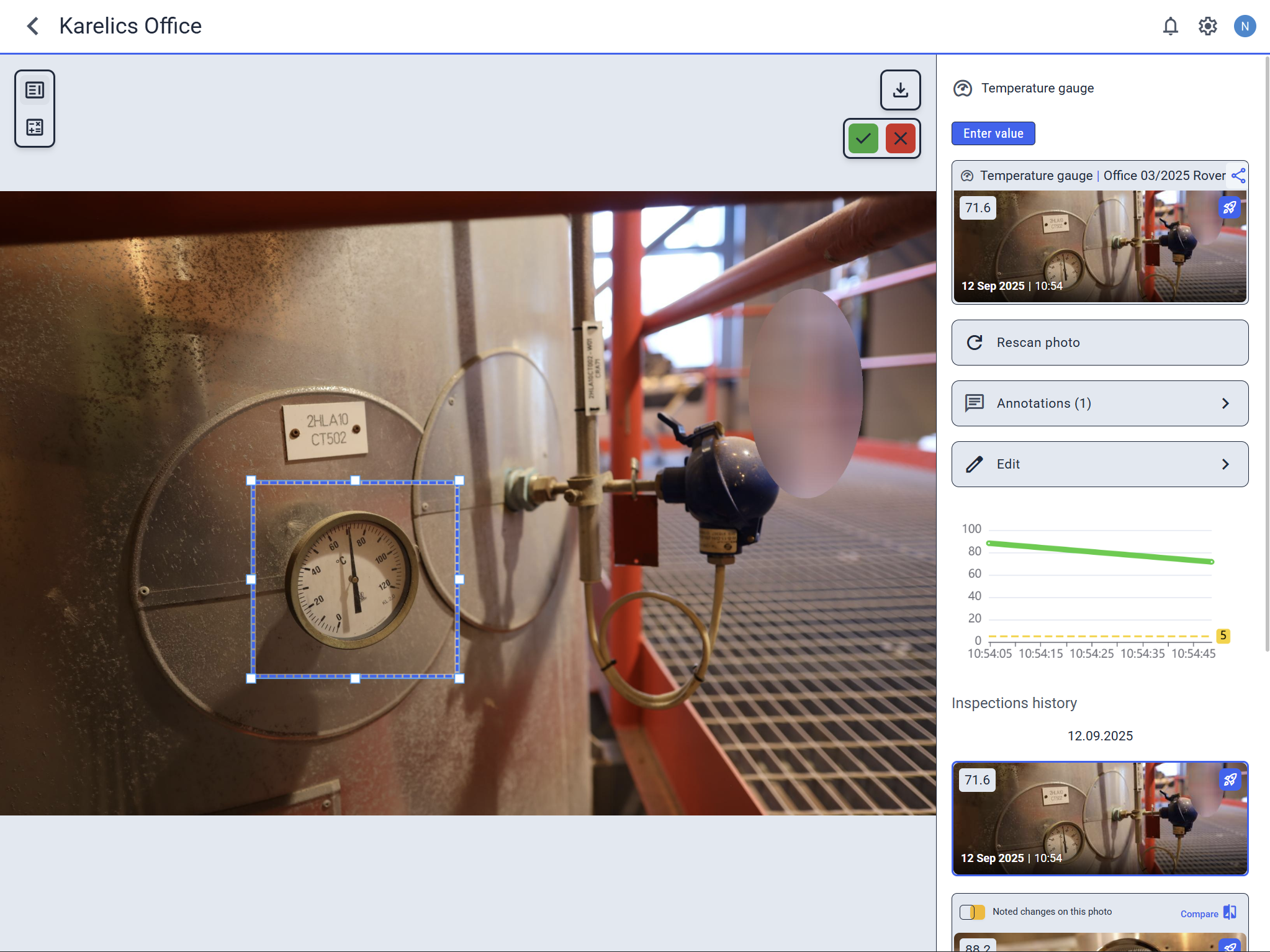
- Added the option to adjust the gauge reading area position to improve value recognition
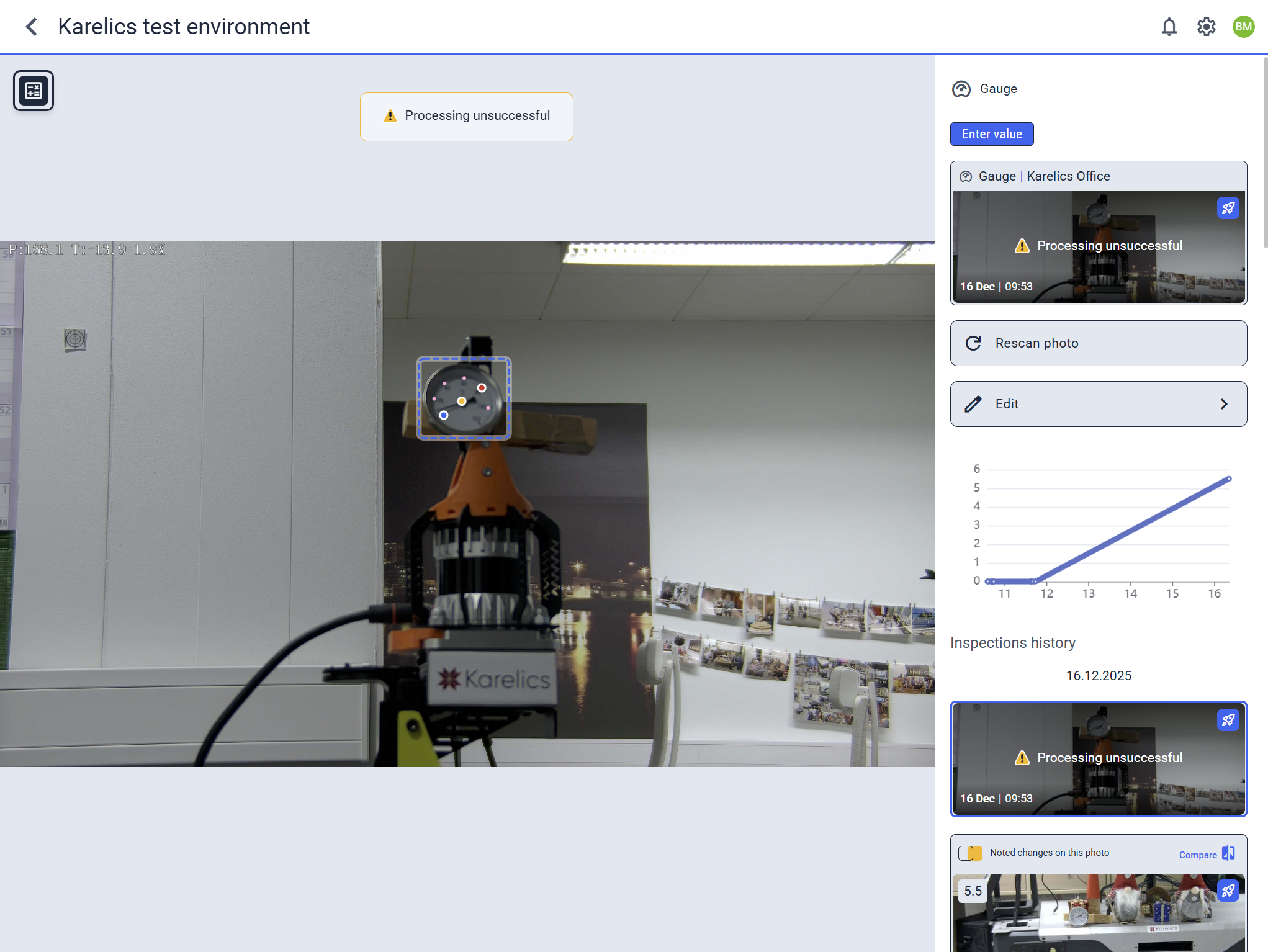
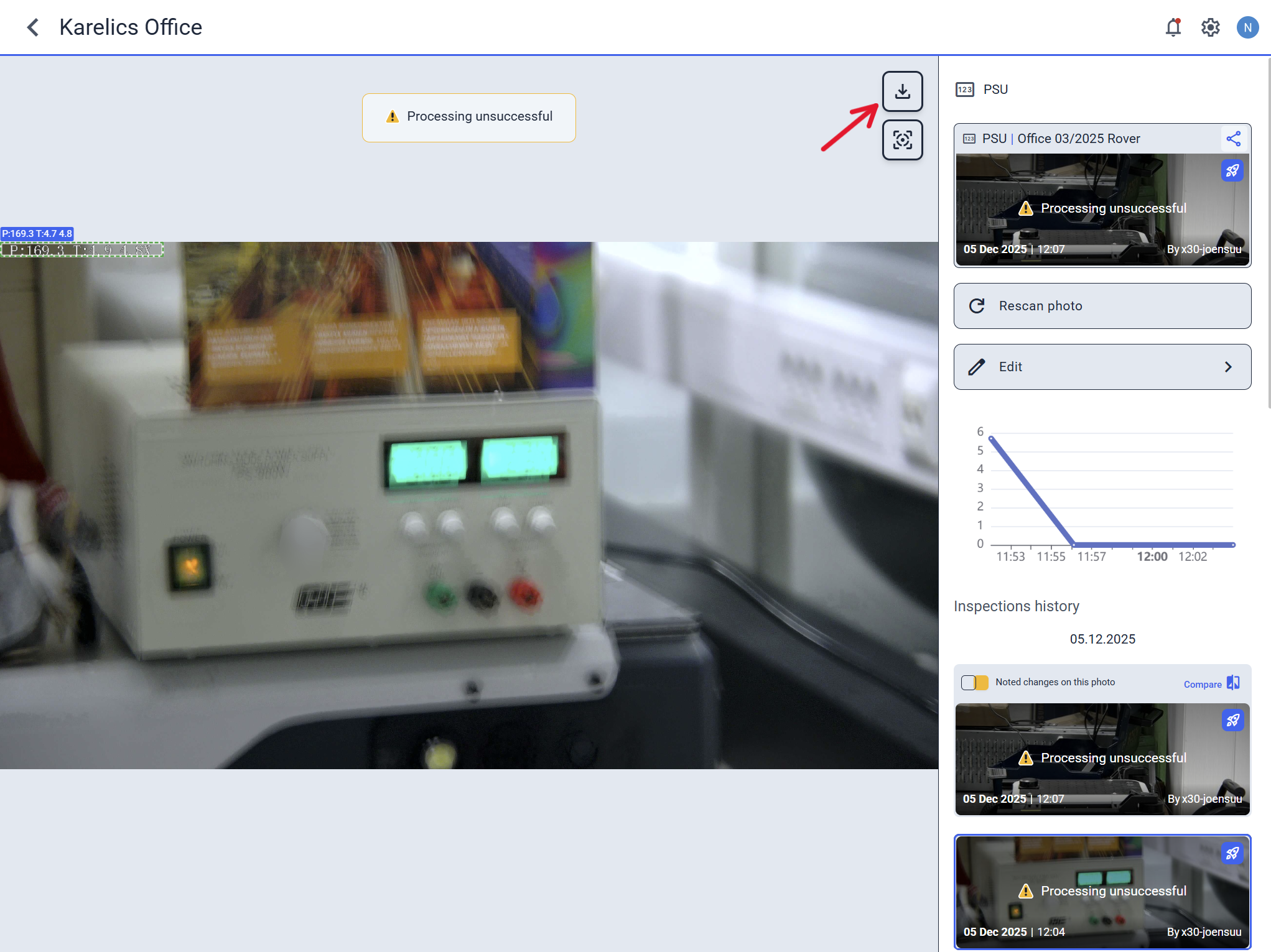
- Partial recognition results appear for unsuccessfully processed gauge readings. They can help you adjust the POI settings
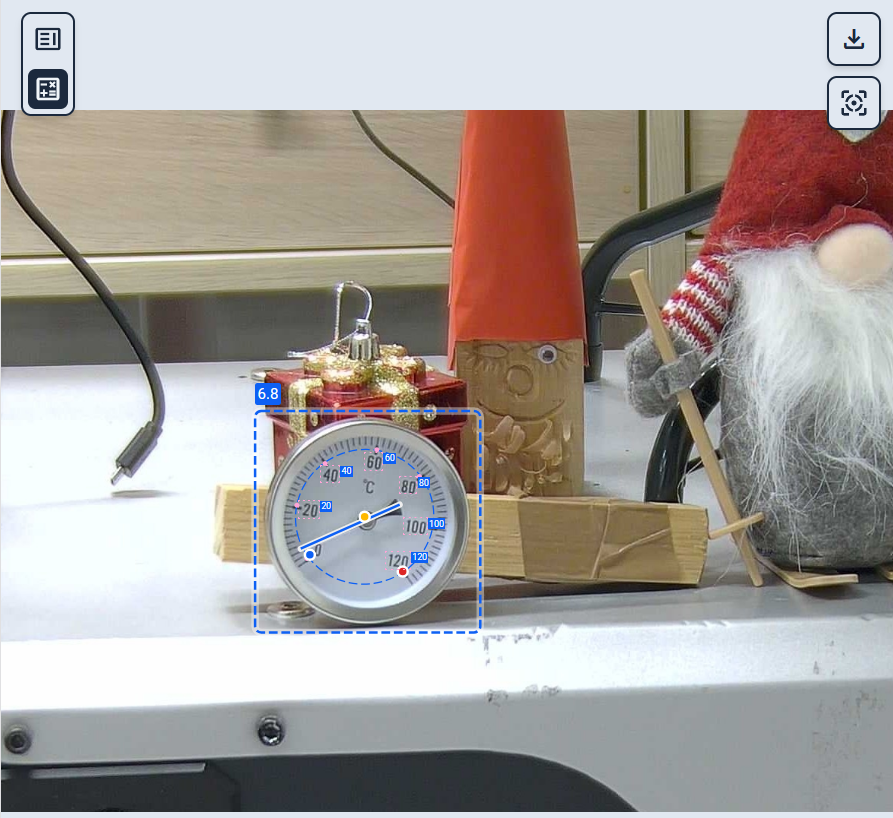
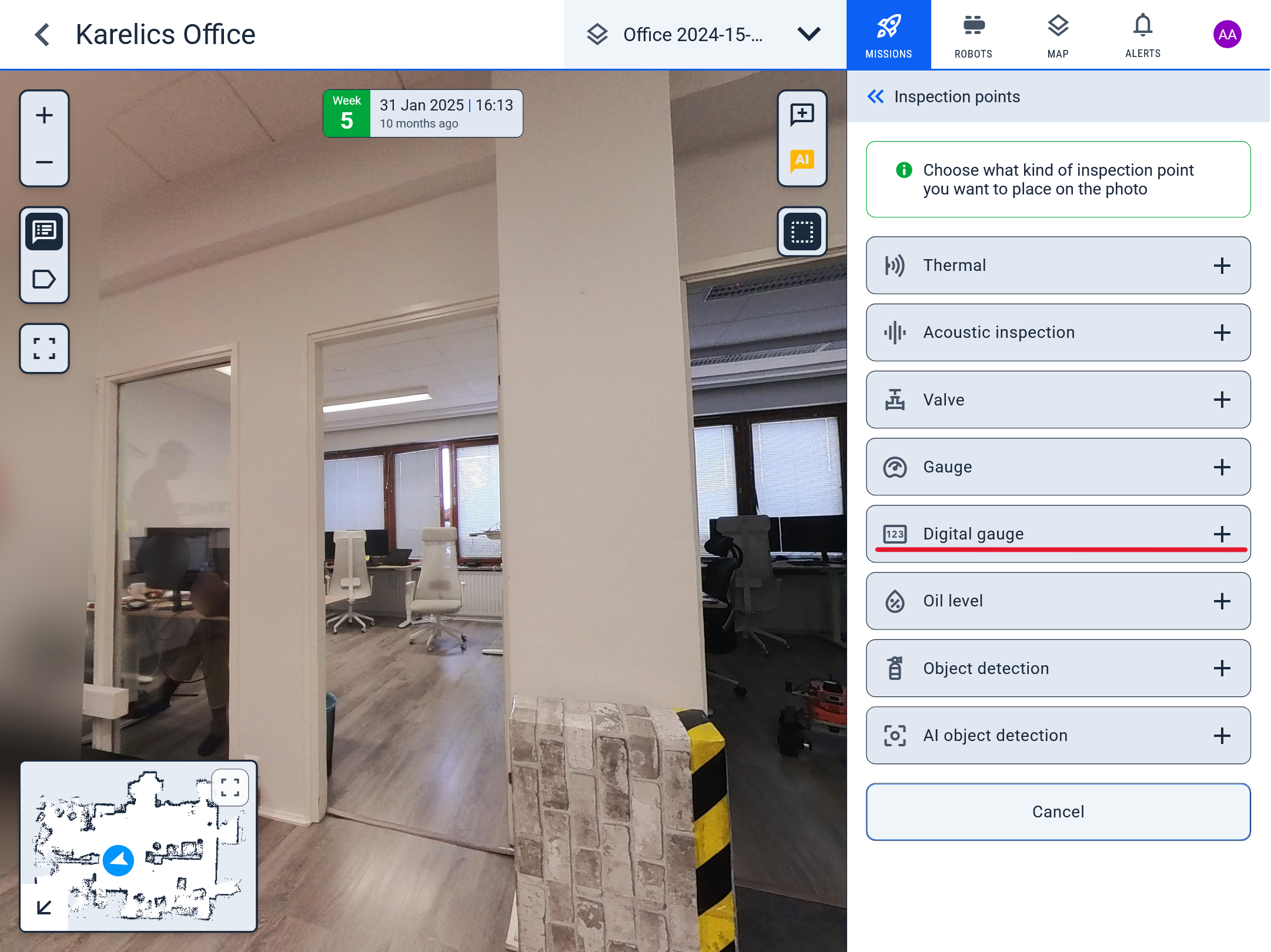
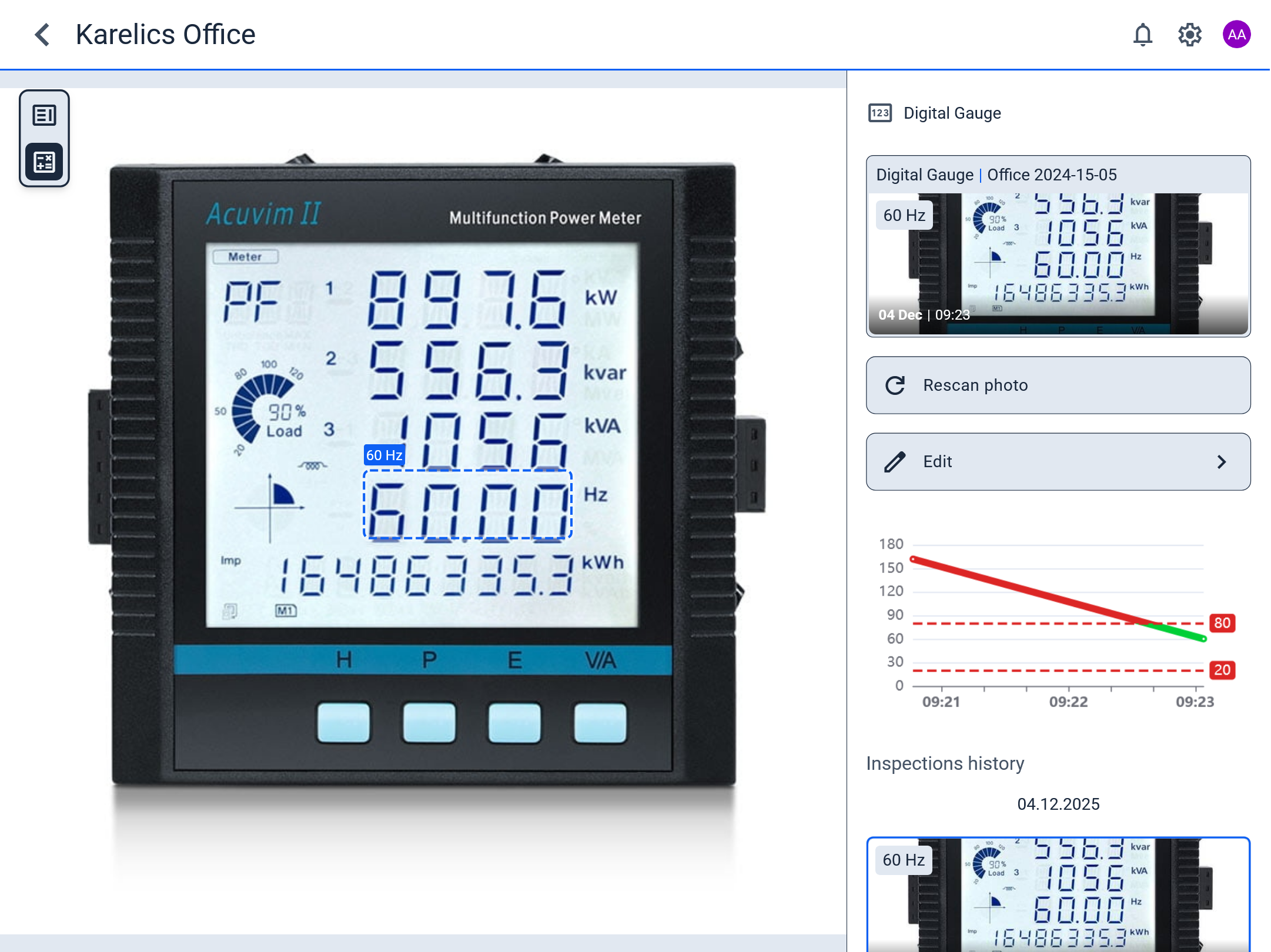
- Digital gauge readings are now available. You can create a POI to mark the digital gauge's position. The result appears in the operator UI
Enhanced Features
POI User Interface Rework
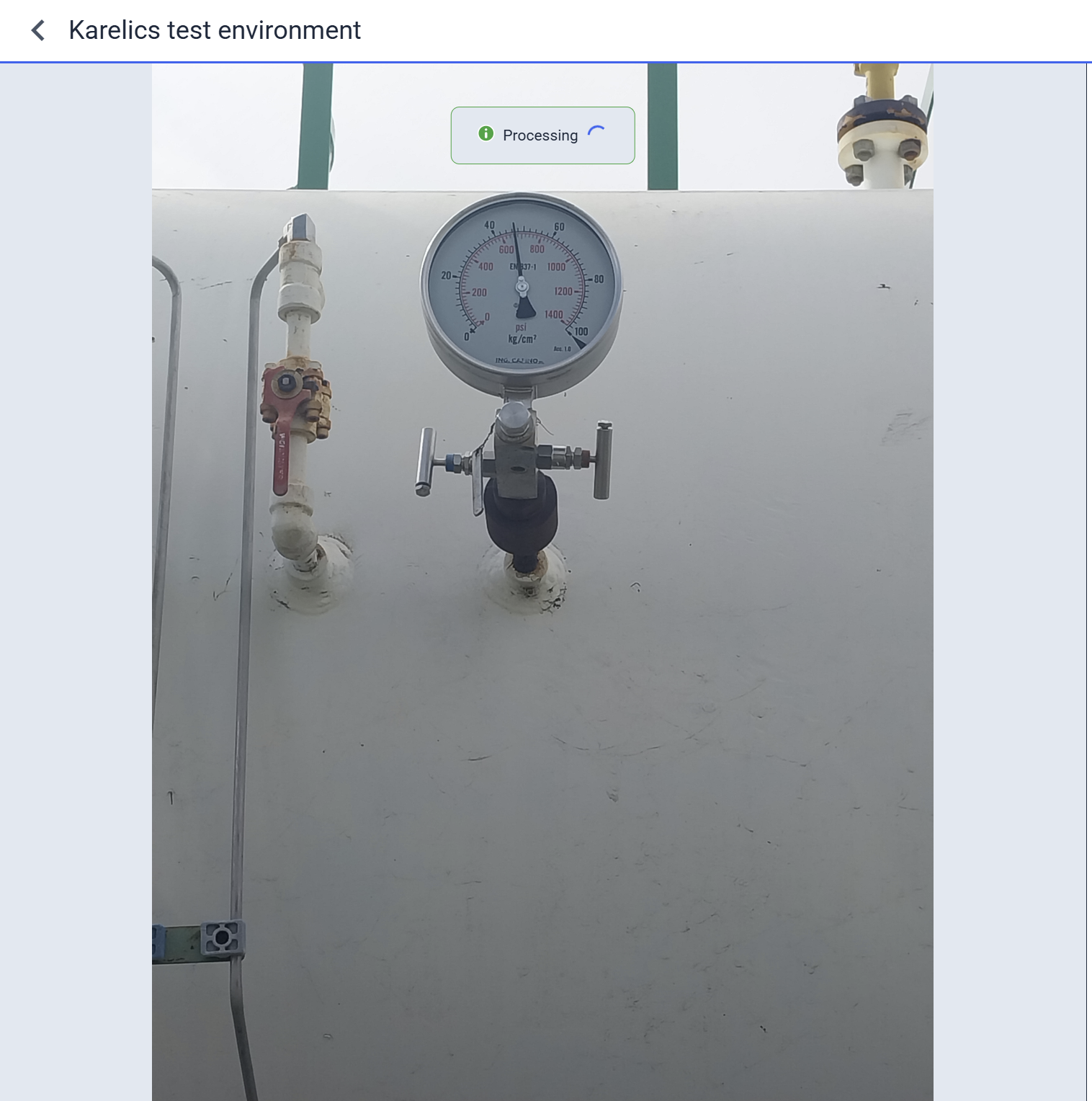
- Even before processing the POI measurement, the user can see the photo and the processing status. This helps start analyzing the measurement early.
- To simplify measurement observation, we added the ability to zoom and move the processed image
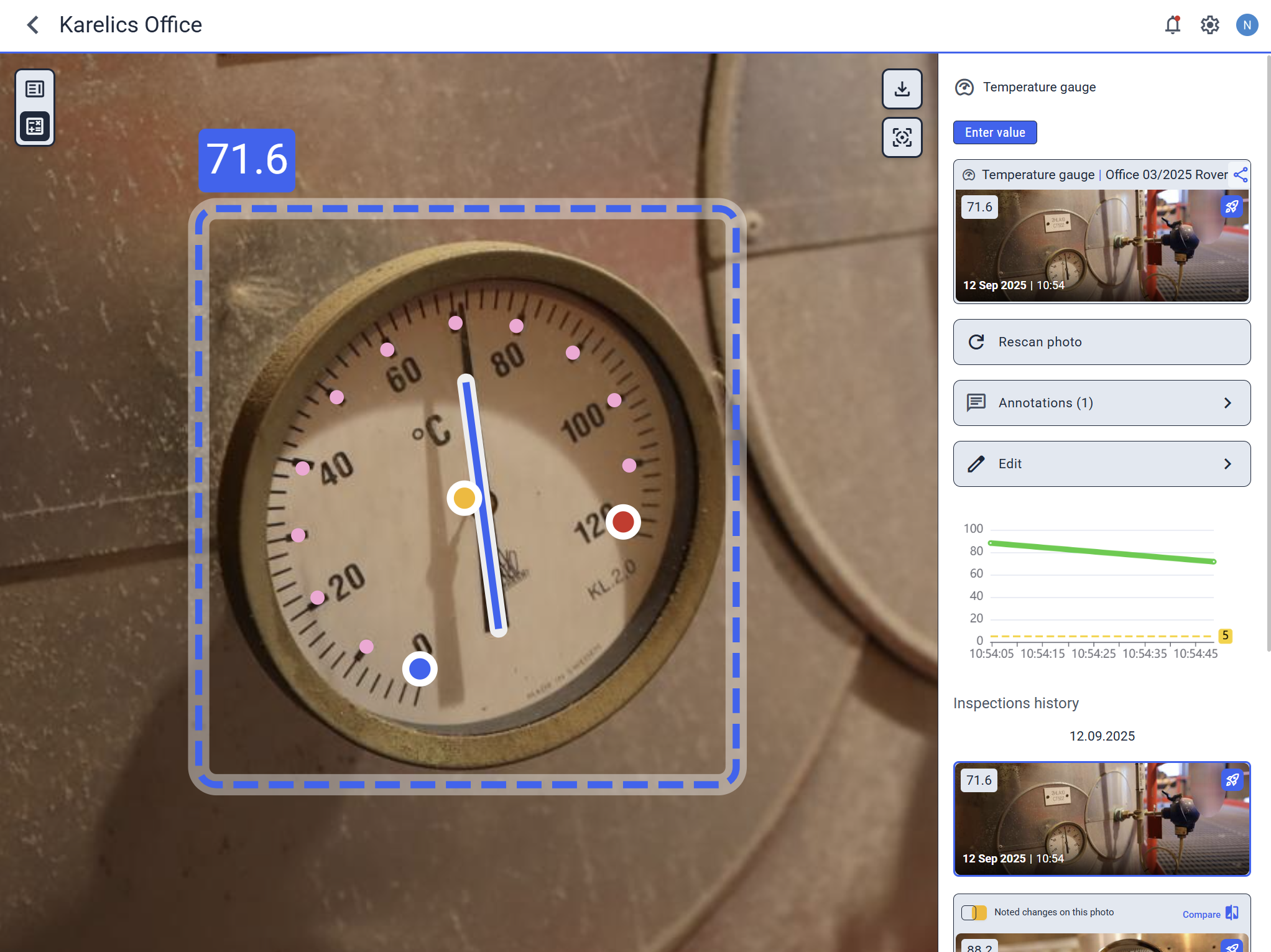
- Adjusted styles for small measurement previews to improve clarity and visibility
- Fixed display of new measurements in the last measurement list
- Improved layout of the POIs overview
- Added a "rocket" icon to navigate to the mission related to the measurement
- Adjusted navigation flow between POIs
- Added POI type icon to the measurement card to identify whether it's a gauge reading measurement or, for example, oil level reading
- Added live updates to the "Last inspections" list
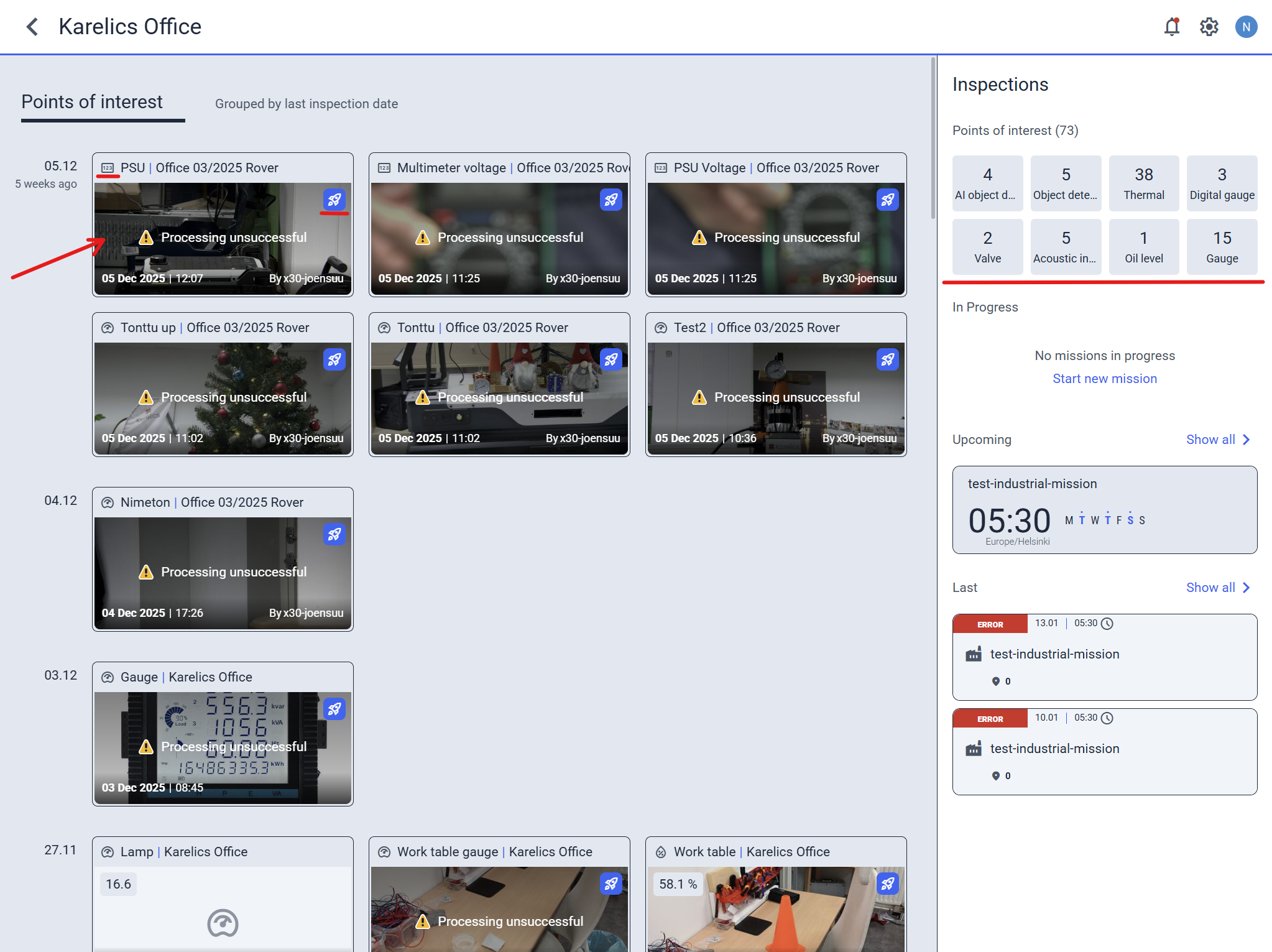
- Metadata now shows for unsuccessfully processed measurements
- Download the measurement photo by clicking the button in the top right corner
Operator UI Features
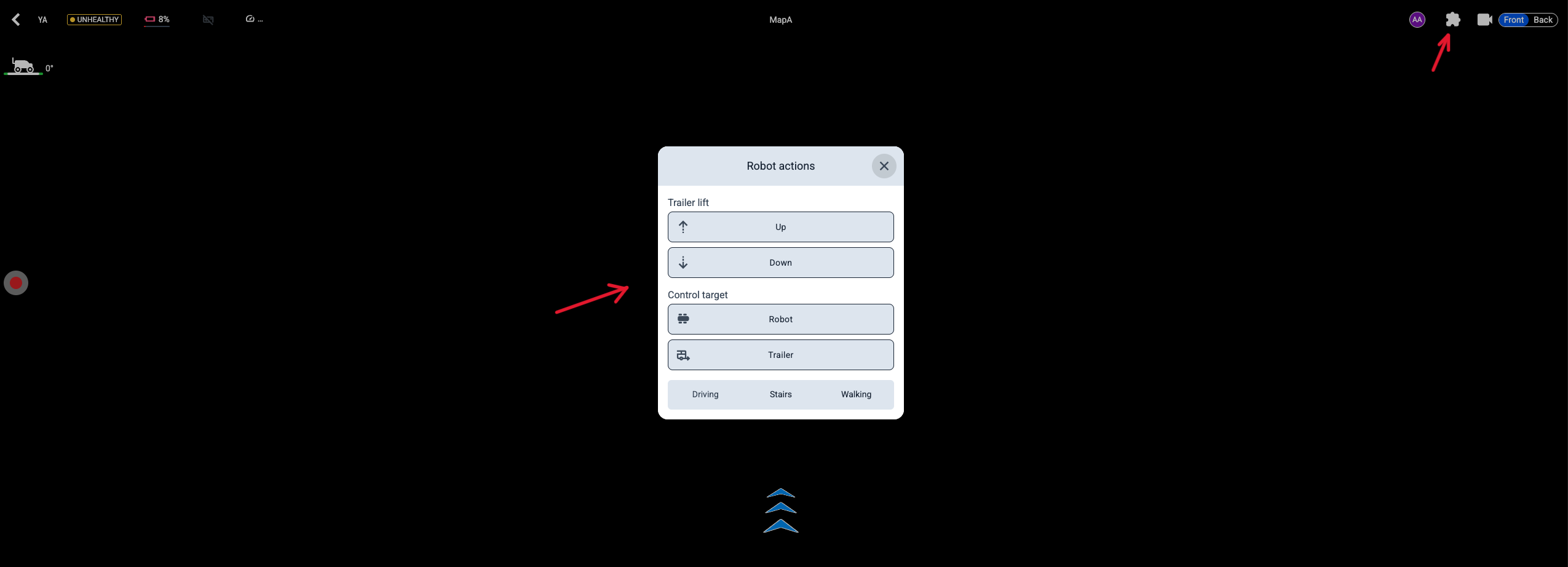
- Robot actions are now available from the teleoperation interface, so you can control the robot without interruption
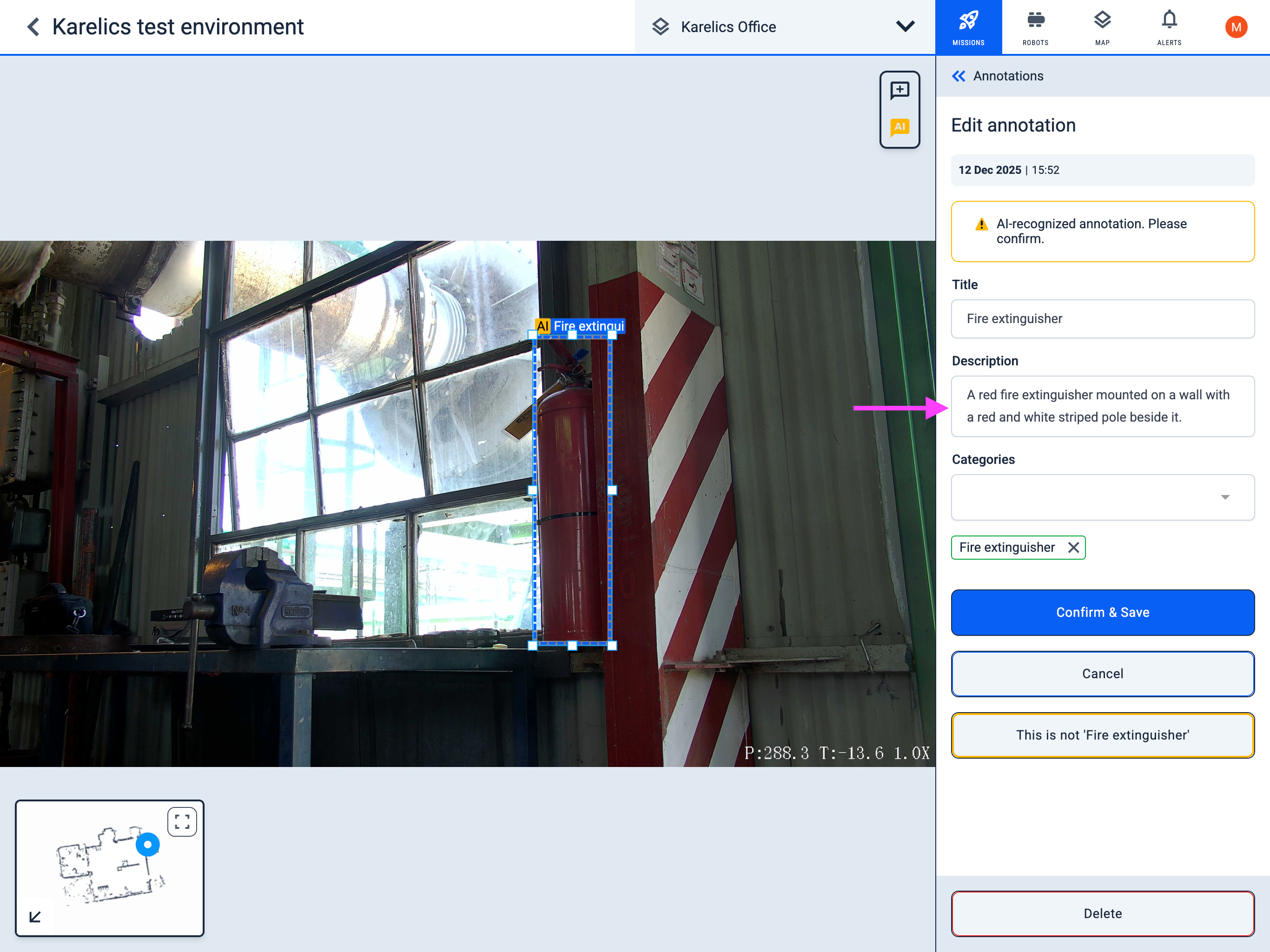
- The annotation description field is now resizable, making it easier to edit long descriptions
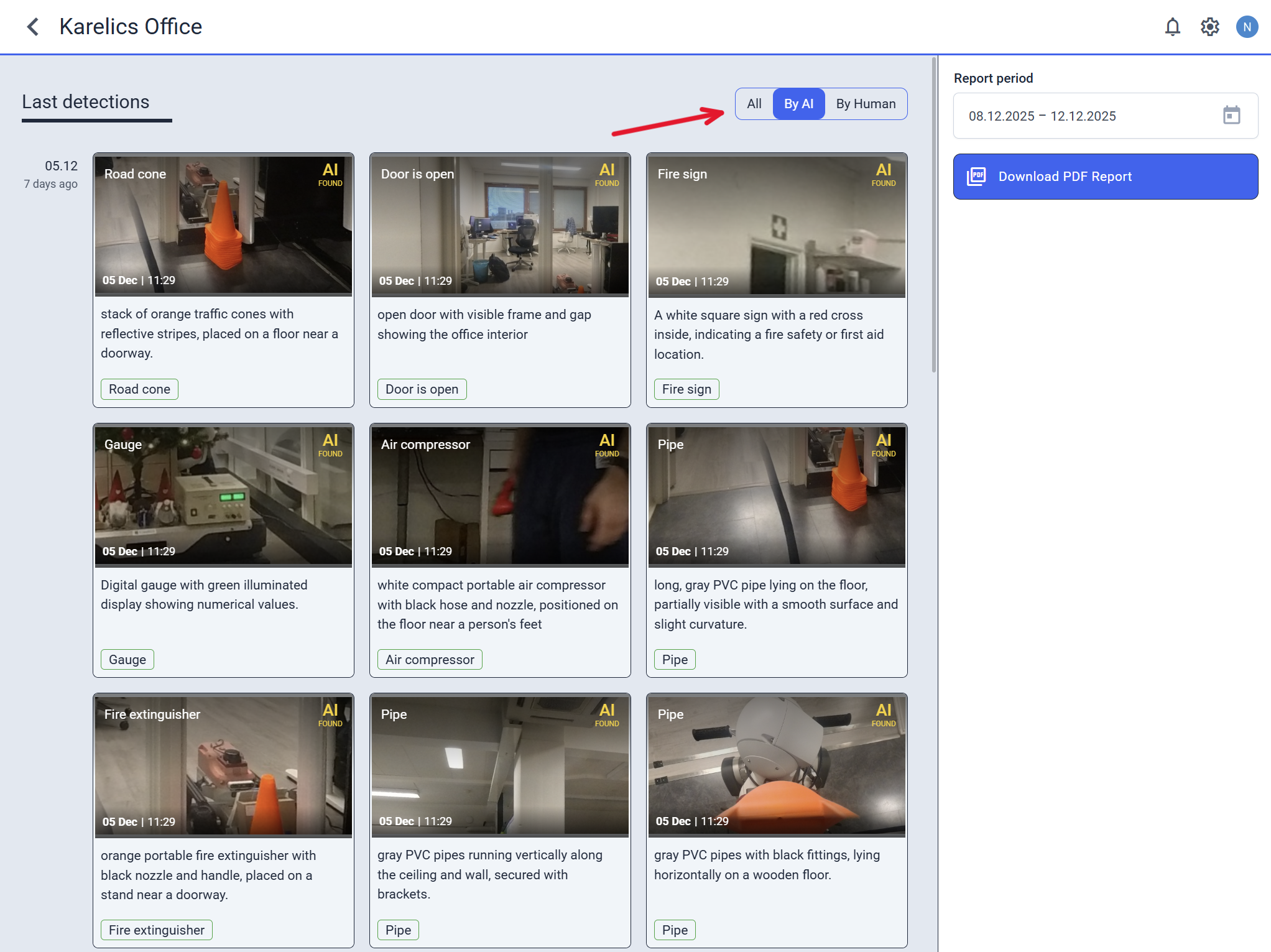
- In the annotation interface, you can filter annotations by AI or human origin
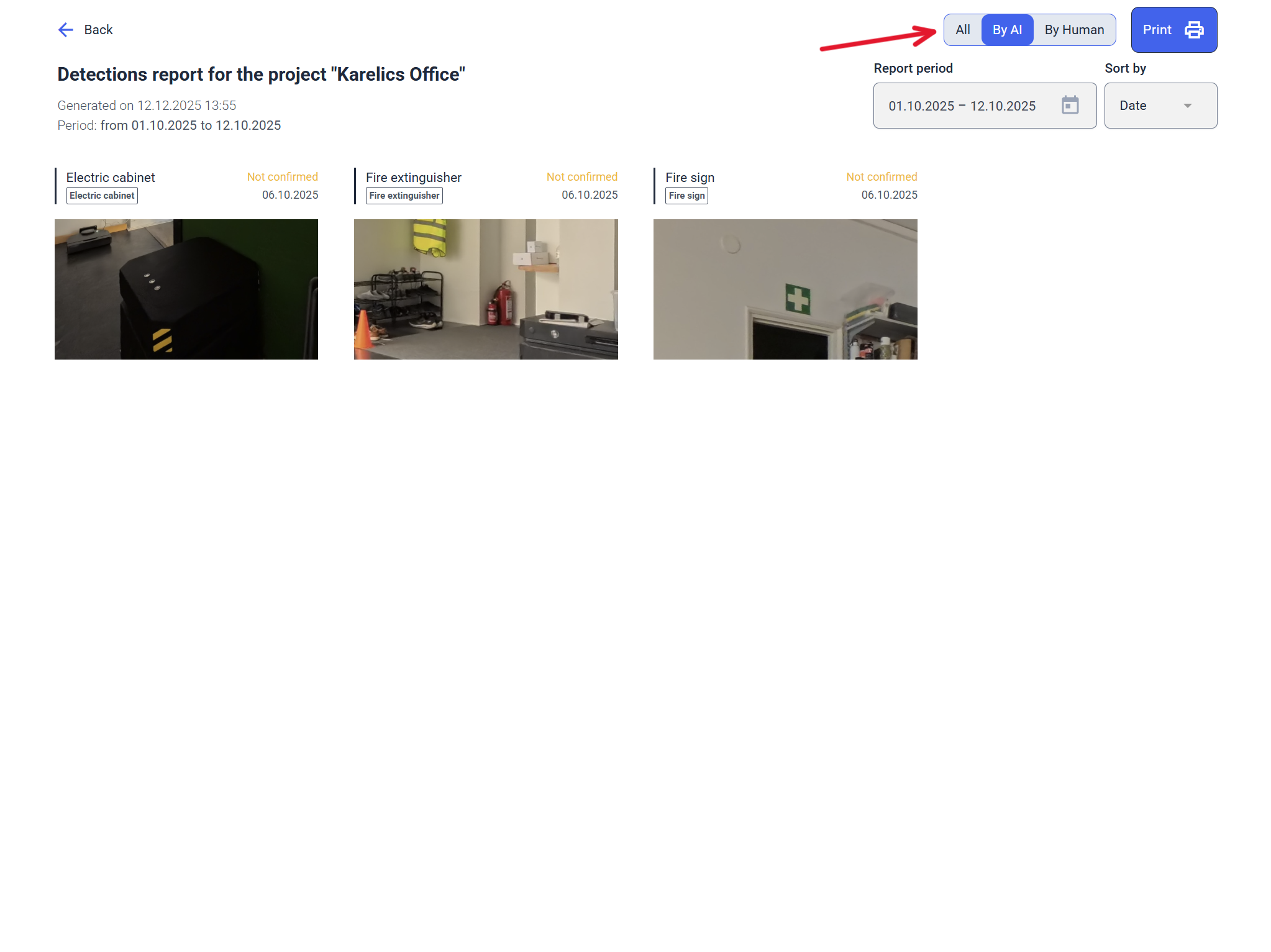
The same filters are available when printing a report.
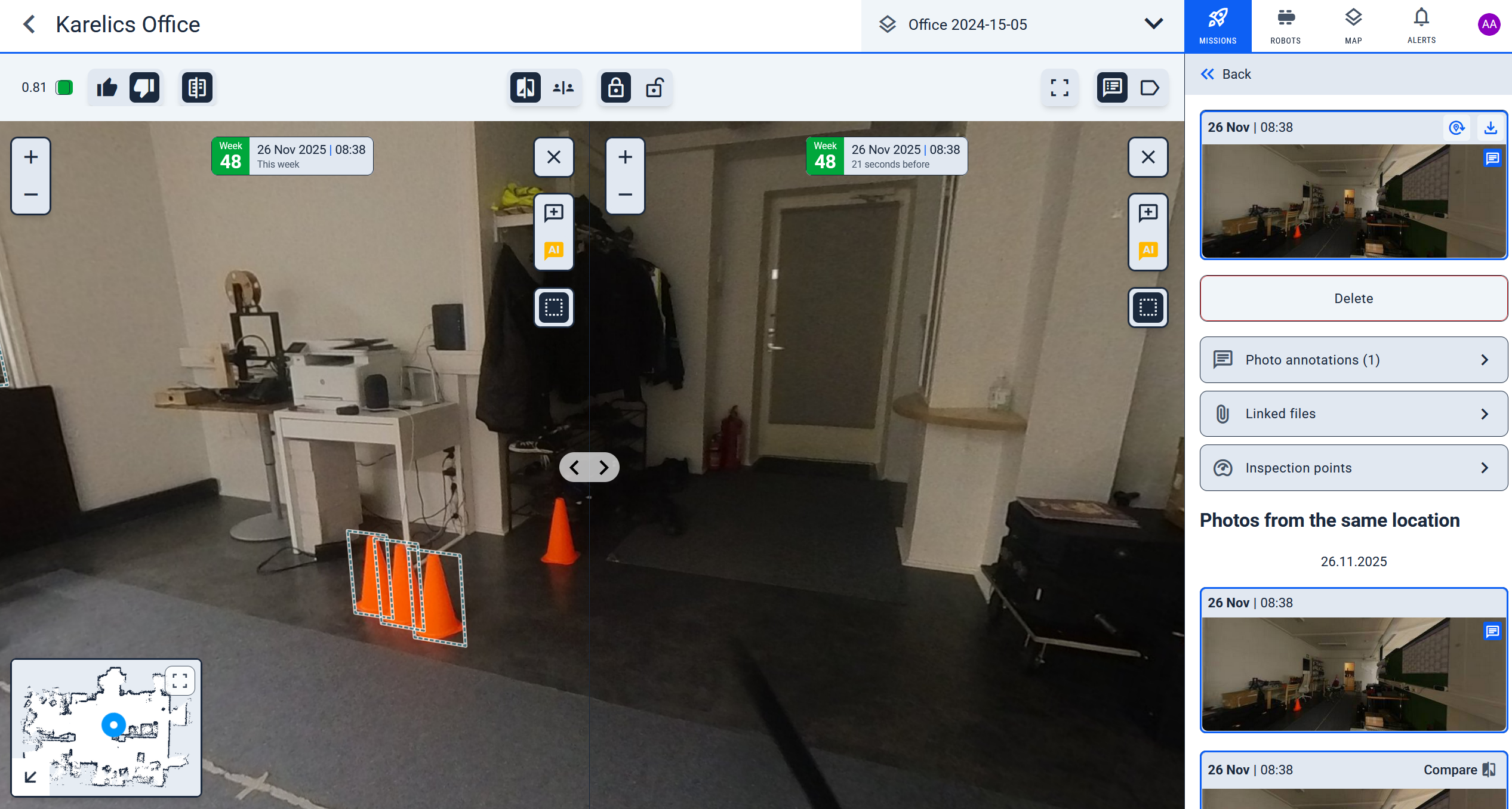
- Detected changes now highlight in 360 photos in comparison mode
- WiFi and LTE signal strength is displayed in the device diagnostics view

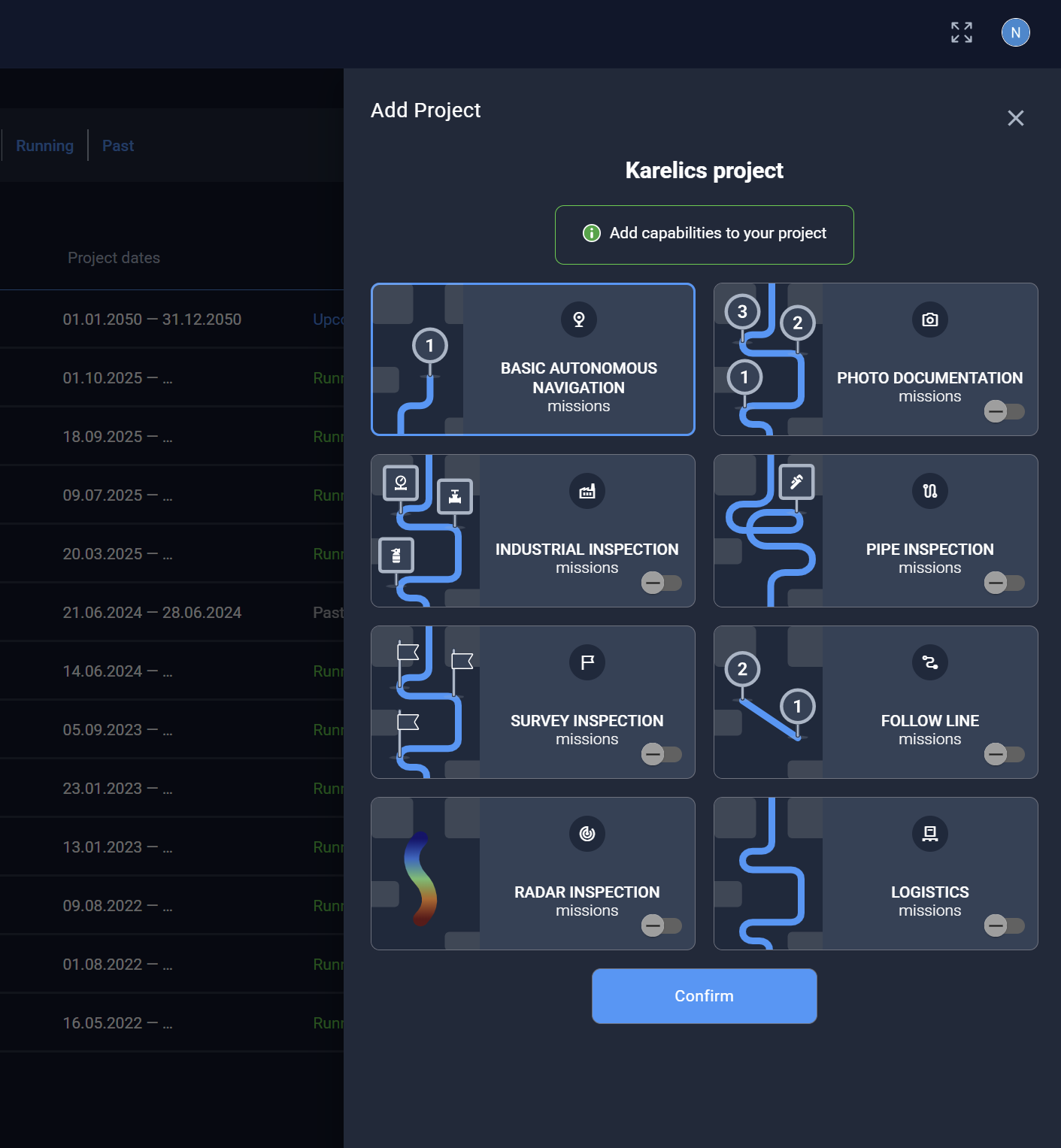
- When creating a new project, you now select the modules to use in the second step
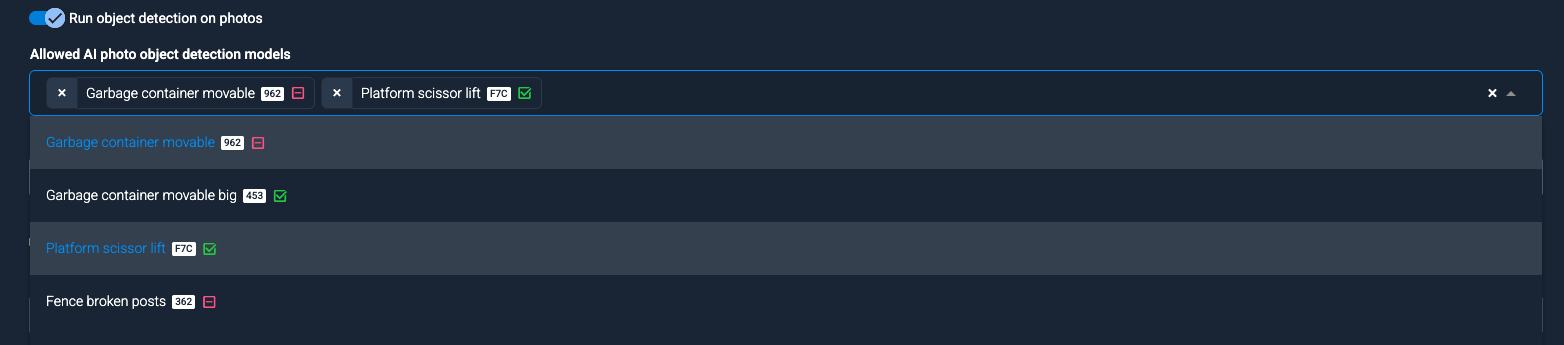
- Adjusted the AI model selector in the project object detection configuration
- Models are ordered by label
- Each model's title includes its identifier and status as enabled or disabled
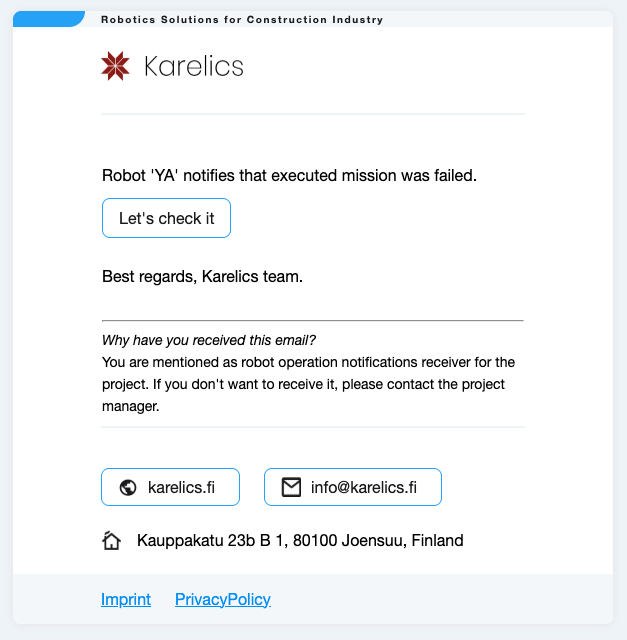
- Added email alerts for failed missions
Other Improvements and Fixes
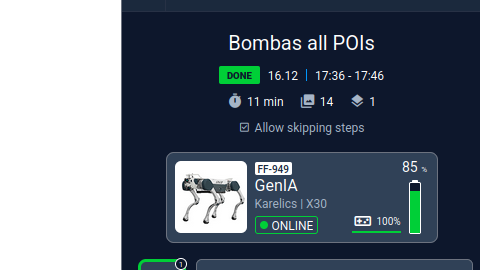
- Fixed incorrect display of mission execution statistics
- Hide pipe map controls when the map is unavailable
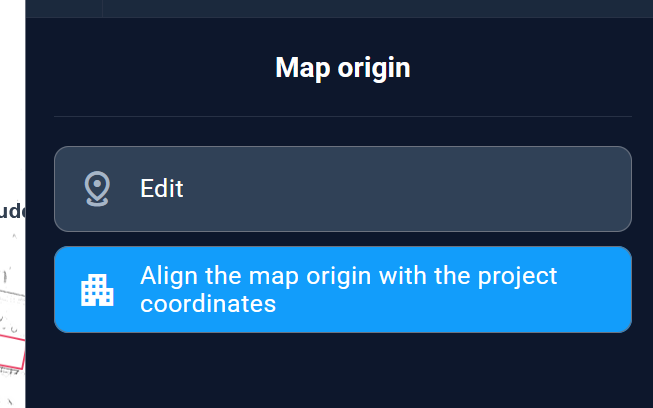
- Fixed bugs editing map origin for outdoor maps
- Optimized data processing in the web app to improve performance