31 January 2026
Cloud Release 2026.5
Briefly: This release introduces powerful new tools like E57 map creation and quick POI reads, alongside major enhancements to POI detection, viewing, editing, and mission workflows for smoother inspections and collaboration.
New Features
Map Creation and Sharing
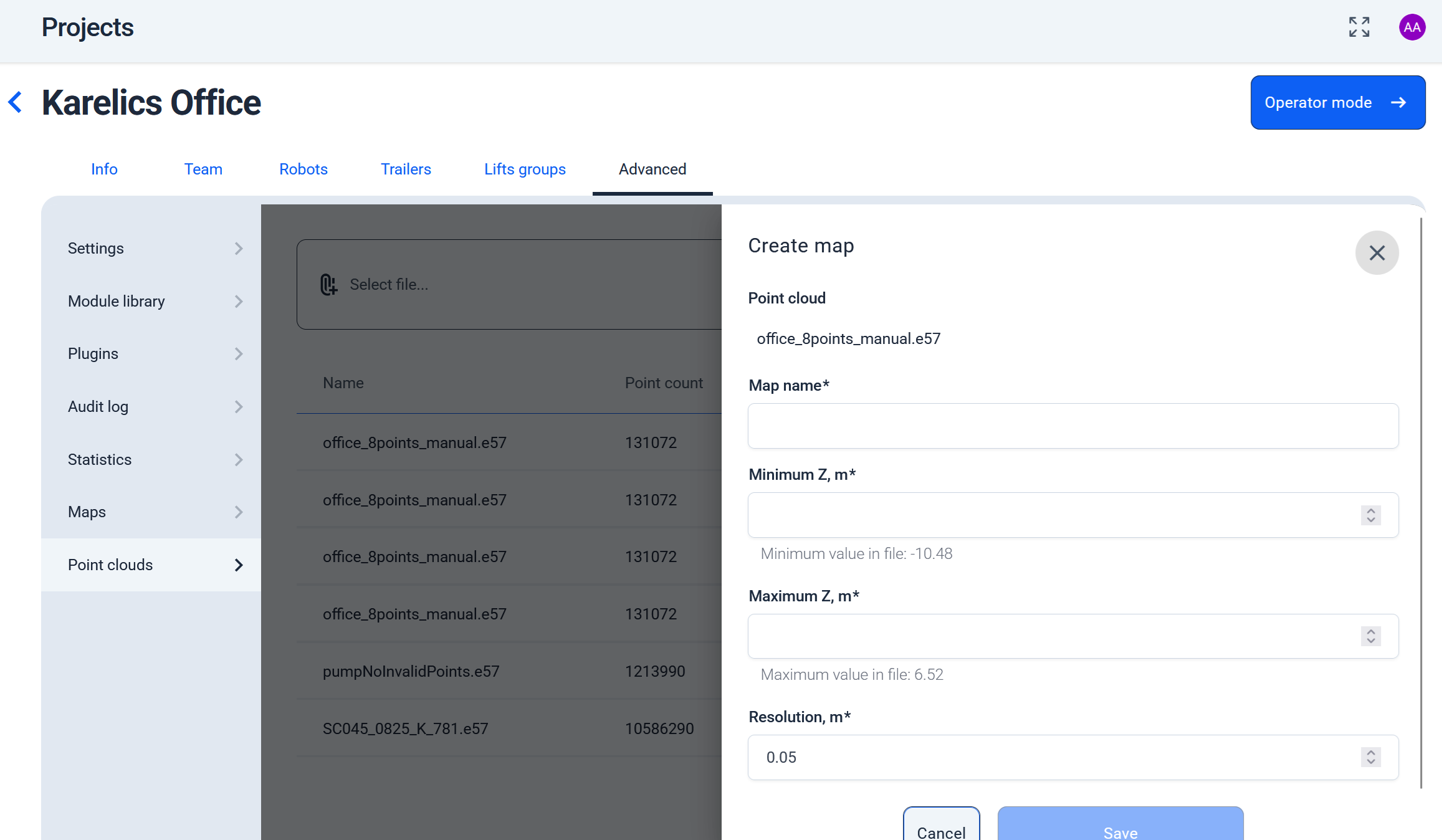
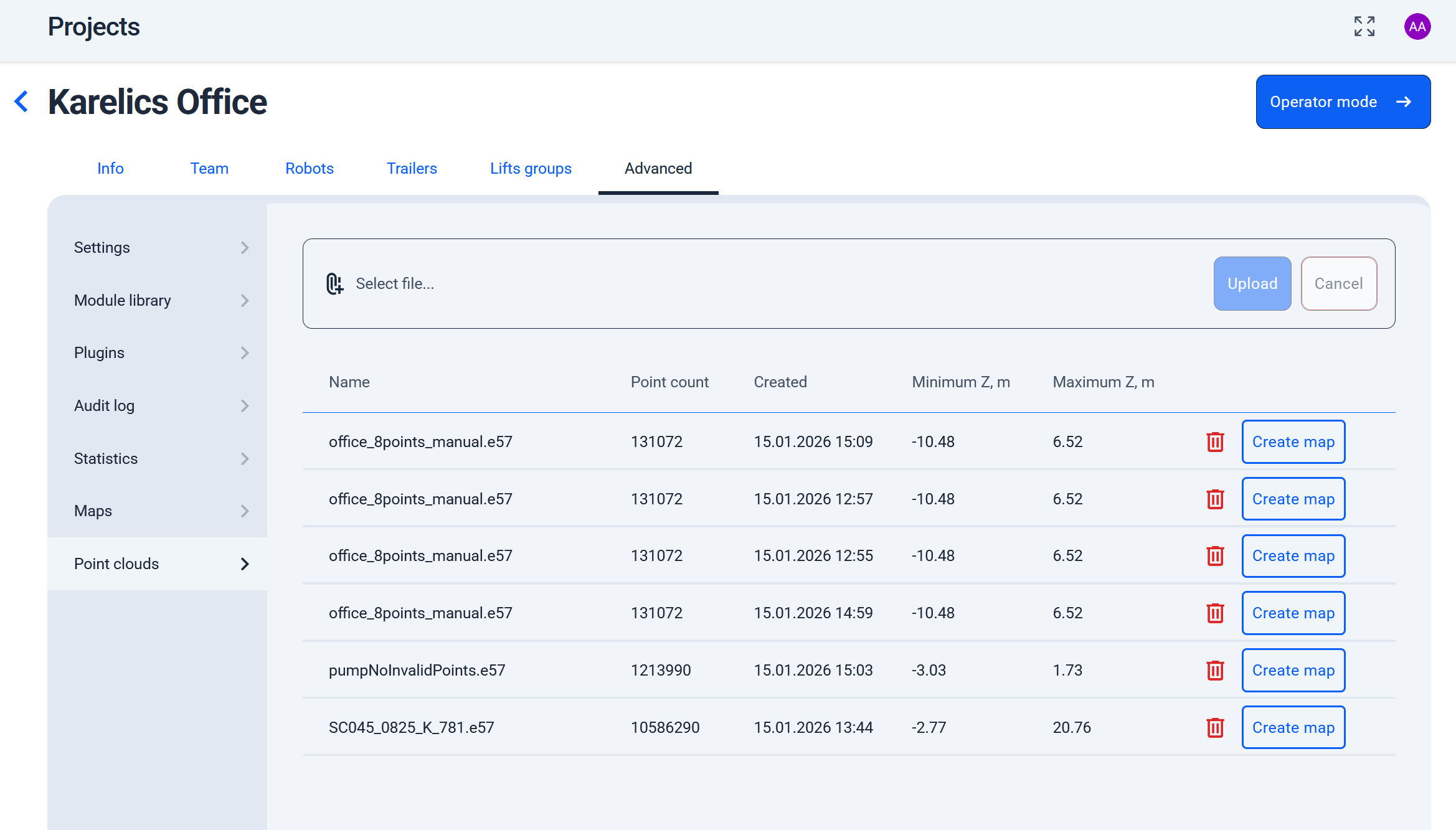
Support for E57 Project Files
- Now you can generate maps directly from E57 project files, bringing point cloud data into your workflow without extra conversions.
Share Button for Photos and POI Measurements
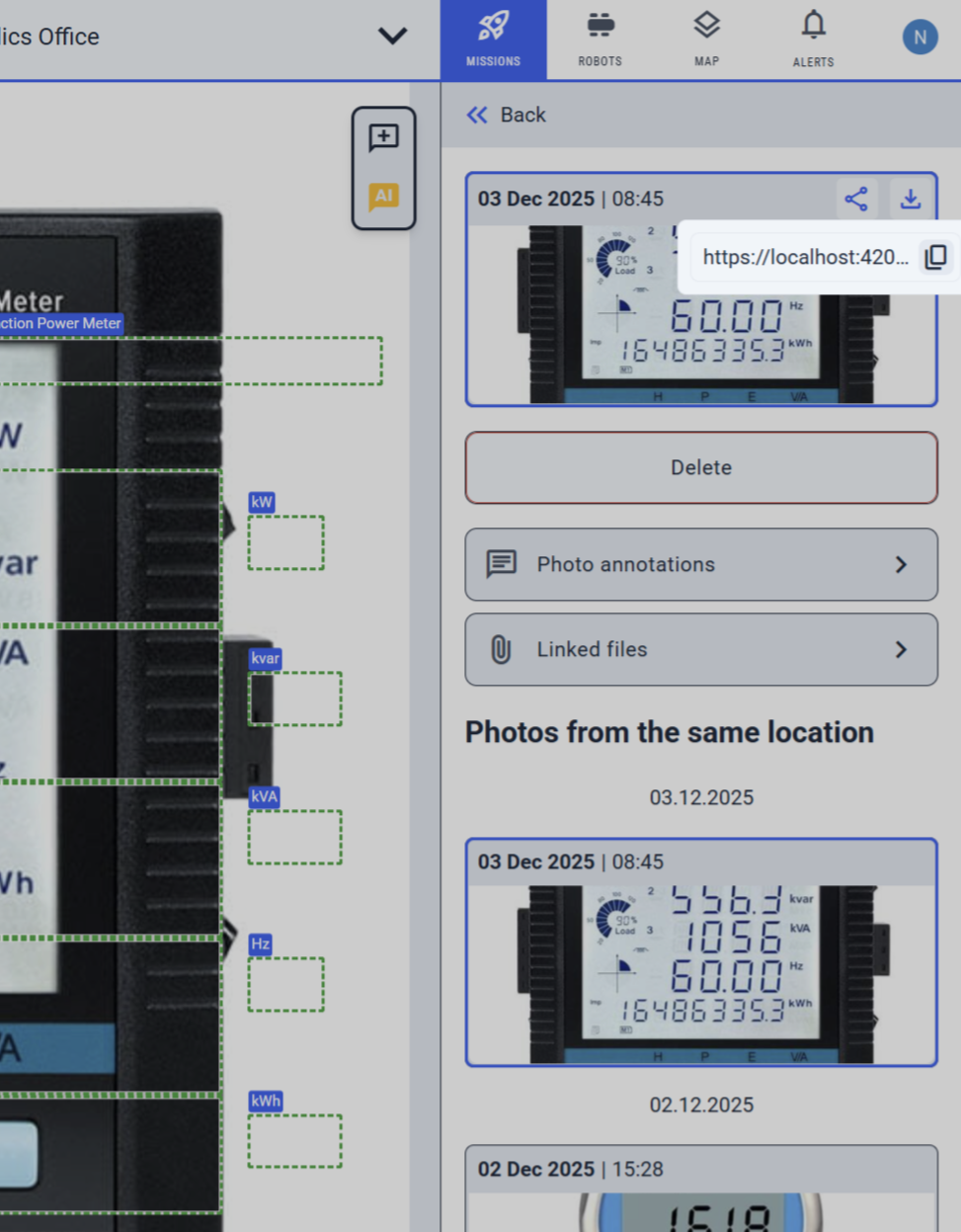
- Added a share button to photo cards and POI measurements, so you can quickly copy links for 360° images, industrial photos, or data to collaborate easily.
Pause Uploads from Robot
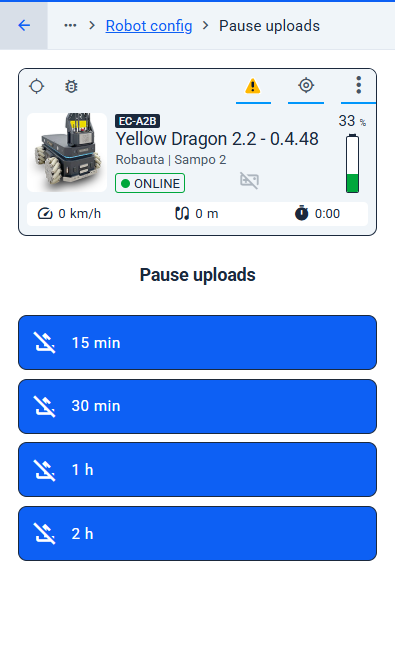
- You can now pause uploads from a robot for 15 minutes, 30 minutes, 1 hour, or 2 hours directly from the operator UI.
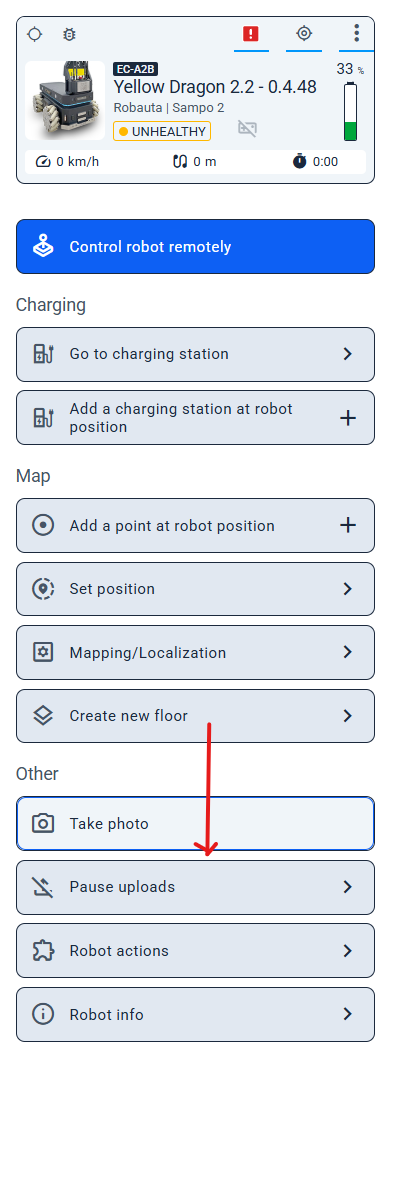
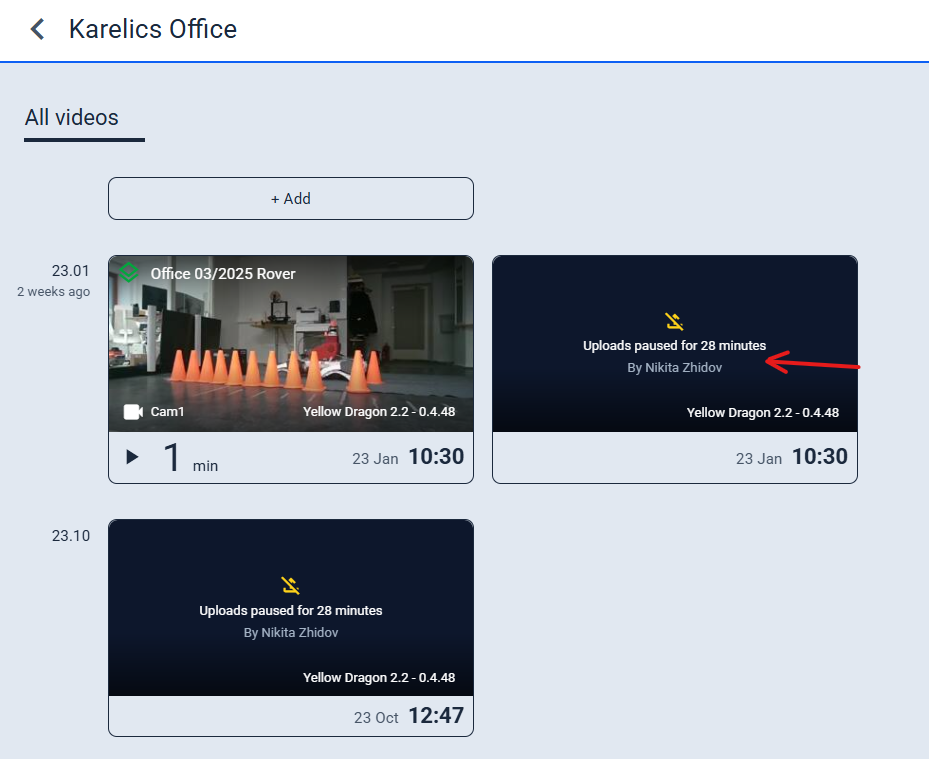
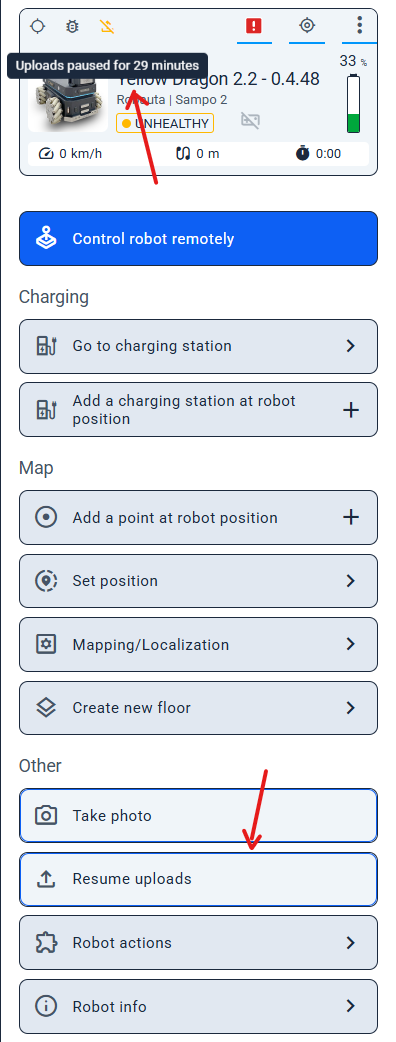
- When uploads are paused, the status is clearly displayed in both the Device Status panel and the video cards.
- Need to continue sooner? Simply click “Resume uploads” to restart uploads at any time.
POI Inspection
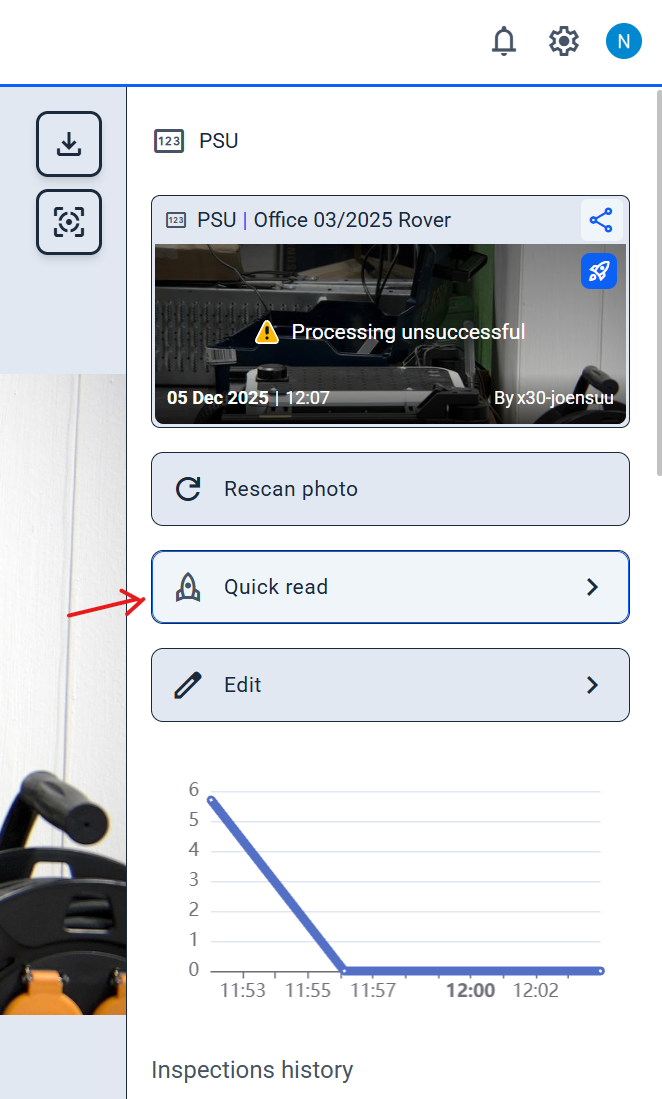
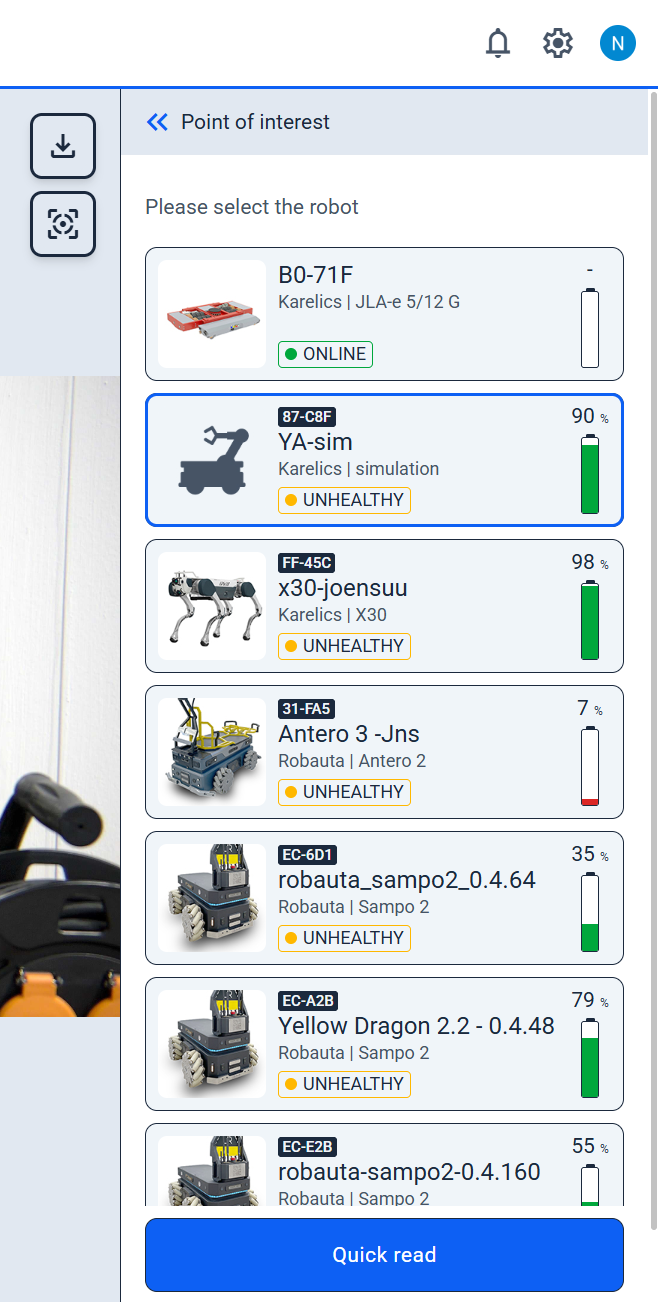
Quick Read Current Value from POI
- Use the Quick Read button in the POI sidebar to instantly fetch the latest value from a selected robot—no need to switch views during inspections.
Enhanced Features
POI Detection and Management
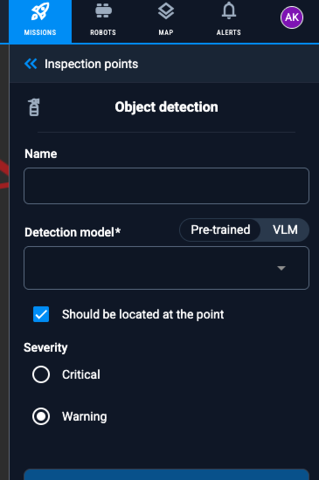
Model Selection for POI Detection
- Choose your detection model with a new toggle between 'Pre-trained Model' and 'VLM', plus a selector for precise control.
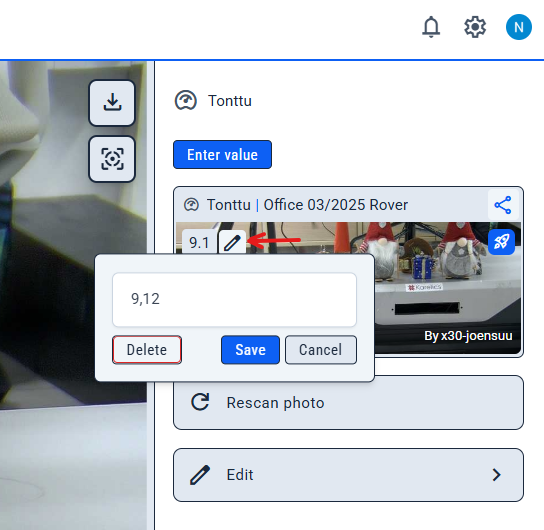
Edit or Delete Detected Values
- Correct or remove auto-detected measurements with a simple 'Correct detected value' button to keep your data accurate.
POI Viewer and Tools
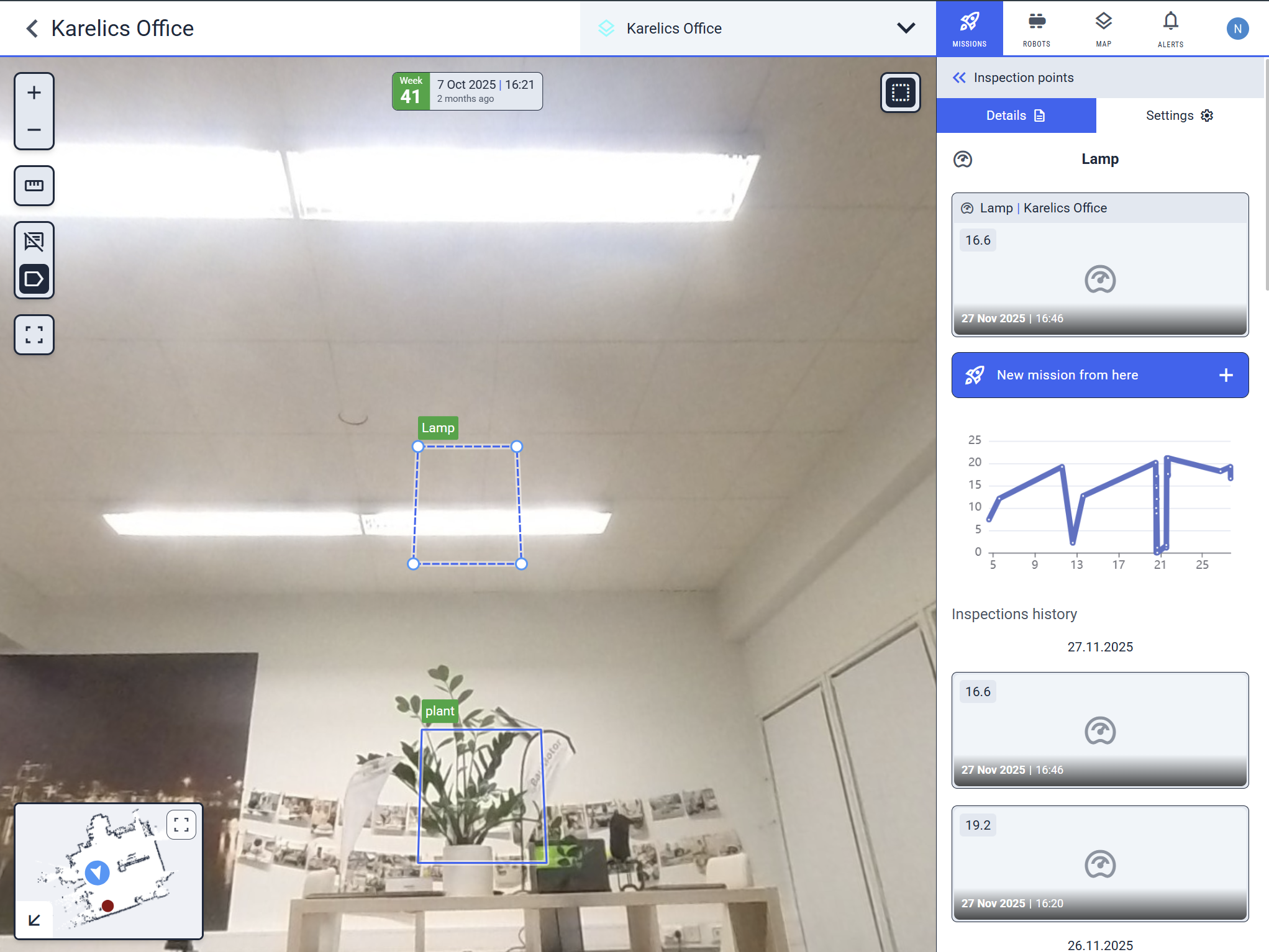
Enhanced POI View with Measurement Overview
- POI views now show real latest measurements on charts, recent thumbnails for quick jumps, and a cleaner layout with collapsed alerts.
Zoom Anchored to Cursor in POI Viewer
- Zoom into POI viewer now centers on your cursor for intuitive, precise navigation.
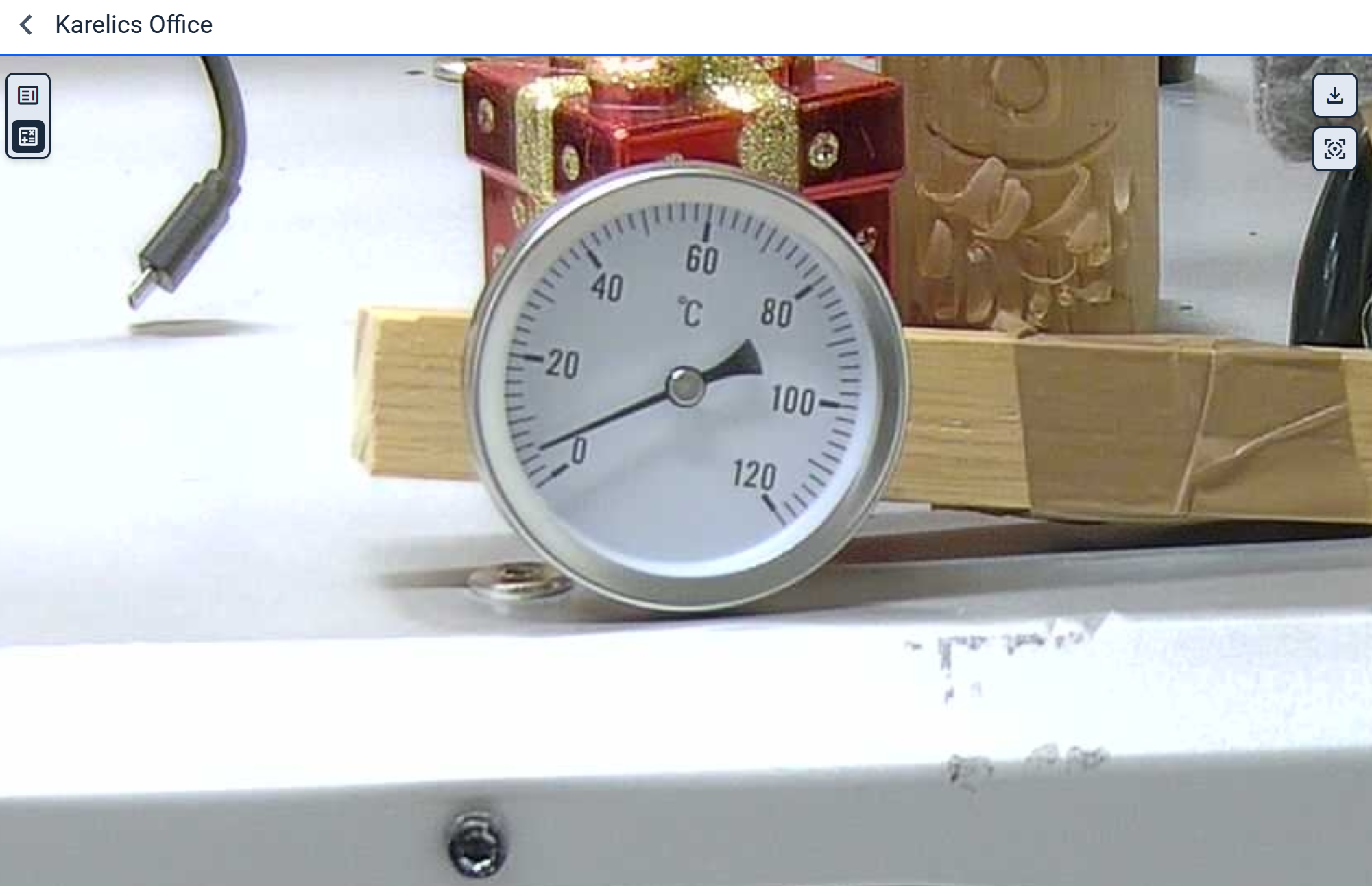
Selectable Annotations in 360° Viewer
- Click annotations directly in 360° POI photos from industrial missions for faster interaction.
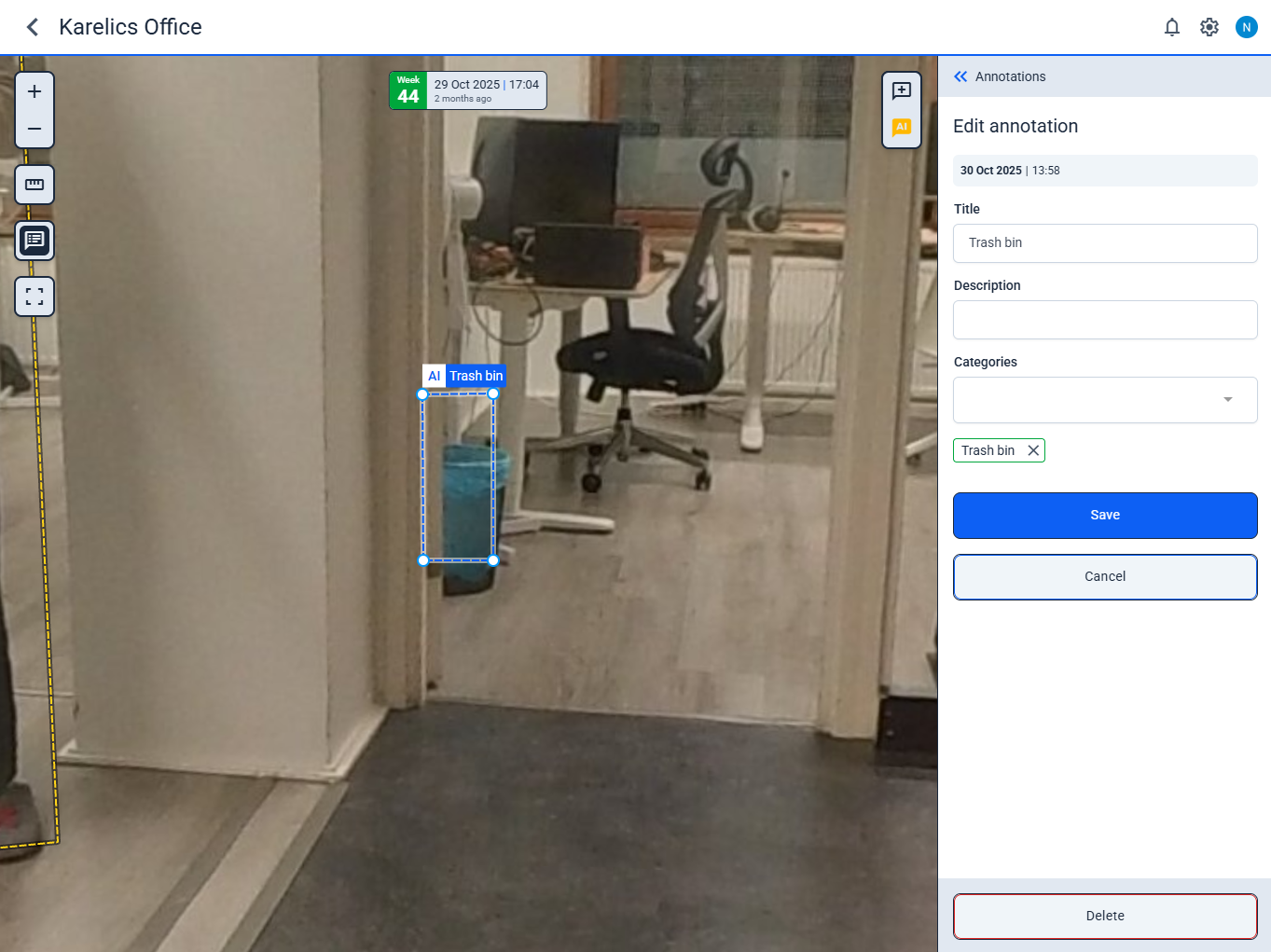
360 Ruler: Intersecting Plane on Cursor
- Move your cursor over the point cloud to see a dynamic intersecting plane, revealing surface orientation in real time.
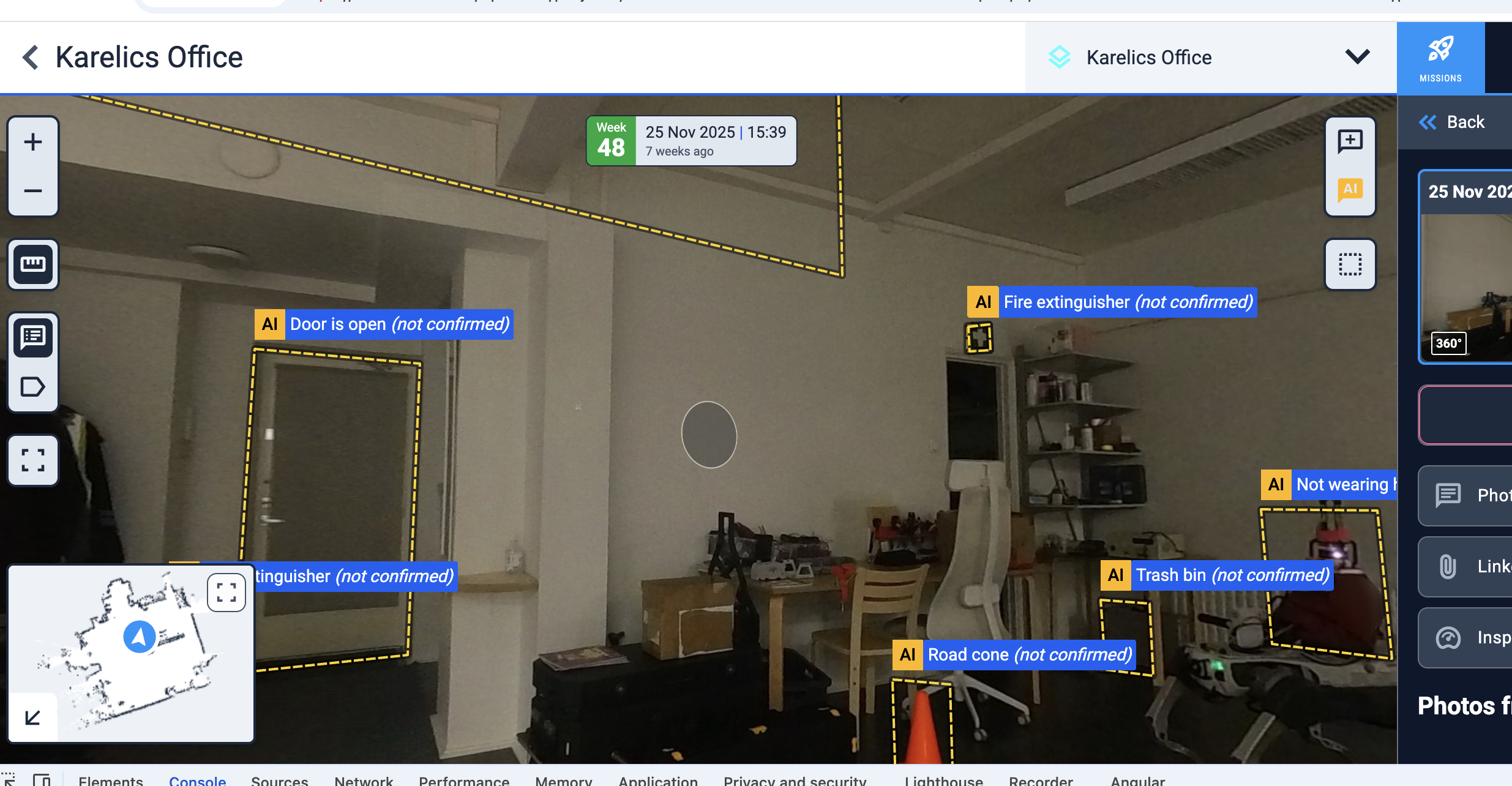
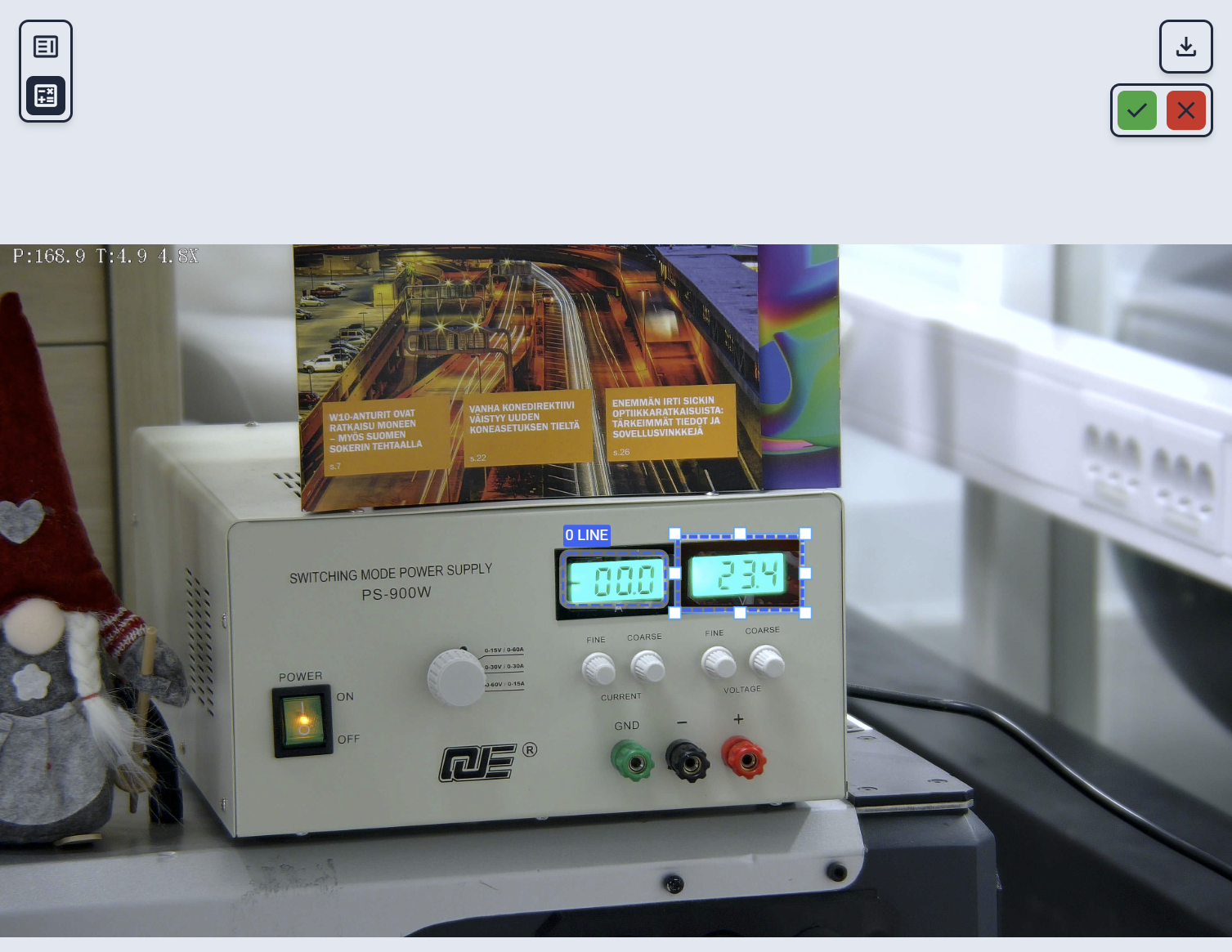
Bounding Box Adjustments for Gauges and Oil Levels
- Fine-tune bounding boxes on Digital Gauge and Oil Level POIs for exact reading alignment.
Mission Workflows
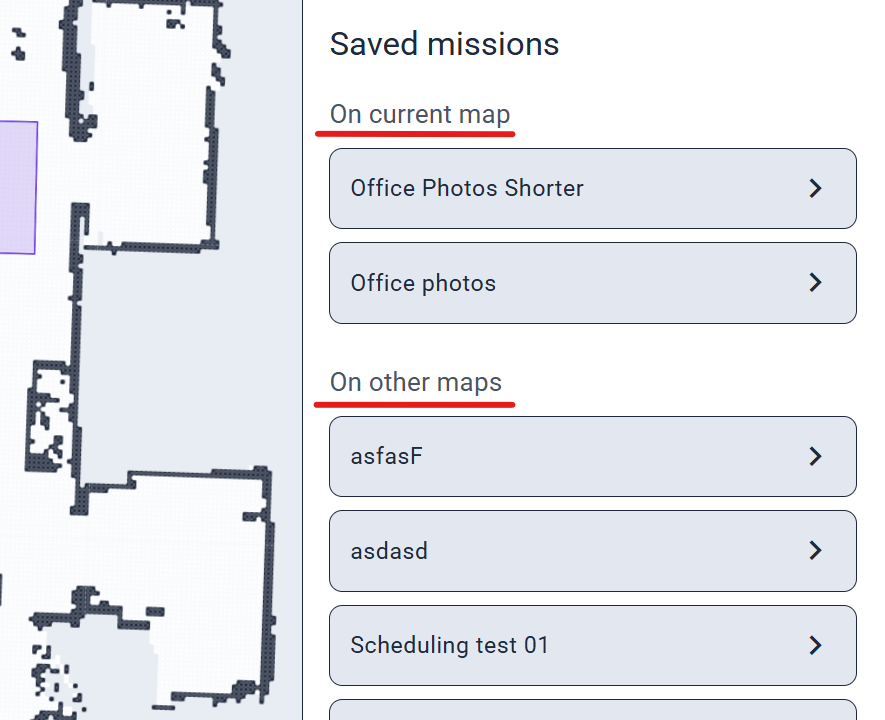
Saved Missions from Current Map
- Filter and view missions tied to the current map separately for quick access without clutter.
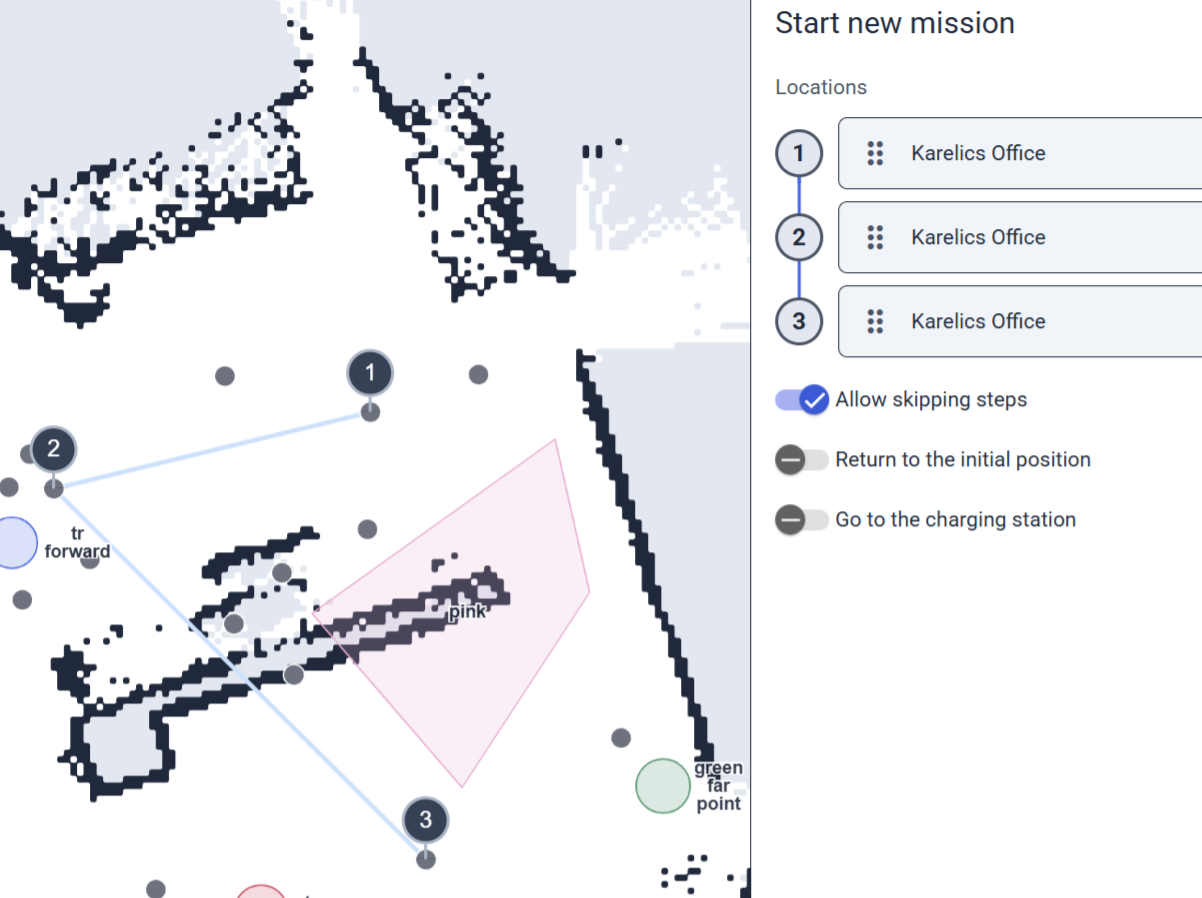
Auto-Select Center for Photo Documentation Steps
- Creating photo steps now auto-targets the circle's middle, matching prior photos for consistent positioning.
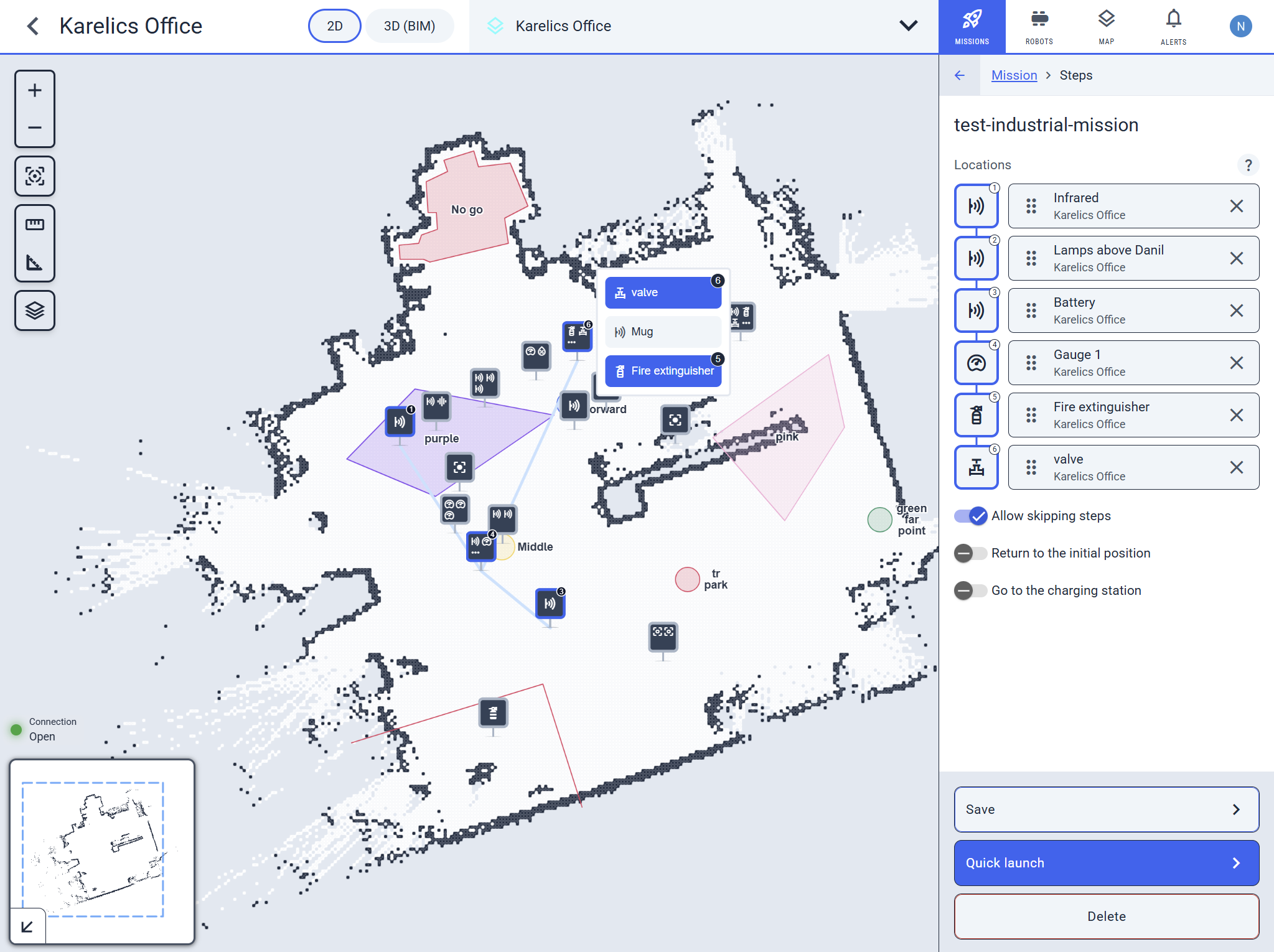
Improved Step Interaction in Missions
- Editing mission steps? No more accidental deletes—get a popup with options if the step has multiple POIs.
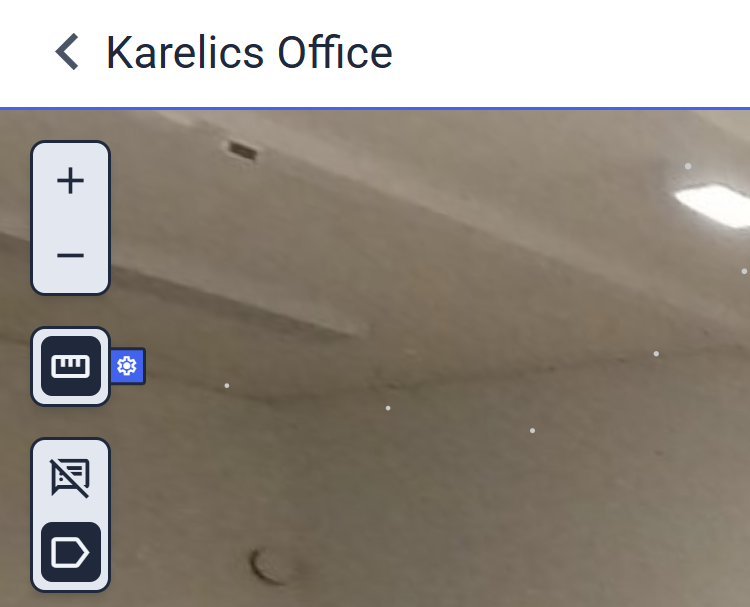
Developer and UI Tools
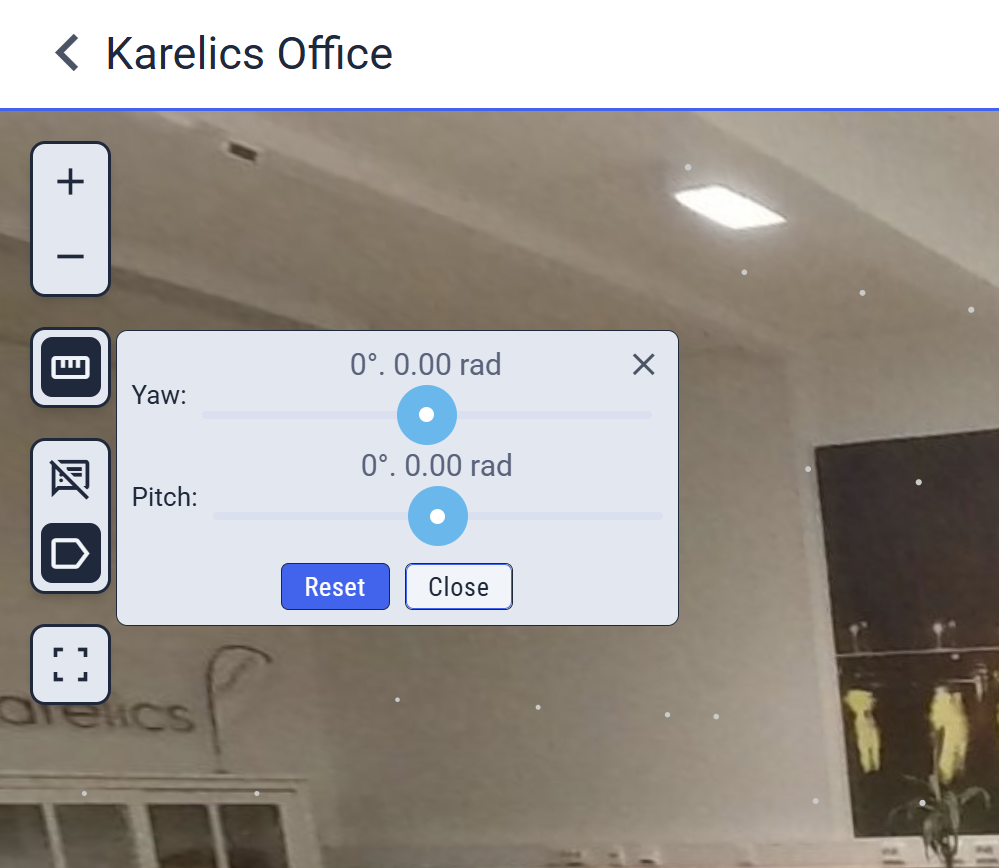
Streamlined Ruler Debug Panel
- The ruler tool's debug panel is now a compact popup to save space while keeping all details accessible.
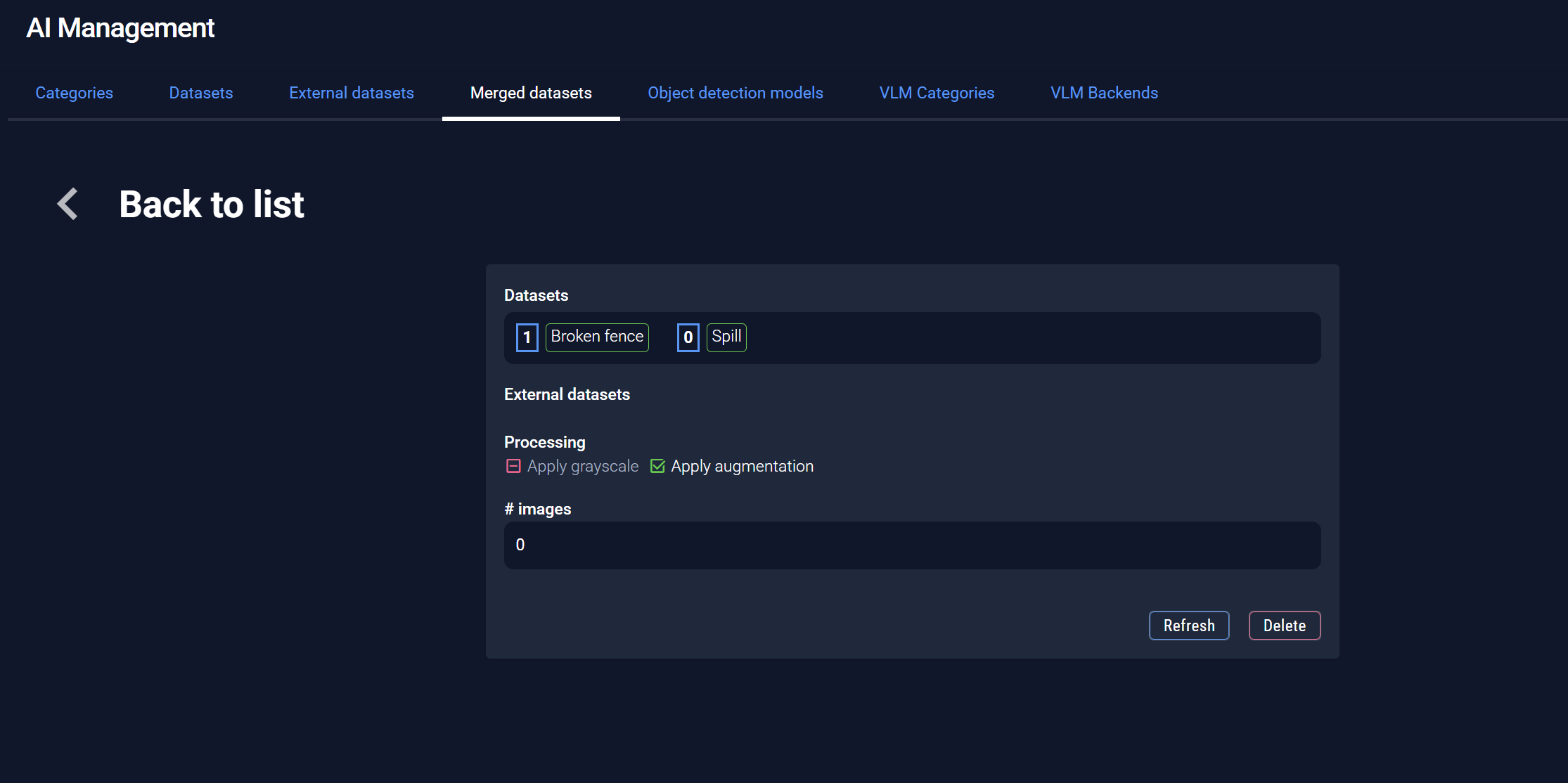
Dark Theme Fixes in AI Management
- Consistent colors now in dark theme for AI Management—no more visual glitches.
Other Improvements and Fixes
- Preserve robot orientation when creating new positions at the current location (respects the checkbox for seamless workflows).
- Fixed incorrect dates in the POI list—new measurements now show accurately.
- Hide null values in POI charts (no more misleading zeros for cleaner data).