Cloud Release 2026.9
Briefly: This release brings major new tools for cloud device management, equipment importing and linking, POI enhancements with history and gauges, plus smoother UI navigation, AI detection improvements, map visuals, and fixes for reliable missions—all to make your inspections faster and more intuitive.
New Features
Device Management
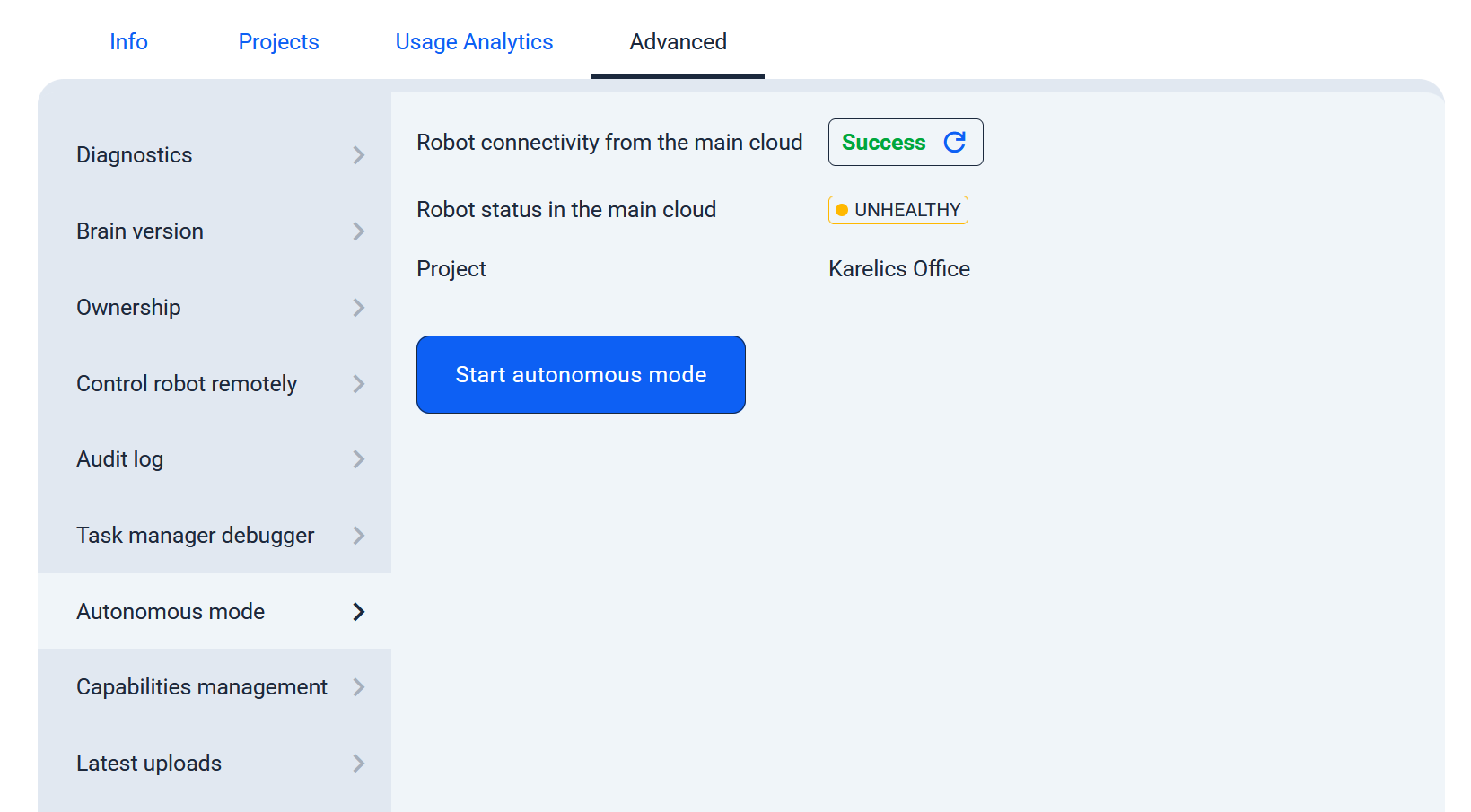
Cloud-Based Device Management via UI
Now manage your devices remotely right from the cloud UI with streamlined controls and an intuitive interface for effortless oversight.
Equipment Management
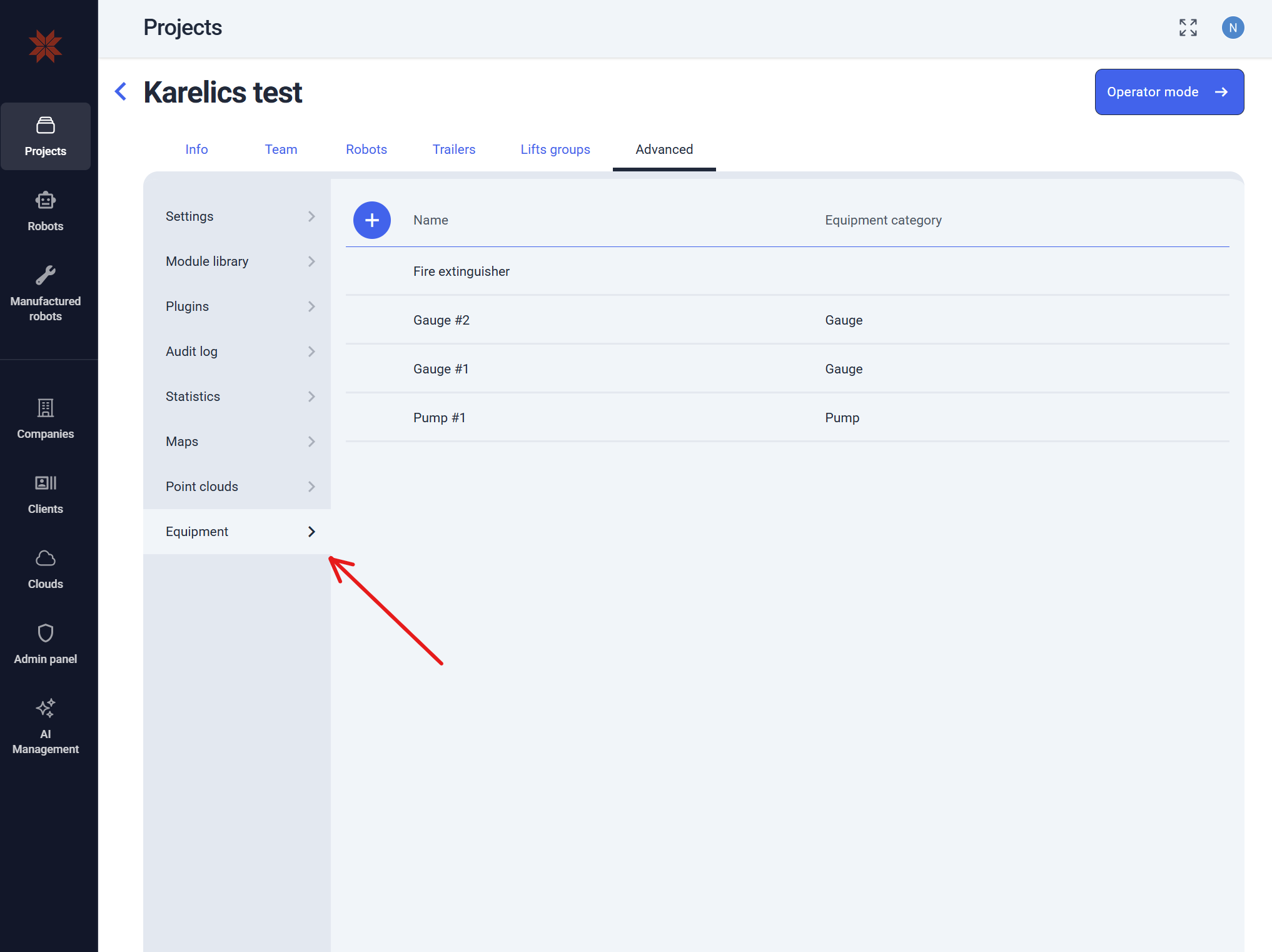
- Added Project Equipment management (Advanced > Equipment)
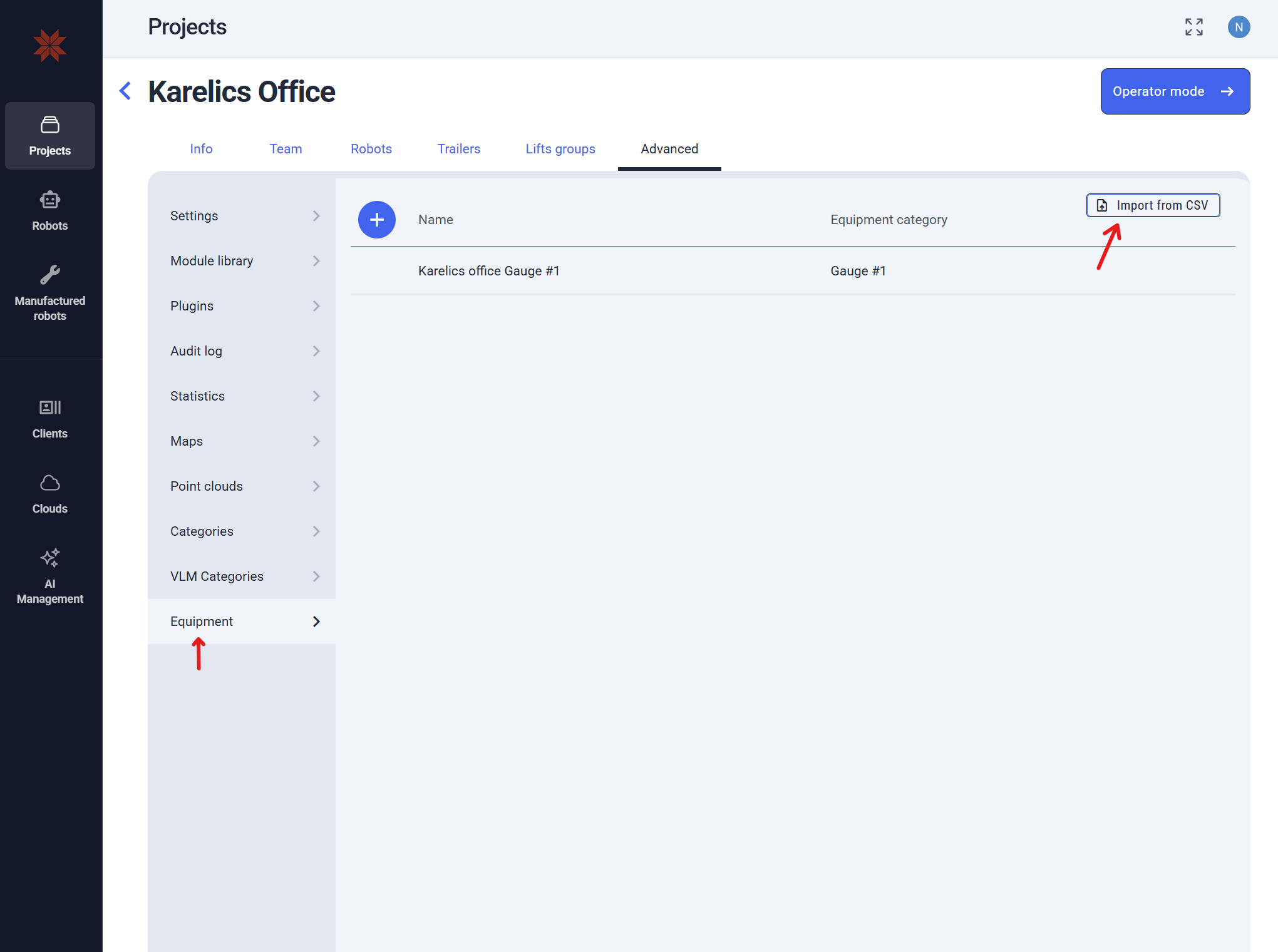
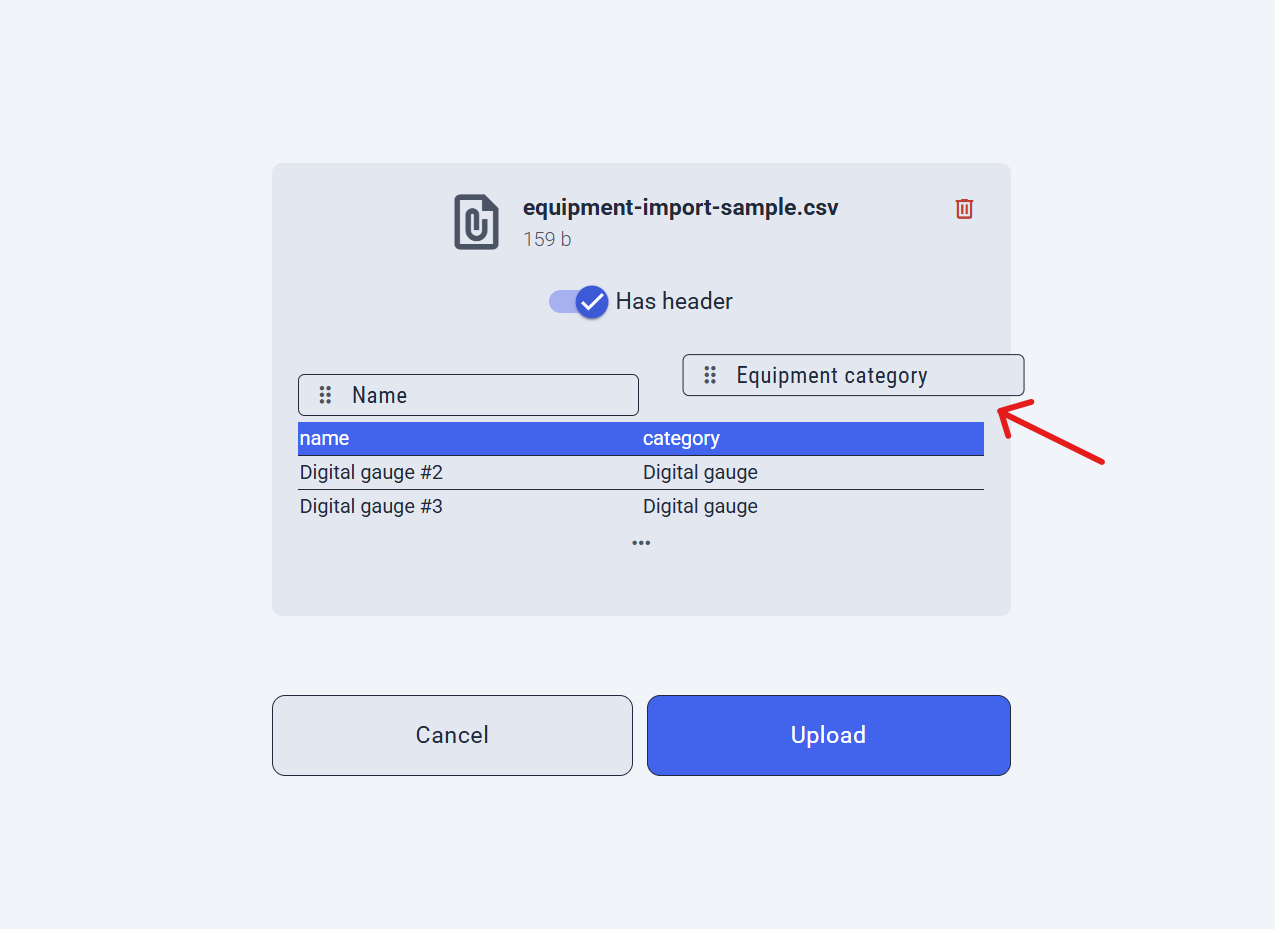
- Easily import equipment units by uploading a CSV file—preview, reorder columns, and toggle headers to ensure perfect data mapping.
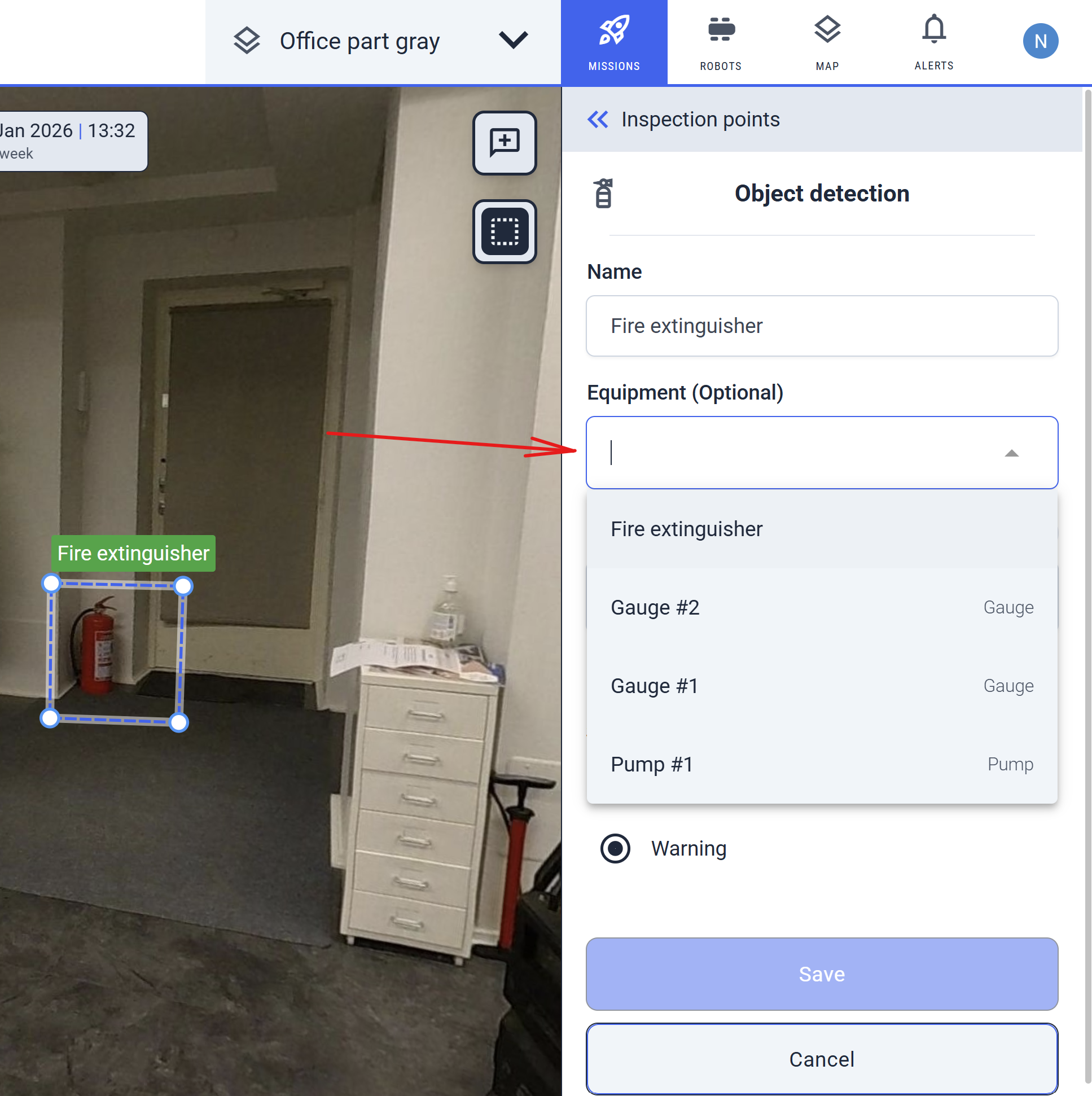
Link POIs to Project Equipment
Associate POIs with project-specific equipment units (create custom ones with category filters) to organize and track field assets seamlessly.
POI and Gauge Enhancements
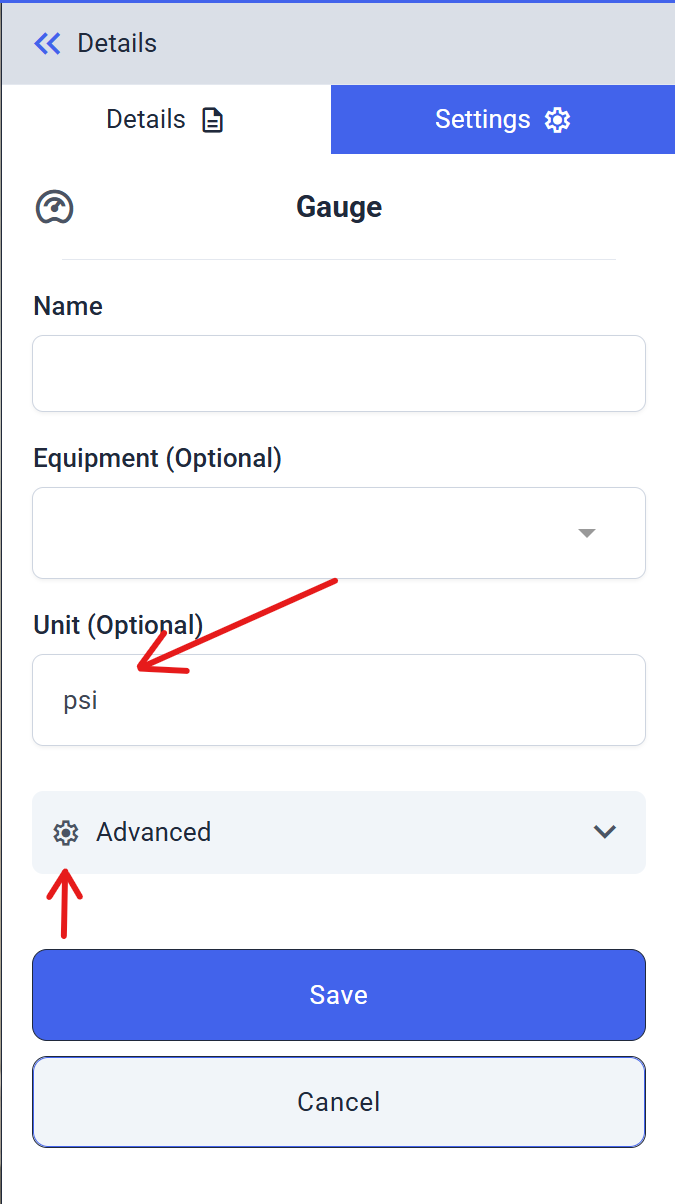
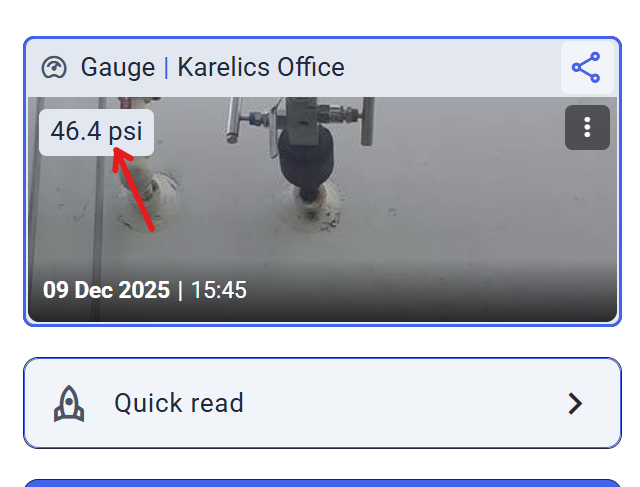
Enhanced Gauge POI with Unit Support and Advanced Settings
Gauge POIs now show an optional 'Measurement Unit' field on the card for quick reference, with advanced settings tucked behind an 'Advanced' dropdown to keep things clean.
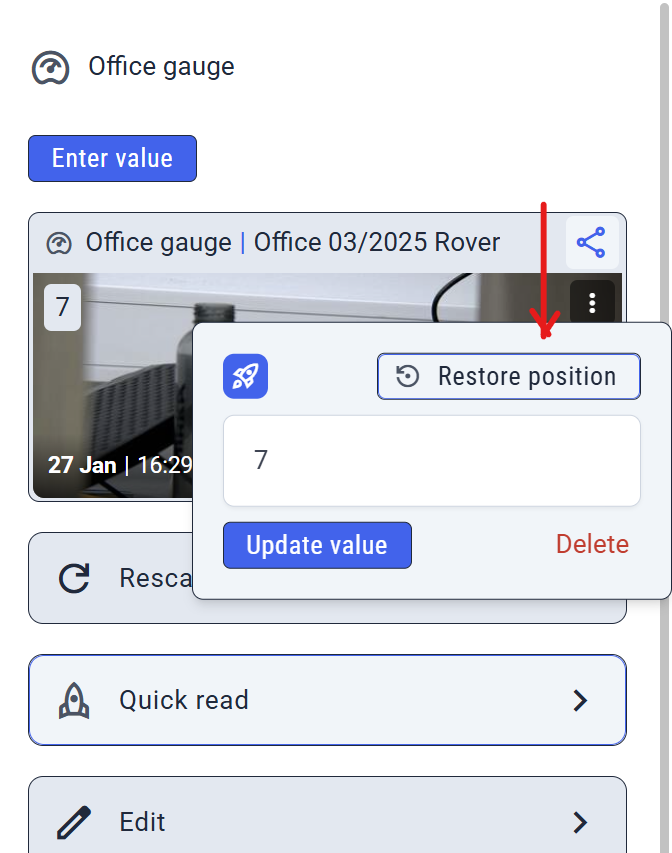
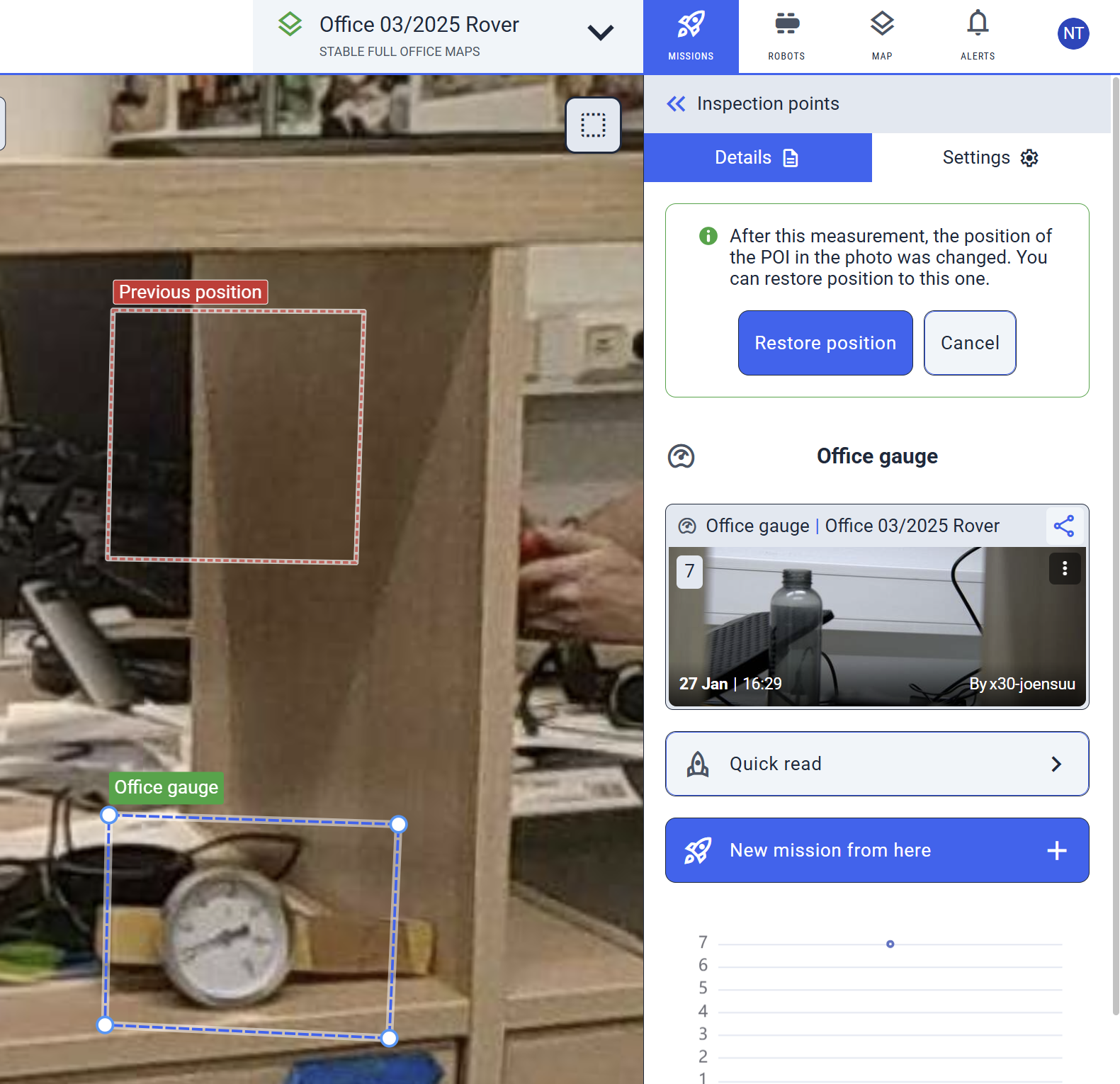
View and Restore POI Change History
Check the full history of POI changes and restore previous positions easily—open settings, click 'Restore position', and edit from the pre-loaded state.
Enhanced Features
AI Object Detection
Enhanced AI Object Detection with Error Handling
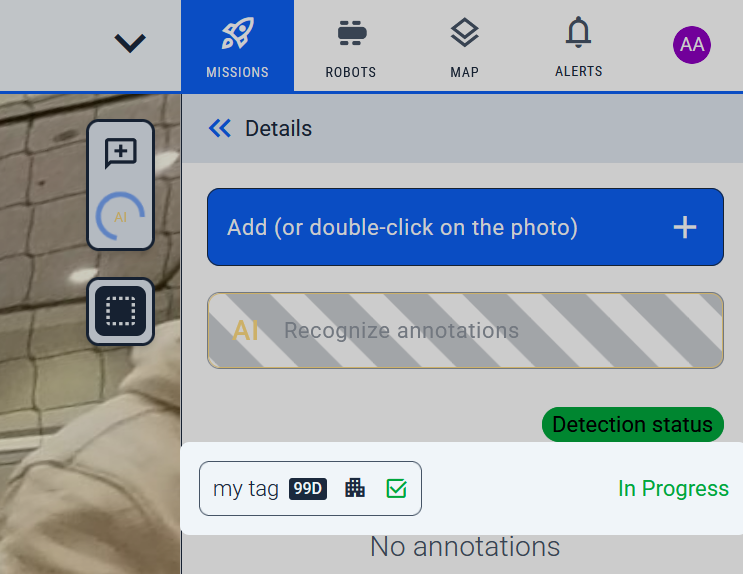
Track detection status per model in real-time; if issues arise, use the new 'Detection status' button for details.
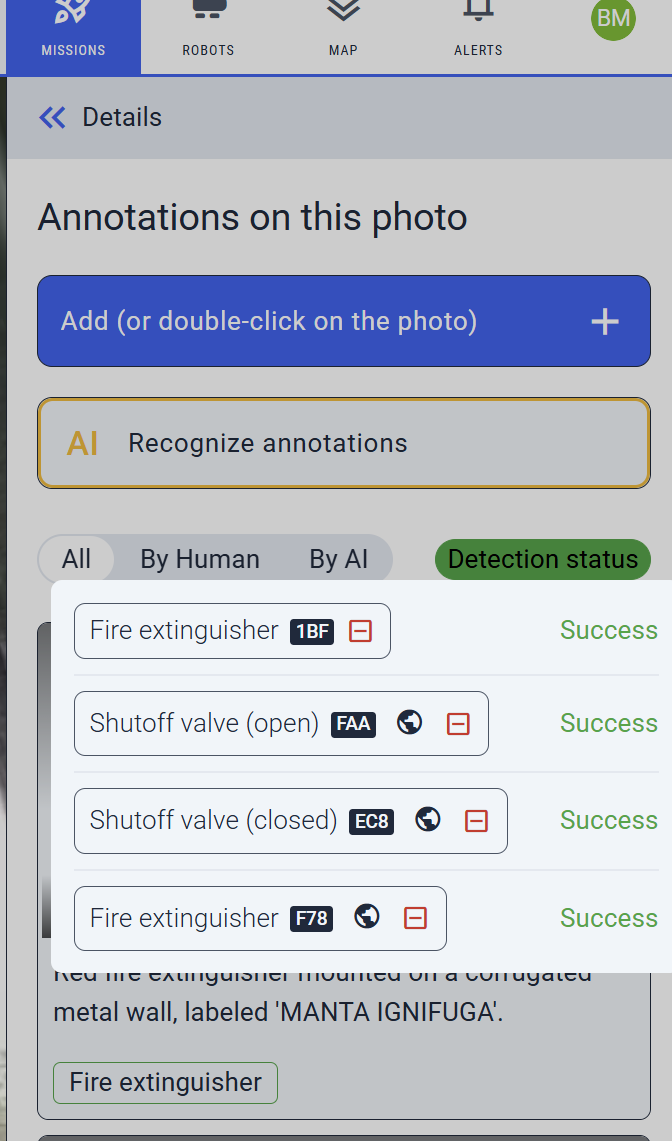
Object detection provides rich status in Detection status (beyond just success/fail), so you know if computations are in progress or done.
Map and Mission Navigation
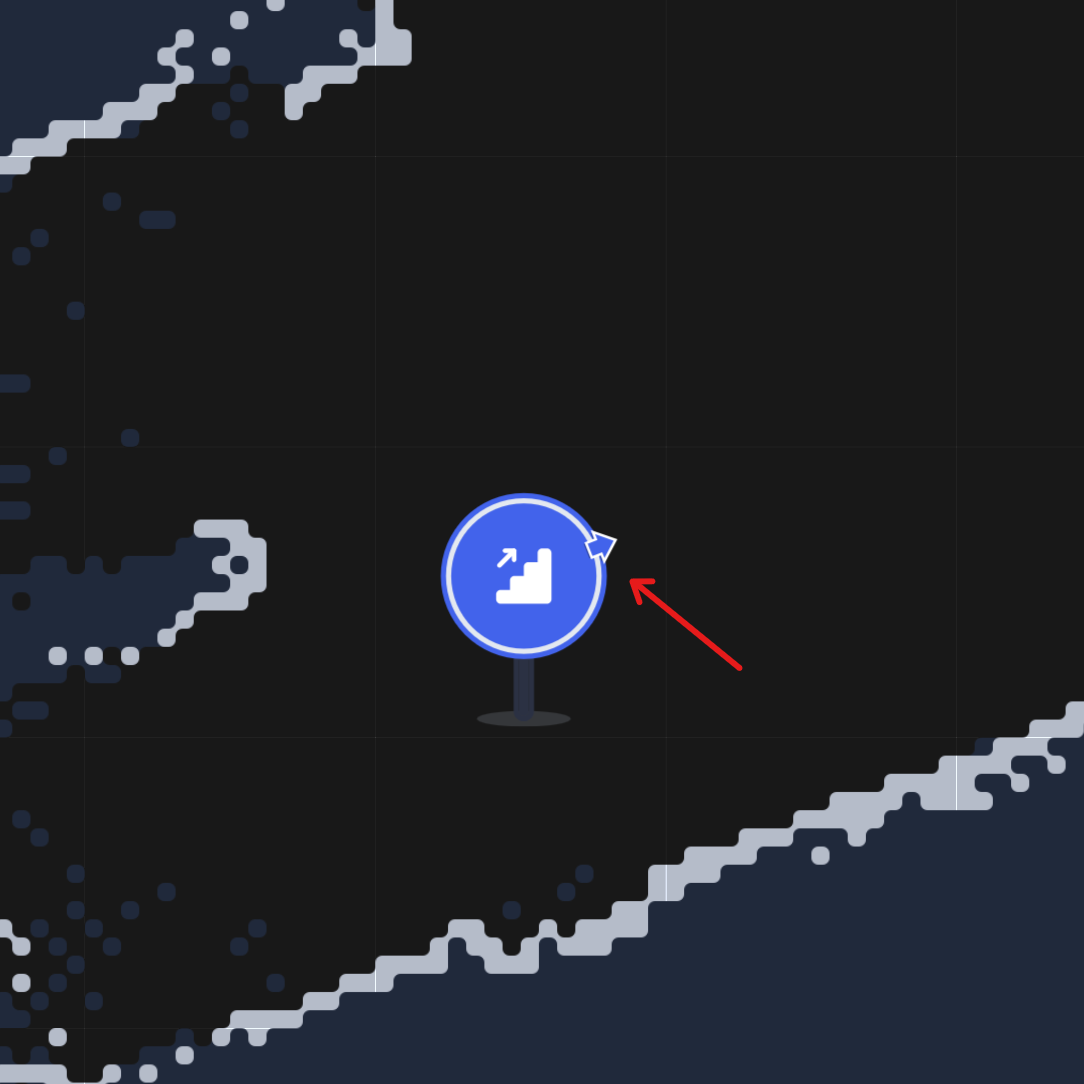
Show Waypoint Orientation Arrow on Map
Selected waypoints now display a direction arrow on the map (great for stairs or complex paths), replacing or supplementing the icon for better planning.
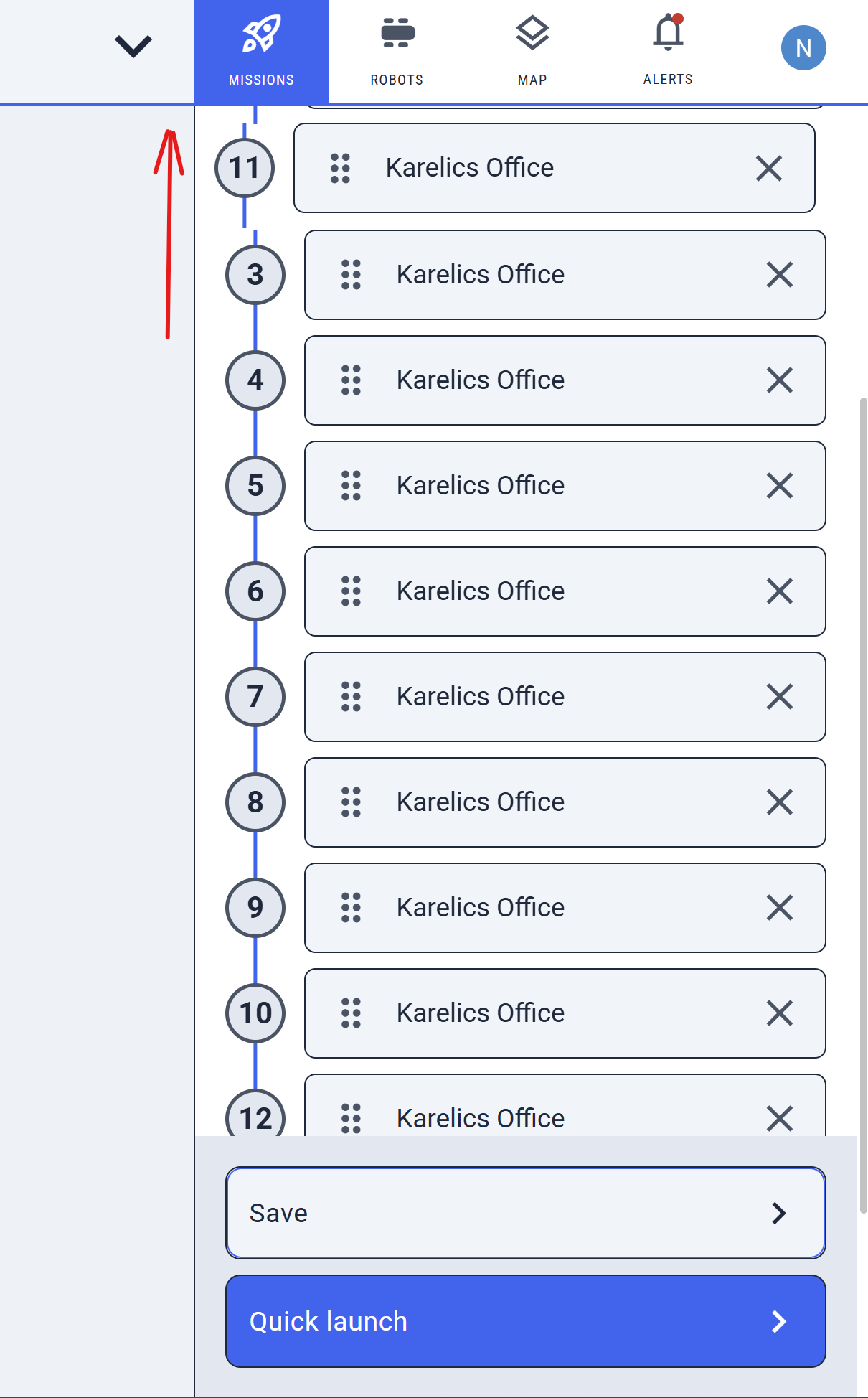
Enable Auto-Scroll During Mission Step Reordering
Drag-and-drop mission steps now auto-scrolls to keep items in view—even with many selected—for smoother reorganization.
UI and Accessibility Improvements
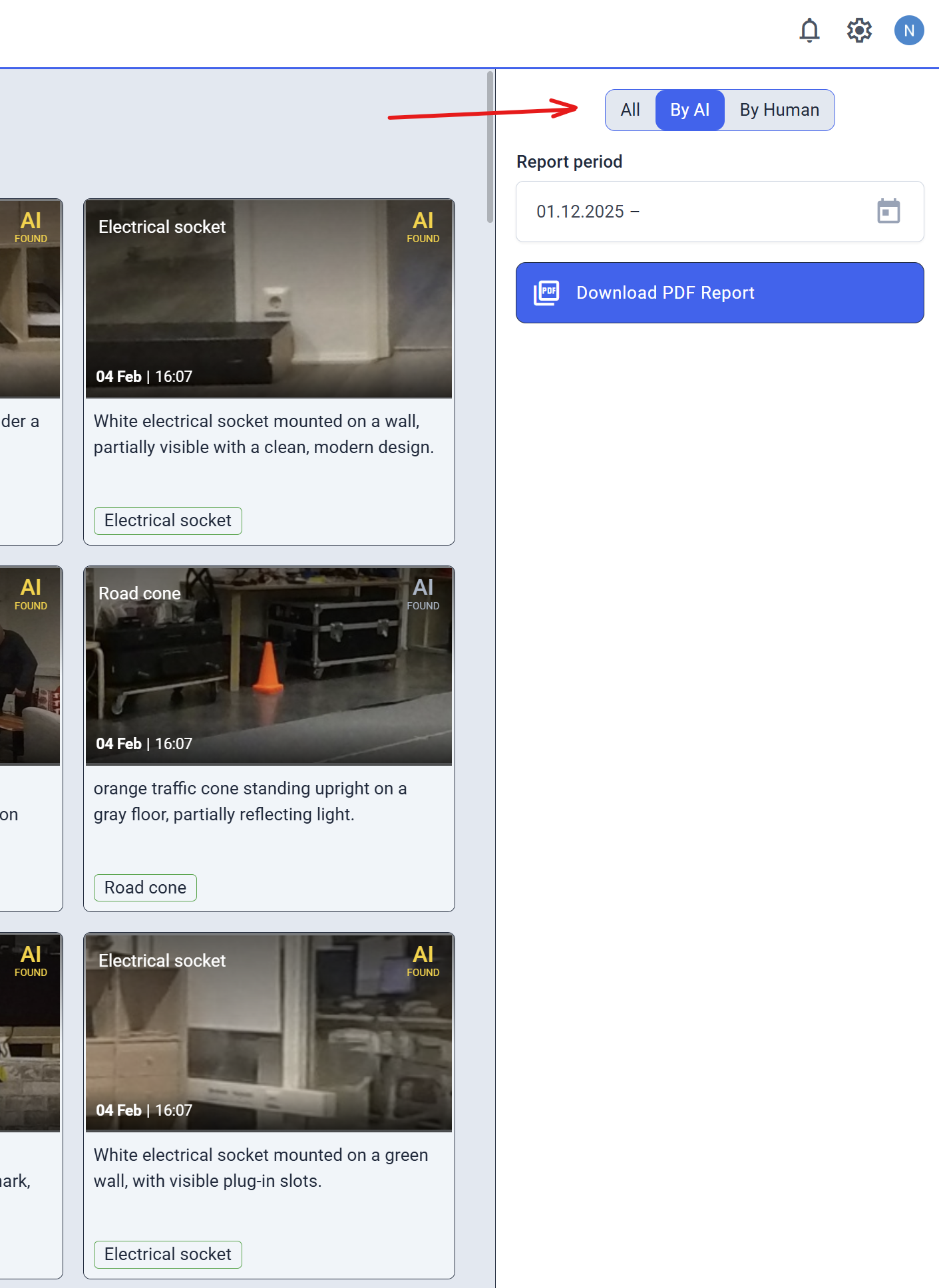
Moved Annotation Filters to Right Sidebar for Improved UX
Annotation filters are now in the right sidebar for quicker access and a cleaner, more intuitive workflow.
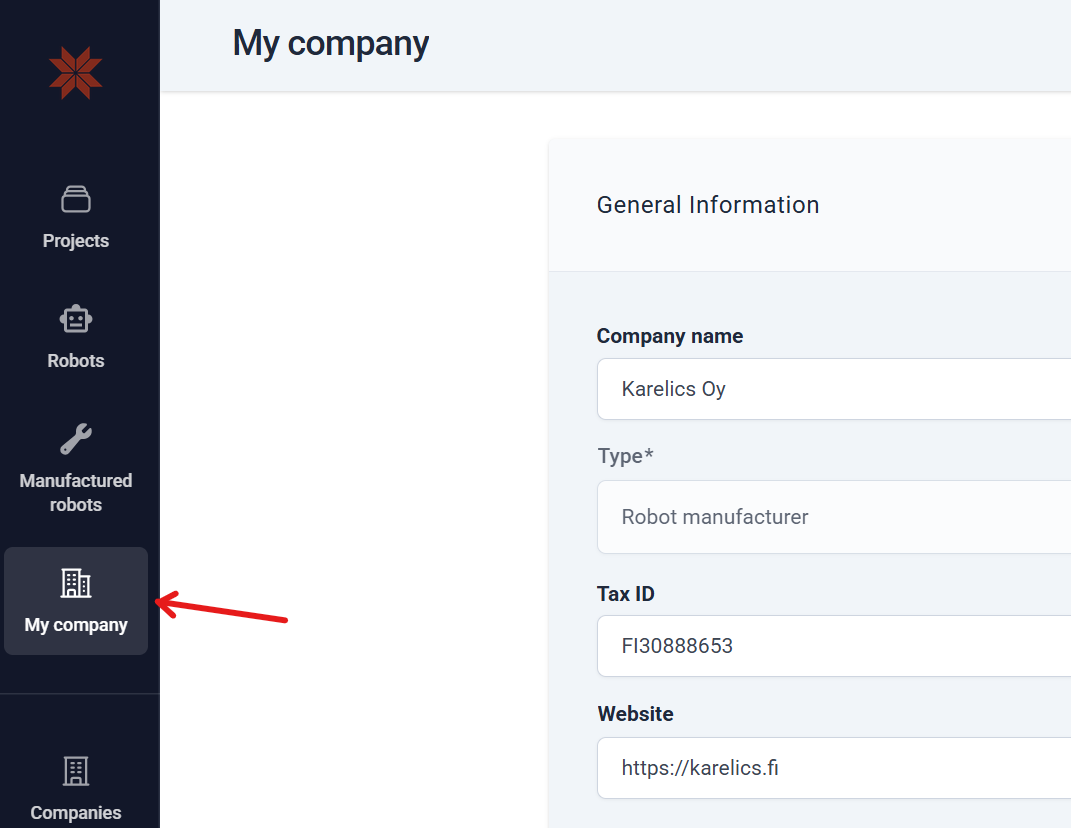
Moved 'My Company' to Main Sidebar
'My Company' is now in the admin main sidebar for instant access—no more digging through menus.
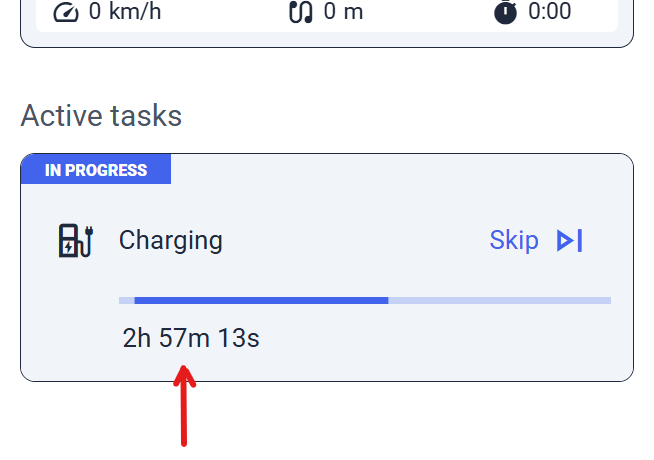
Enhanced Minutes Formatting for Better Readability
Long-task minutes now display clearly for easy time tracking.
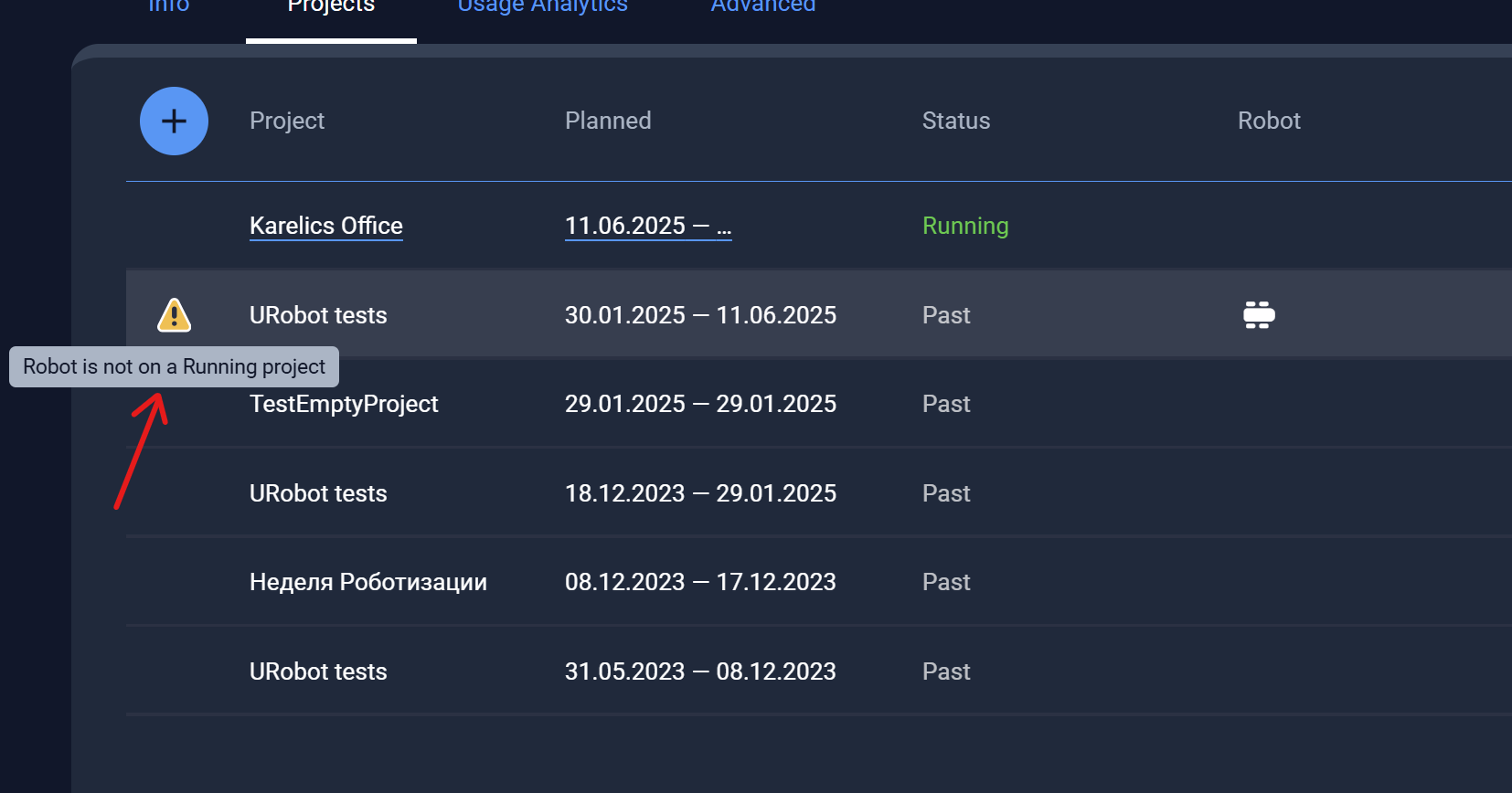
Added Tooltip to Warning Icon in Device Projects List
Hover the warning icon in projects to see a tooltip: "Robot is running a project"—quick status clarity.
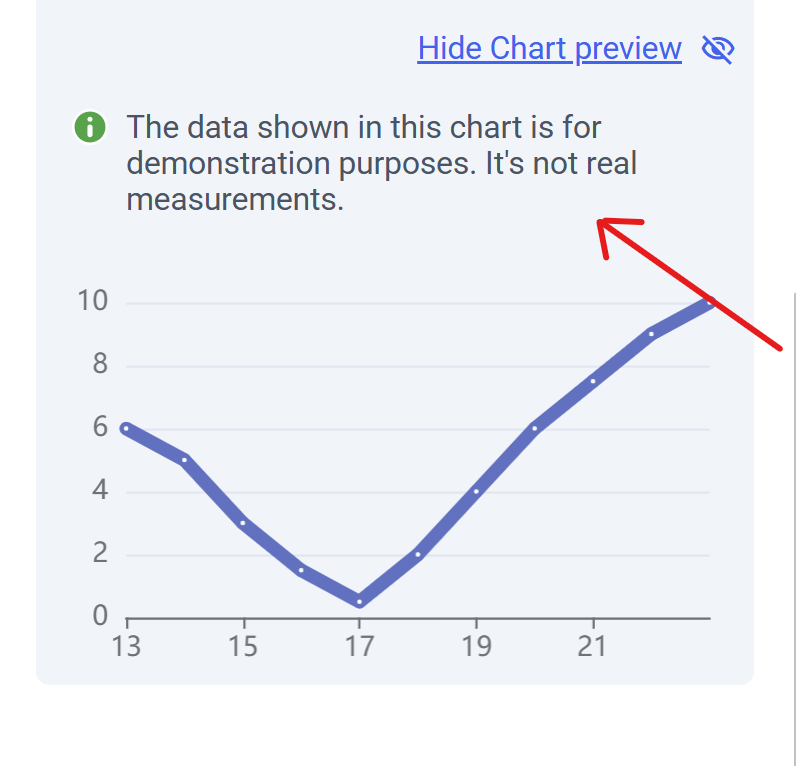
Add Demo Data Label to Gauge Configuration
Gauge config now labels demo data clearly as "for demonstration purposes only" to avoid mix-ups.
Display Last Login Info for Company Users
See each user's last login date in the list (e.g., "Today") to spot active team members at a glance.
Other Improvements and Fixes
-
Exclude Deleted POIs from Missions: Deleted POIs (null poiId) are now filtered out before launch for accurate, error-free missions.
-
Preserve Skip Step Settings When Restarting from a Step: 'Skip Step' and other prefs stay intact on mission restarts for seamless continuity.
-
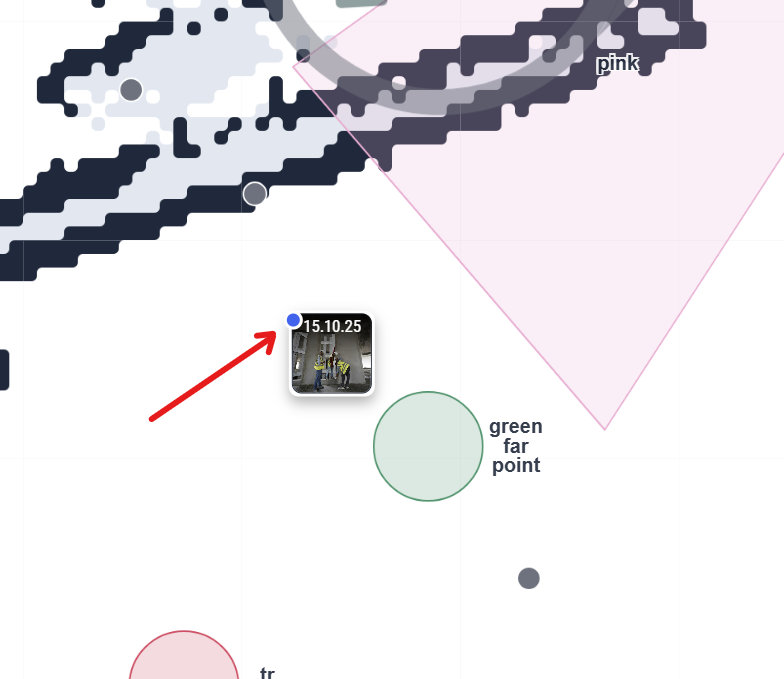
Photo indicators now rendered correctly in front
-
Fixed Breadcrumb Navigation and POI Visibility in Sidebar: Back breadcrumbs work again; POIs auto-show when editing from measurements.
-
Fixed Quick Read Button Navigation: No more wrong starts or blank pages—smooth Quick Read access from the map sidebar.
-
Added Hungarian Language Support: Full Hungarian localization for text, menus, and messages