Logging in
To access Karelics Cloud, you need an active account.
Steps
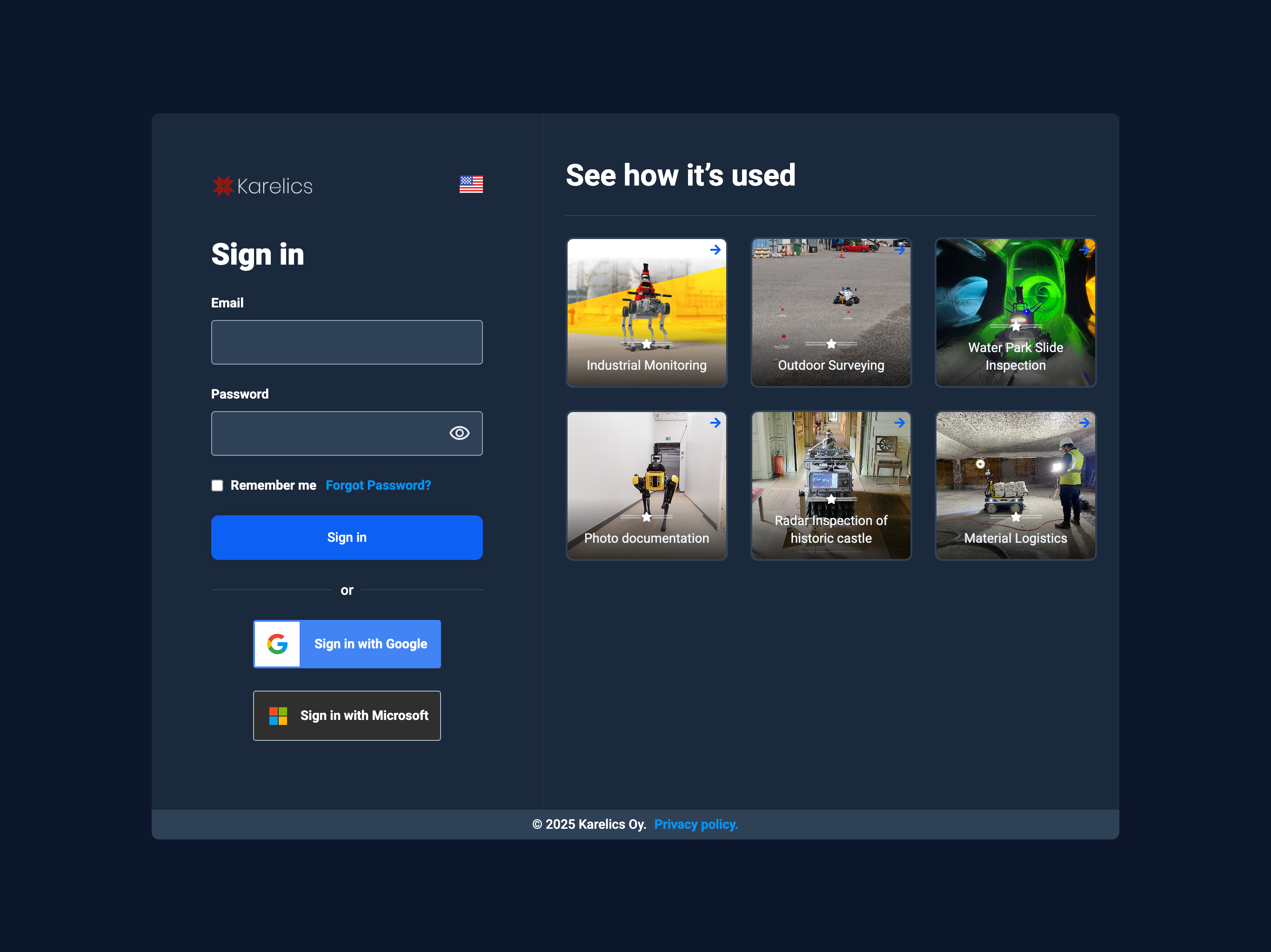
- Open https://karelics.cloud.
- Enter your email and password, or choose Sign in with Google or Sign in with Microsoft (SSO). See SSO feature for setup details.
- Press Sign in.
tip
Remember me keeps you signed in on this device. Use it only on personal or trusted computers.
Forgot password?
- If you forgot your password → use Forgot password? link.
- If SSO is enabled in your organization, you will be redirected to your company’s login page. Learn more in the SSO feature.
- For access issues, contact your workspace admin.
- If you’re having trouble logging in, contact our support team at support@karelics.fi.