Manual charging
X30 is powered by a ternary lithium battery.
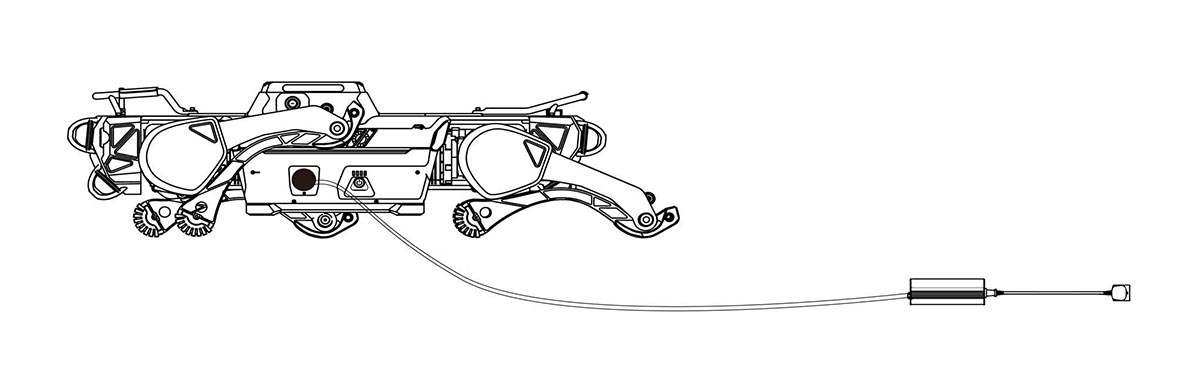
You can connect the robot with 220V AC power supply through the charger, and the charging port is located on the left side.
- First make sure the robot is turned off. Open the charging port cover and connect the charger to the charging port and tighten it (charger has an anti-reverse plug-in port), then connect it to 220V AC power.
- During charging, the charging indicator on the charger is red.
- When charging is complete, the charging indicator on the charger turns green.
Charging Safety
- It is recommended to charge in an environment of 0 ℃ to 45℃ .
- During charging, please do not power on the robot and always pay attention to the state of the charger during charging to avoid accidents. Disconnect the charging power supply in time after charging.
- When the robot is not charging, the charging port cover must be closed to prevent water.