System login
Access the Karelics Cloud platform to begin your industrial monitoring operations.
tip
If this is your first login, please see the instructions on the First time login page.
To access Karelics Cloud, you need an active account.
Steps
- Open https://karelics.cloud.
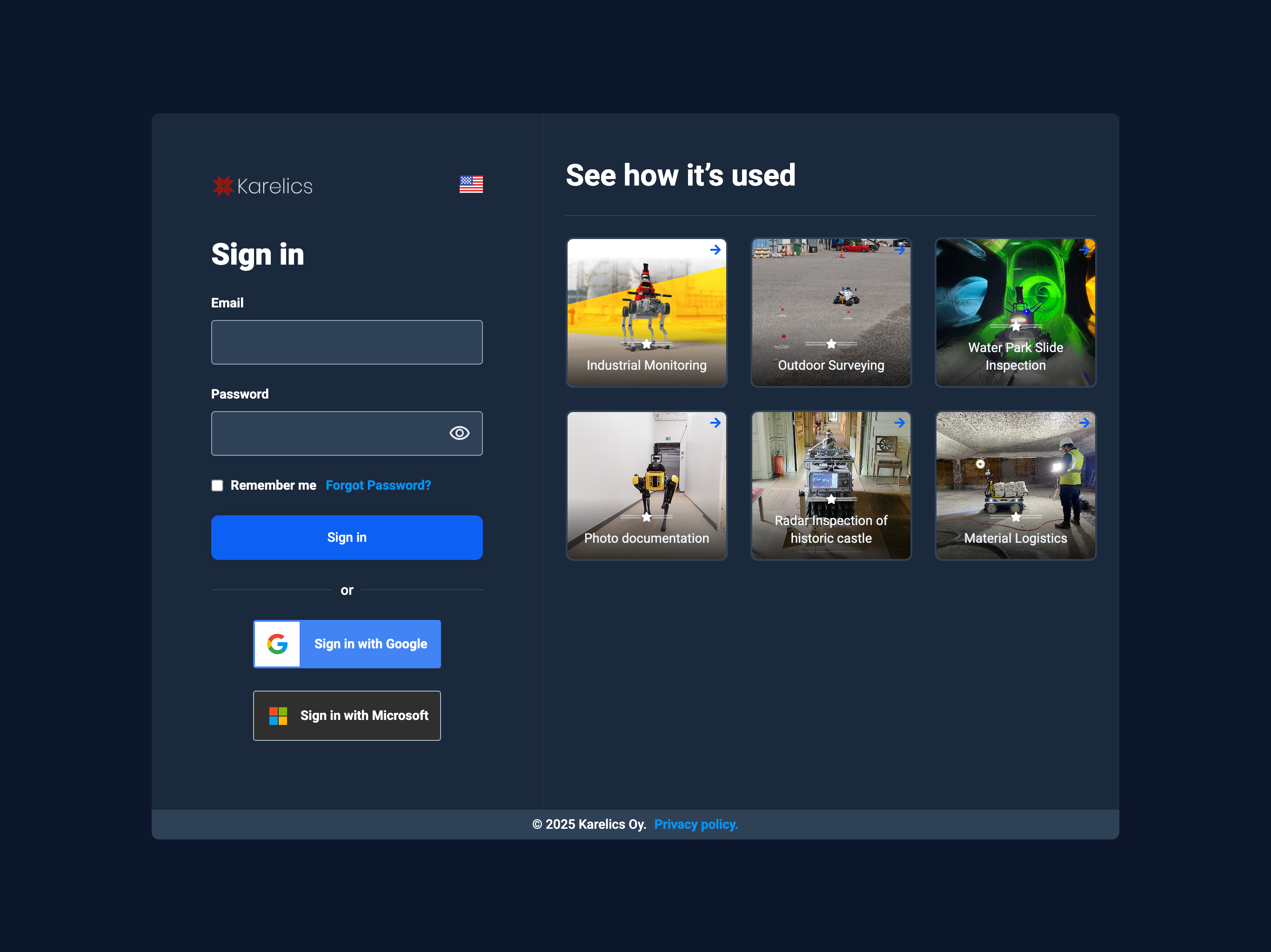
- Enter your email and password, or choose Sign in with Google or Sign in with Microsoft (SSO). See SSO feature for setup details.
- Press Sign in.
tip
Remember me keeps you signed in on this device. Use it only on personal or trusted computers.
Forgot password?
- If you forgot your password → use Forgot password? link.
- If SSO is enabled in your organization, you will be redirected to your company’s login page. Learn more in the SSO feature.
- For access issues, contact your workspace admin.
- If you’re having trouble logging in, contact our support team at support@karelics.fi.