Admin hub
Designed for administrators to configure projects, robots, clients, users and all system parameters.
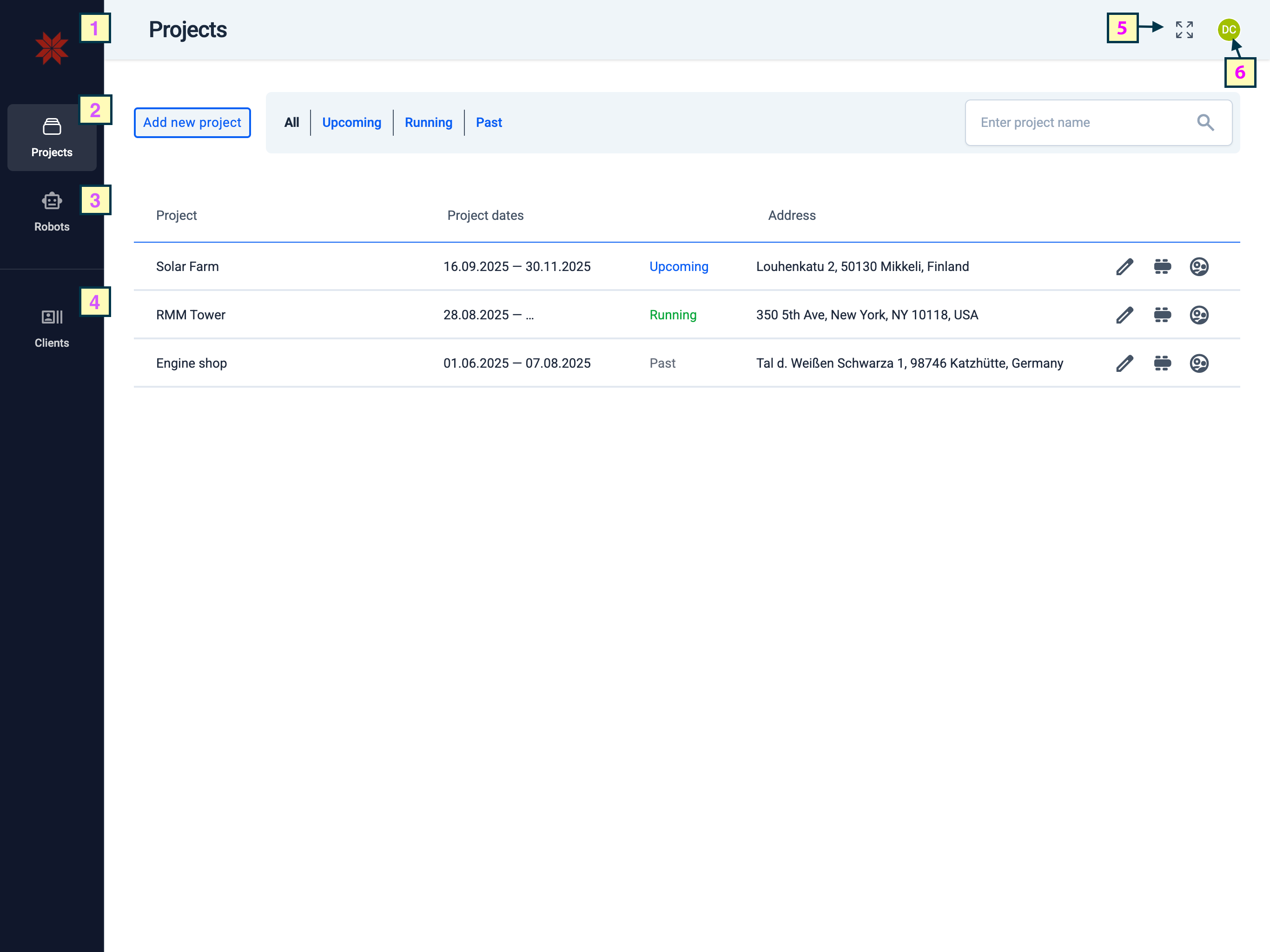
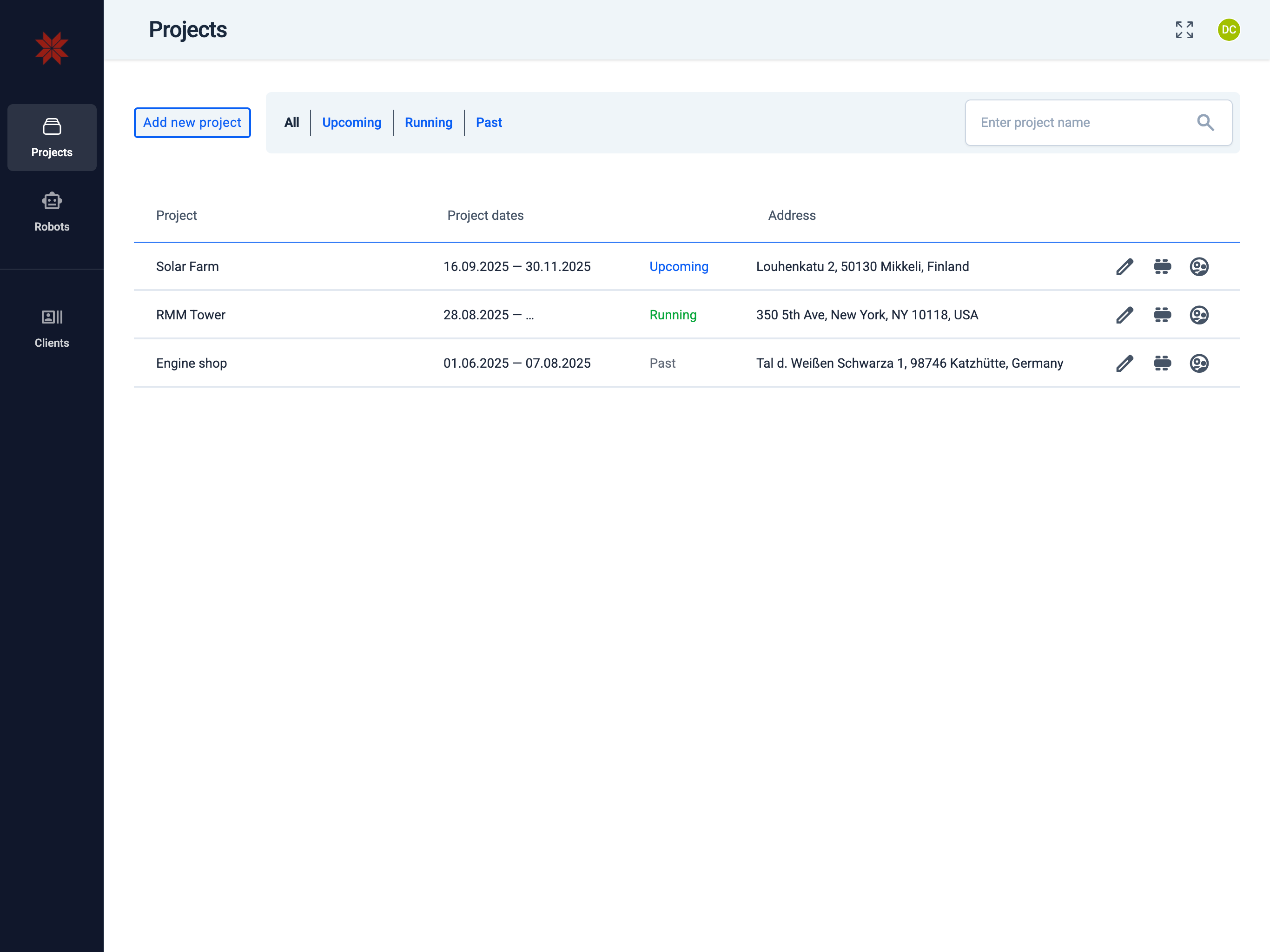
Projects screen — key elements
Numbers on the screenshot correspond to the legend below:
-
Switch to Operator Hub — open the Operator Hub from the app switcher.
-
cases Projects tab — list of projects you administer.
-
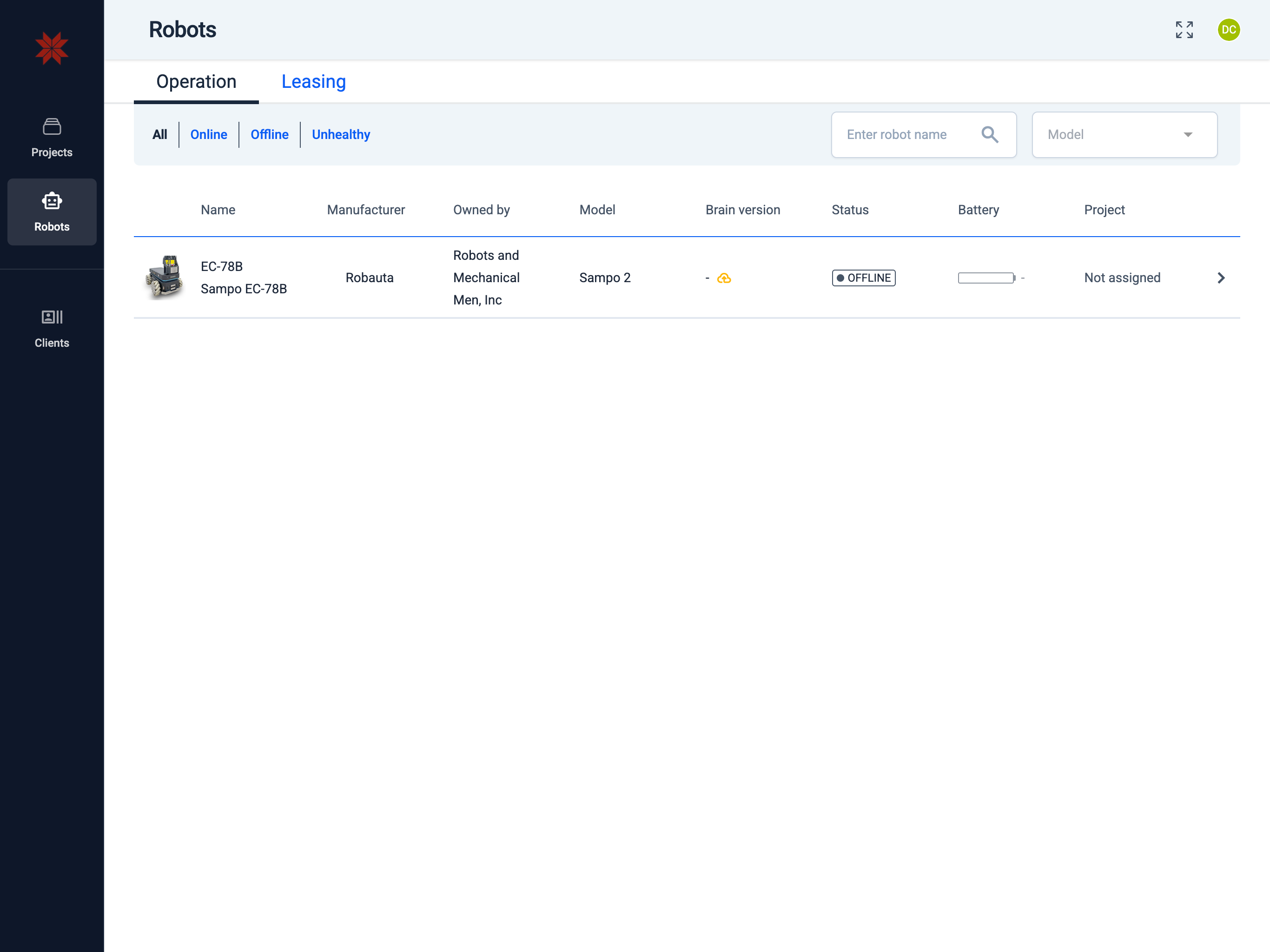
smart_toy Robots tab — navigate to robots under your administration.
-
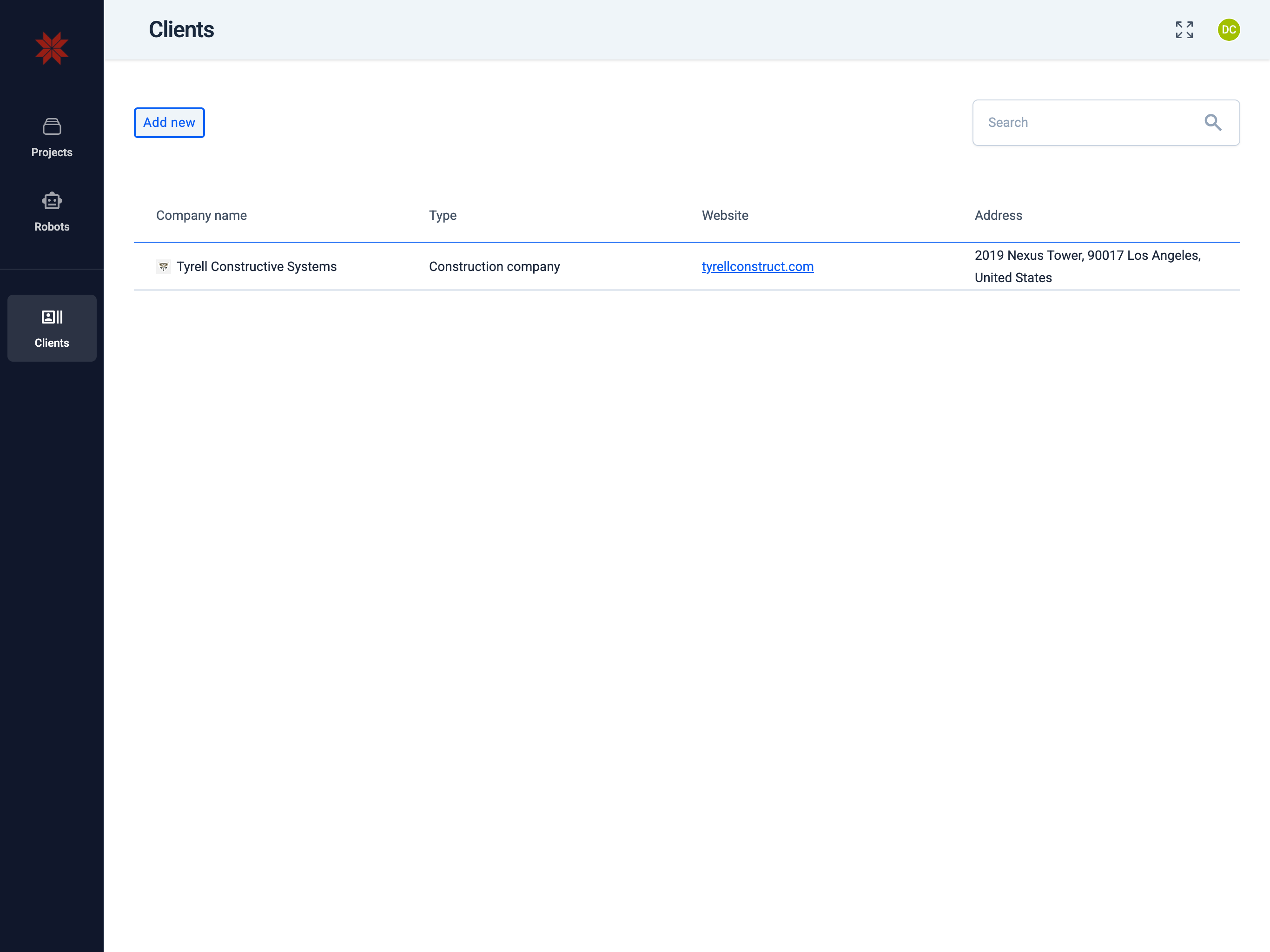
recent_actors Clients tab — access customer organizations that have been invited to your system.
-
fullscreen Fullscreen — toggle full‑screen view.
-
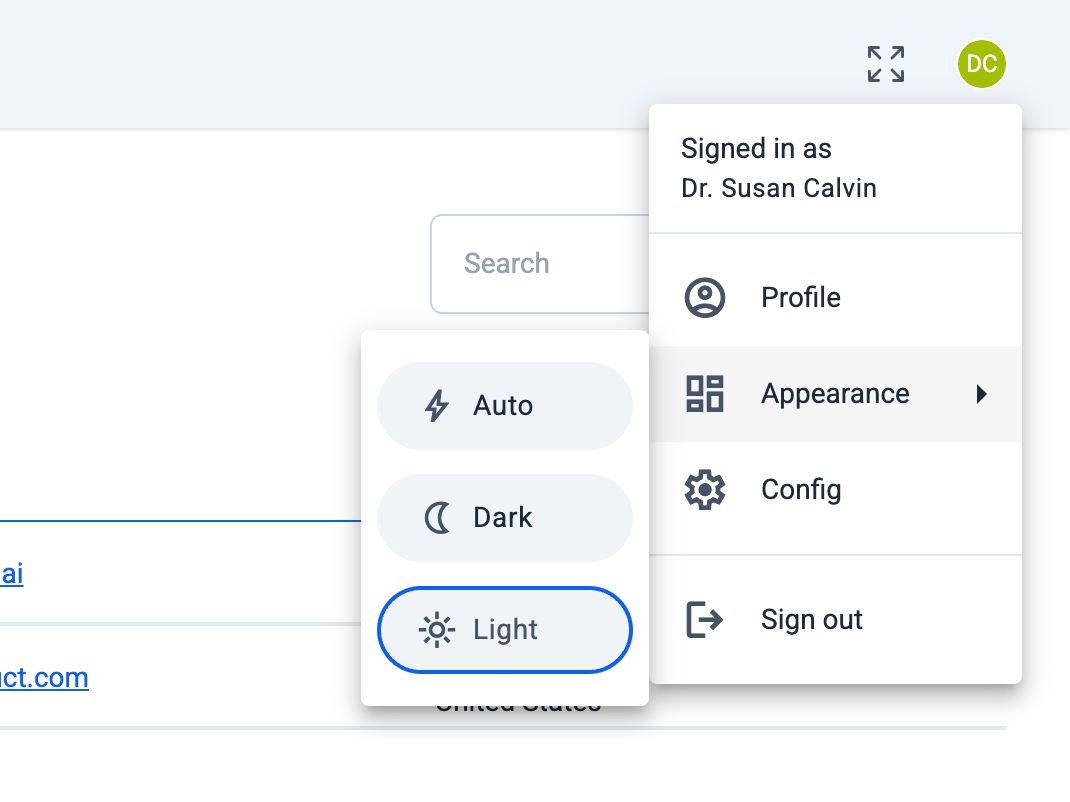
account_circle User menu — access personal account settings and actions:
Detailed explanations of each tab available in the Admin Hub section:
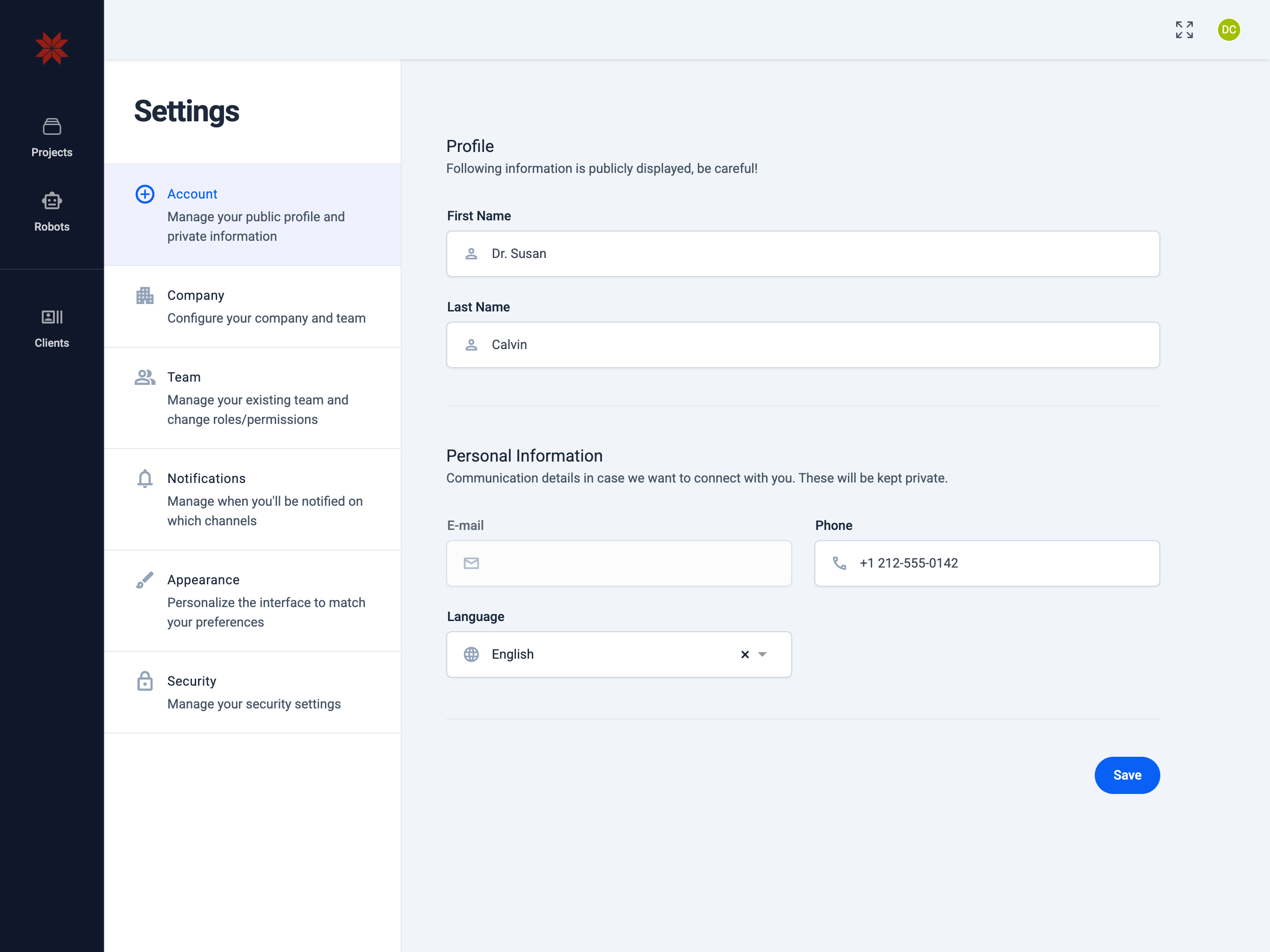
🗃️ Profile
6 items
🗃️ Projects
2 items
🗃️ Robots
2 items
🗃️ Clients
3 items
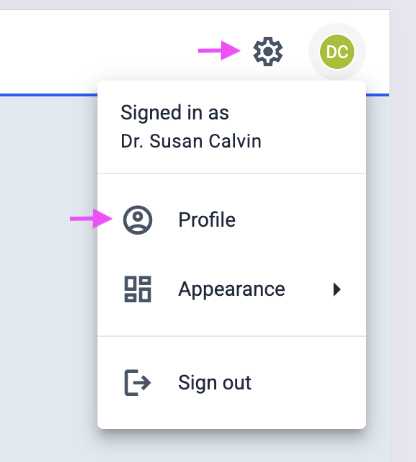
Switching from Operator Hub
To open the Admin Hub from the Operator Hub, use the menu in the top‑right corner of the app: either click the gear (Settings) icon or open your Profile.