Client info
The Company Team permission management includes all members of client company. Depending on the assigned role, members can manage the company and its assets.
You can invite, remove, and assign roles to users from client company, and to users from other companies.
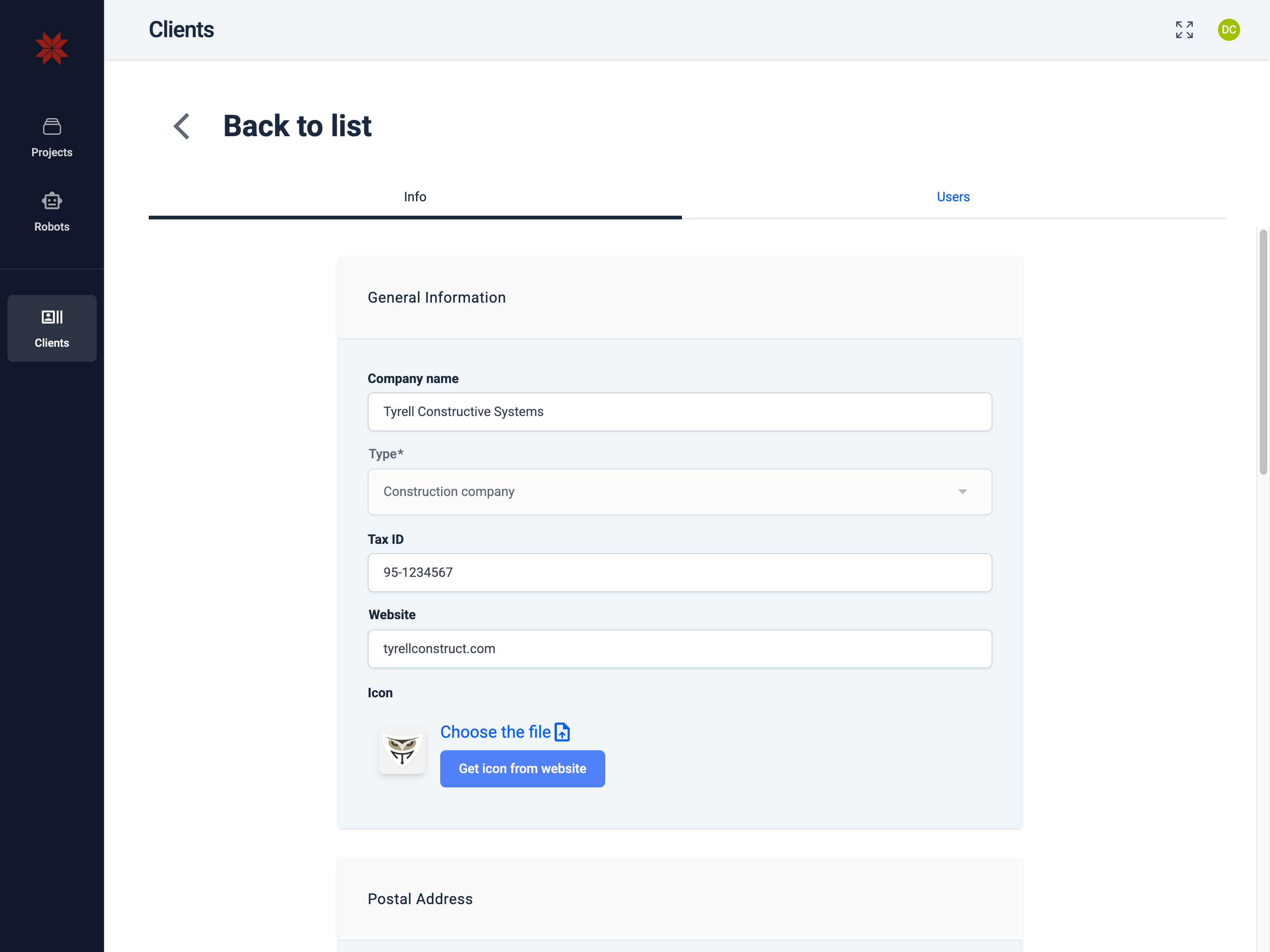
Company profile: legal name, type of business, identifiers, website and logo, as well as postal and billing addresses and contacts.
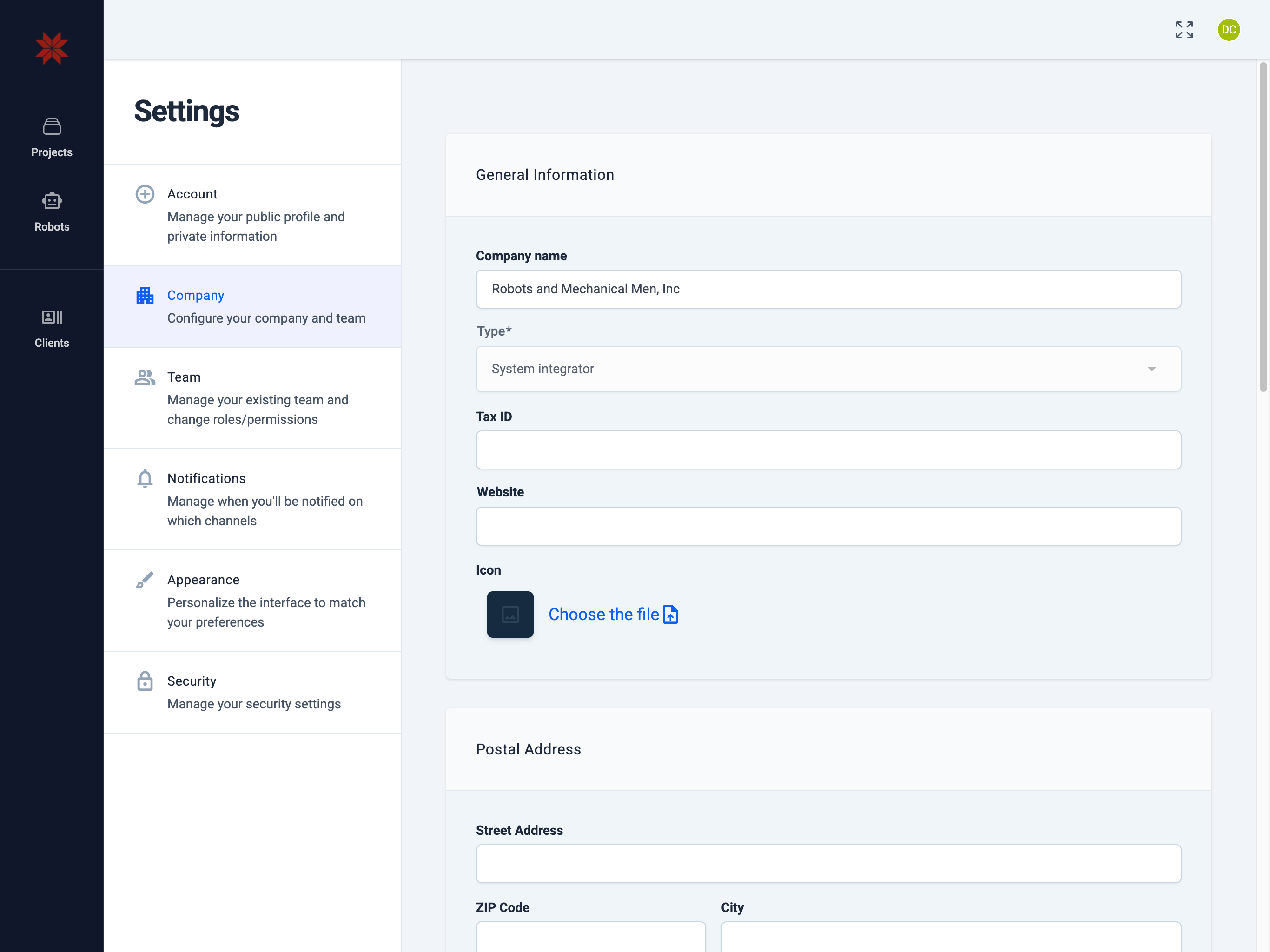
General Information
- Company name The official name of the company. Used in lists, invitations, and documents.
- Type Type of company (for example, System integrator). May define available features and agreement templates.
- Tax ID Tax identifier (VAT / Y‑tunnus, etc.). Required for invoices and contracts.
- Website The public website of your company. Helps clients and partners quickly access your resource.
- Icon (logo) Upload a square company logo. It is used in lists and cards.
Hint
Preferred logo format: ICO/JPG/PNG/SVG, max size 90kb.
Postal Address
Enter the address for correspondence:
- Street Address, ZIP Code, City, Country — used for contracts, deliveries, and documents.
Postal Contact
Contact person for general correspondence:
- Name, Mobile Phone Number, E‑mail — where notifications, letters, and general inquiries will be sent.
Billing Address
Address for invoicing:
- Enable the toggle Billing address is the same as postal address if the billing address matches the postal address.
- Otherwise, fill in Street Address / ZIP / City / Country separately.
Billing Contact
Contact person for billing inquiries:
- Enable the toggle Billing contact is the same as postal contact if the data matches.
- Otherwise, specify Name, Mobile Phone Number, E‑mail — this is where you will receive invoices and payment-related inquiries.
Saving
After filling in, click Save.
Security and compliance
- Use the legal company name and correct Tax ID — this data appears in invoices and contracts.
- Keep the billing e‑mail and billing phone up to date — otherwise you may miss important invoices or reminders.
- Do not upload logo files containing confidential information or metadata you do not want to disclose.