Appearance
On this page you can personalize the look and feel of the application to better match your preferences.
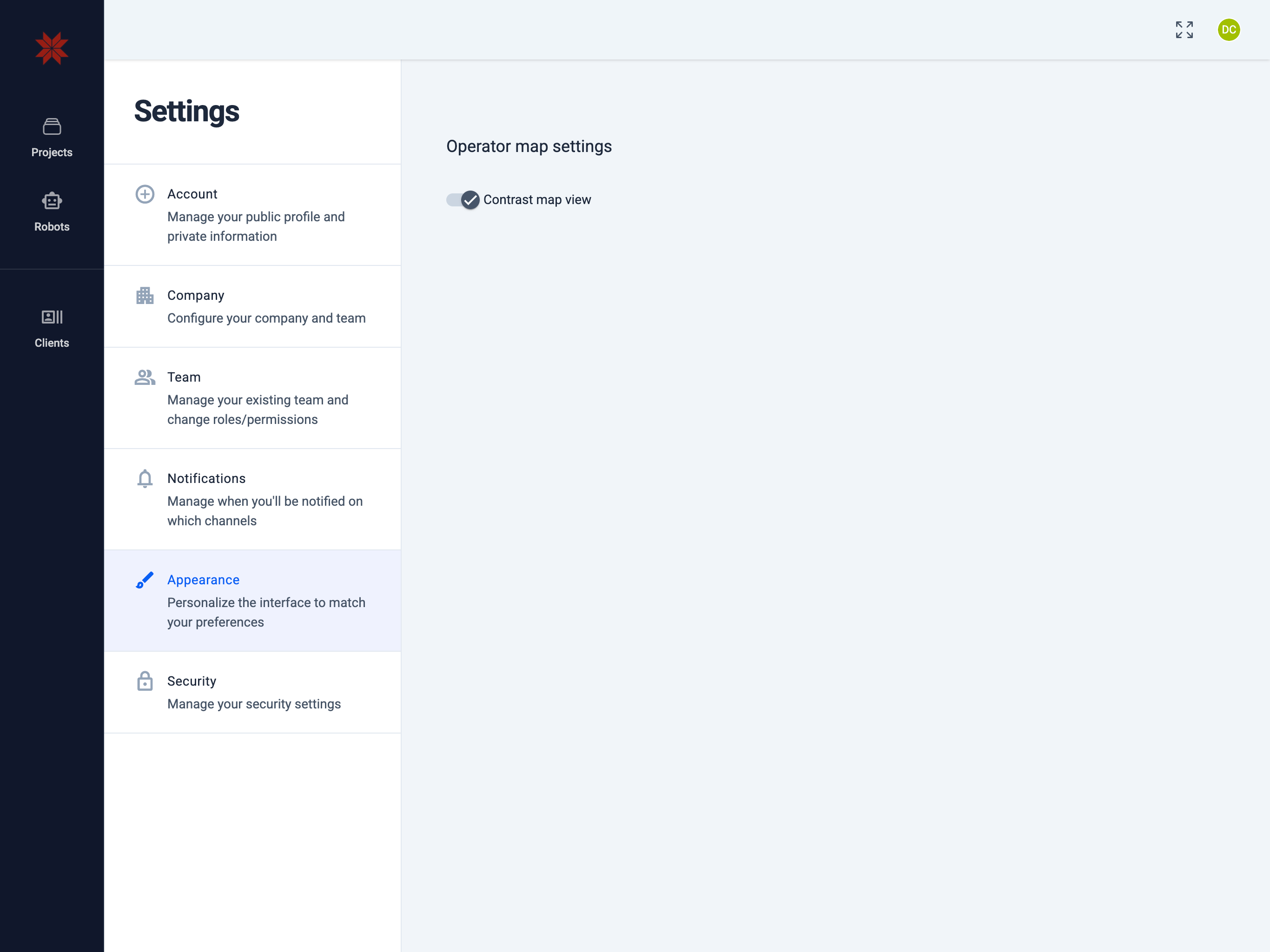
Contrast map view
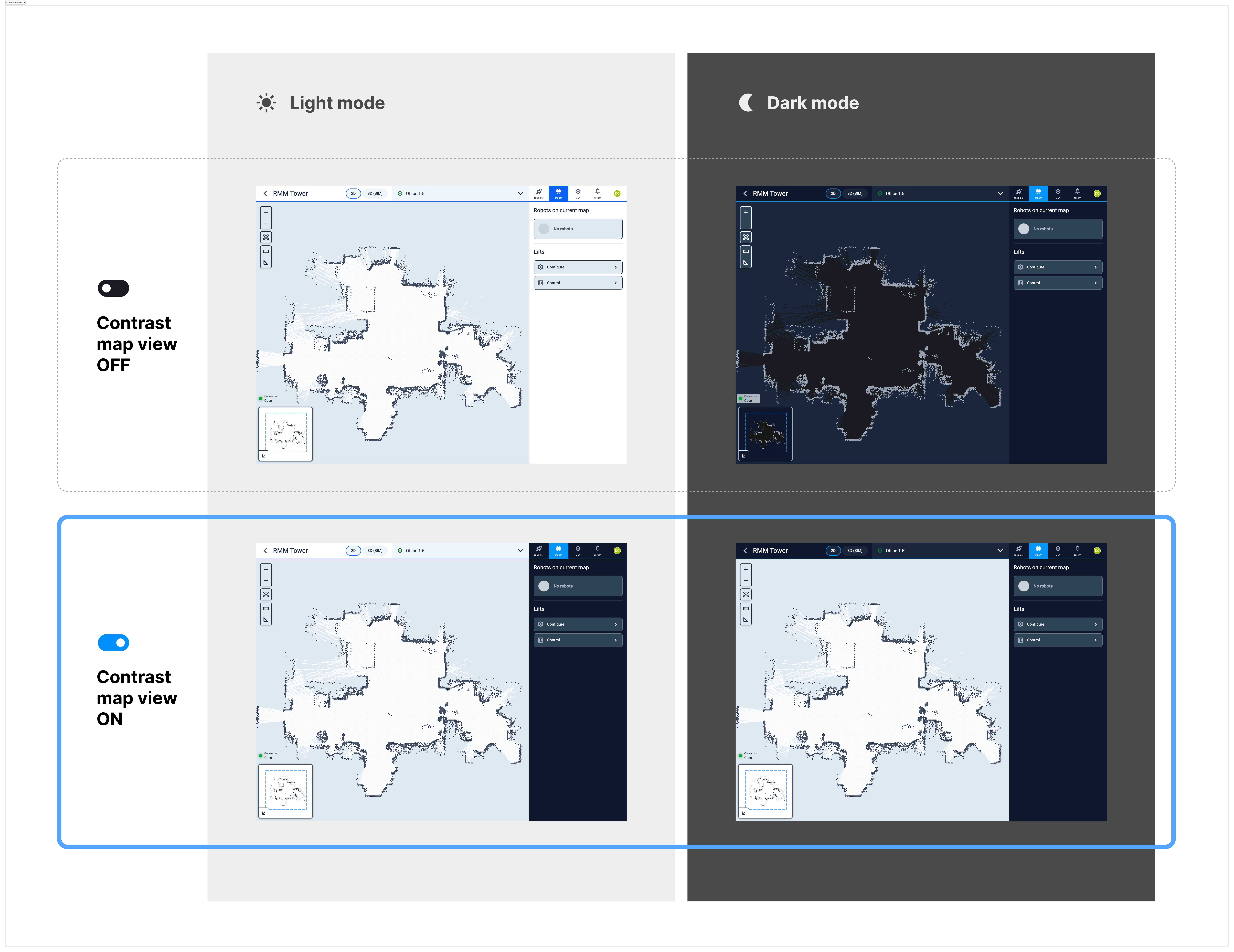
The Contrast map view switch changes the visual style of the map canvas and the map sidebar to improve readability (see the diagram below).
- OFF — the map follows the selected theme (Light/Dark) with standard contrast; the sidebar keeps the default styling.
- ON — the map uses a high‑contrast palette and the map sidebar switches to a dark style to make controls and layers easier to read.
note
This setting affects appearance only. It does not modify map data or robot behavior.