Current project
Admin Hub → Projects → Current Project
This section contains all the settings and configurations for the current project. Use the navigation menu to access different aspects of project management.
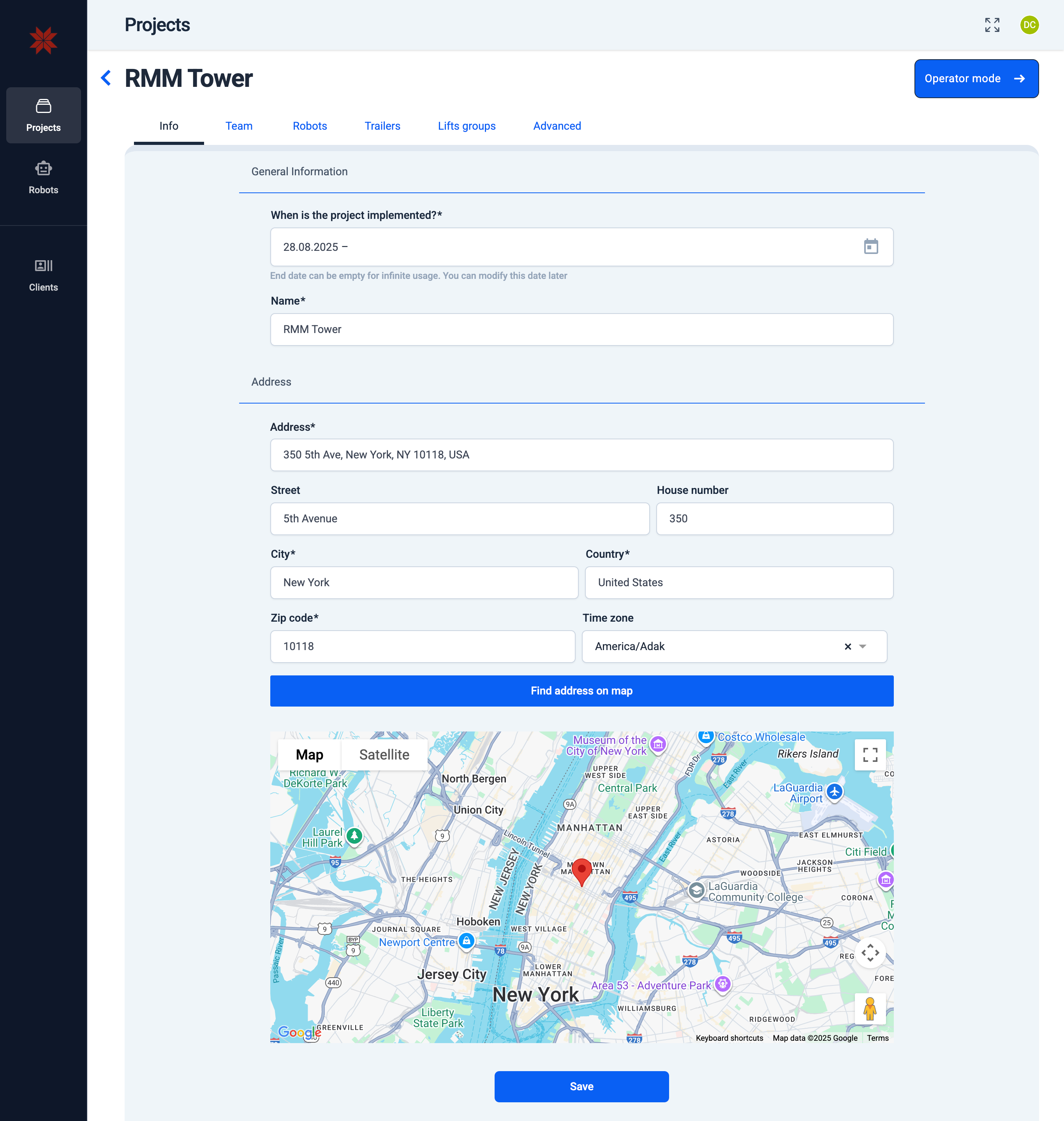
- Back arrow — return to the list of all projects.
- Project name — the title of the current project.
- Operator mode button — switch to the operator interface of this project.
- Project settings tabs — navigation through all available configuration tabs:
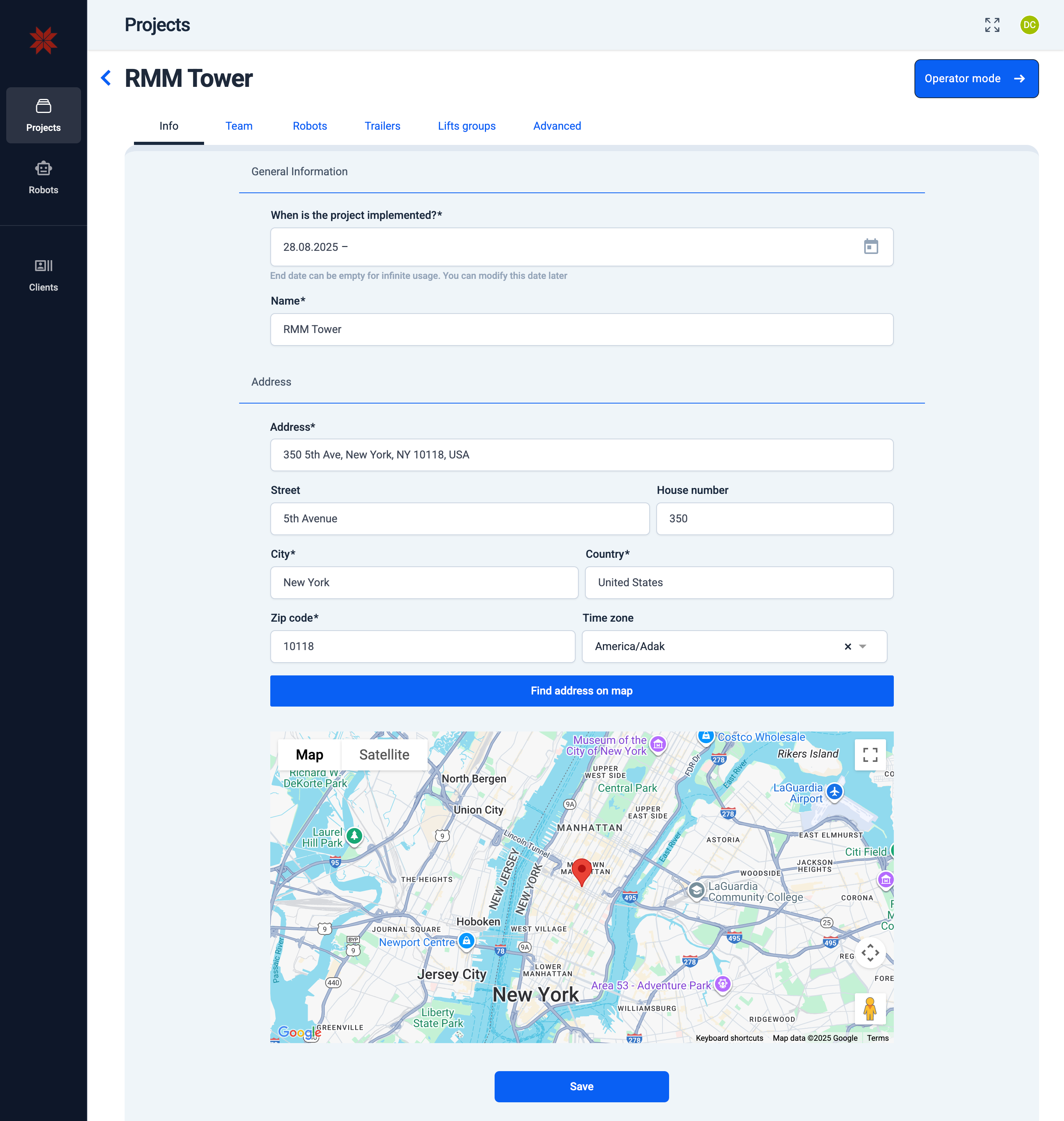
📄️ Info
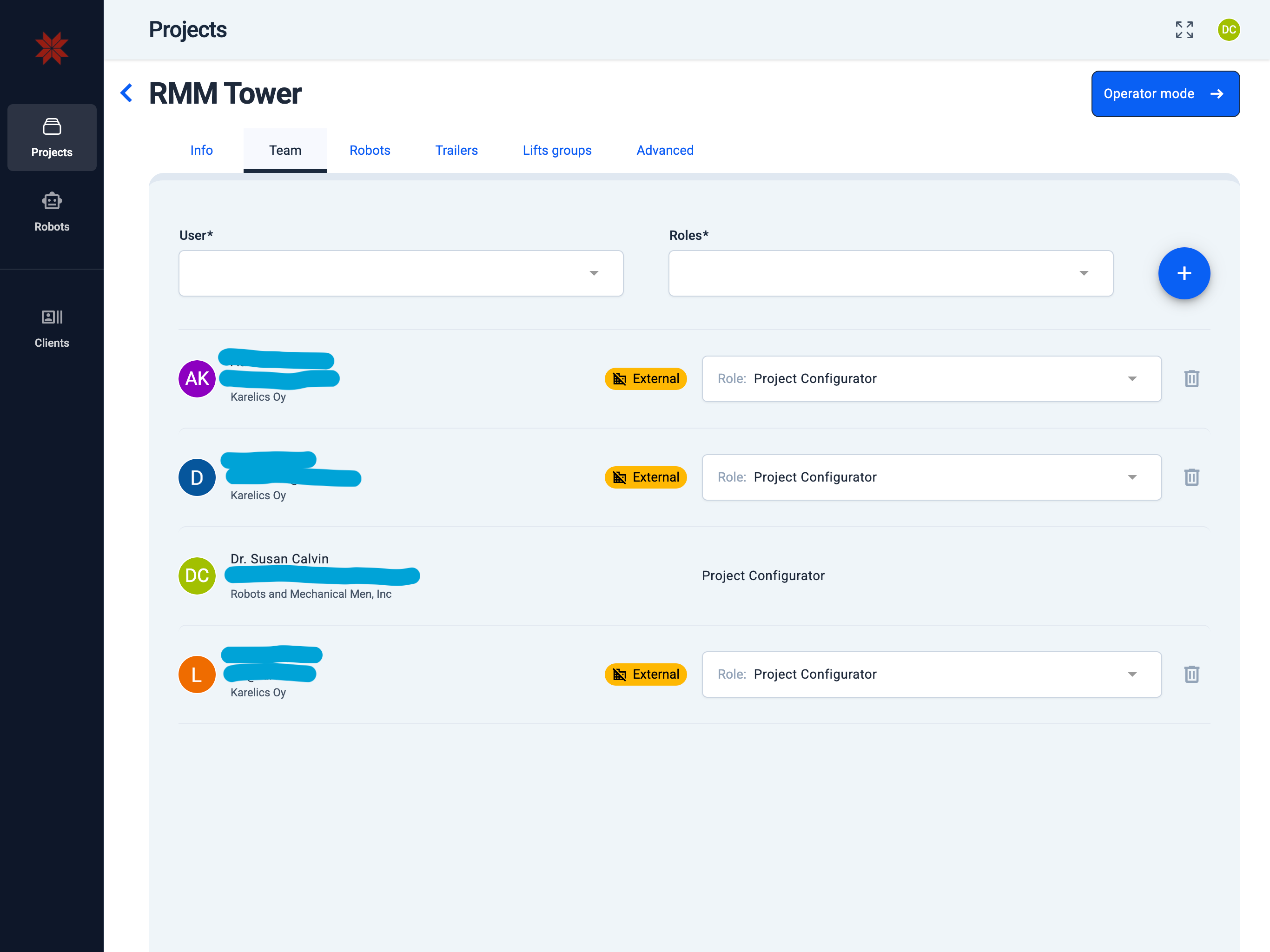
📄️ Project team
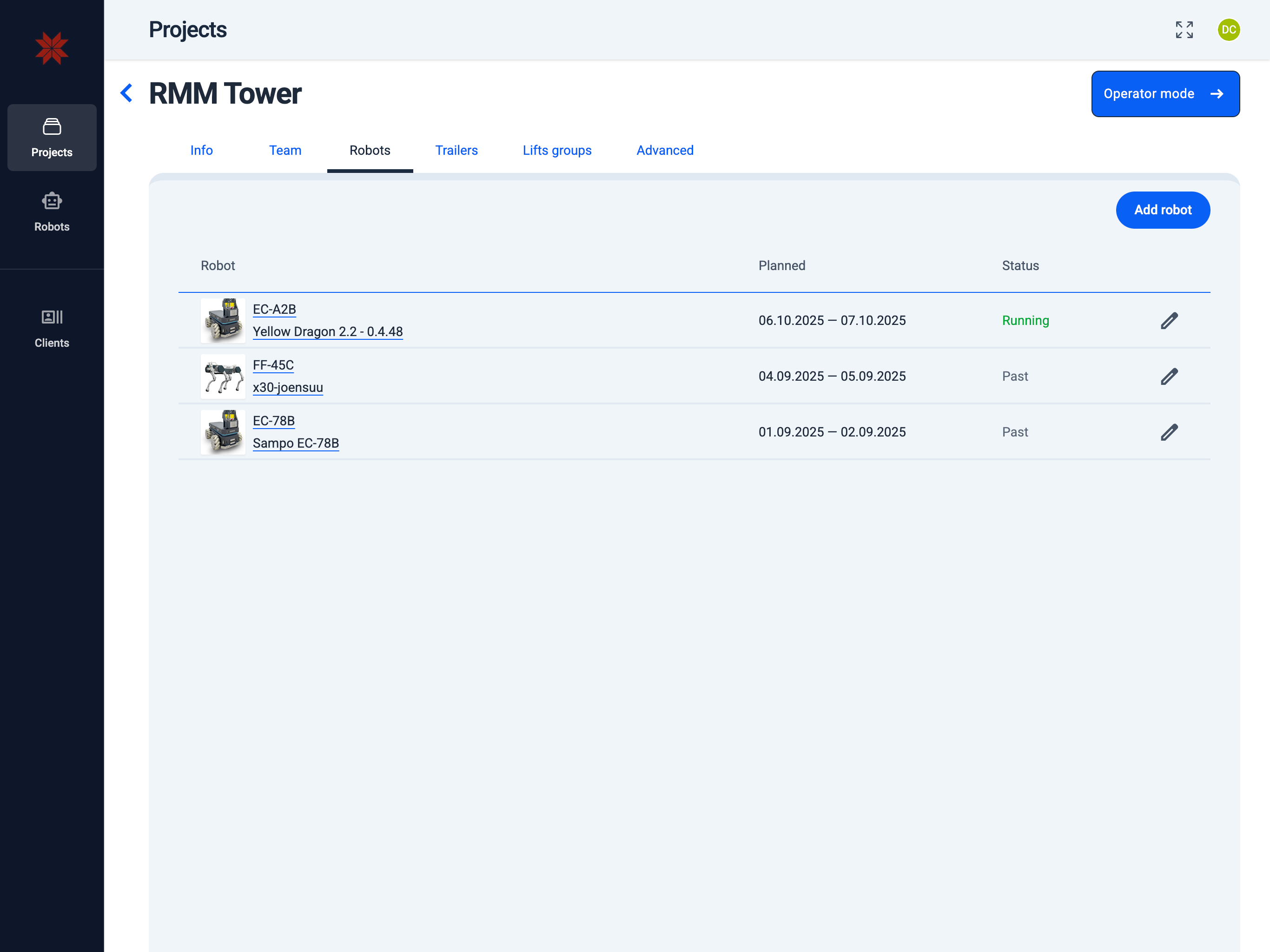
🗃️ Robots
1 item
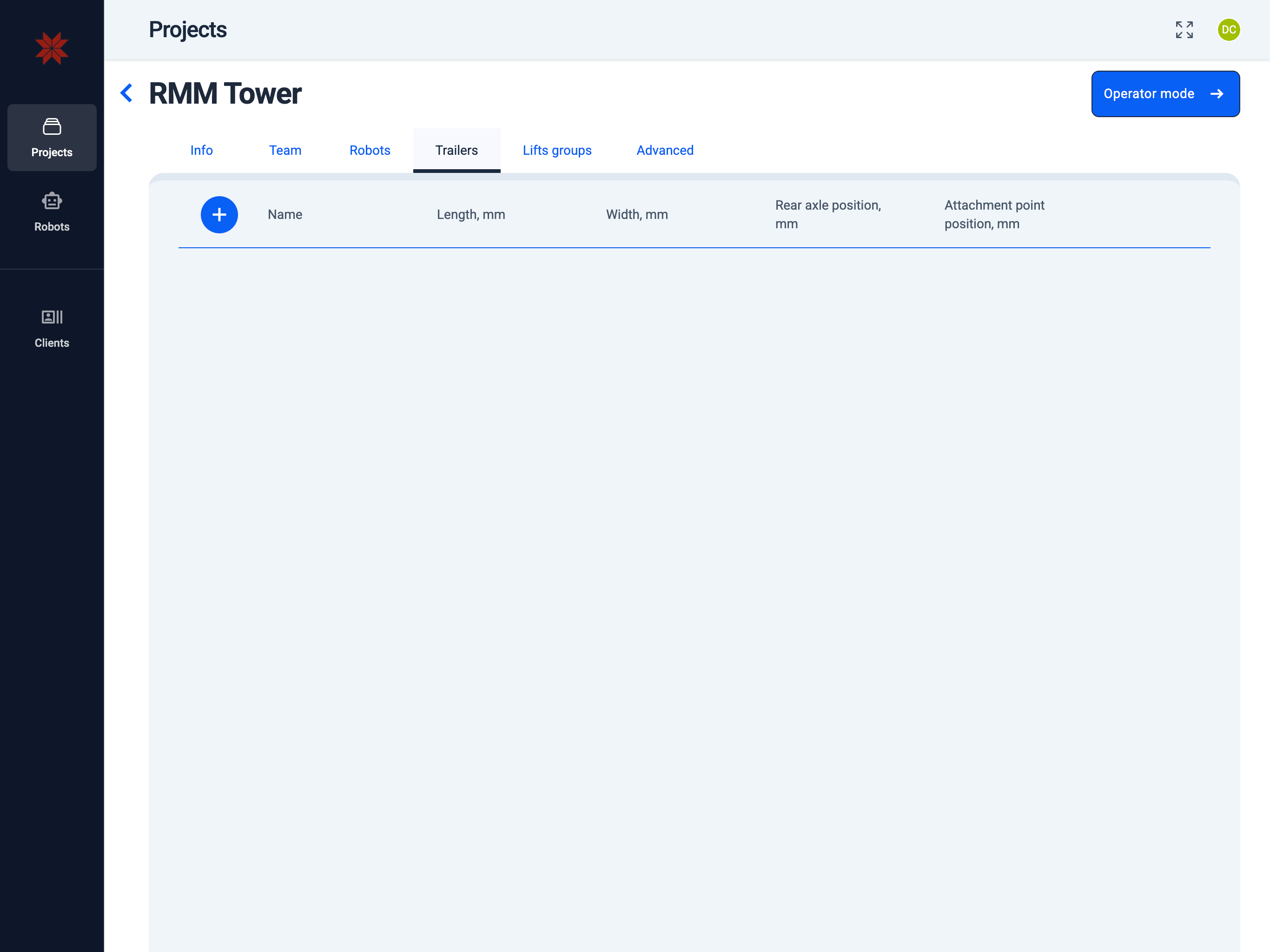
📄️ Trailers

📄️ Lifts groups
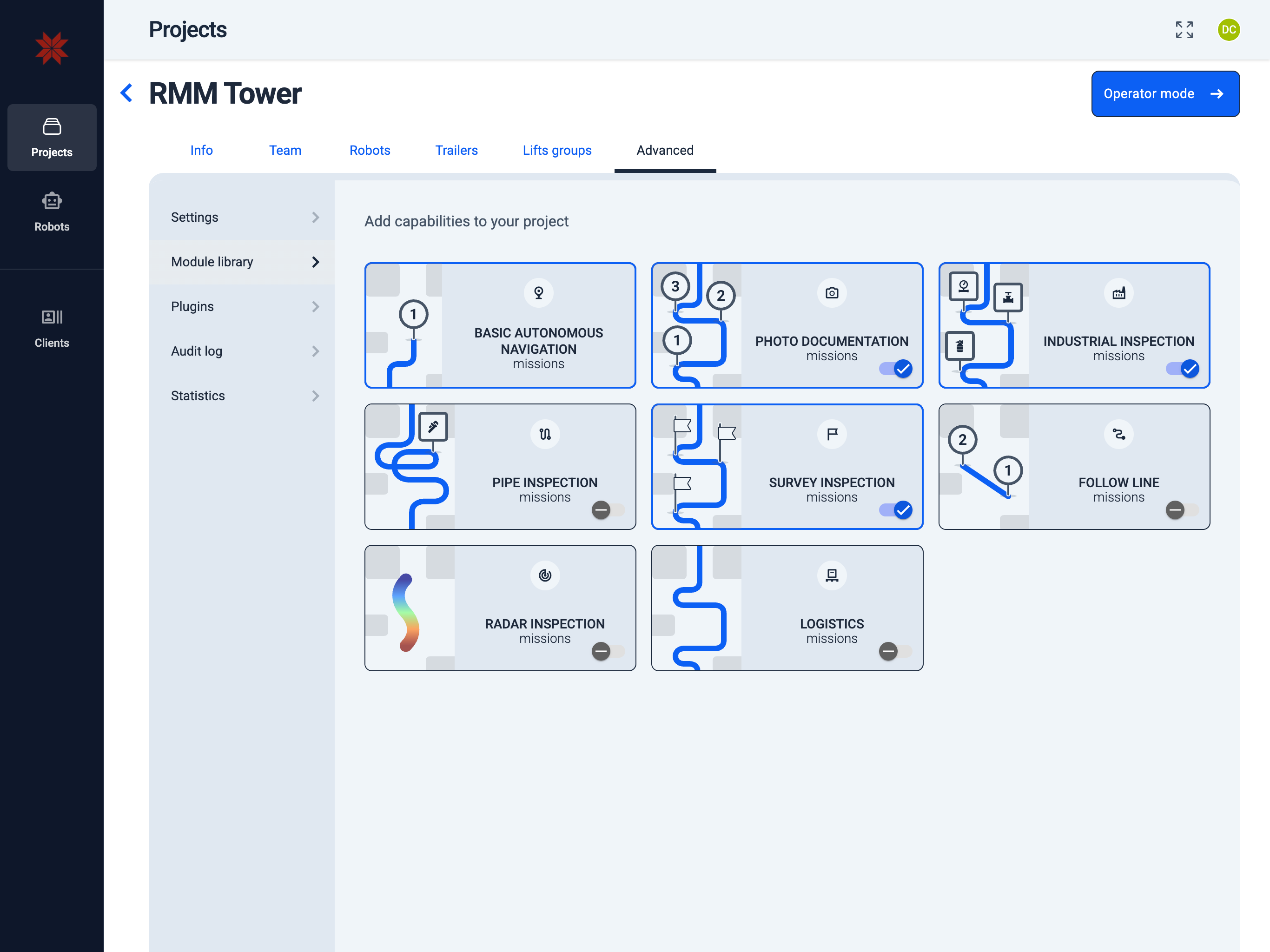
🗃️ Advanced
5 items