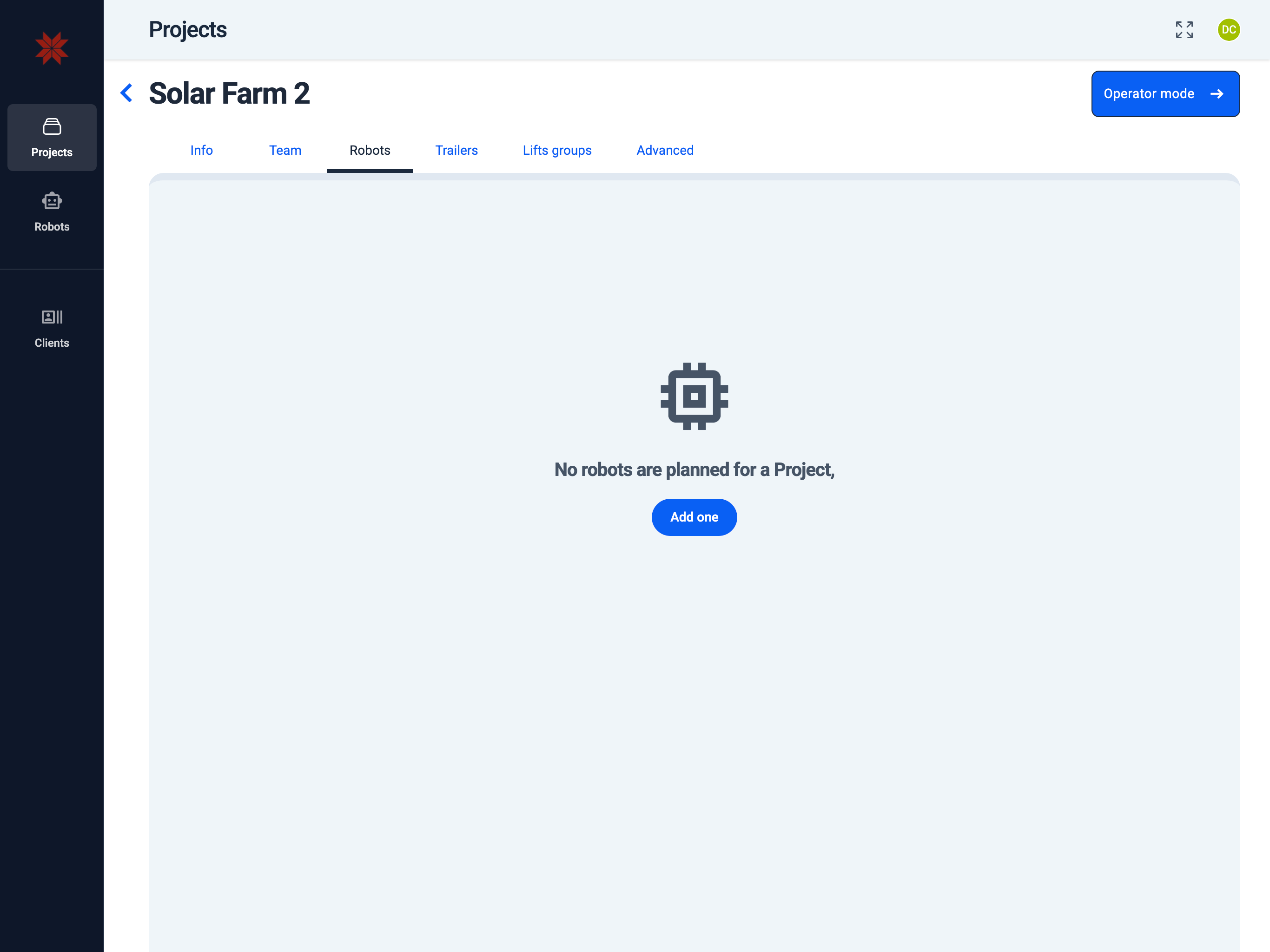
Robots
Admin Hub → Projects → Current Project → Robots
Use this tab to plan and supervise every robot scheduled for the current project. It provides quick access for both internally owned and leased units.
Key elements:
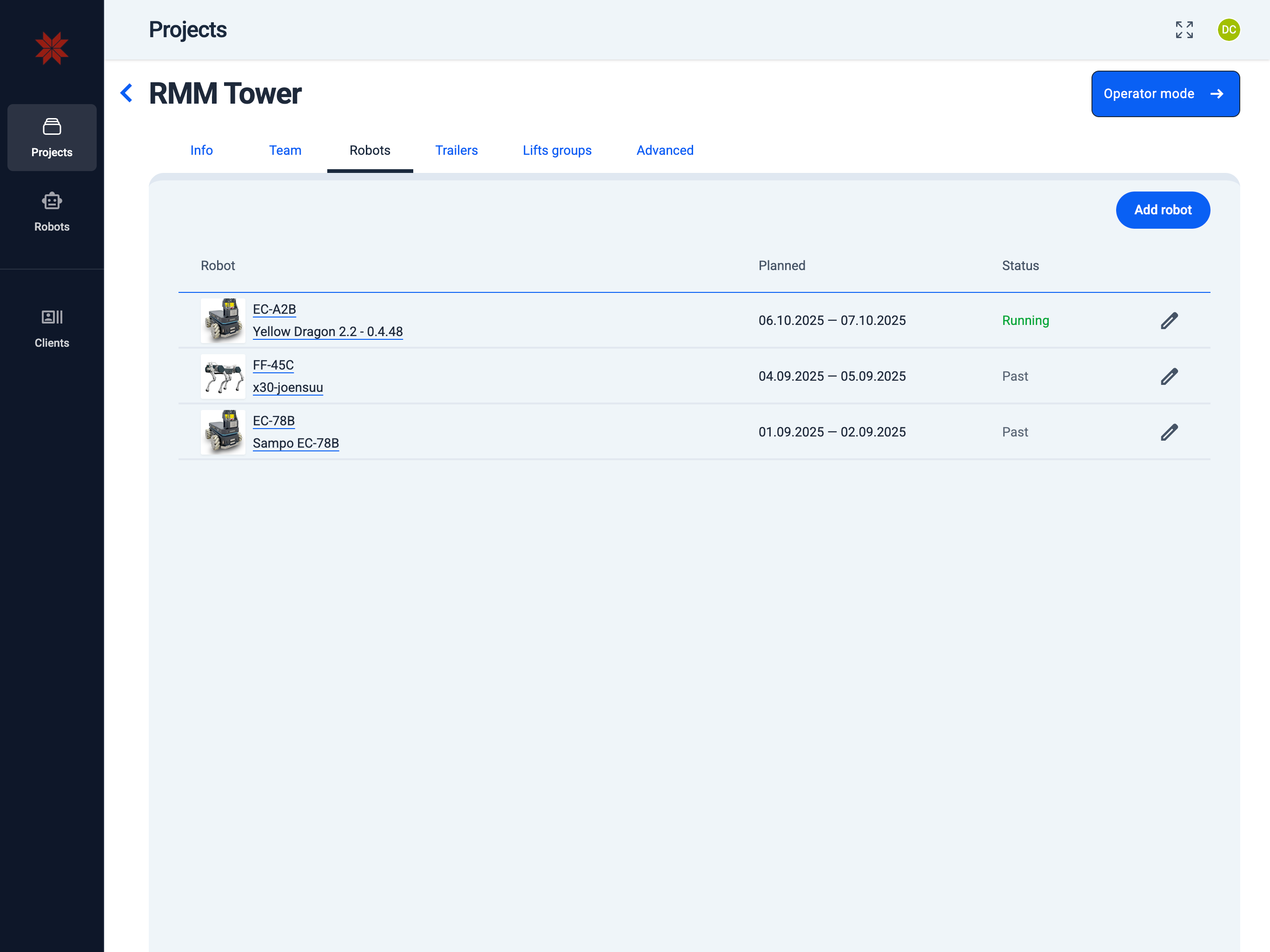
- Add Robot — add a new robot to this project and set up its work schedule.
- Robot name — open robot configuration to edit settings or check status.
- Pencil icon — edit the robot's schedule in this project (same flow as Schedule Robot).
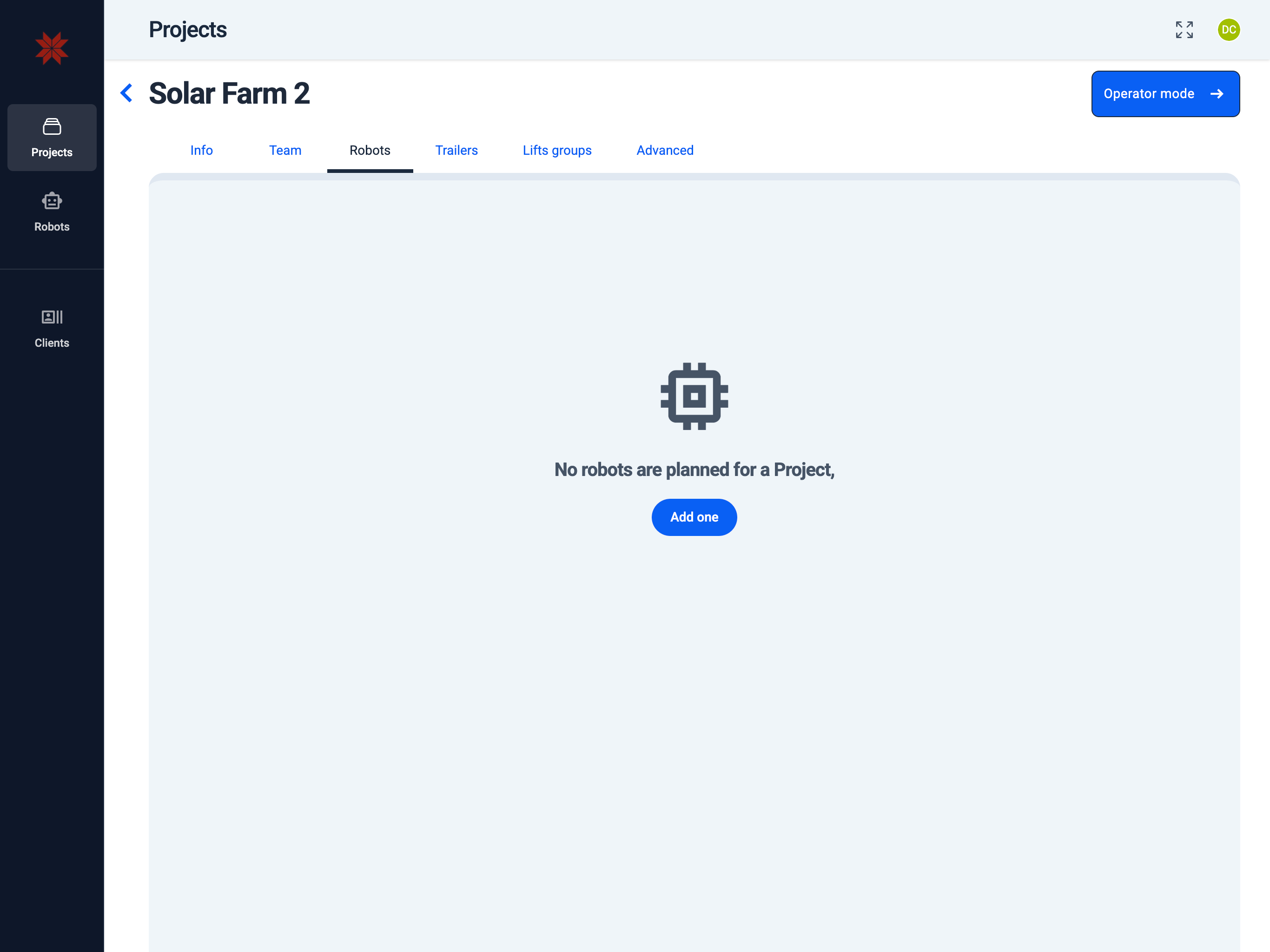
- Add one (empty list) — create and schedule your first robot entry. See Schedule Robot.
- List of Robots
- Empty List of Robots
info
You can manage robot settings only if the robot is either owned by your organization or leased to you.