DroneDeploy Plugin
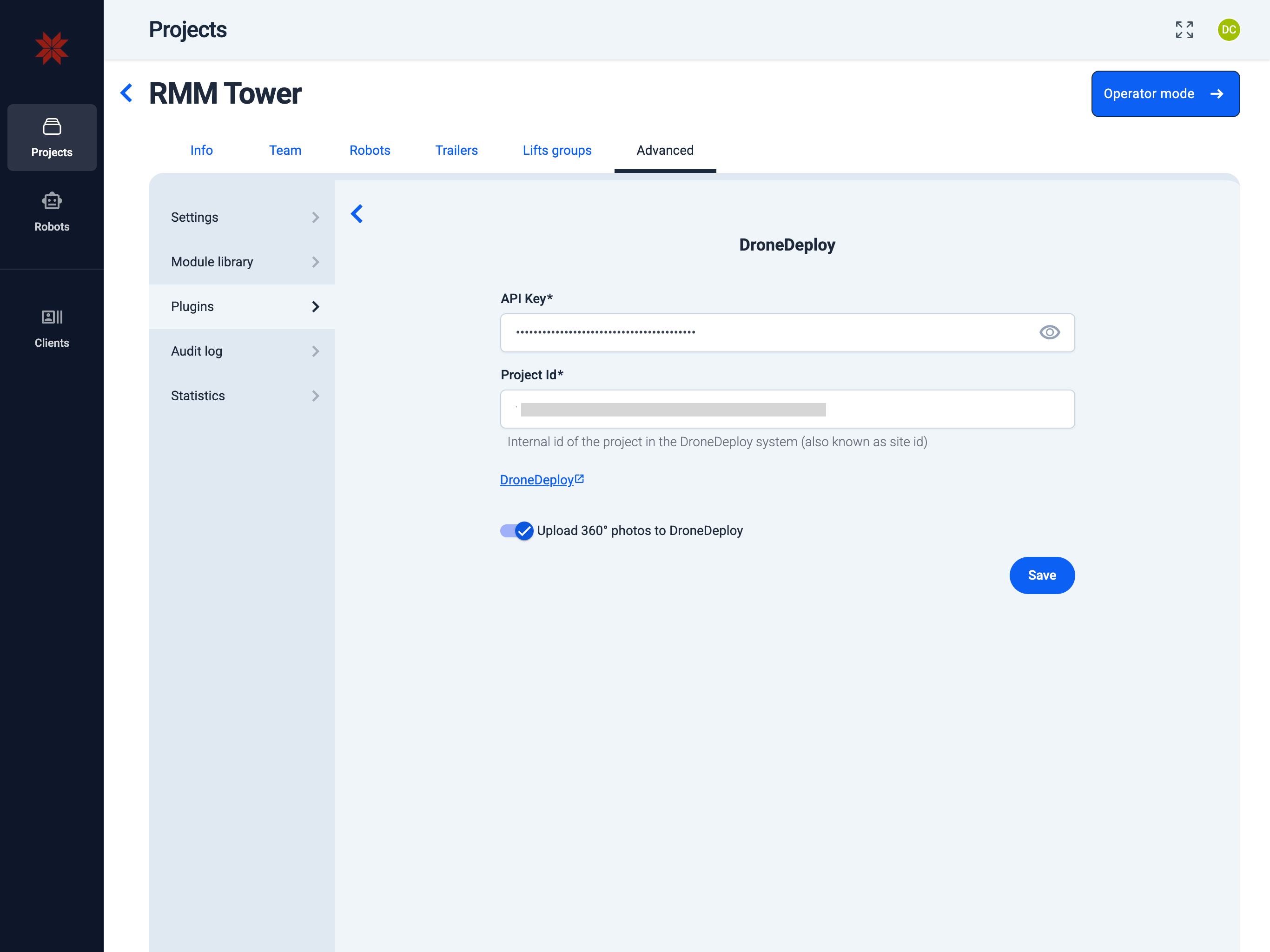
Admin Hub → Projects → Current Project → Advanced → Plugins → DroneDeploy Plugin
-
Enter the DroneDeploy API key. (How to get the DroneDeploy API key?)
-
Enter the DroneDeploy project ID.
Info: You can find the project ID in the URL on the DroneDeploy website: For example, in
dronedeploy.com/app2/sites/1234567890abcdef12345678/..., the project ID is1234567890abcdef12345678. -
Select "Upload 360° photos to DroneDeploy" option.
-
Click the "Save" button.
tip
For complete instructions on how to fully integrate with DroneDeploy, see DroneDeploy Integration.