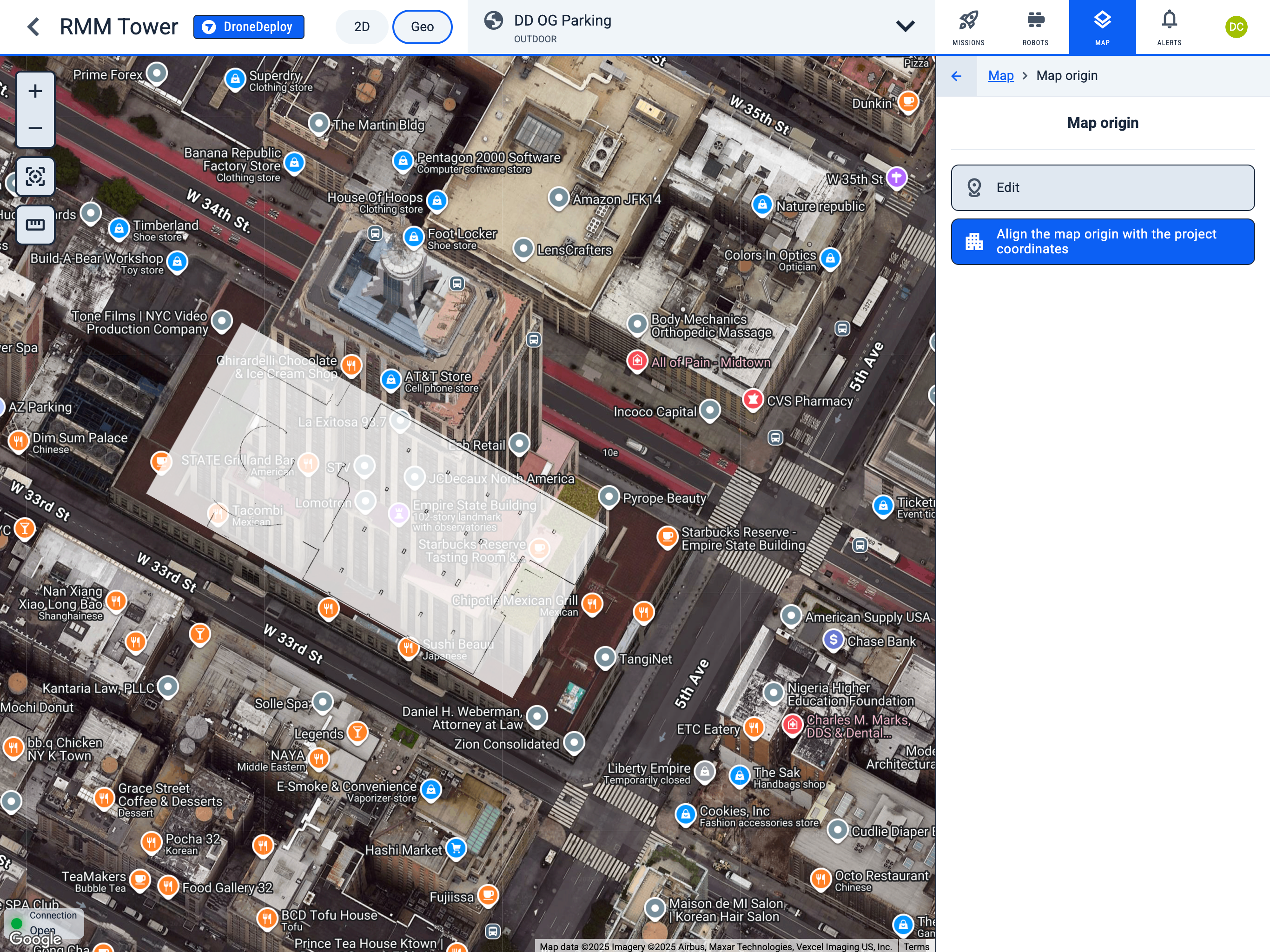
Map origin in Geo view
Operator Hub → Current Project → Workspace → Map → Map origin in Geo view
-
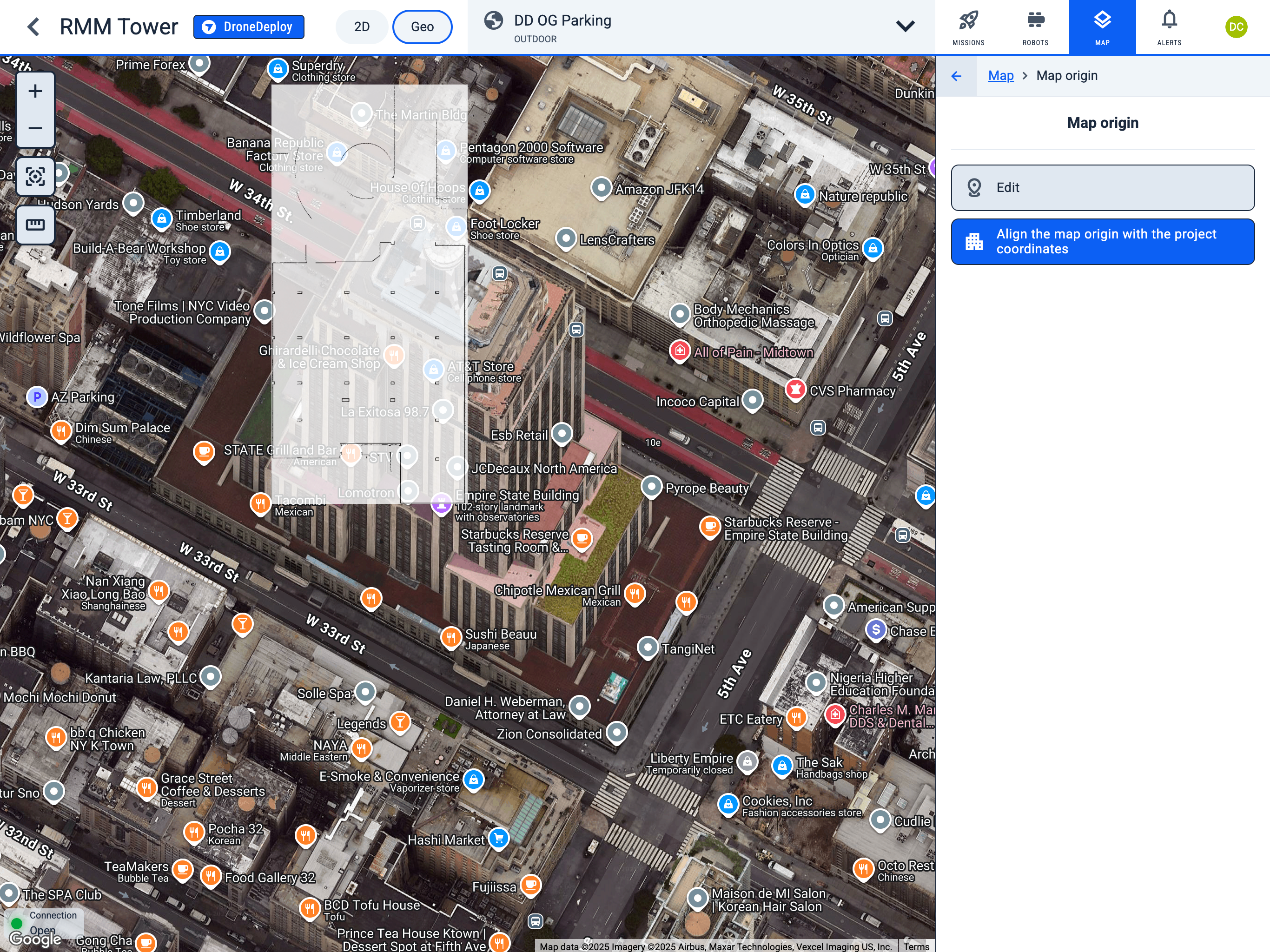
Click the "Align the map origin with the project coordinates" button to automatically center the map in the Geo view.
-
Click the "Edit" button to modify the position of the map in the GEO view.
-
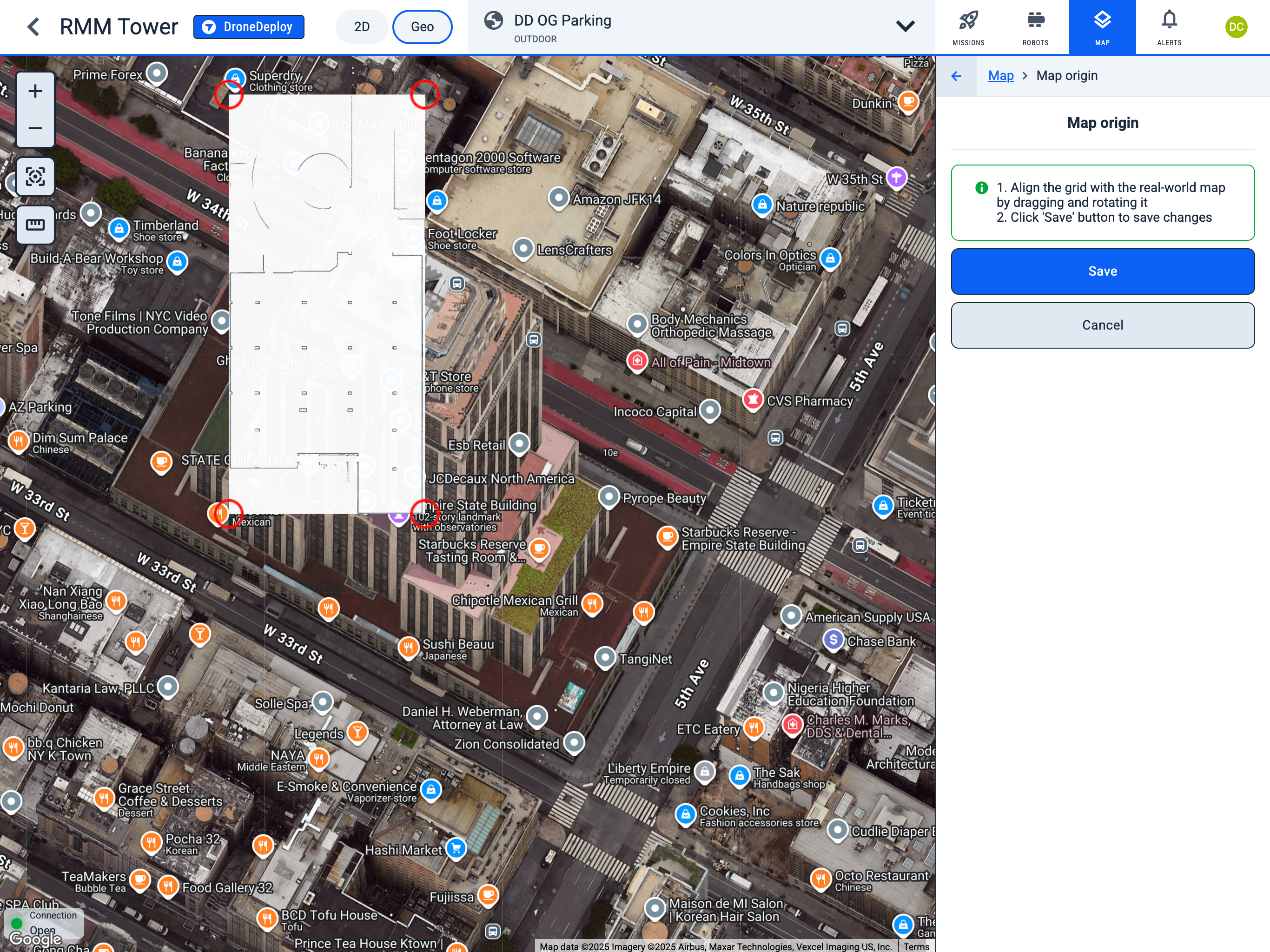
Align the grid with the real-world map by dragging and rotating it. (You cannot change the map size, as it is the real size of the map)
-
Click "Save" button to save changes.
-
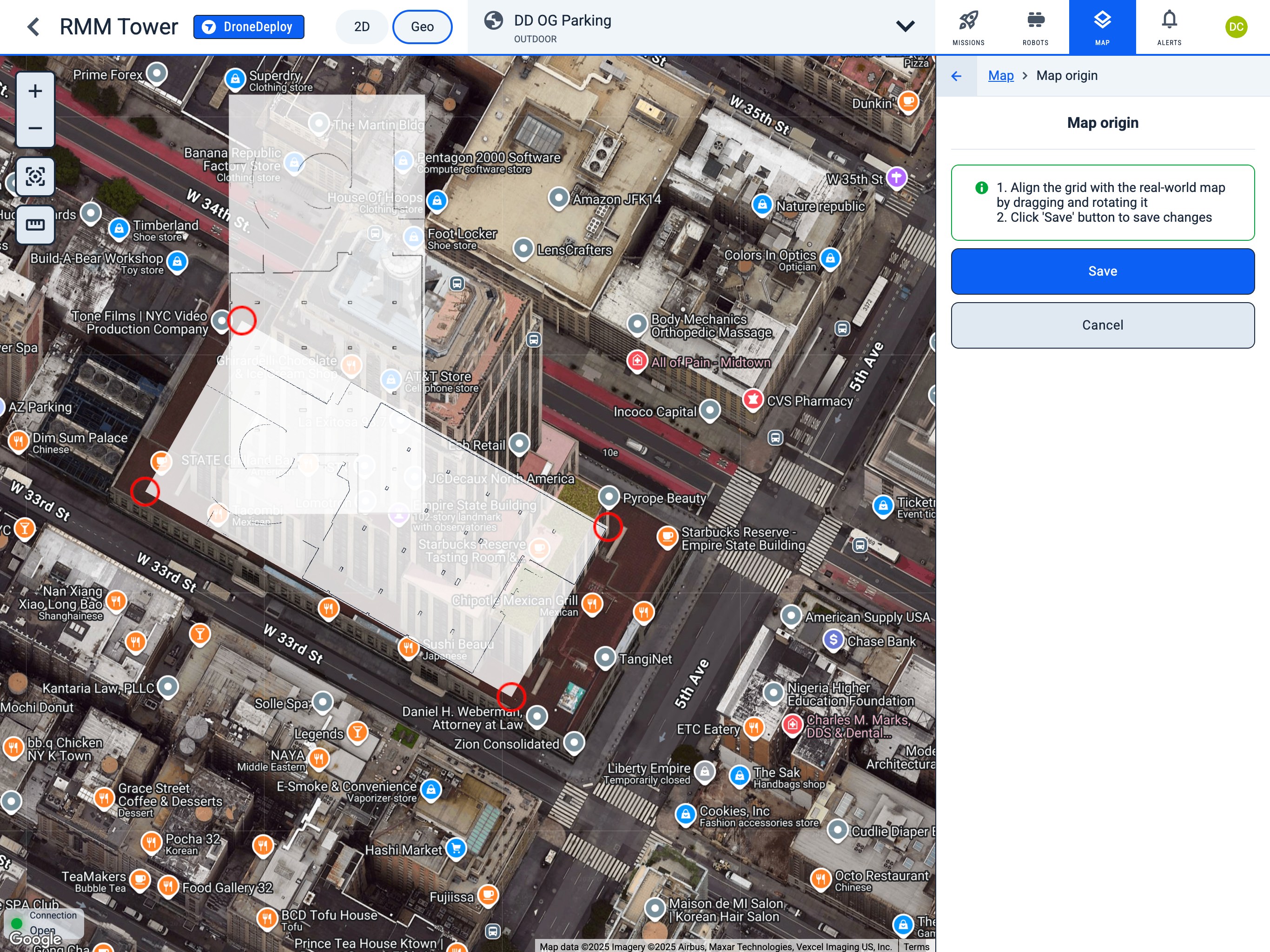
During the map movement and rotation, you will see its original position.
-
After setting the map to the desired place, click the "Save" button to save changes.
-
After saving, you will see the map in its new position.