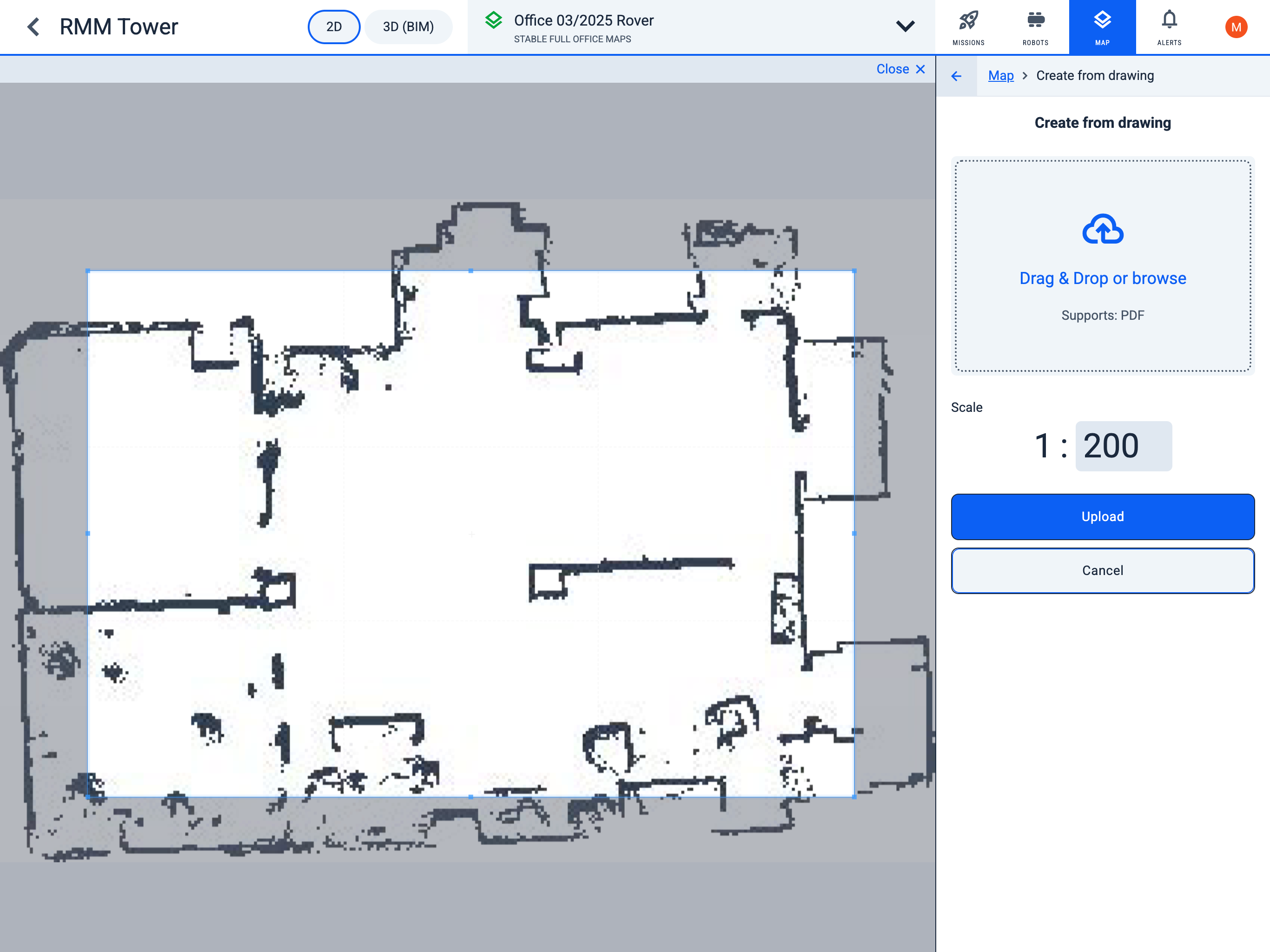
Create from drawing
Operator Hub → Current Project → Workspace → Map → Upload from Drawing
- To upload a map PDF file, use the "Drag & Drop or browse" window to either drag and drop a file into the area, or click the window to select a file from the desired folder.
- After uploading the plan, specify the map scale.
- On the uploaded plan, adjust the bounding frame around the map image that should be saved.