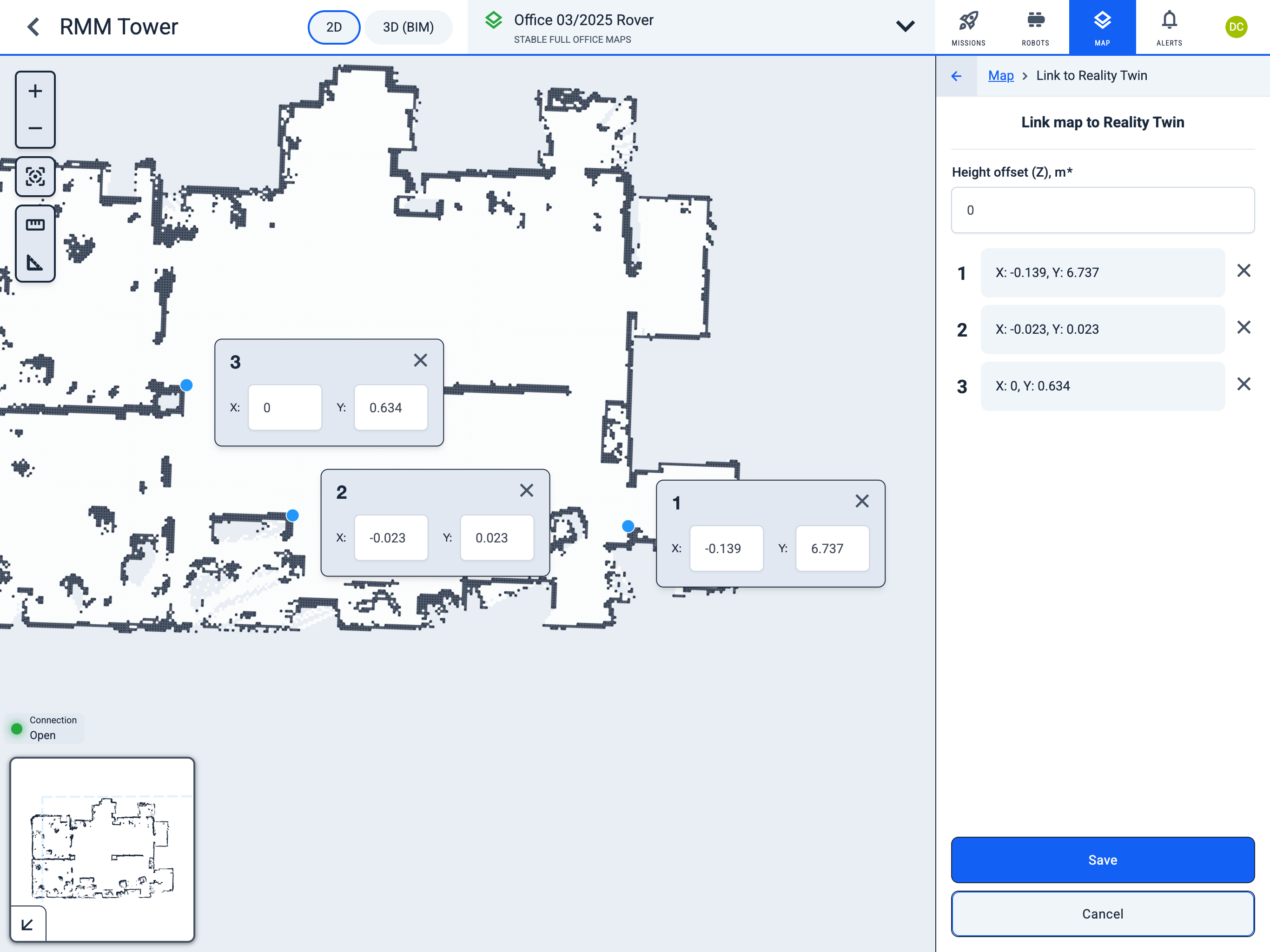
Link to Reality Twin
Operator Hub → Current Project → Workspace → Map → Sync with Digital Twin
Map synchronisation is done by transferring the coordinates of at least three points from Digital Twin to a map in Karelics Cloud.
-
In the Digital Twin application, open
Your Reality.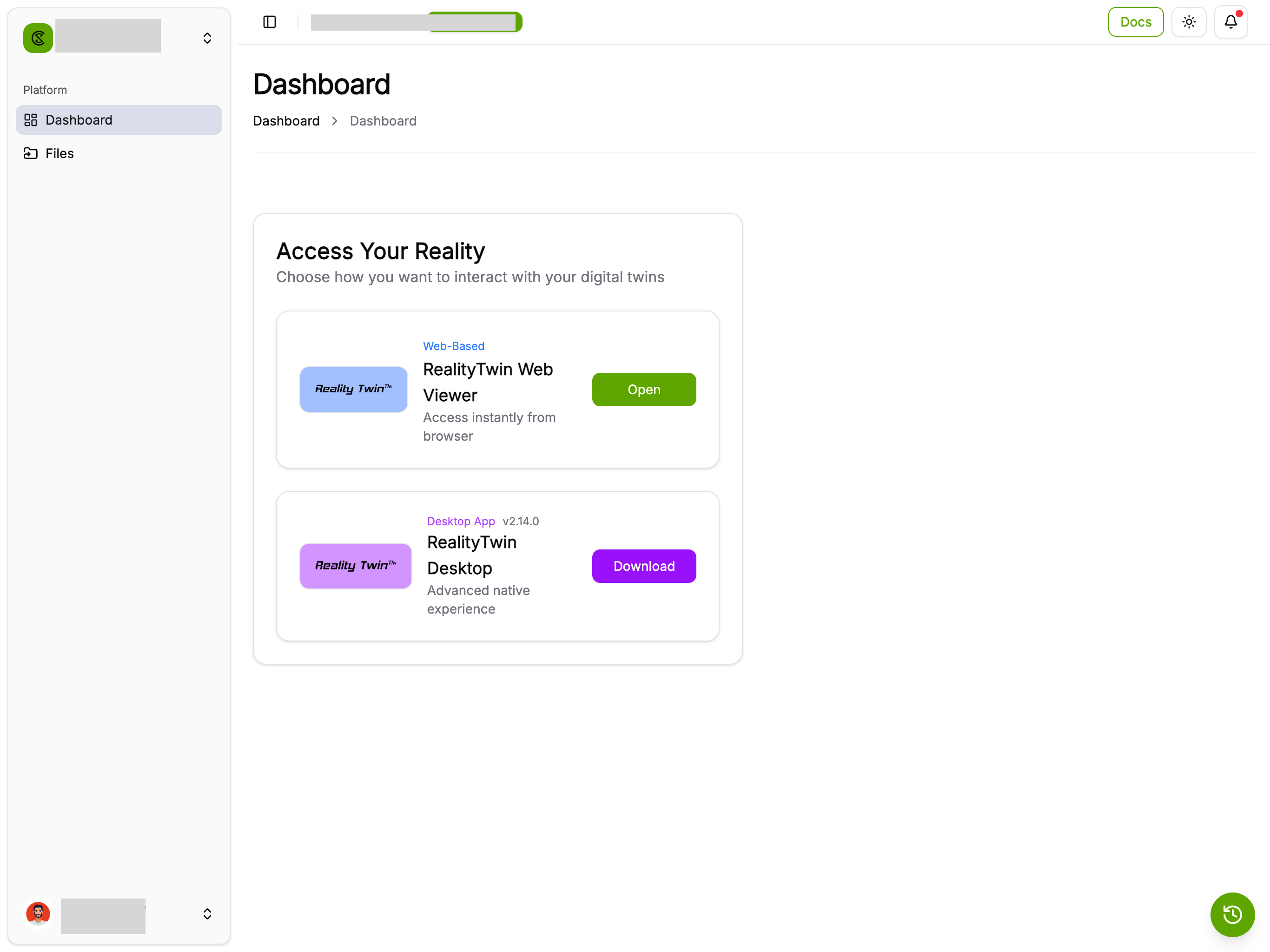
-
Select the
Measuretool. -
Select a point on the floor and draw a line from it.
-
In the
Measuresidebar, copy theX,Y, andZcoordinates of theStartpoint.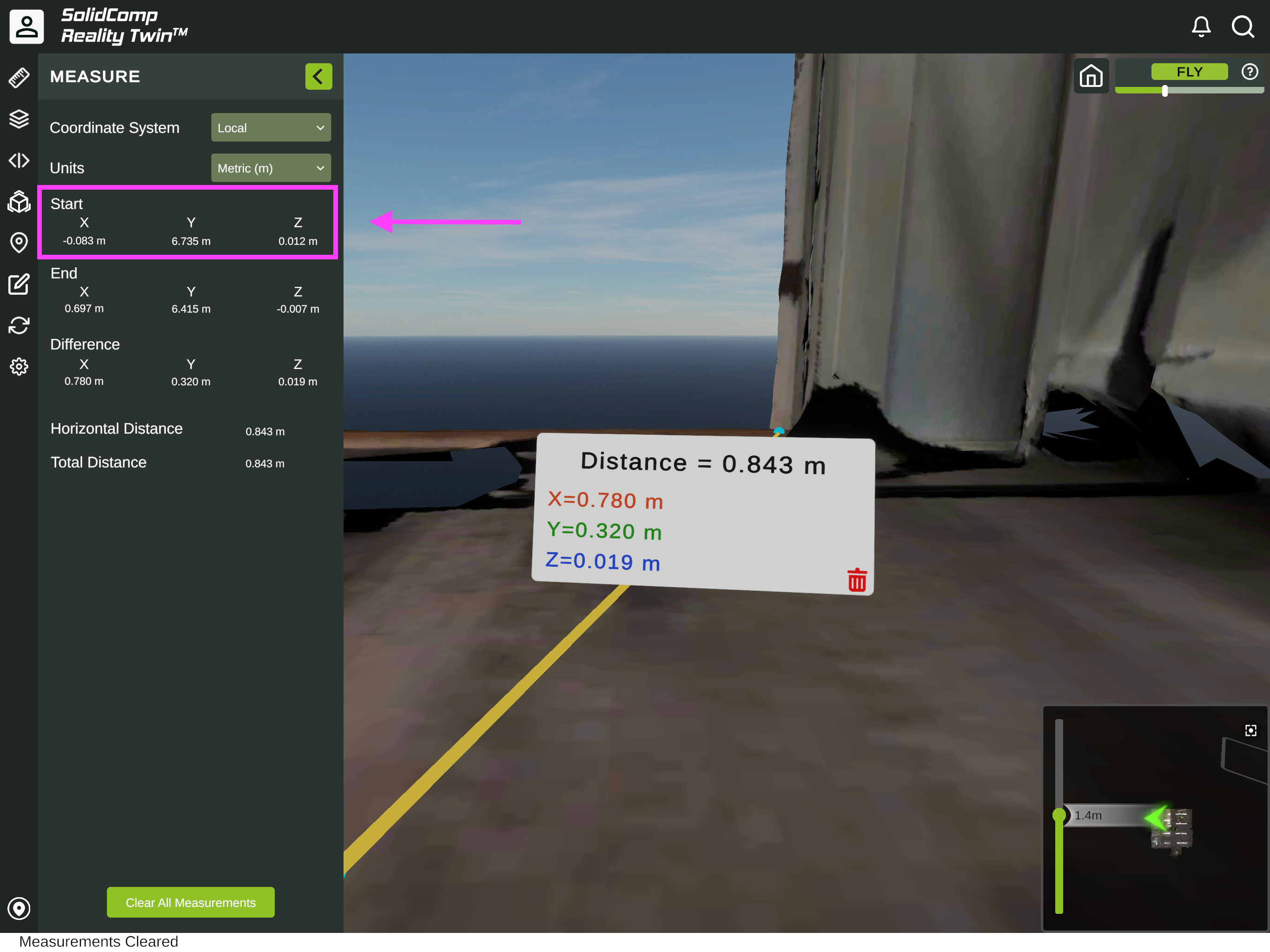
-
In Karelics Cloud, open the map page and click the
Link to Digital Twinbutton.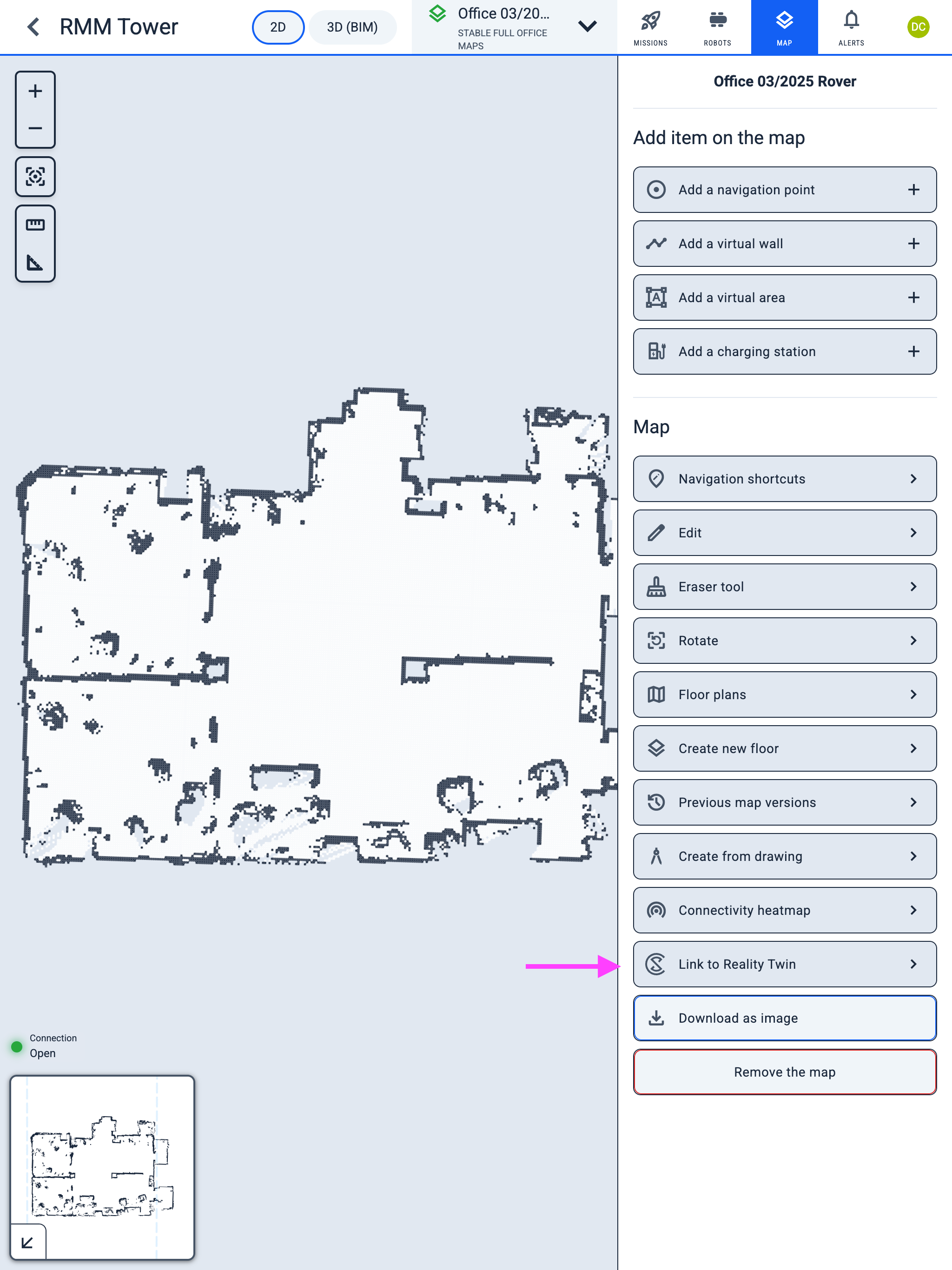
-
Select a reference point on the map and enter its
XandYcoordinates. -
Use the same
Zcoordinate value for all points, because it represents the floor height of the room.