Linking a robot to the map
Operator Hub → Current Project → Workspace → Robots → Linking a robot to the map
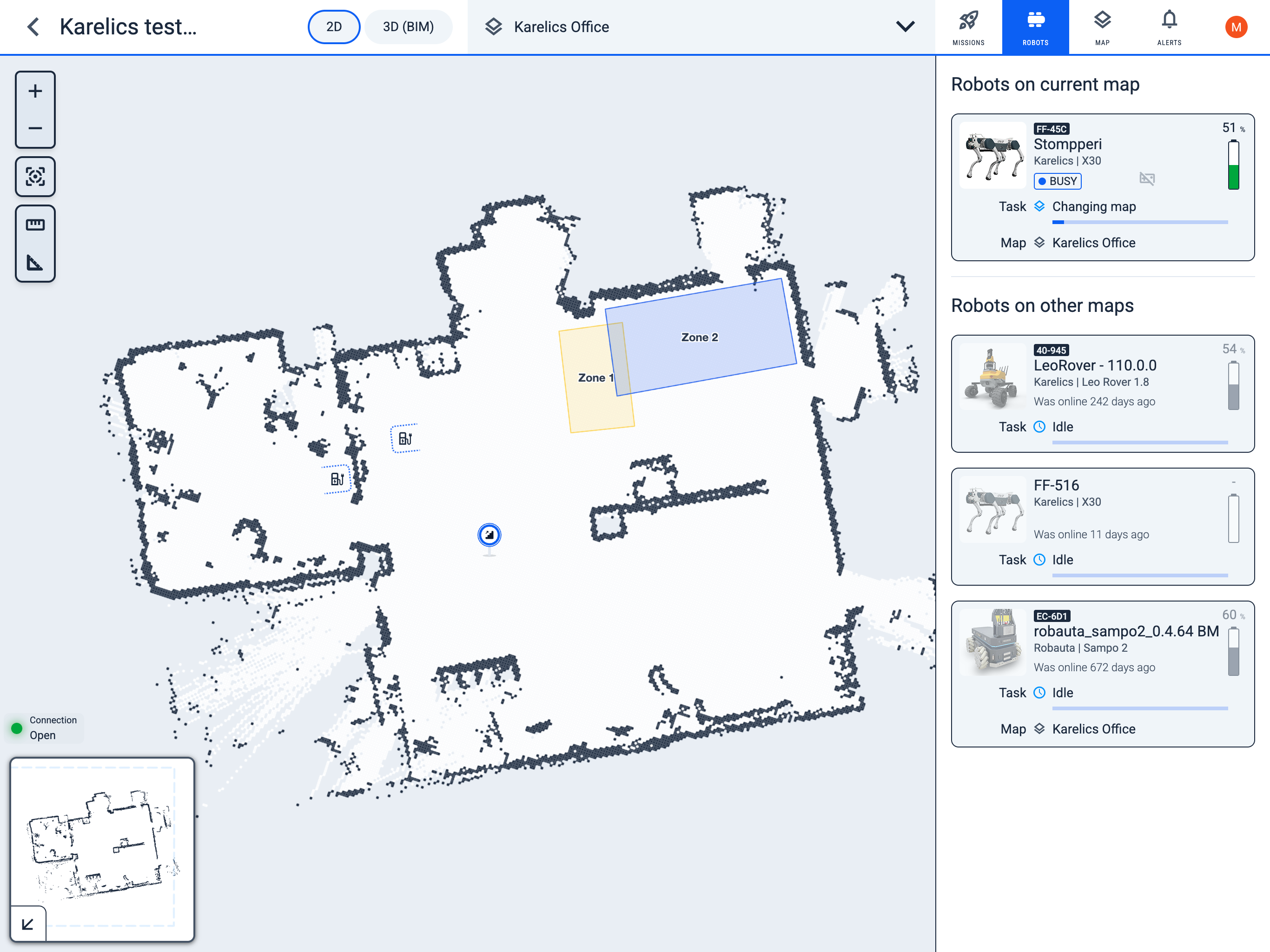
- Open the map by clicking on it.
- Select the enabled robot.
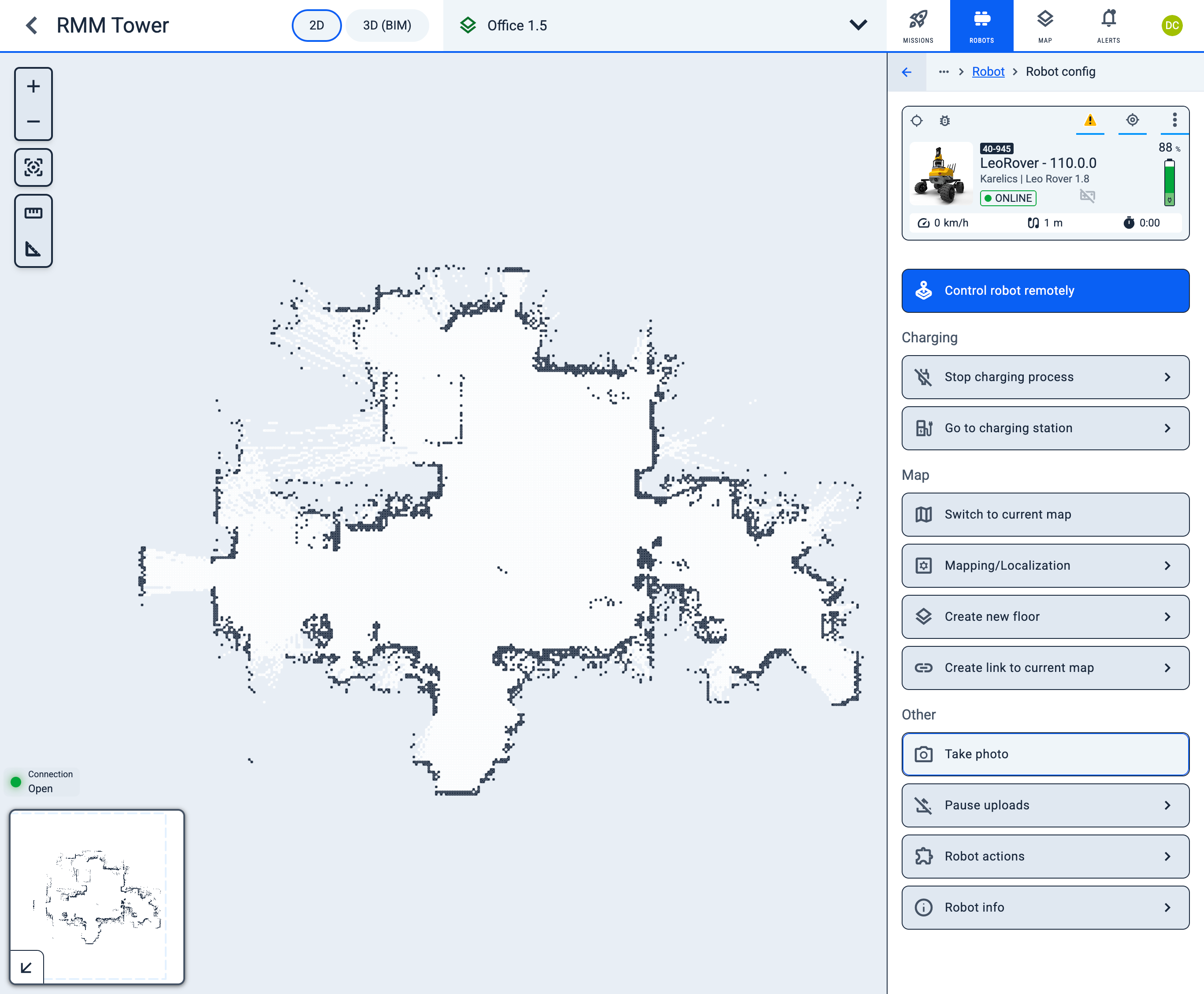
- Click the Switch to corrent map button.
Operator Hub → Current Project → Workspace → Robots → Linking a robot to the map