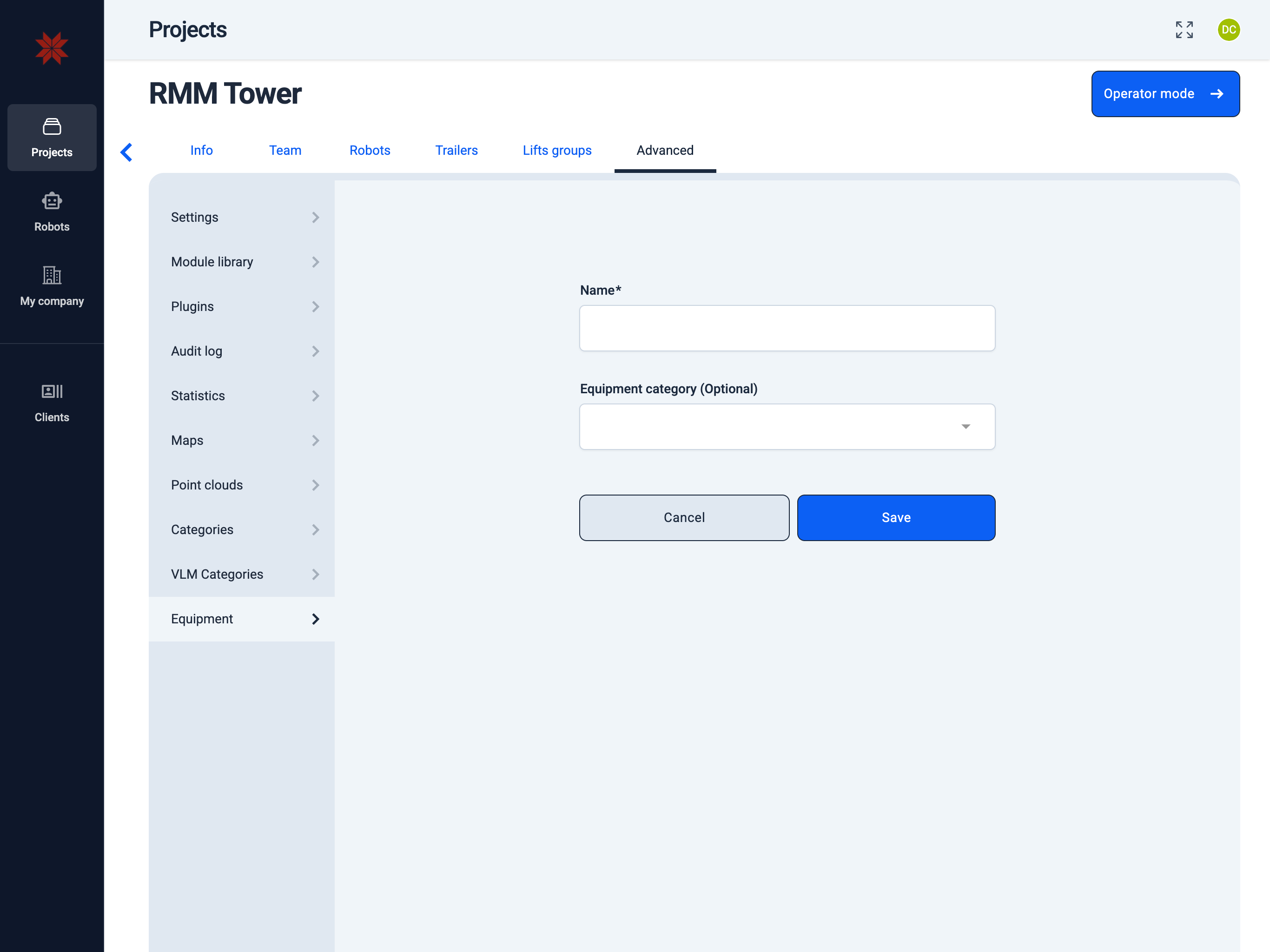
Equipment
Admin Hub → Projects → Current Project → Advanced → Equipment
Create and manage equipment and equipment categories. Equipment lists can also be imported from CSV files or integrated applications.
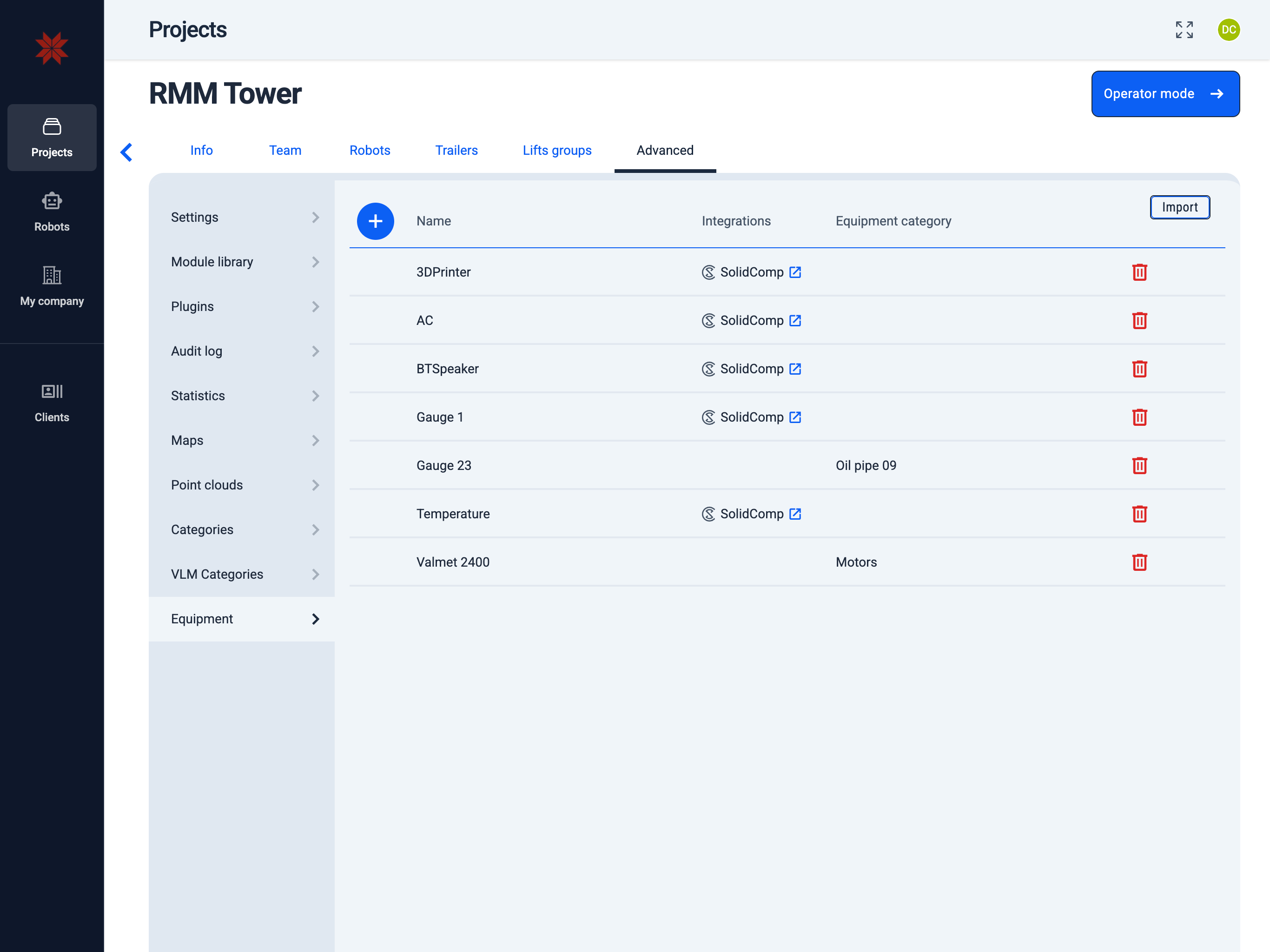
- Import Equipment
- Create Equipment
- Click the
Importbutton and choose where you want to import the list from.
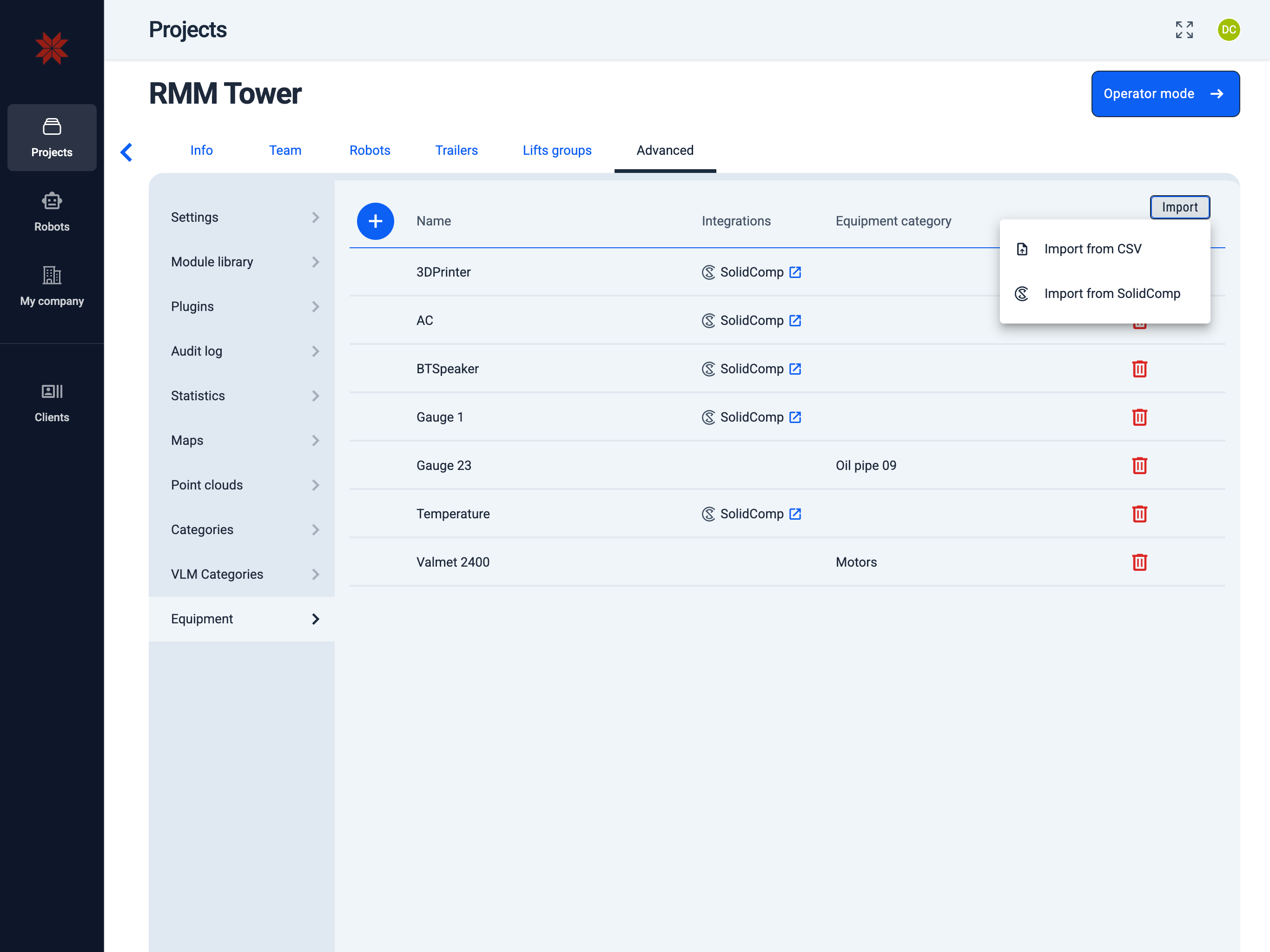
- When importing from integrated applications, you may need to select which database or tag type to import from.
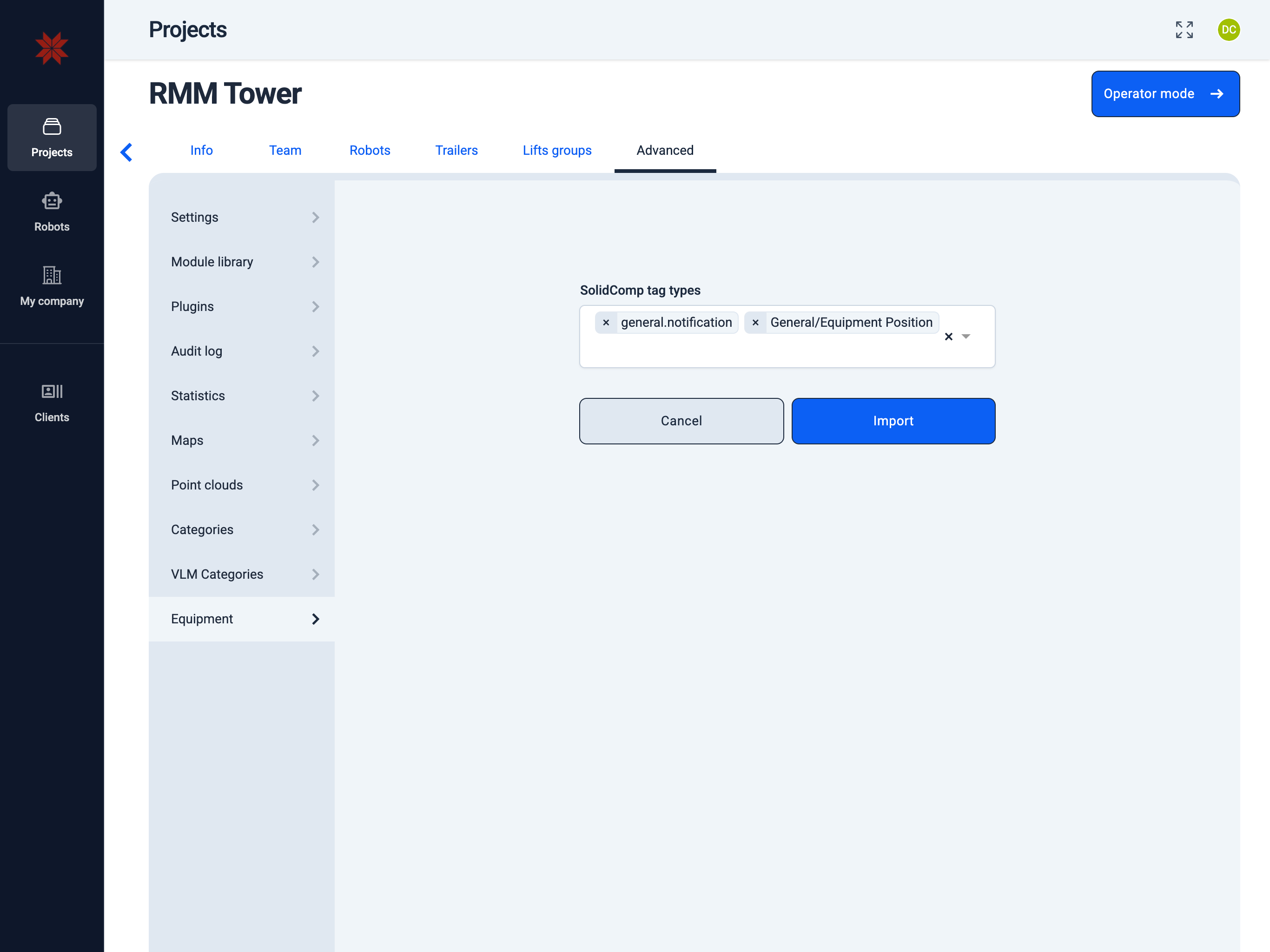
- Click the
+icon. - Enter the name.
- Select an existing equipment category or create a new one (optional).
- Save the equipment.