Robots
Admin Hub → Projects → Current Project → Robots
Use this tab to plan and supervise every robot scheduled for the current project. It provides quick access for both internally owned and leased units.
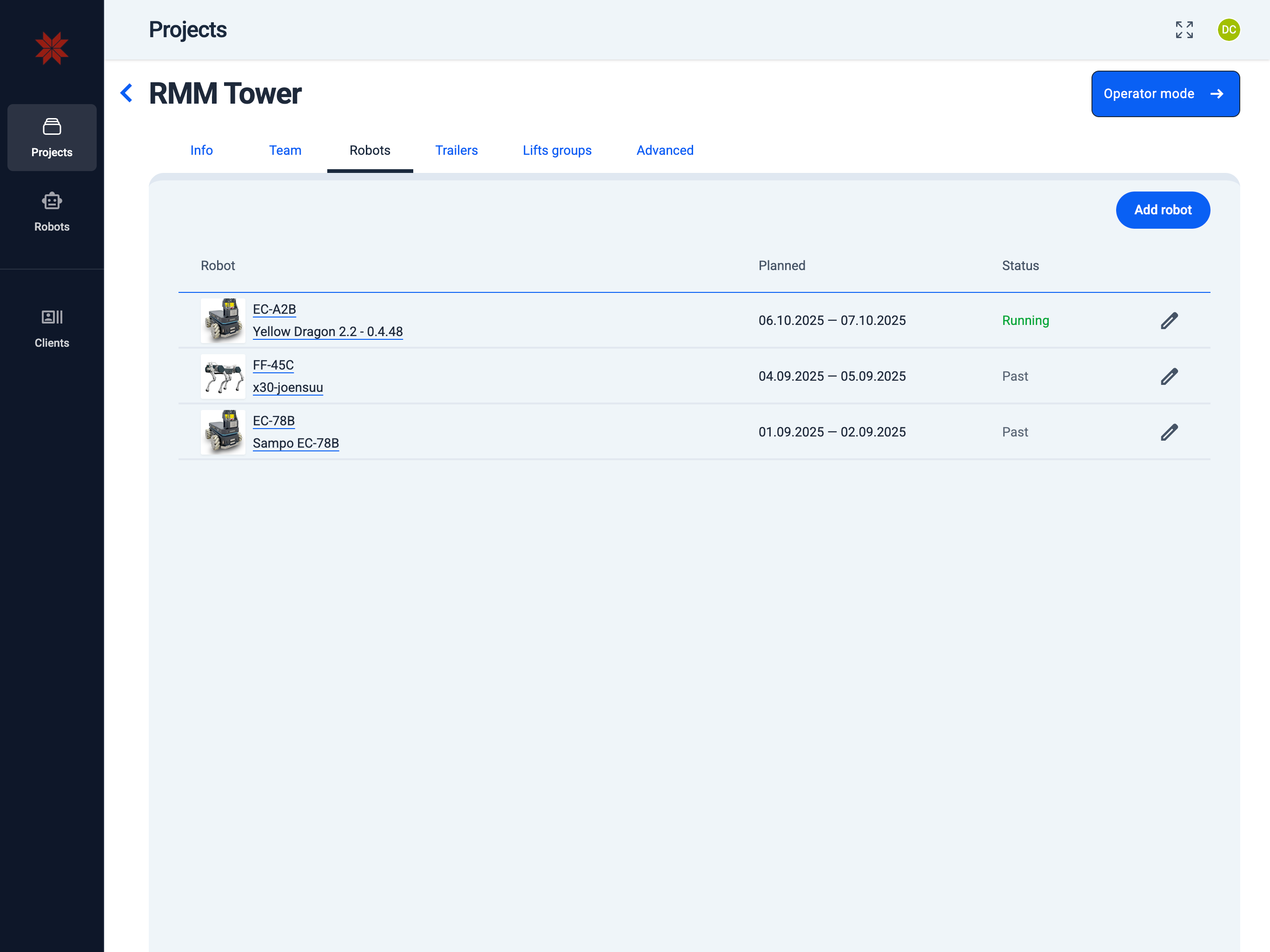
- List of Robots
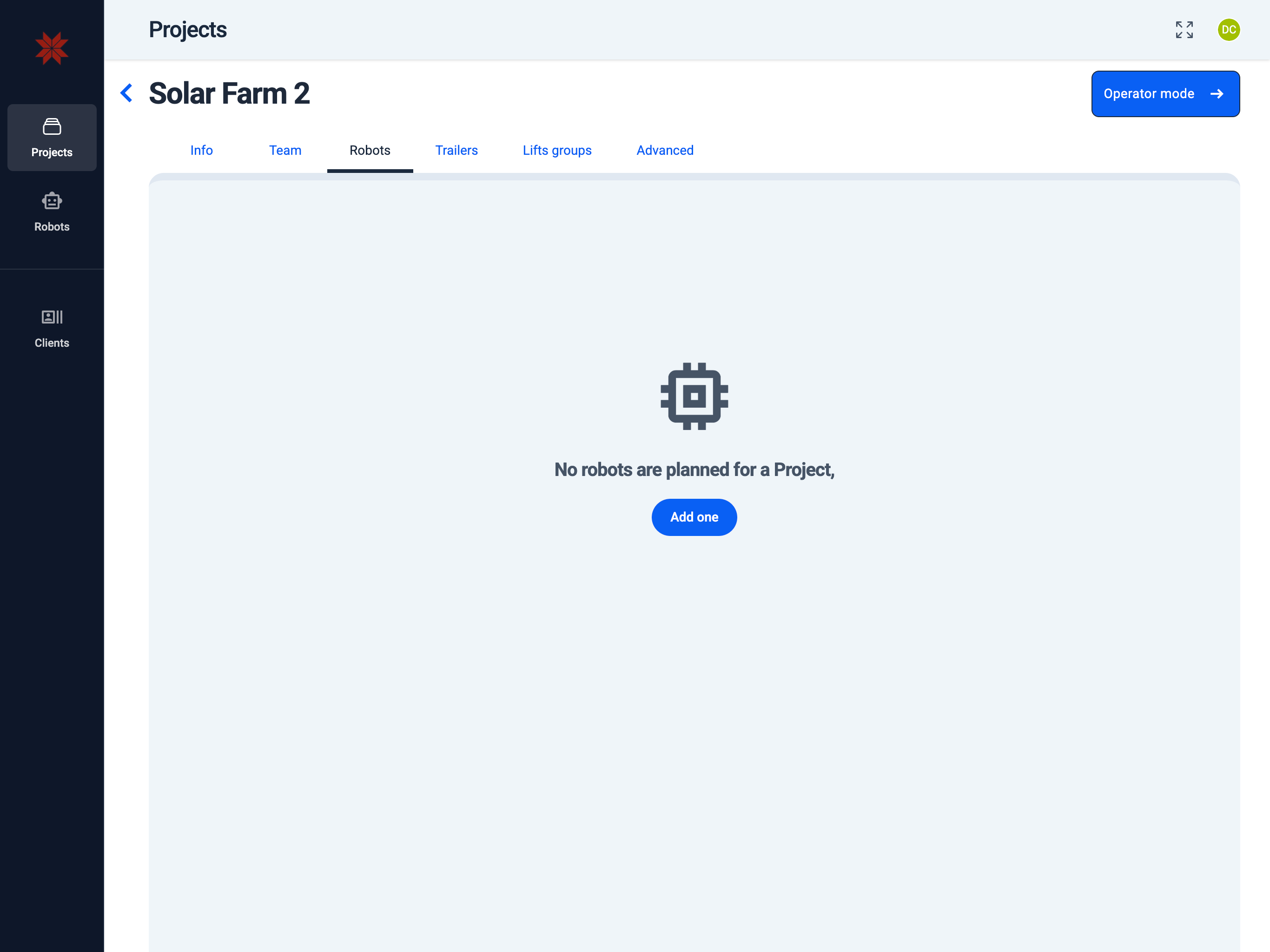
- Empty List of Robots
Scheduling a Robot
To schedule robots for work within the project, click the Add Robot button and follow the instructions on the Schedule Robot page. If the list of robots is empty, press the Add one button to create and schedule your first robot entry.
Robot Management
- Edit robot settings or check status: Click on the robot name link to access
robot configuration. - Edit robot planning in project: Click the pencil icon at the end of the robot row to modify the robot's schedule within the project. The process for editing a robot's schedule is the same as creating a new one, as described on the
Schedule Robotpage.
info
You can manage robot settings only if the robot is either owned by your organization or leased to you.