Launch from saved Drone Inspection missions
Saved missions are mission templates synchronised from FlightHub. Open any entry from the Saved missions list to review its waypoints on the map, manage schedules, or launch it on demand.
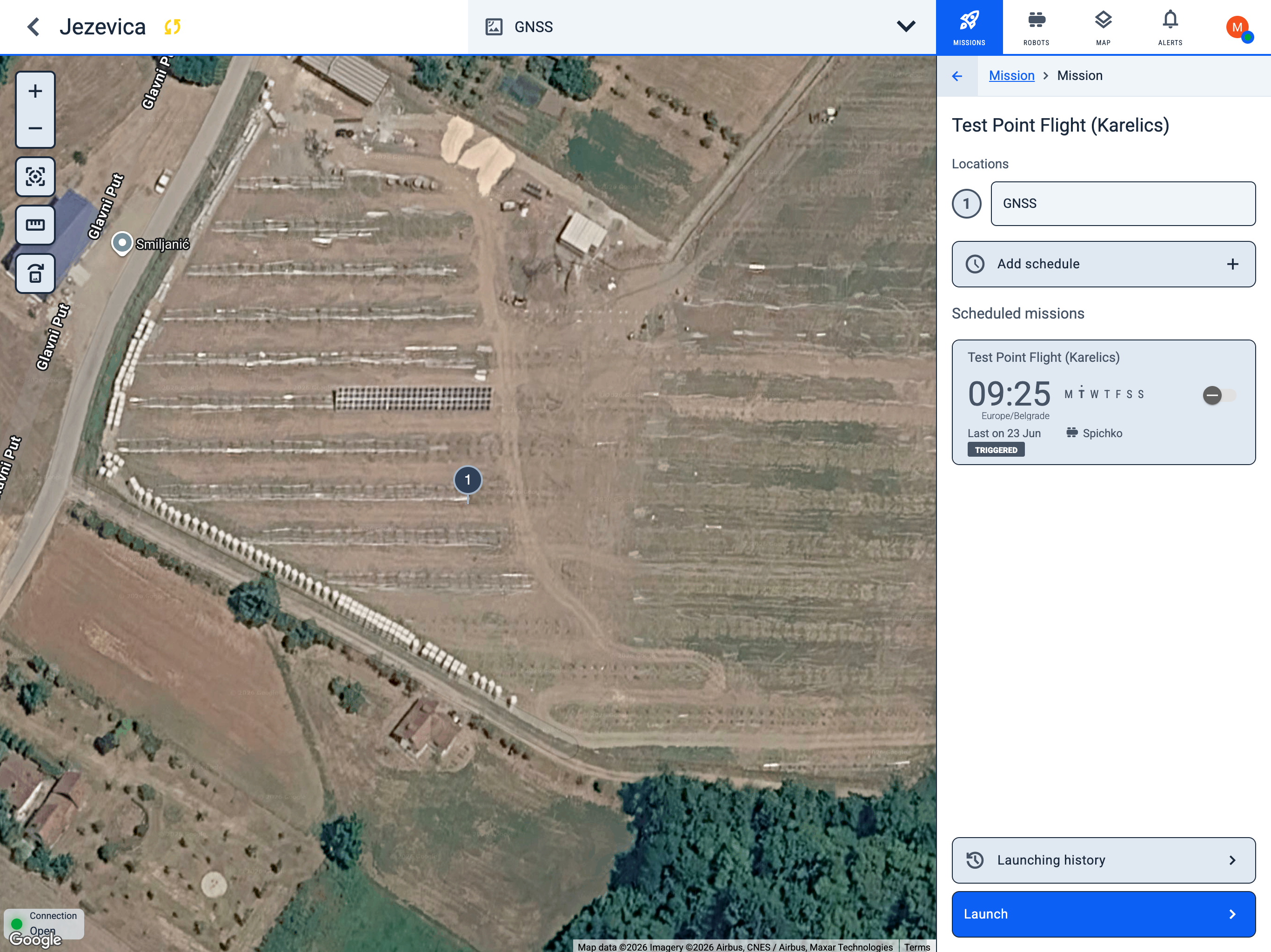
Mission detail
When you open a saved mission, the map centres on its waypoints and the detail panel shows:
- Locations — numbered waypoints in the mission route (for example, GNSS).
- Add schedule — create a recurring schedule for this mission.
- Scheduled missions — existing schedules linked to this mission, with time, weekdays, and last execution status.
- Launching history — opens the launch history filtered to this mission, so you can review past runs, statuses, and execution details.
Launch a saved mission
- Open the mission from Saved missions in the sidebar.
- Click Launch at the bottom of the detail panel.
- Select the robot that will execute the mission. Only drones configured for the project are shown.
- Click Launch again to send the mission.
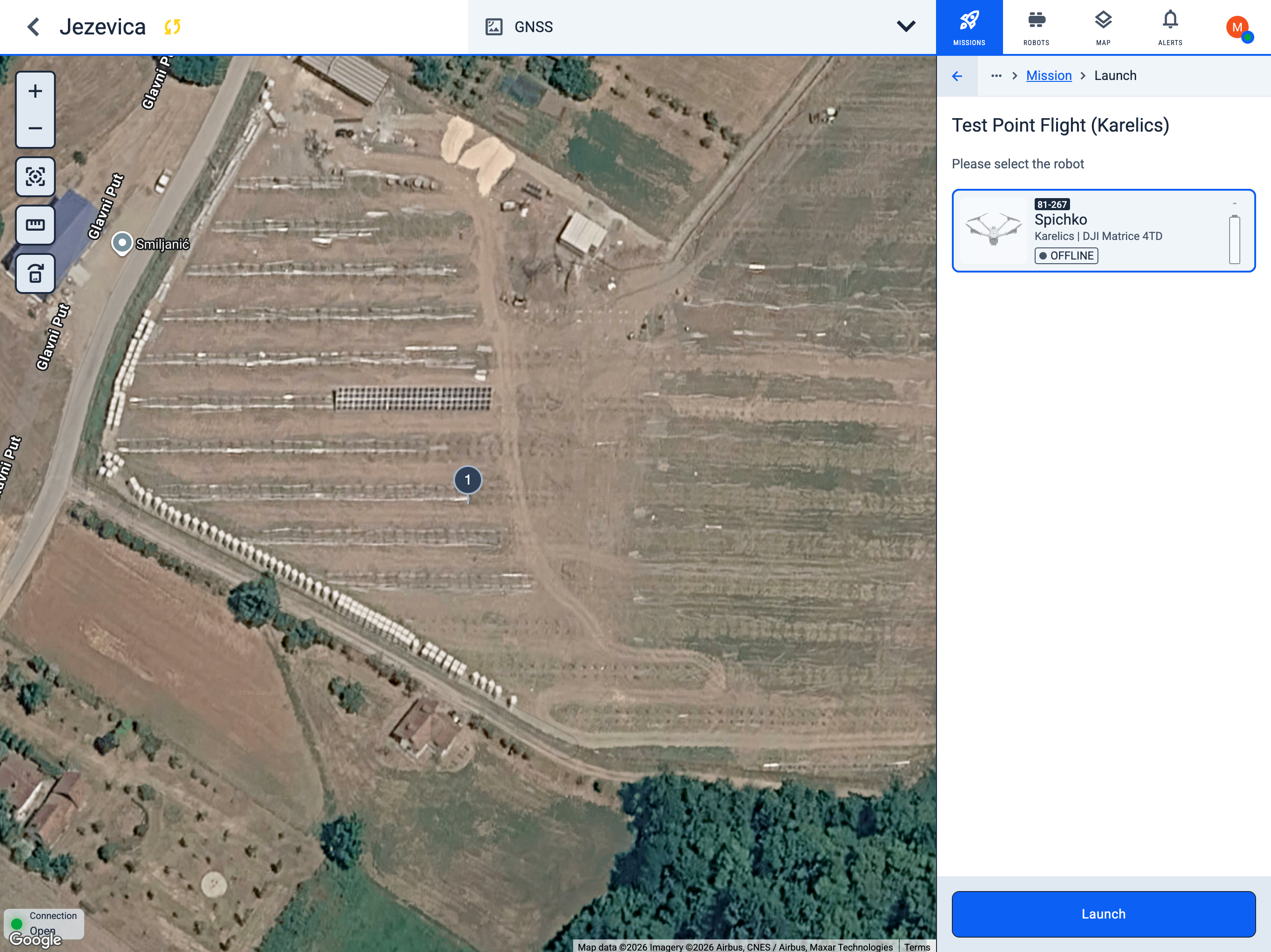
After launch, track progress from the global Launching history sidebar or from the mission's Launching history button.