Robot actions
Operator Hub → Current Project → Workspace → Robots → Current Robot → Configuration → Robot actions
You can switch the robot to different states and modes.
Different robots may have different available states and modes depending on their type and configuration.
- X30 RHINO
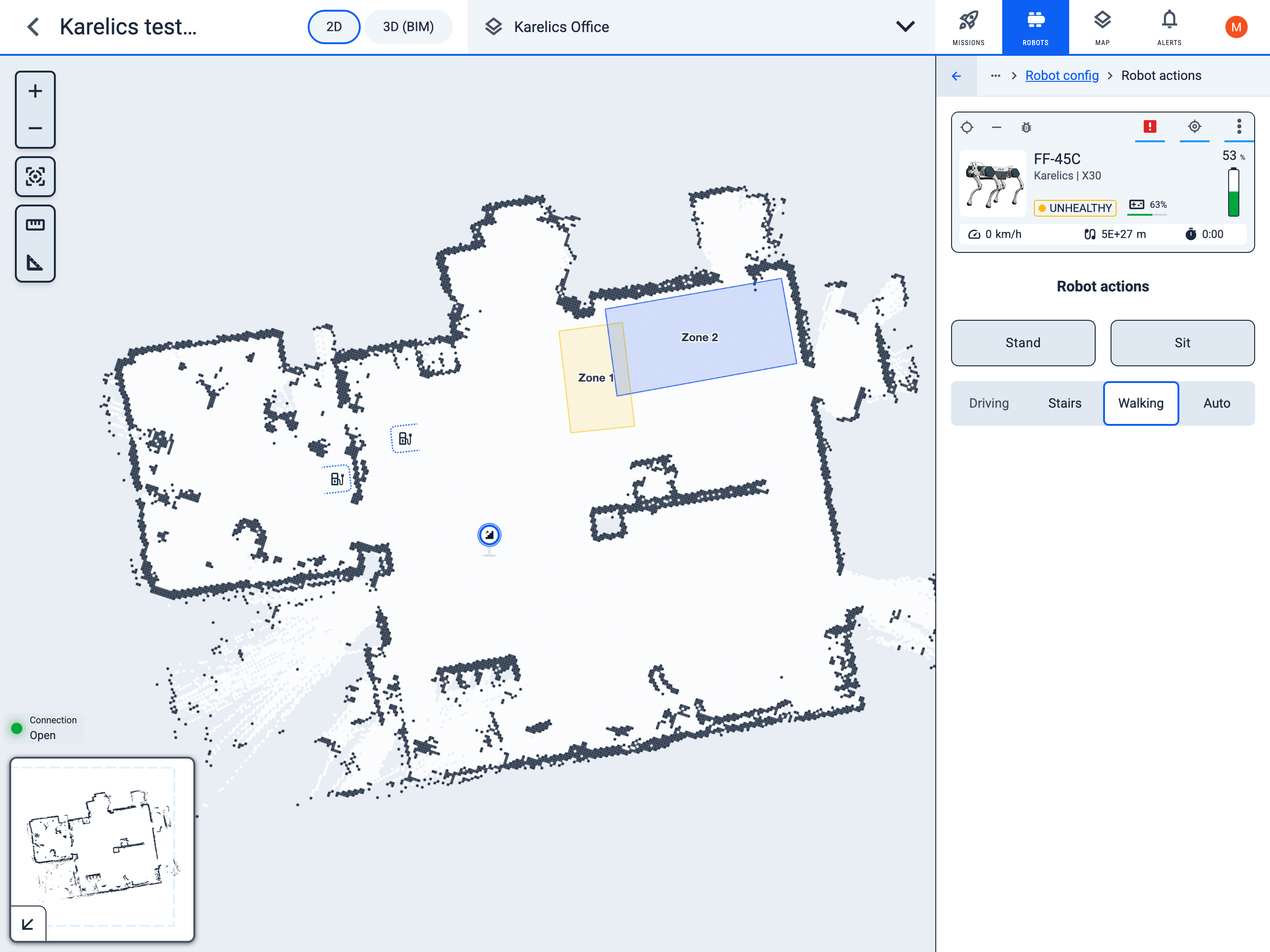
Available Actions
The following actions are available for the X30 RHINO robot:
- Stand - Makes the robot stand up
- Sit - Makes the robot sit down
- Stairs - Switches to Stairs mode
- Walking - Switches to Walking mode
- Auto - Switches to AI walking mode