Mapping/Localization
Operator Hub → Current Project → Workspace → Robots → Current Robot → Configuration → Mapping/Localization
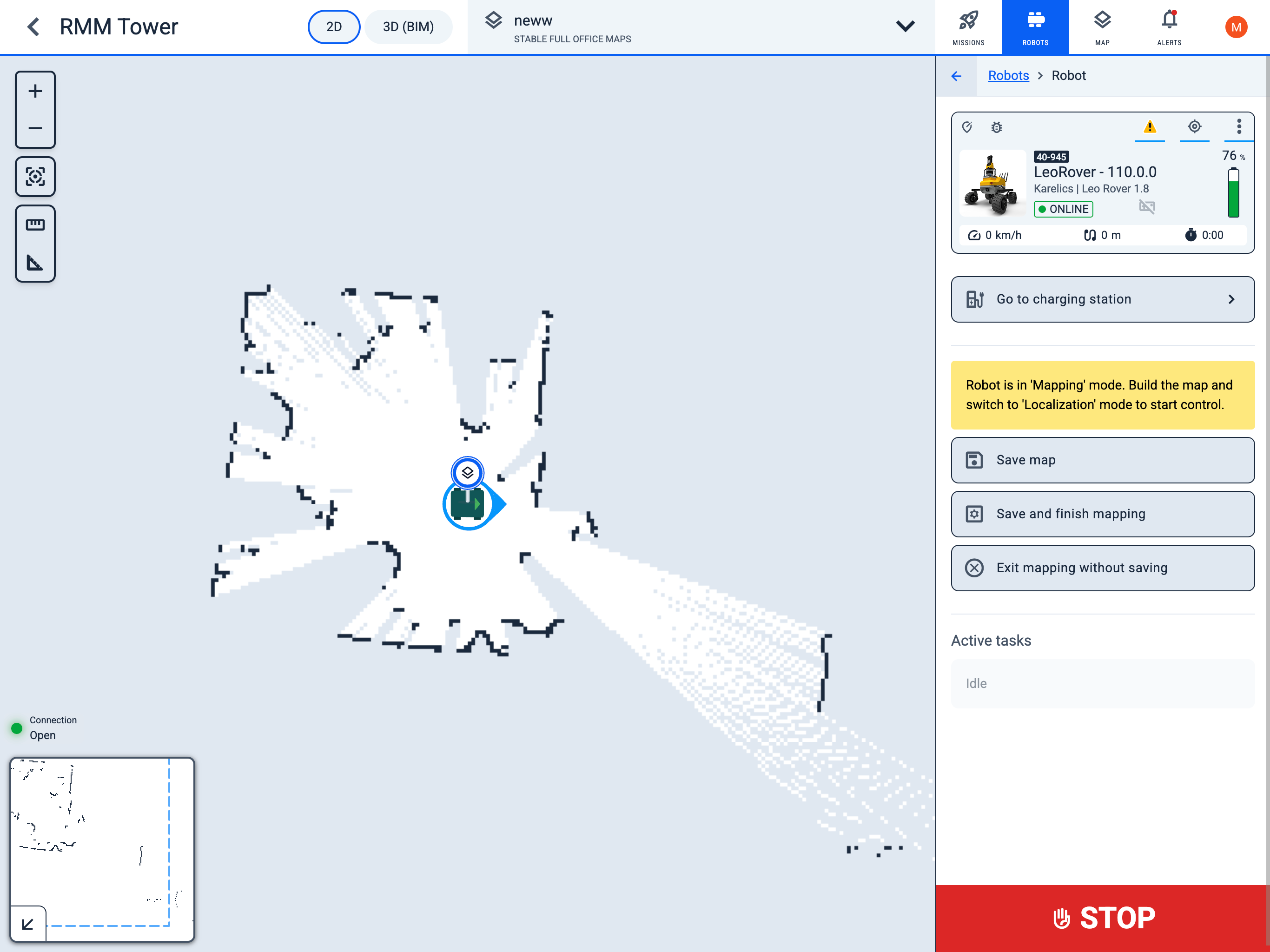
The Mapping mode is used exclusively for creating new maps or editing/extending existing maps. For more details, see the Mapping documentation.
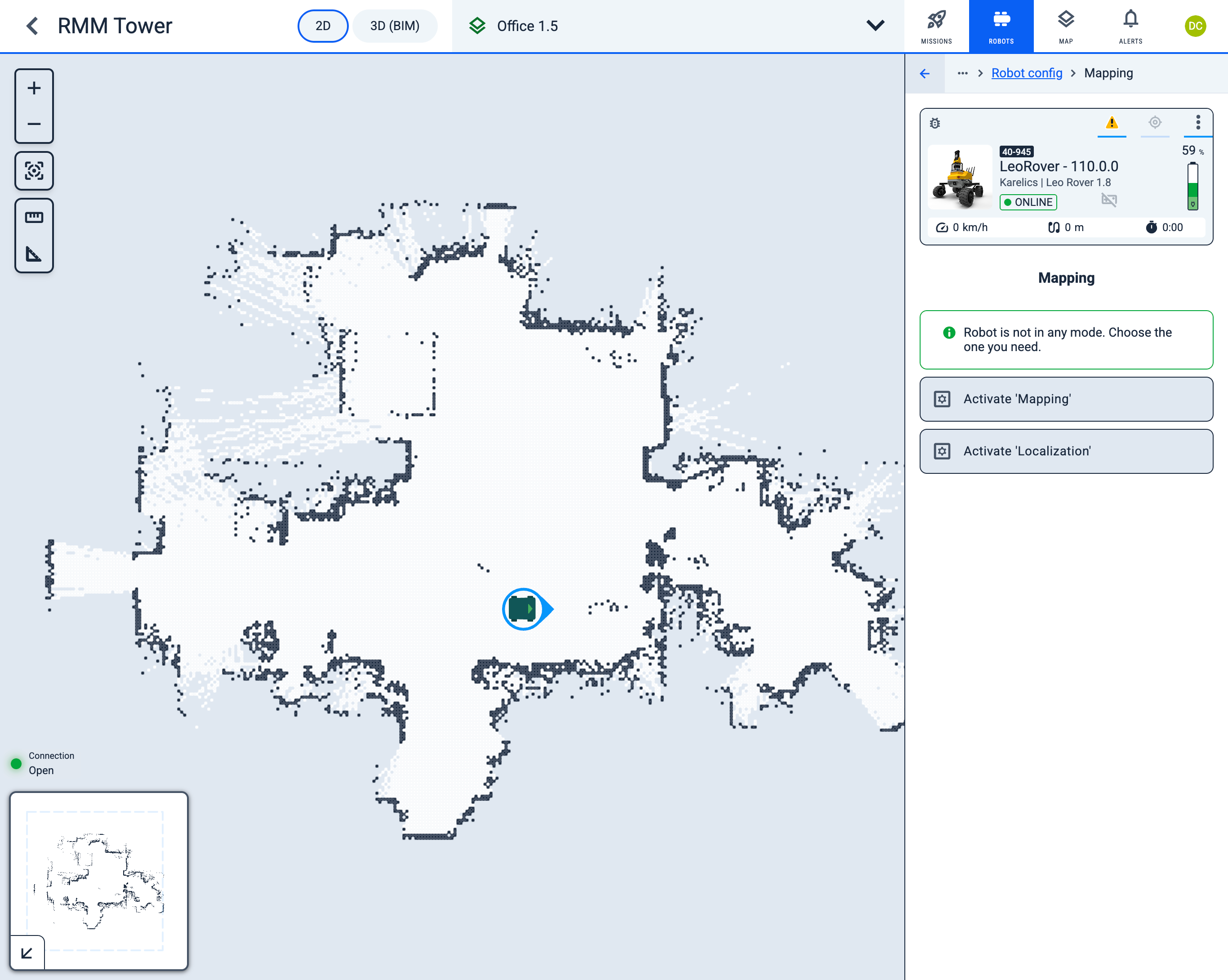
The Localization mode is the main mode for the robot to navigate using an existing map.
- The
Activate Mappingbutton switches the robot toMappingmode. - The
Activate Localizationbutton switches the robot toLocalizationmode.
info
If neither mode is active on the robot, both Activate Mapping and Activate Localization buttons are visible. If the robot is connected to one mode, only the button for switching to the other mode is visible.
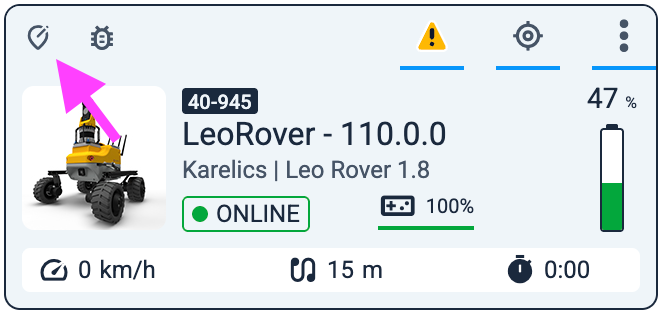
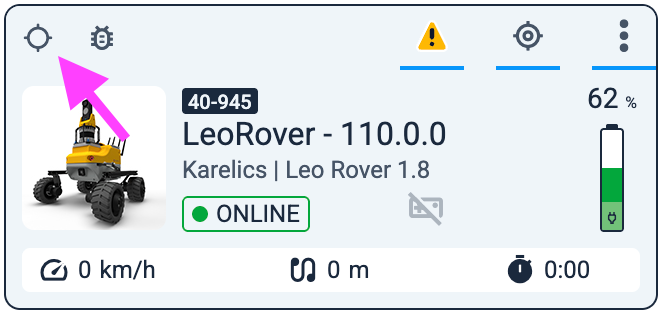
Robot card Status indicators
- Mode:
- location_searching Localization
- edit_location_alt Mapping
- sync Changing mode
- Mapping mode
- Localization mode