Configuration
Operator Hub → Current Project → Workspace → Robots → Current Robot → Configuration
This page describes the configuration screen and available options.
- Robot is linked to map
- Robot is NOT linked to map
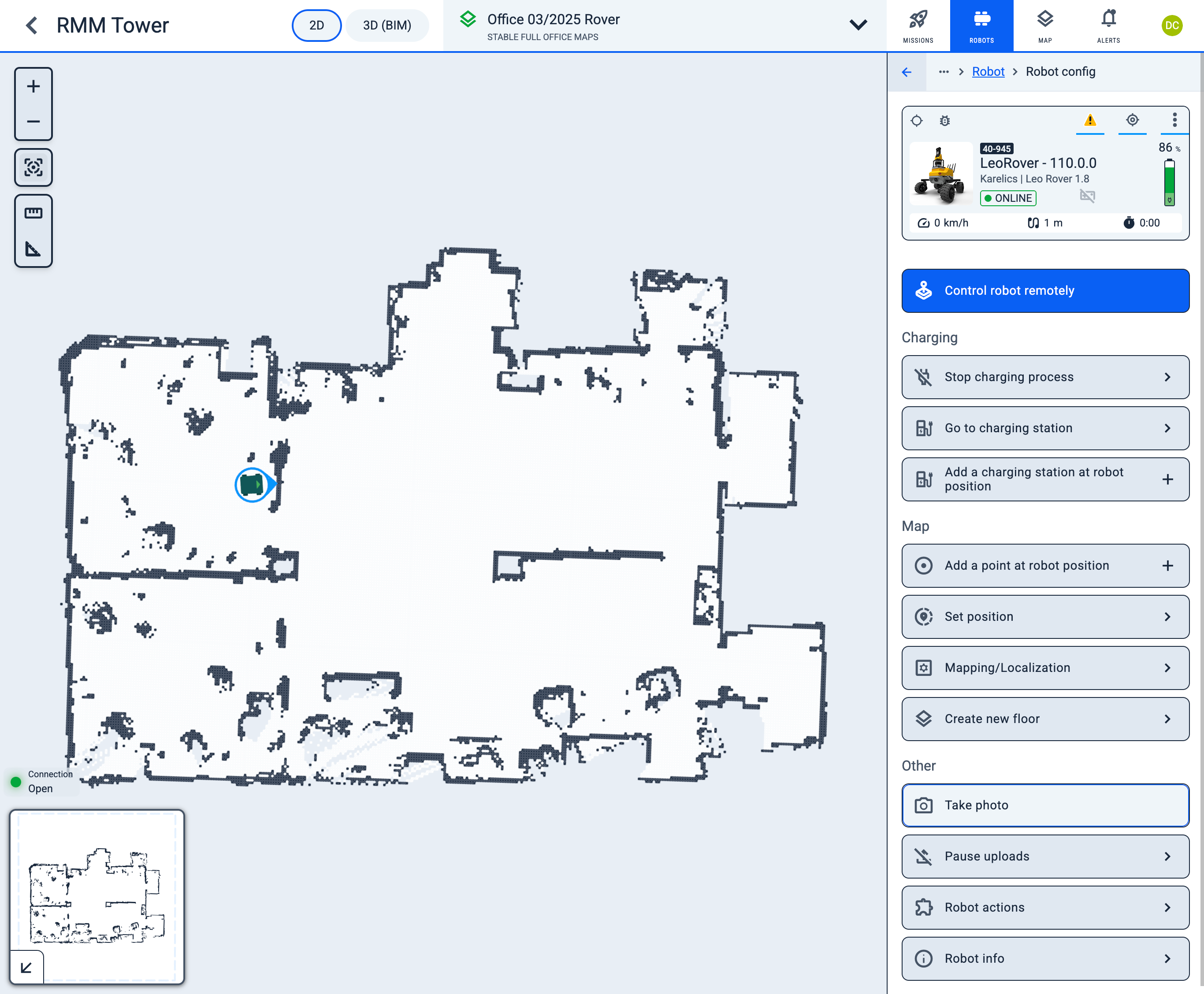
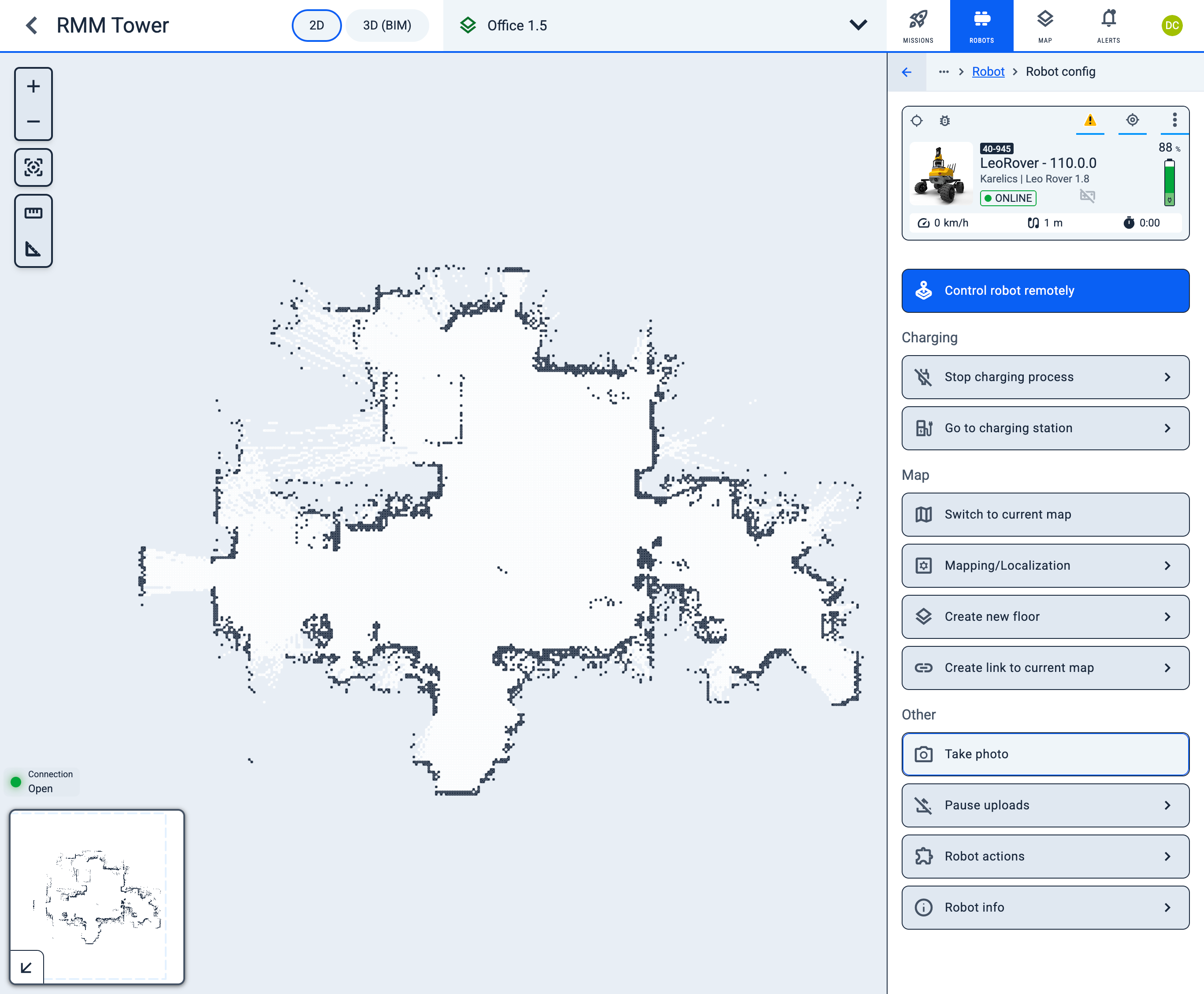
Quick actions
- joystick Control robot remotely
Charging
- power_offchevron_rightStop charging process
- ev_stationchevron_rightGo to charging station
- ev_stationaddAdd a charging station at robot position
Map
- map Switch to corrent map - If Robot is NOT linked to corrent map you can switch it.
- adjustaddAdd a point at robot position
- share_locationchevron_rightSet position
- settings_applicationschevron_rightMapping/Localization
- layerschevron_rightCreate new floor
Other
- photo_camera Take photo - Capture photo using robot camera.
- file_upload_offchevron_rightPause uploads
- extensionchevron_rightRobot actions
- infochevron_rightRobot info