31 March 2026
Cloud Release 2026.14
Briefly: This release focuses on streamlining POI and inspection workflows, enhancing device management and mission access, improving video and map integrations, and polishing various UI elements for better usability across the platform.
New Features
Streamlined POI and Inspection Workflows
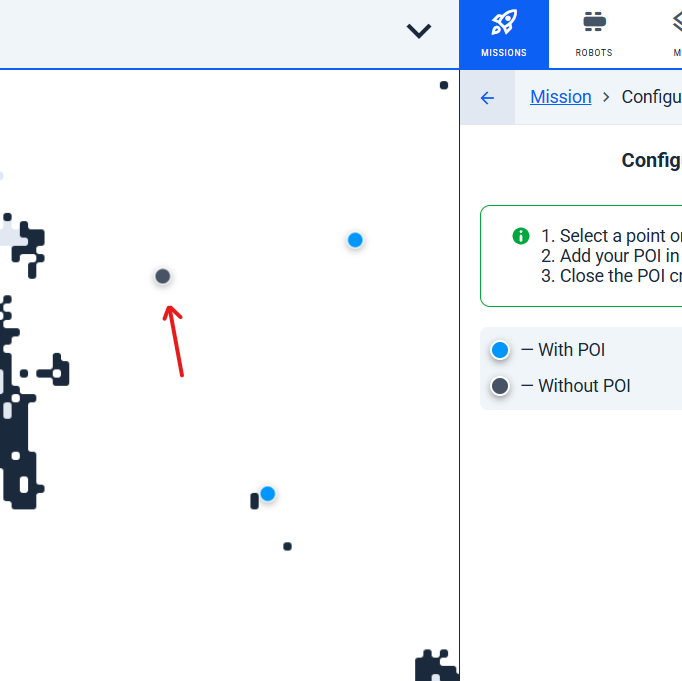
Direct POI Editing and Smart Defaults
- Now, clicking a point directly opens the POI configuration editor, skipping the popup step for faster editing and a smoother workflow.
Advanced Filtering and Sorting
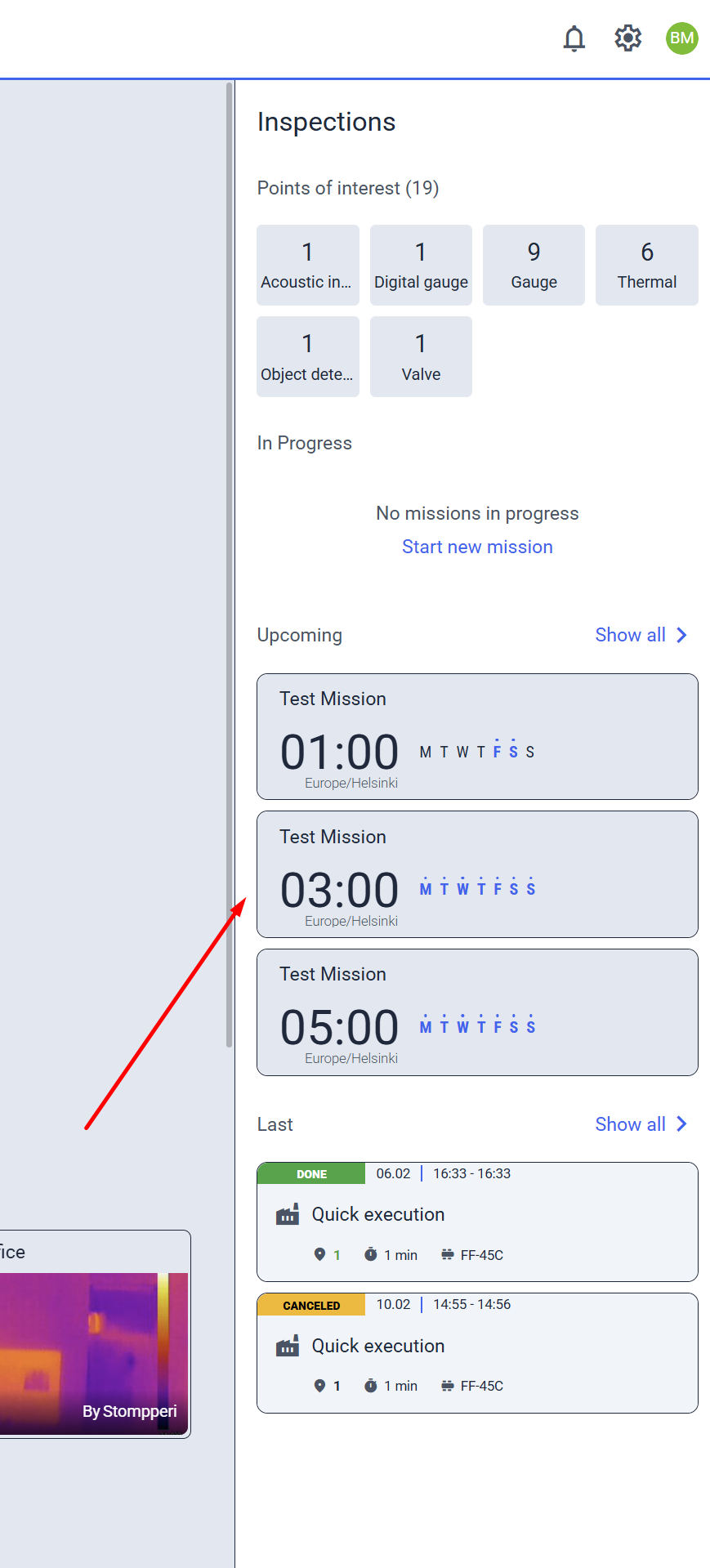
- Scheduled missions in the POI UI are now sorted logically, matching the Last Inspections view for easier navigation.
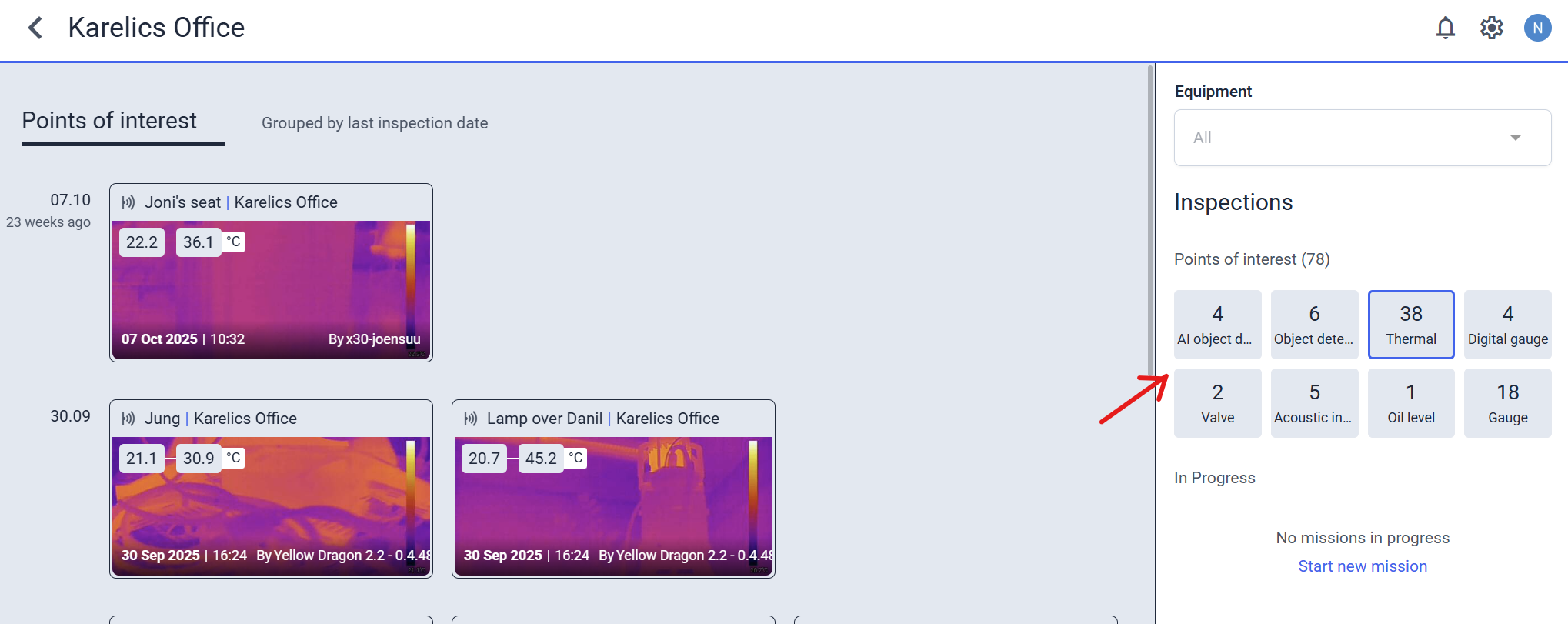
- Filter Last Inspections by POI type—just click a type in the sidebar to see only relevant results.
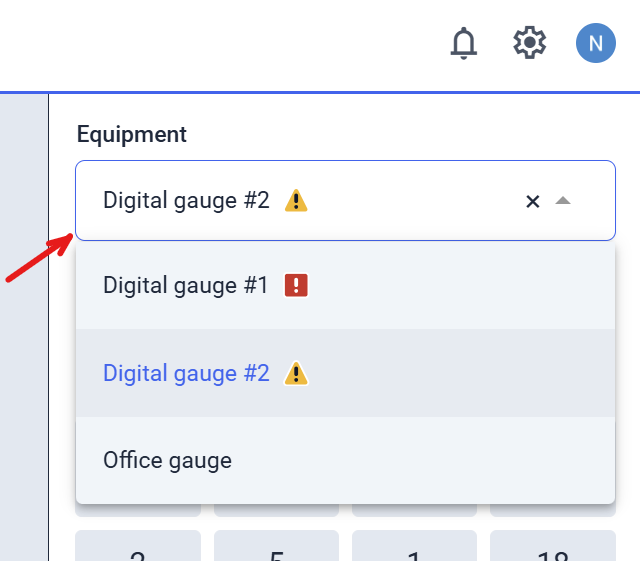
- Filter Last POIs by equipment, showing only active ones and highlighting those with the highest severity for faster issue spotting.
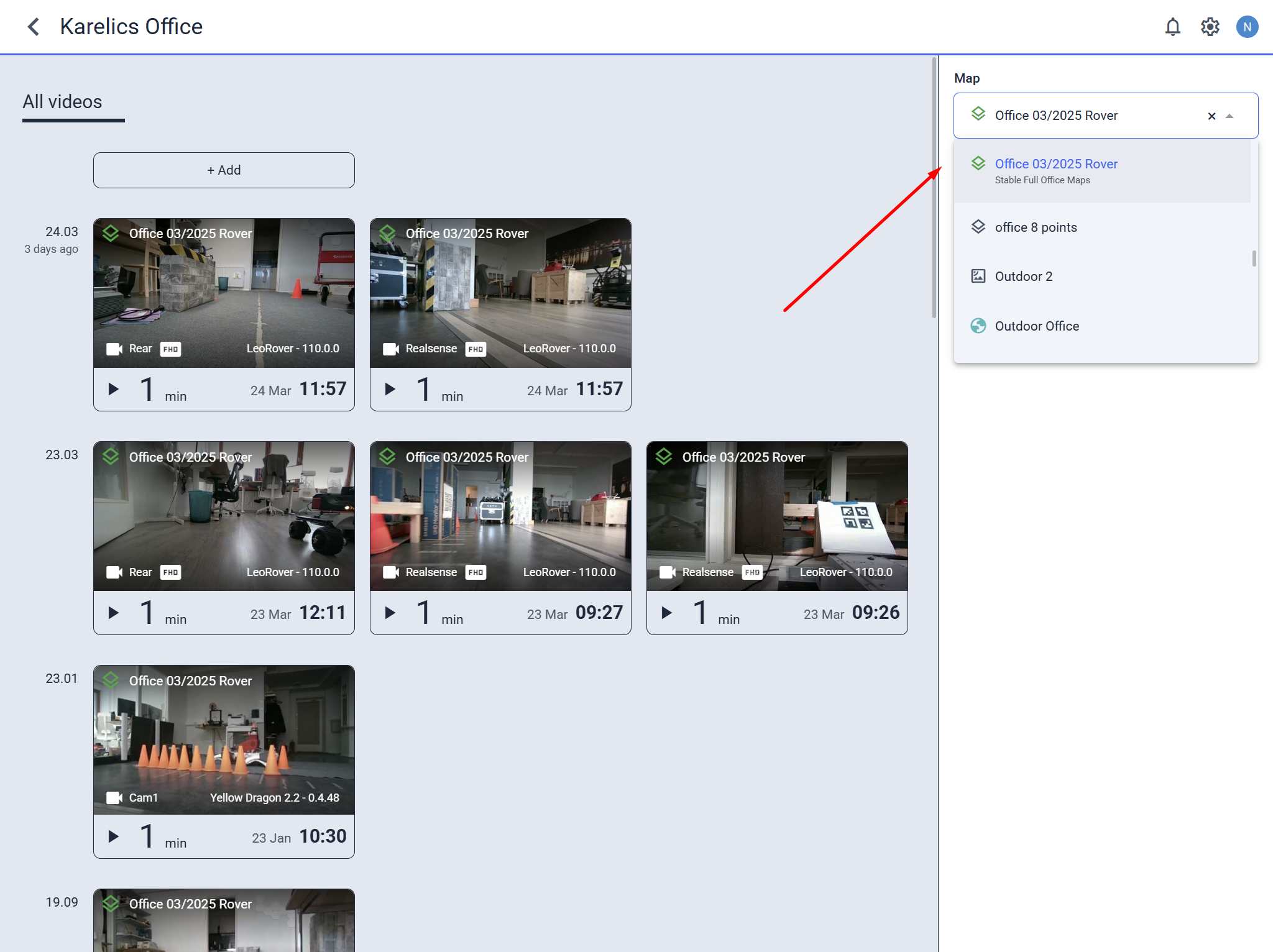
- Filter Last Videos by map in the sidebar for quick access to location-specific footage.
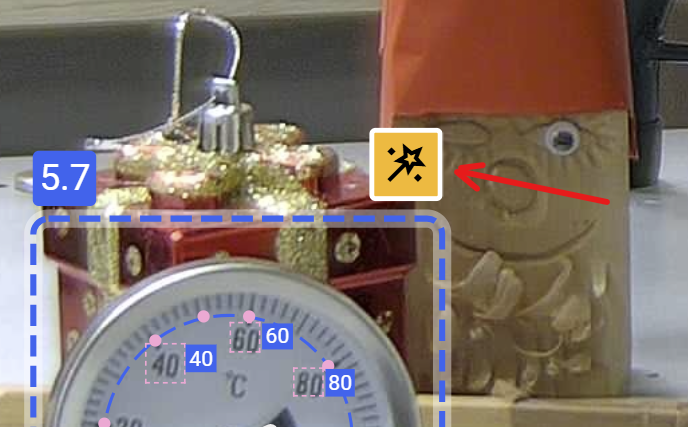
- Auto-apply AI-recognized min/max values for gauges in POIs with a single button when no defaults are set—saving time on setup.
Mission and Robot Quick Access
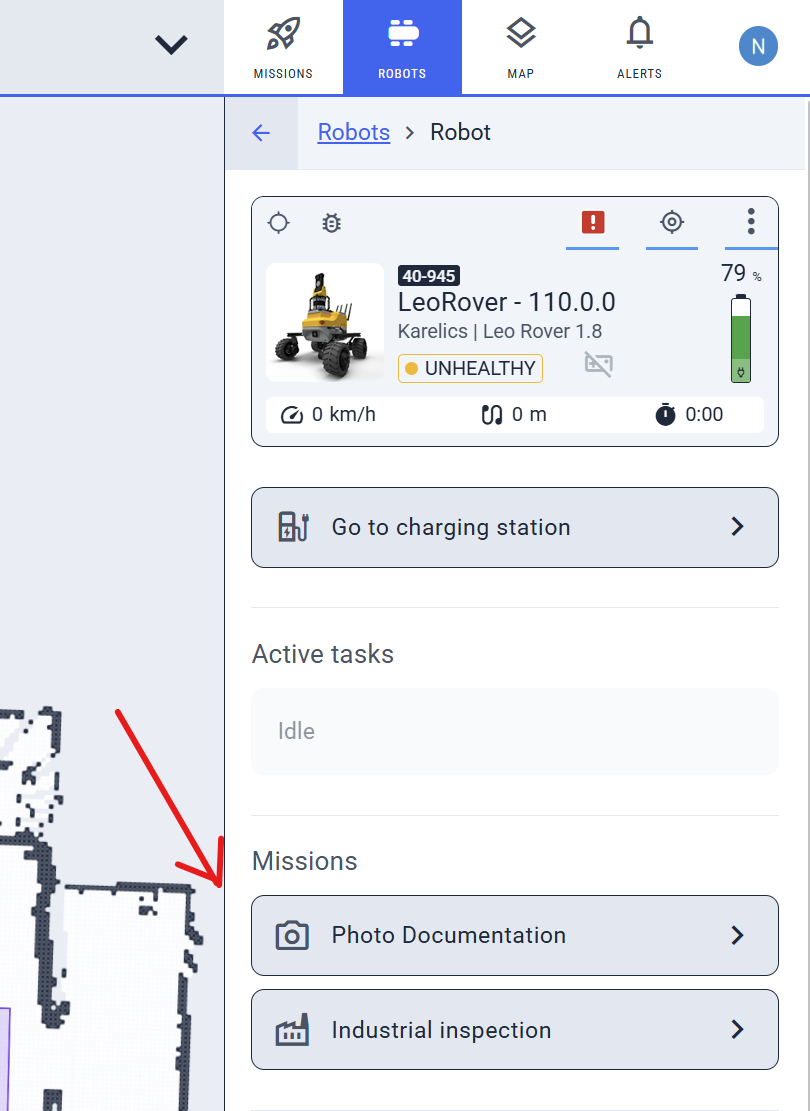
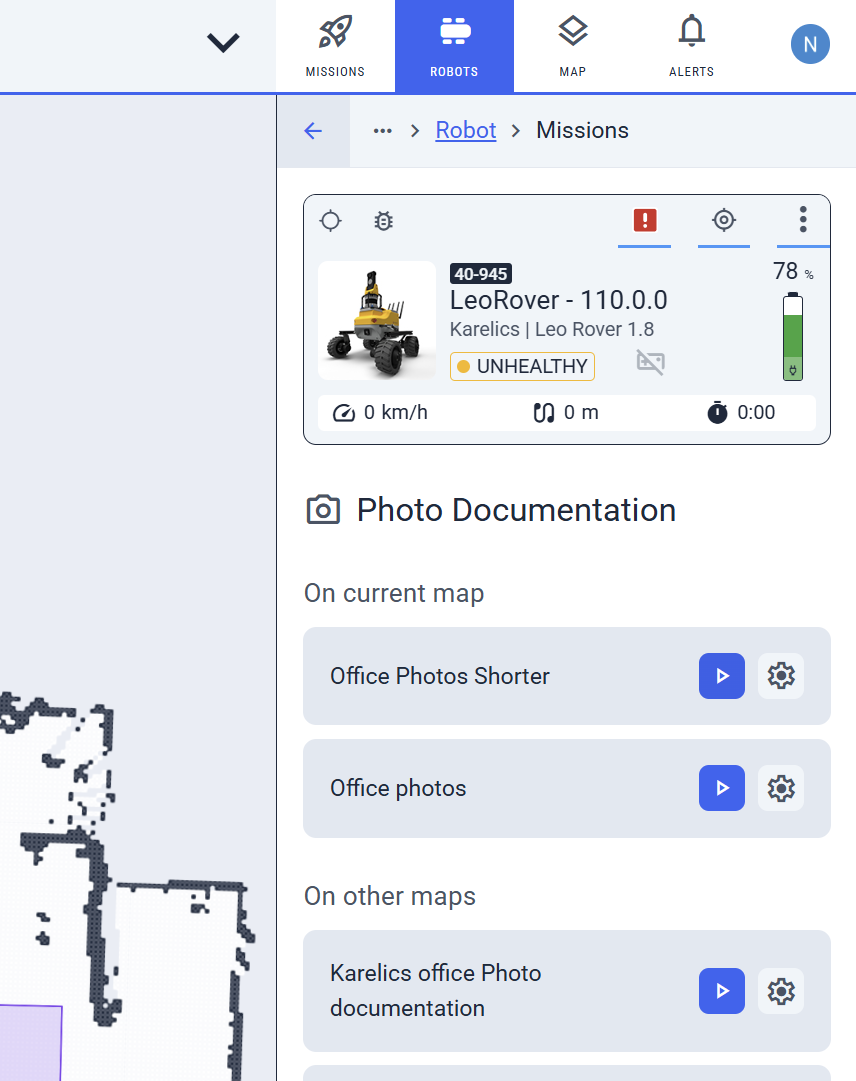
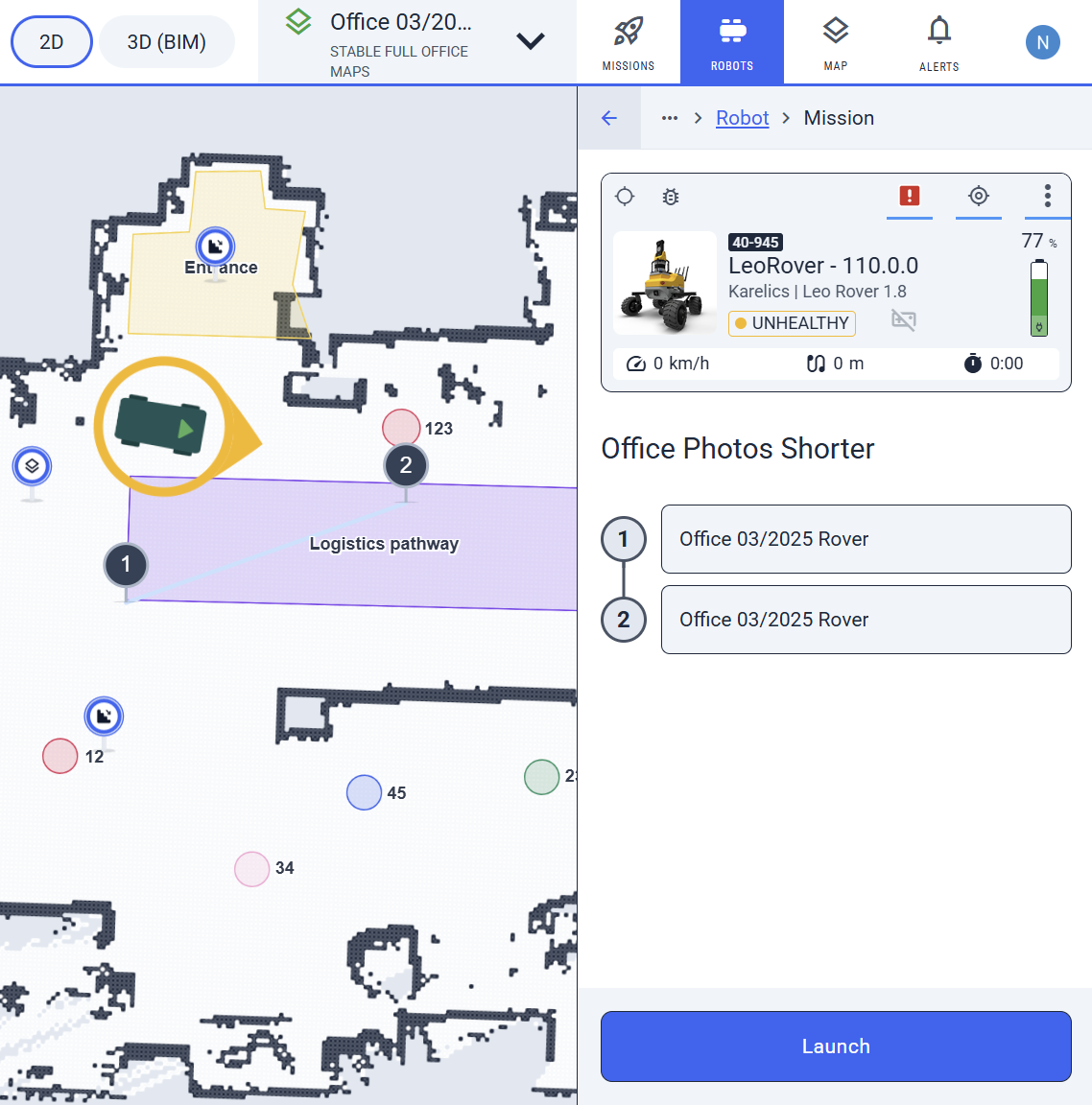
- Launch photo or industrial missions directly from the robot sidebar.
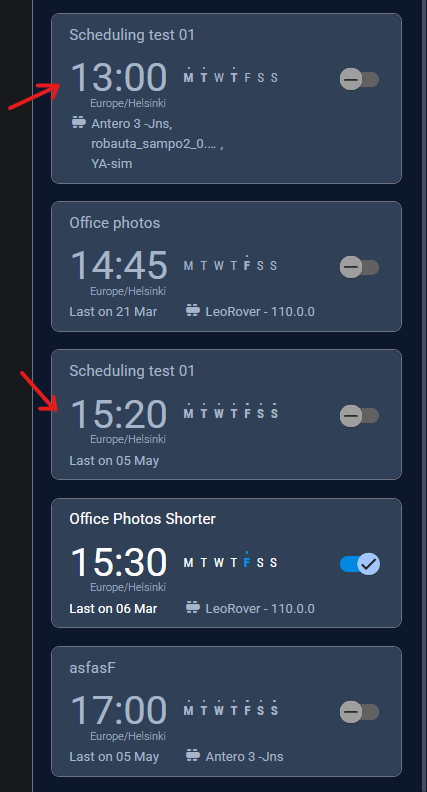
- Scheduled missions are now ordered by start time for better planning.
Video and Map Enhancements
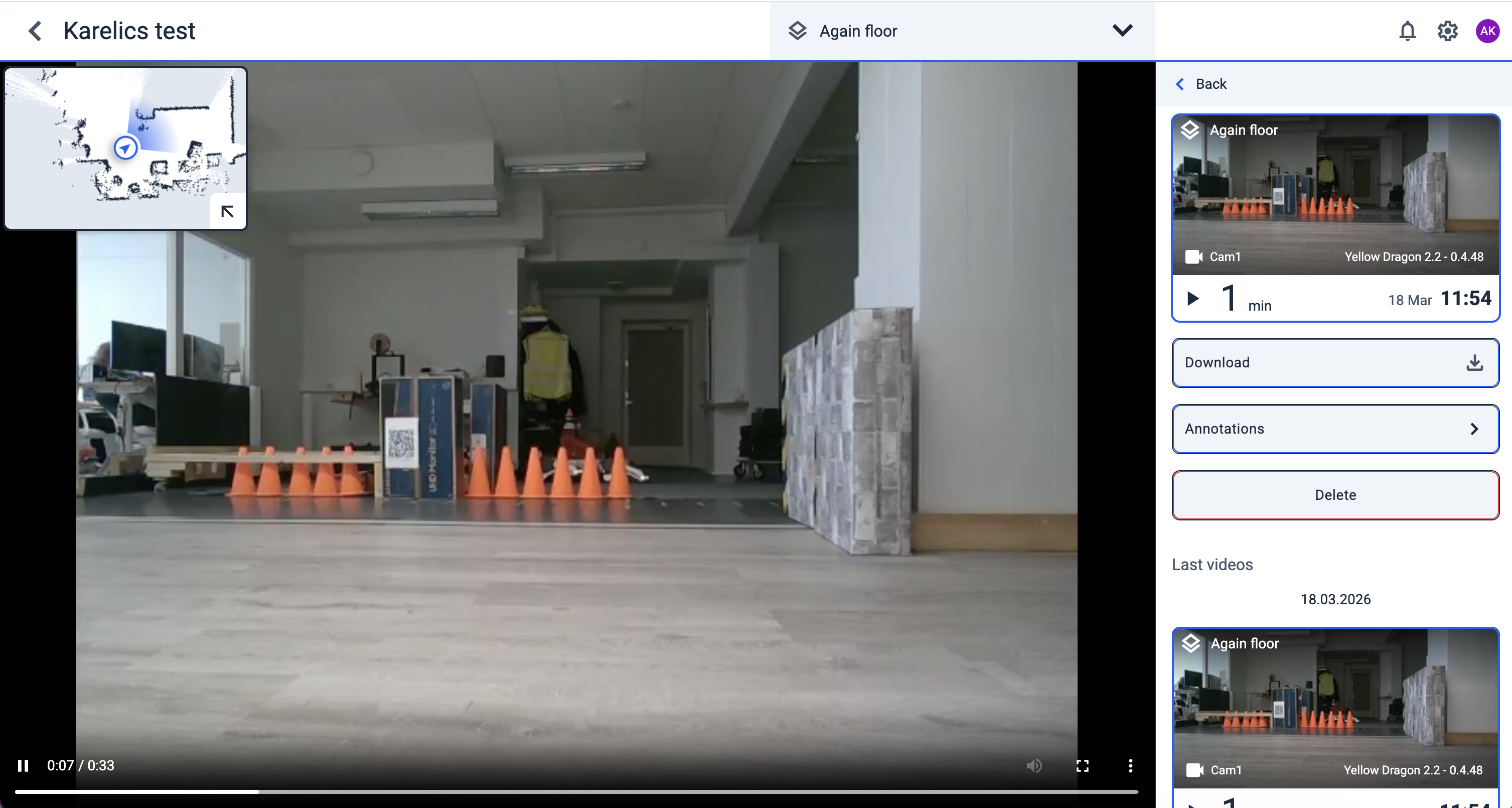
- 2D minimap overlay in Video Viewer when a .pose file is available, showing the robot's real-time position on the map.
Enhanced Features
Device Management and Status
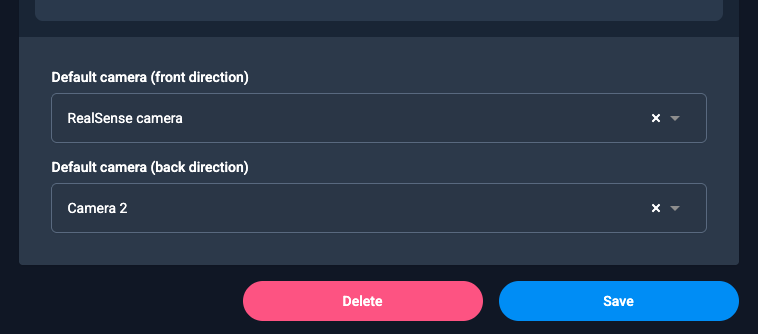
- Set default front/rear cameras per device type via new dropdowns in the config—simplifies setup.
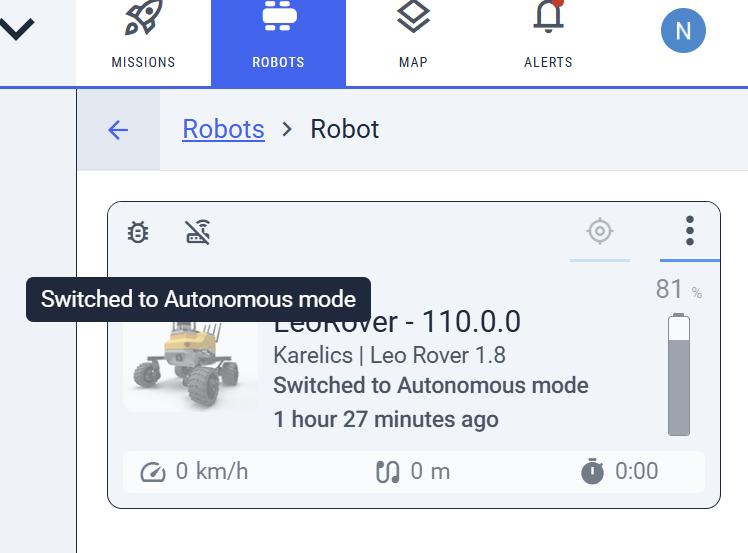
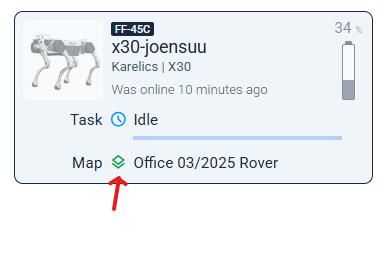
- Device cards now show cloud mode, teleop status, and map color for quick status checks (local cloud for offline devices).

UI Polish and Tools
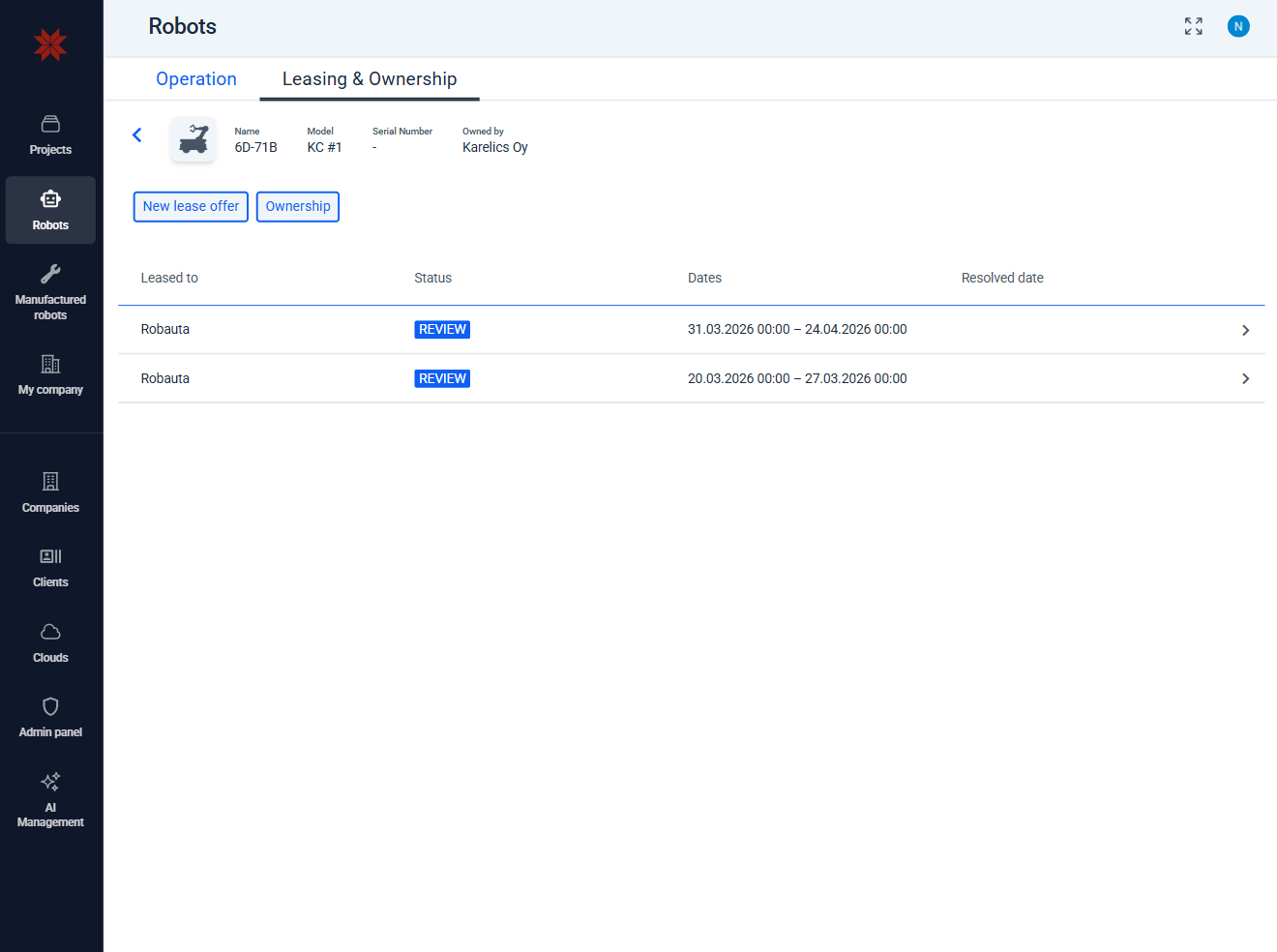
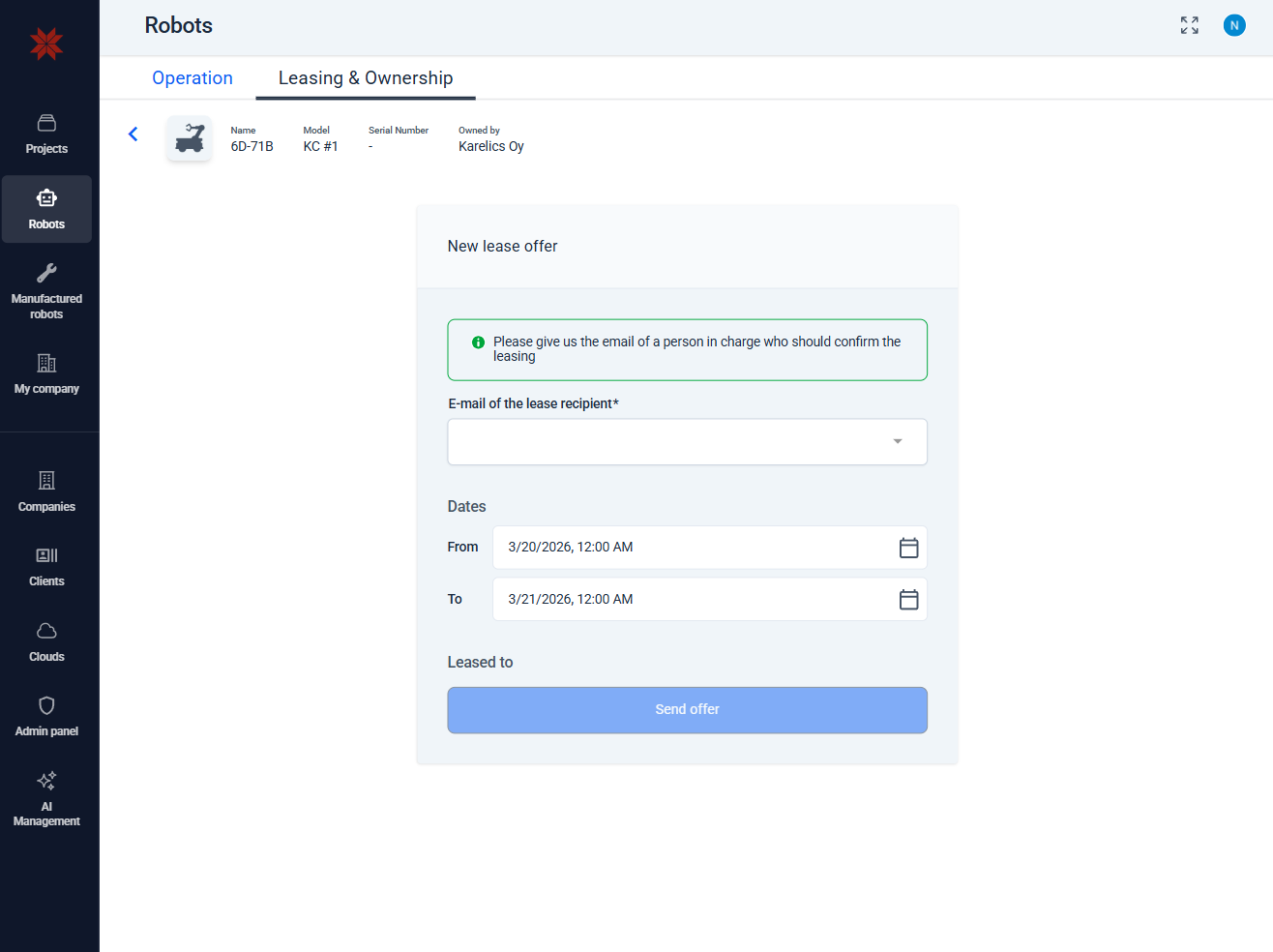
- Leasing UI overhaul for smoother navigation, better forms (e.g., date fields), fixed layouts, and subtle animations.
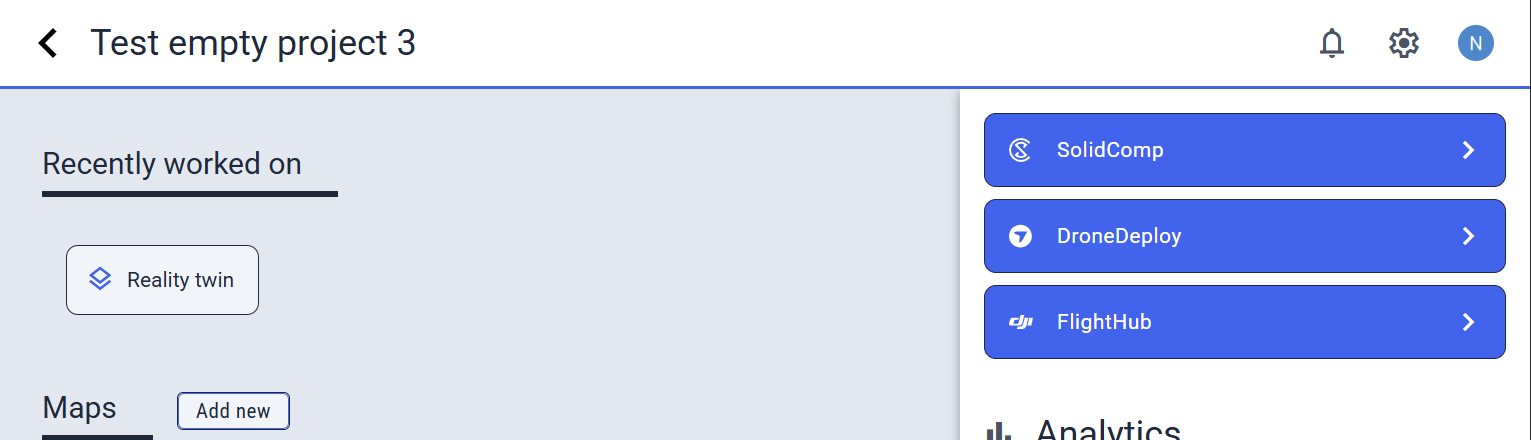
- Moved plugin buttons (SolidComp, DroneDeploy, Flighthub) to project sidebar—better for mobile and cleaner headers.
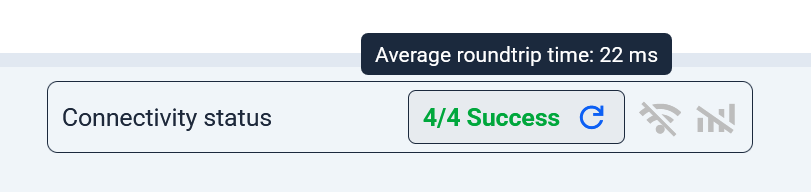
- Ping now shows latency and success rate for reliable network checks.

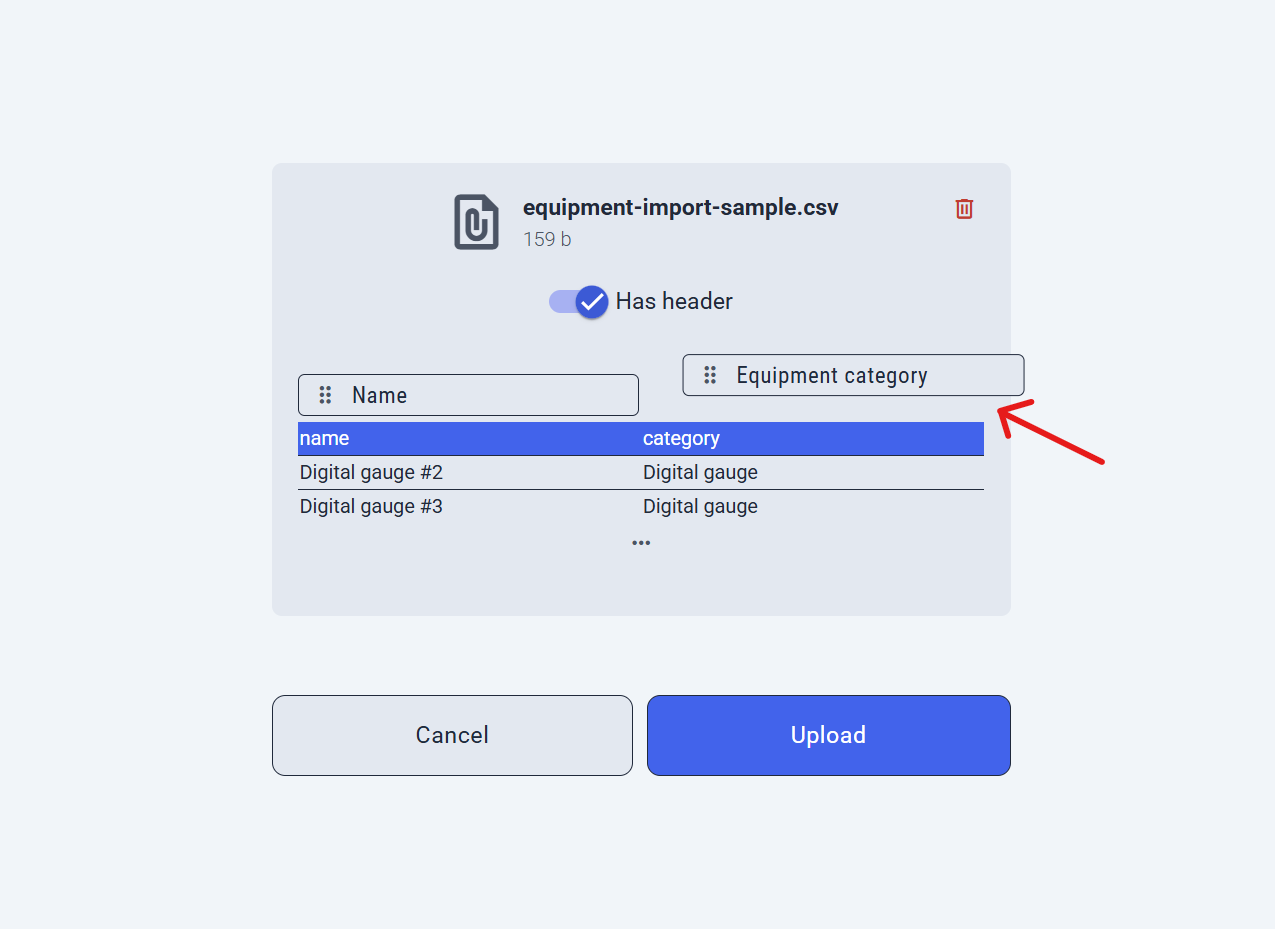
- CSV equipment import improved with header previews, drag-to-reorder columns, sample rows, and clearer 'Skip Header' option.
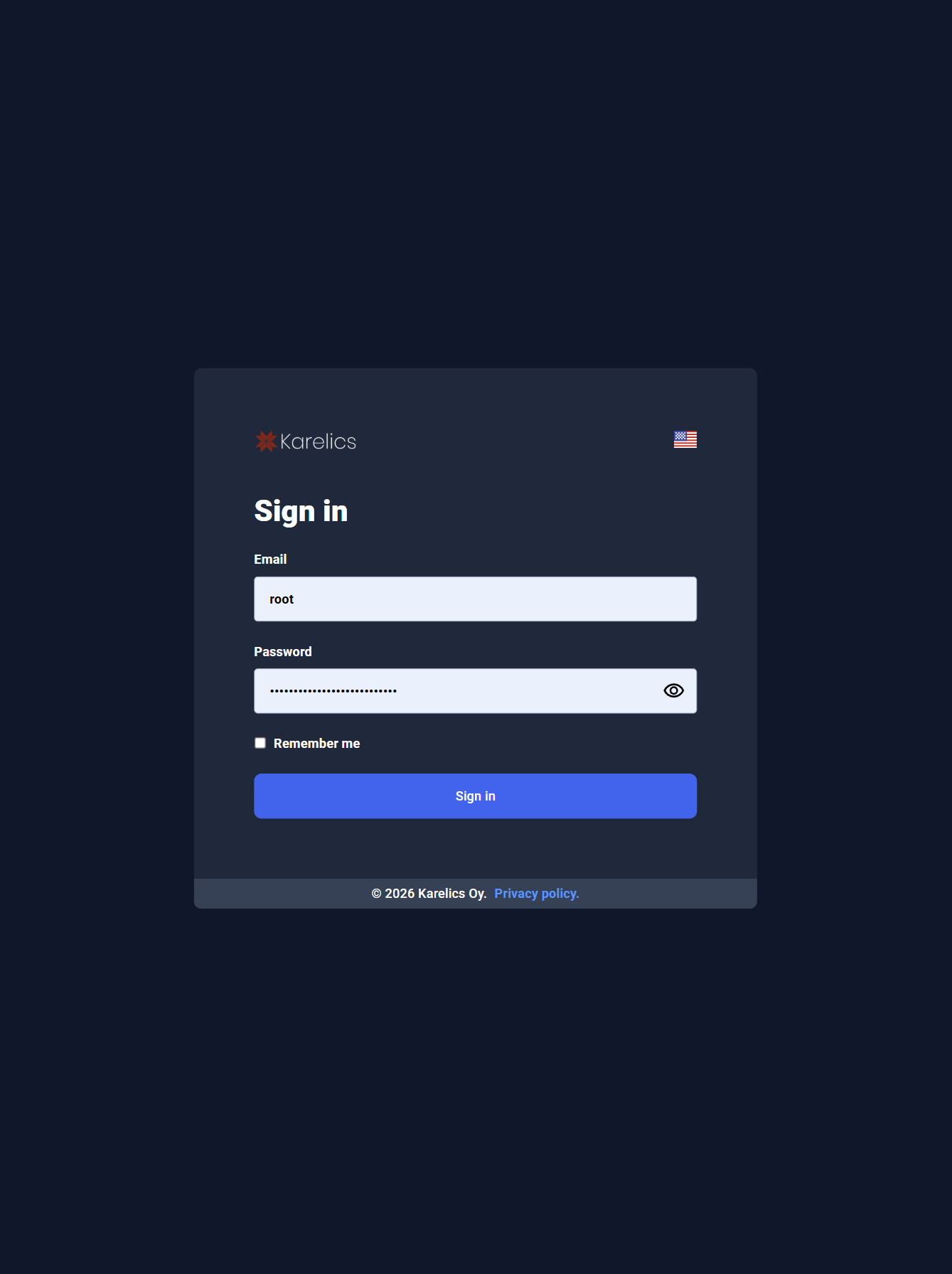
- Cleaner DeviceCloud login page—removed clutter like unused controls and the 'how it's used' iframe.
Other Improvements and Fixes
-
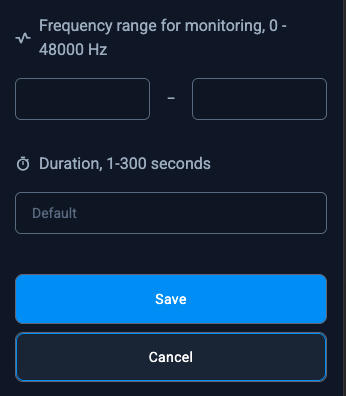
Customizable acoustic mission duration from 1 to 300 seconds, tailored to your needs beyond the old 10-second default.
-
Fixed valve detection model selection in POI settings—now uses proper model IDs instead of URLs for reliable loading.
-
Fixed sidebar scrolling—no more unresponsive behavior; tap anywhere for smooth access.
-
Valve detection models load correctly in POI settings (resolved URL vs. ID mismatch).