Cloud Release 2026.36
Briefly: This release adds PDF map download, GNSS map overlays and photo capture, live FlightHub drone status, and clearer empty-map and 404 screens.
New Features
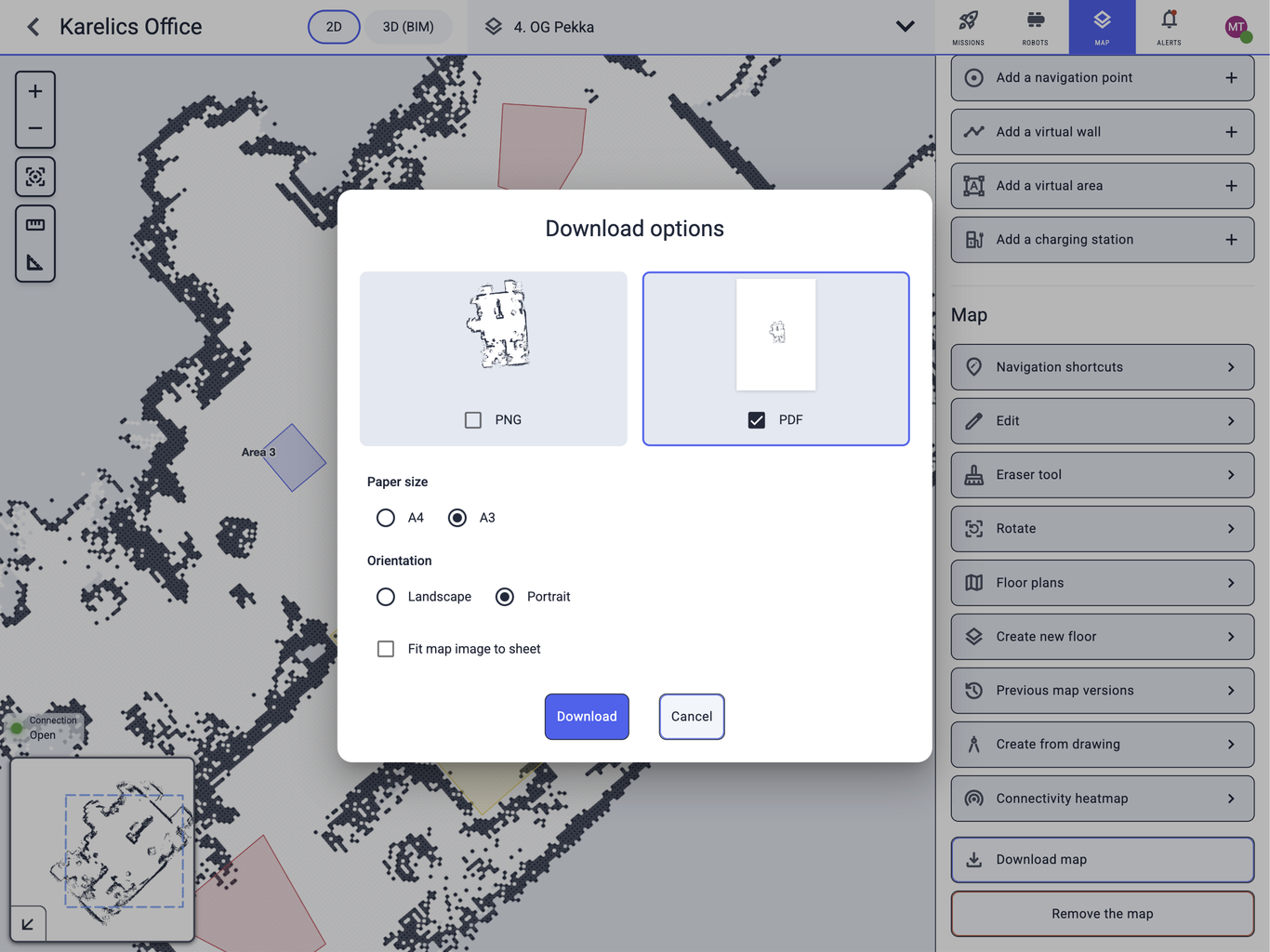
Download Map as PDF
Download map now offers PDF as well as PNG. Choose Paper size (A4 or A3), Orientation (Landscape or Portrait), and optionally Fit map image to sheet.
GNSS Map Overlays and Photos
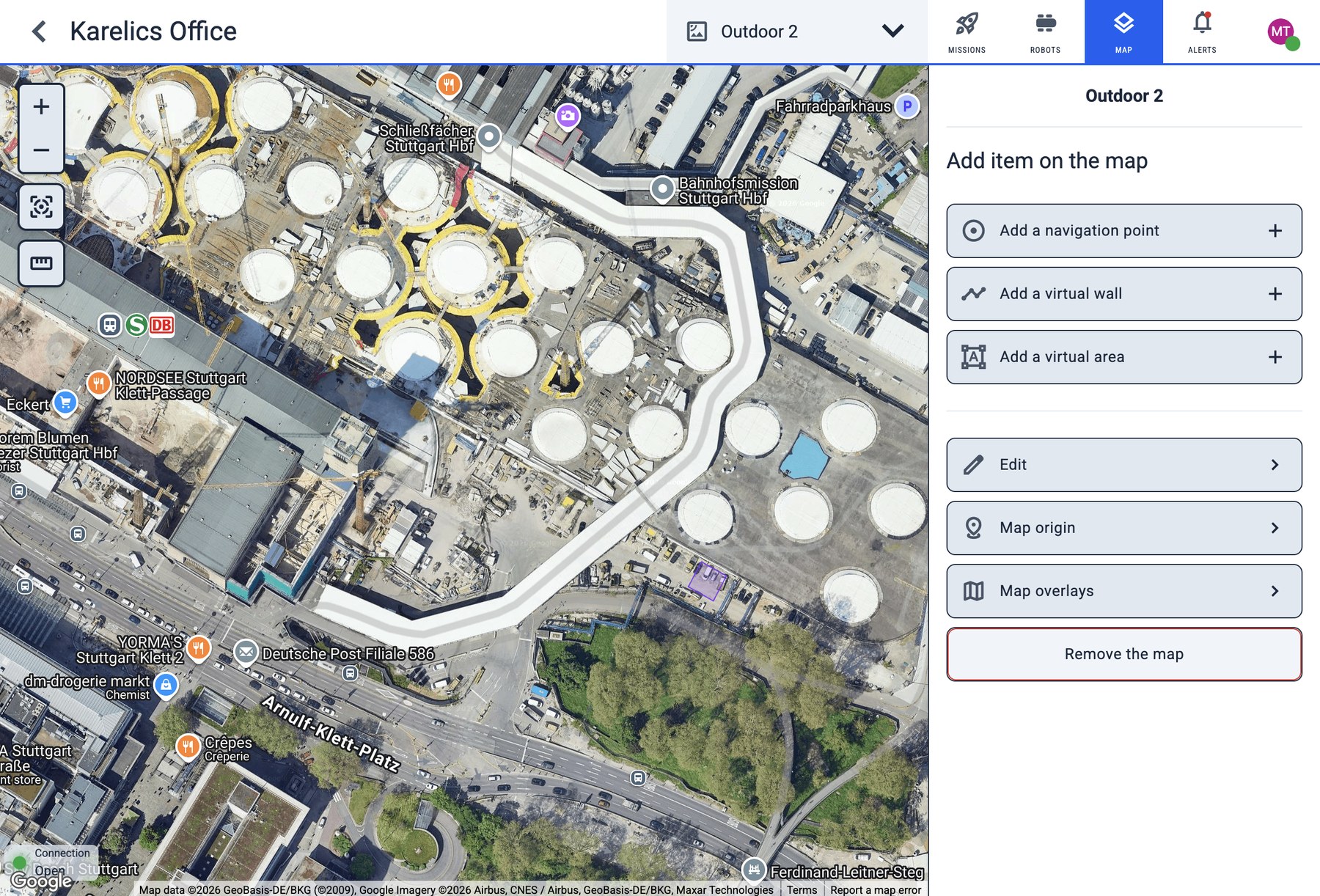
GNSS maps can now carry Map overlays — upload a ZIP of map tiles and toggle the overlay on the map. You can also Take photo on a GNSS map, add Navigation shortcuts, and jump between 360° photos on the map.
FlightHub Live Status
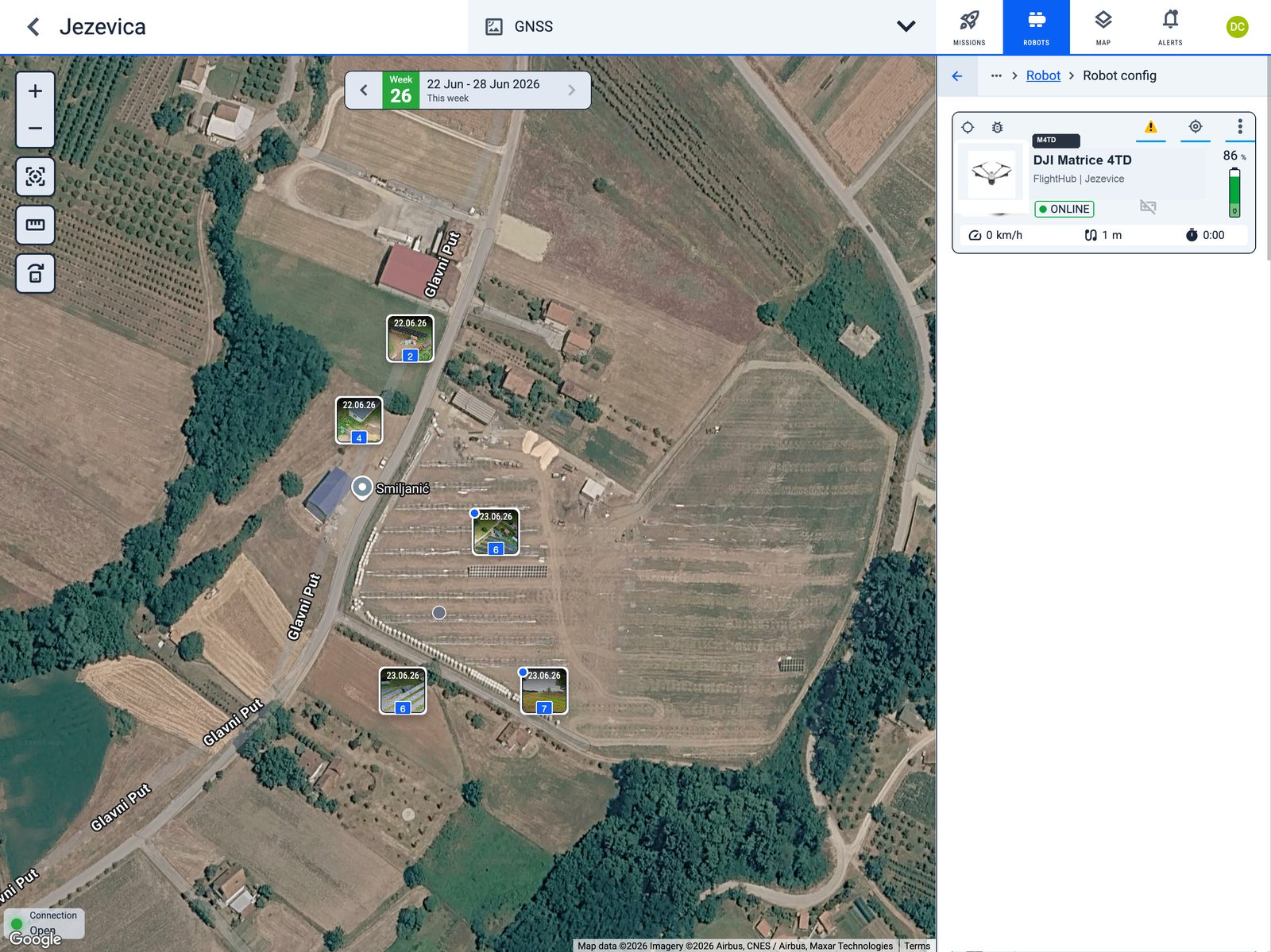
Drones synced from DJI FlightHub 2 now report live status in Cloud — online state, position, and battery — the same way other robots do. FlightHub missions auto-sync, and drone inspection photos are grouped into mission steps.
Thermal Video
Infrared recordings appear as Thermal Video, so they can be listed, filtered, and processed separately from ordinary video.
Enhanced Features
Battery Calibration
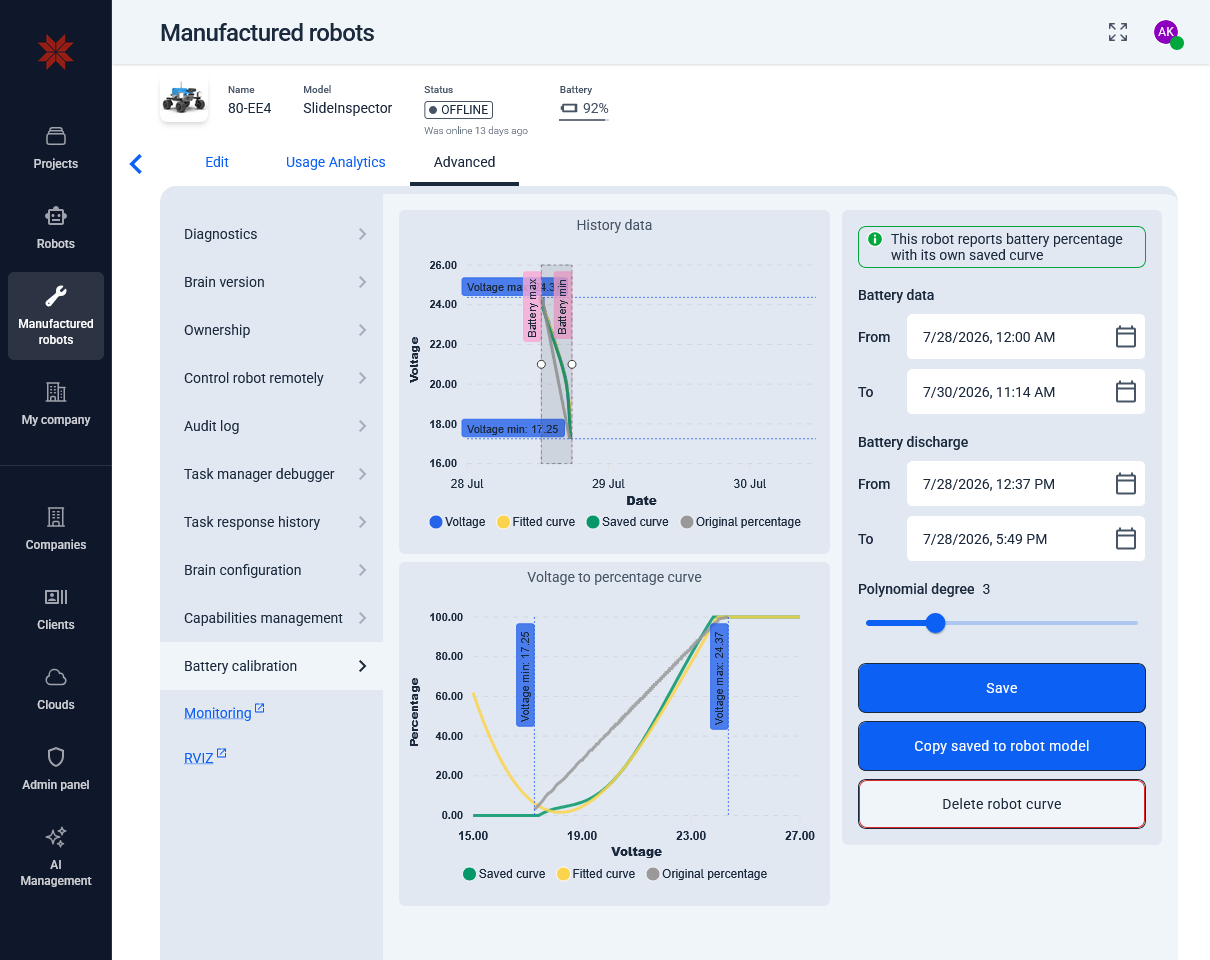
Battery calibration in Advanced now shows a clearer history chart, a Voltage to percentage curve, and a status banner when the robot already uses its own saved curve. Empty date ranges show No battery readings in the selected period.
Unbuilt Map Warning
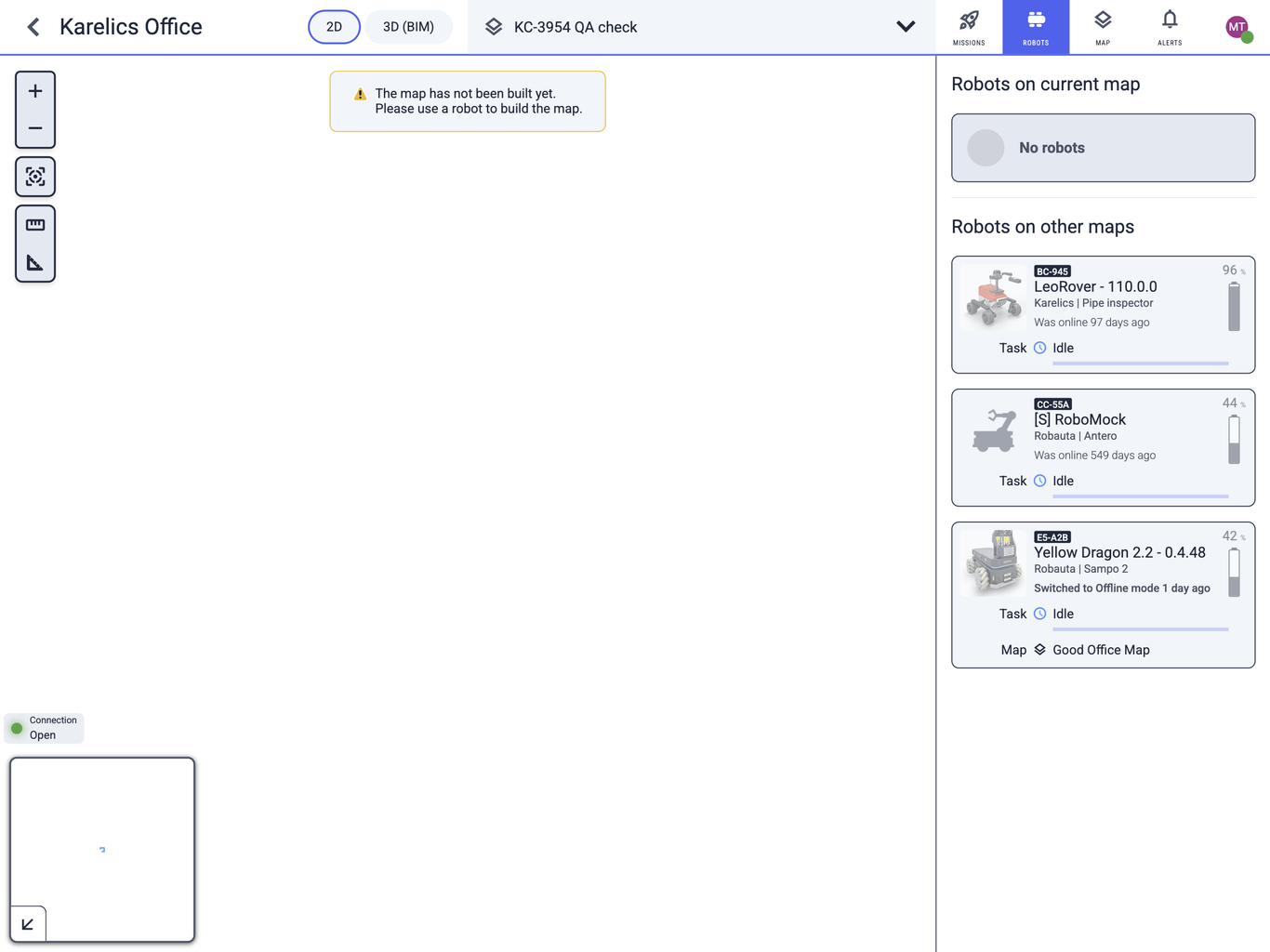
Creating a map now opens it immediately. If the robot has not built it yet, Cloud shows The map has not been built yet. Please use a robot to build the map.
Video Annotation Restart
You can run Recognize annotations again on a video after changing models or categories, instead of being limited to the first pass.
Hide Missions While Mapping
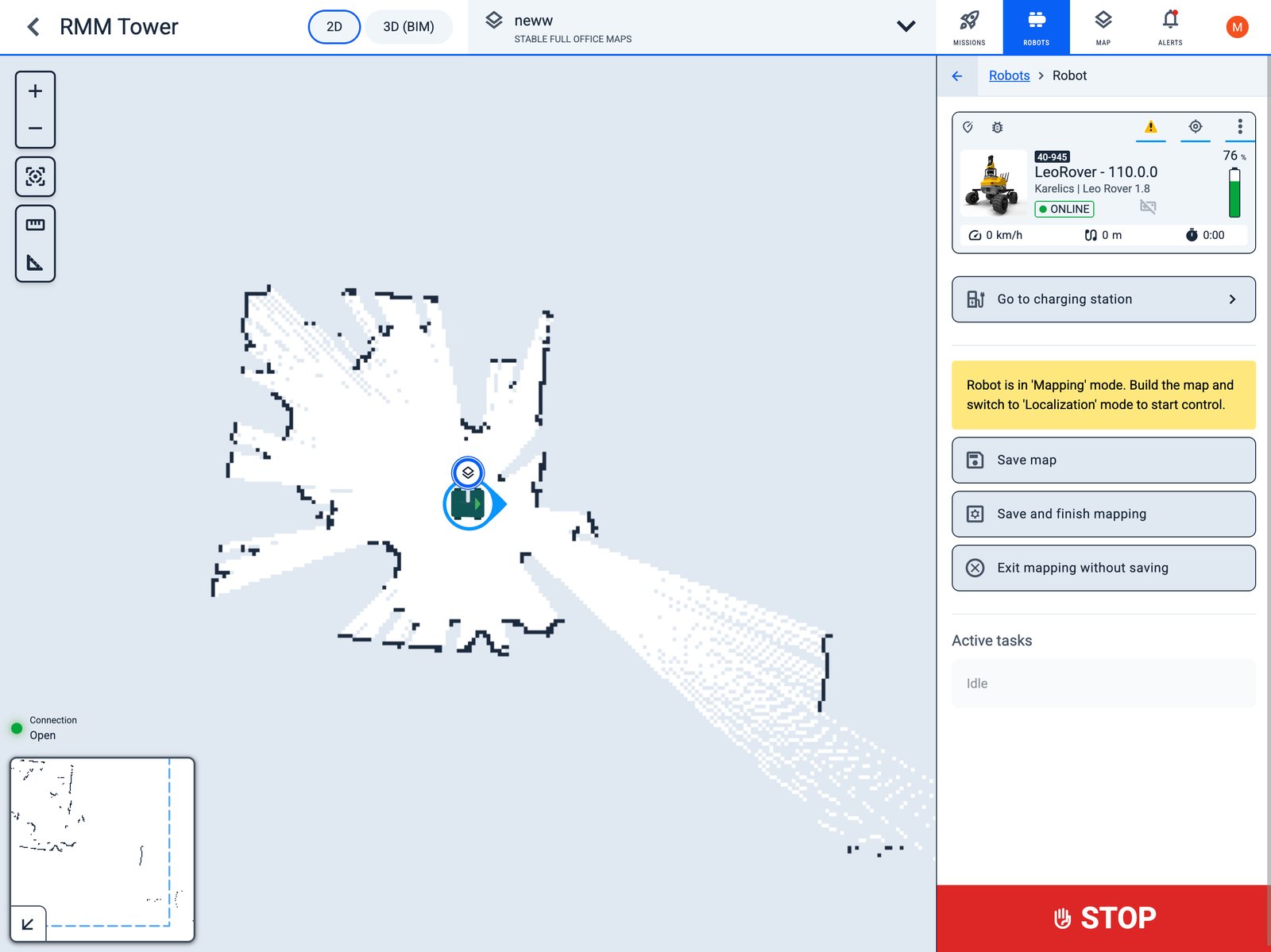
Mission buttons in the robot sidebar stay hidden while the robot is in mapping mode. The yellow mapping plaque, Save map, and Active tasks stay in front.
Alarm Details on Mission Execution
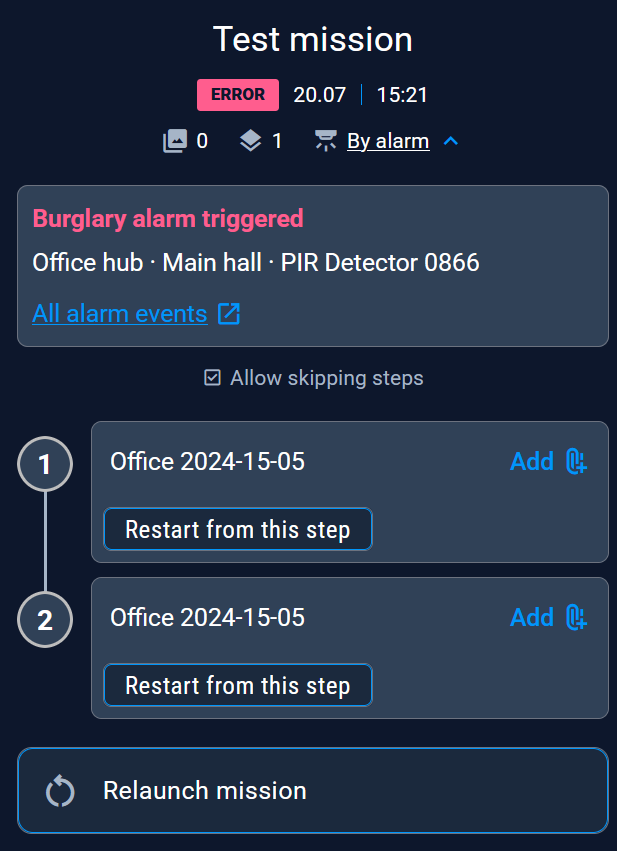
Missions started By alarm can expand the tag to show the event type, alarm hub, zone, and sensor, with a link to All alarm events.
Brightness Threshold for PDF Drawings
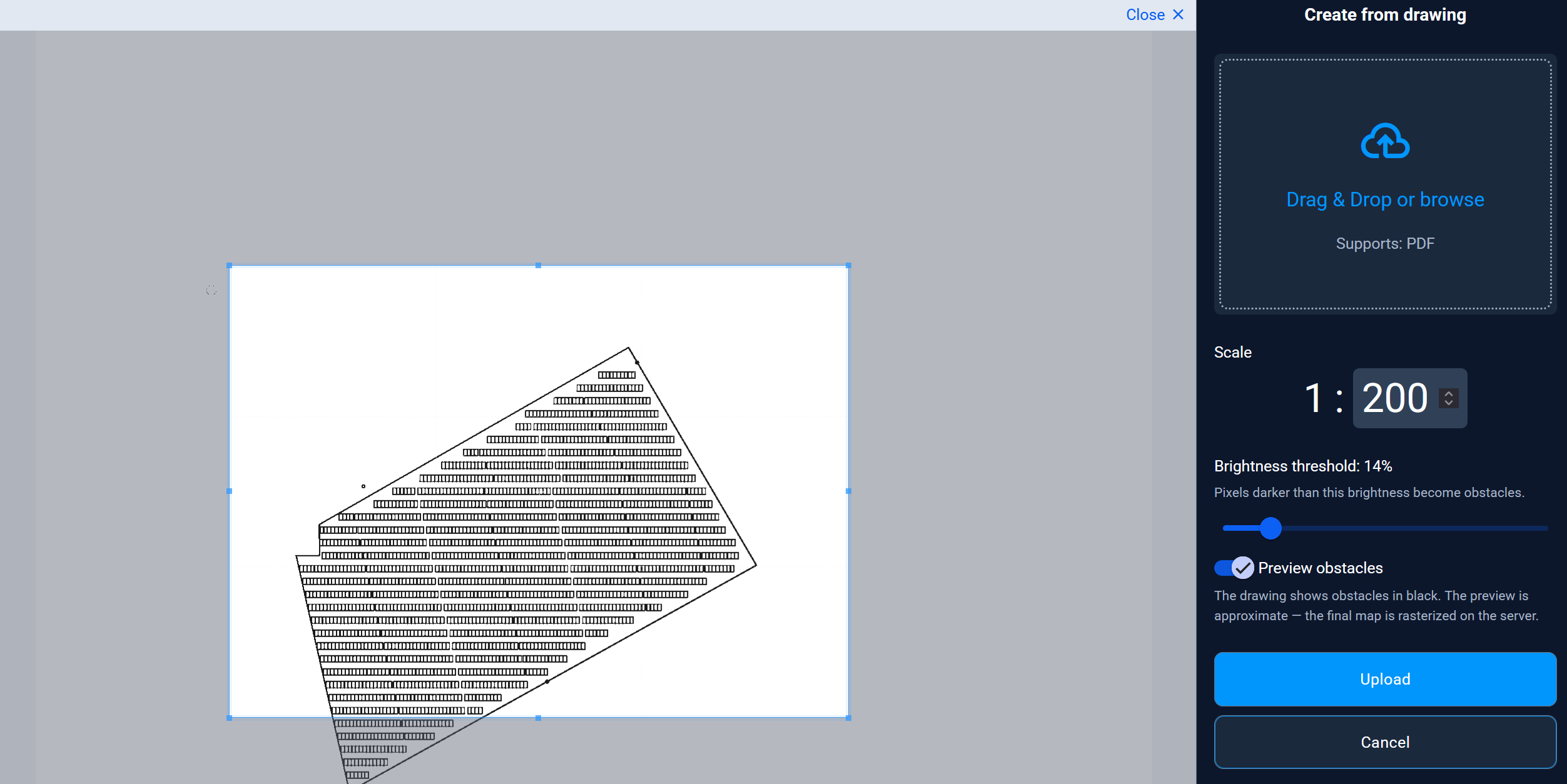
Create from drawing now has a Brightness threshold slider and Preview obstacles, so you can see which pixels become obstacles before you Upload.
Other Changes
- Italian (Italiano) is available as a Cloud language.
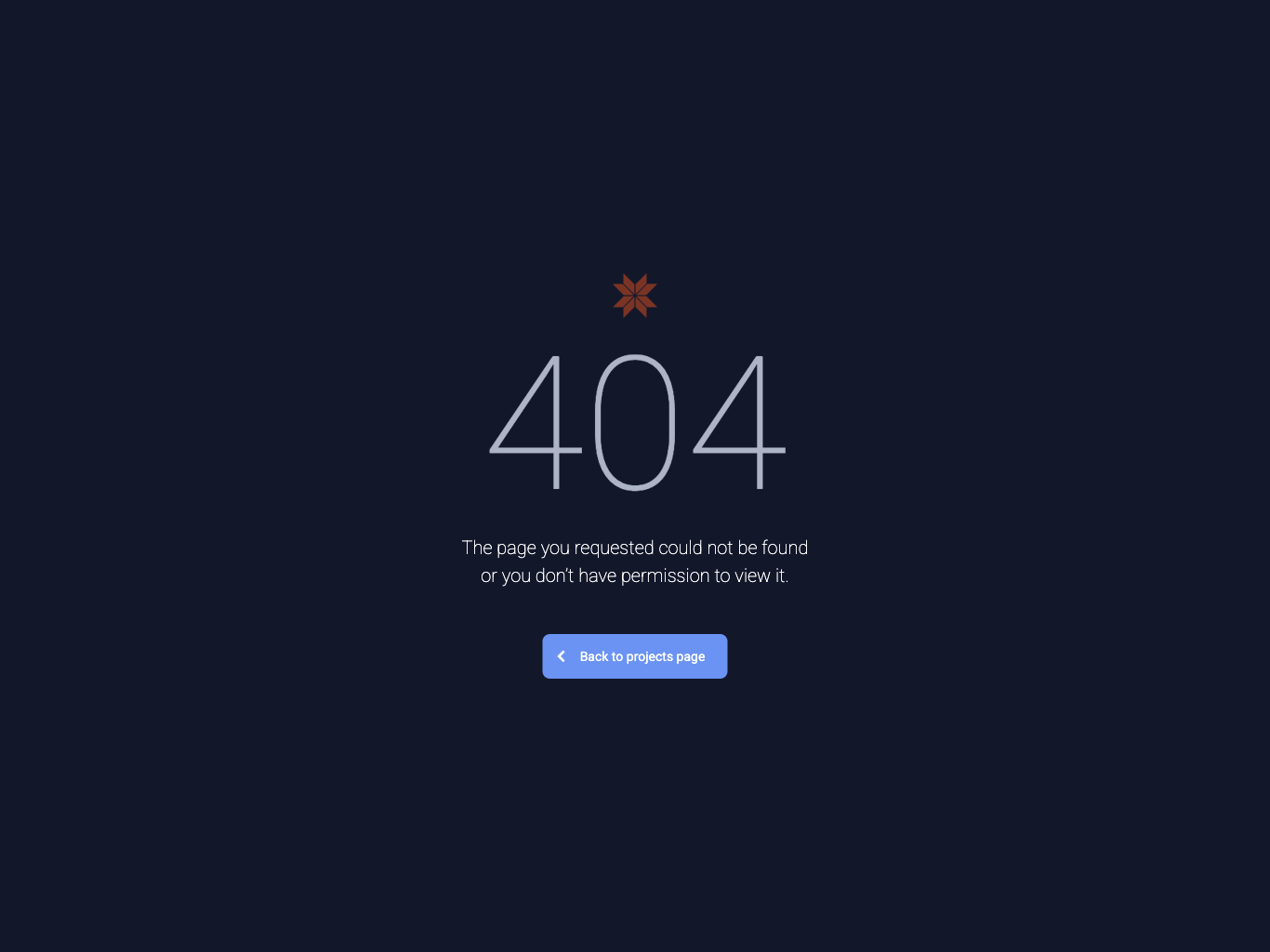
- Broken or forbidden links show a branded 404 page with Back to projects page.
- Video surveillance works on GNSS maps.
- Control robot remotely on a mission appears only while the execution is in progress.
- Robot list filters are remembered in the browser.
- External companies show a small icon before the name.
- Team tabs are named Client company team, Company team, and Project team.
- Quick execution dates include the year when the run is not from the current year.
- Linked maps are listed alphabetically.
- Add new project opens in the sidebar, like Add new client.
- Alarm events update live over the websocket.
- Admin Hub layout is usable on mobile screens.