Cloud Release 2026.31
Briefly: This release adds alarm hub monitoring with live hub status, search and filter for photo and video detections, pipe-map mission controls in the robot sidebar, and scheduled upload pauses.
New Features
Alarm Hub Monitoring
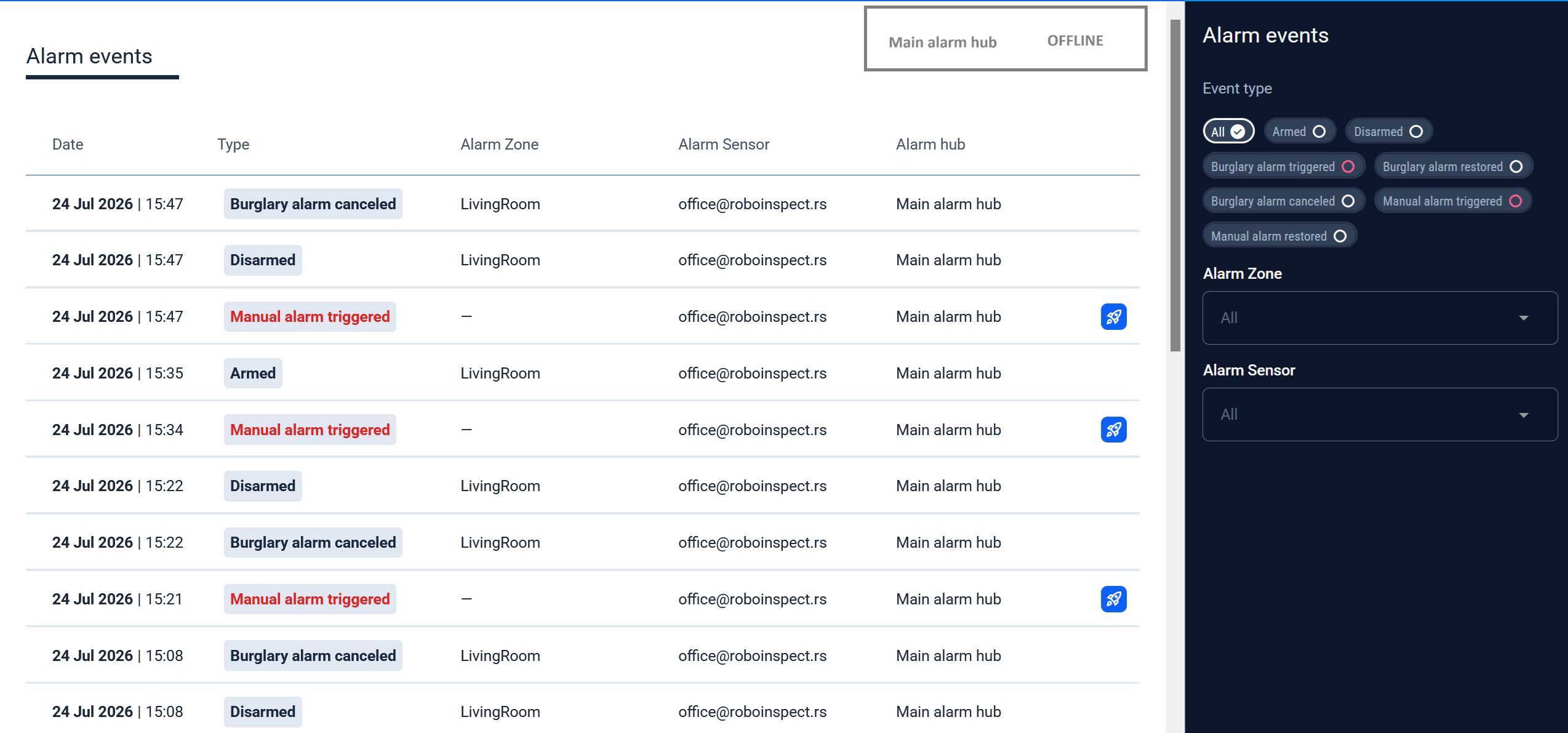
Connect alarm panels to a project as Alarm hubs, then open Alarm events from Operator Hub. Status cards above the event list show whether each hub is Online, Unhealthy, or Offline. Filter events by type, Alarm Zone, and Alarm Sensor. Events that launched a mission show a launch icon on the row.
Search Photos and Videos by Detections
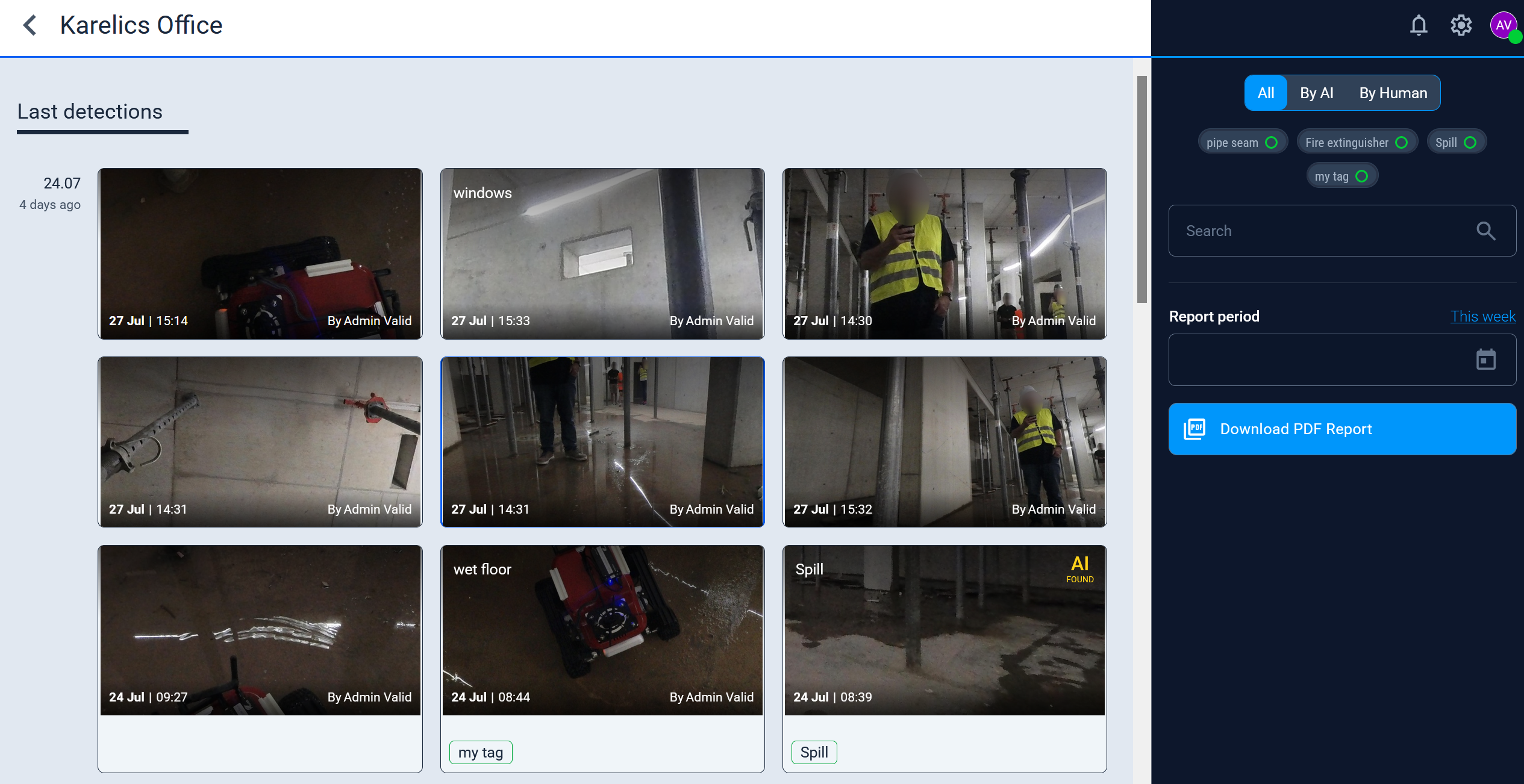
Last detections now lets you filter photos by AI or human origin, by annotation category, and with a text search. Video inspection lists the matching frames, so you can jump straight to clips that contain a chosen detection.
Pipe Map Mission Controls
Missions on Current Map
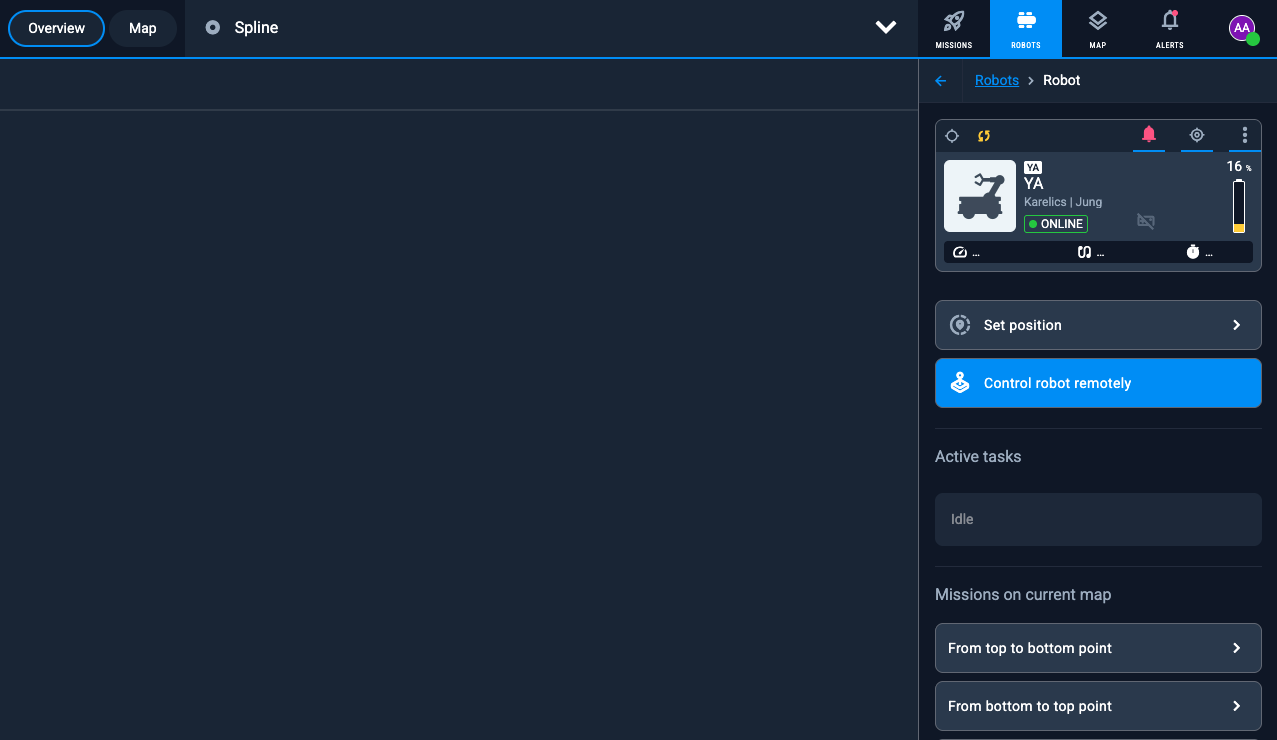
Pipe maps now show Missions on current map in the robot sidebar — the same launch list operators already have on regular maps.
Control Robot Remotely from a Pipe Inspection
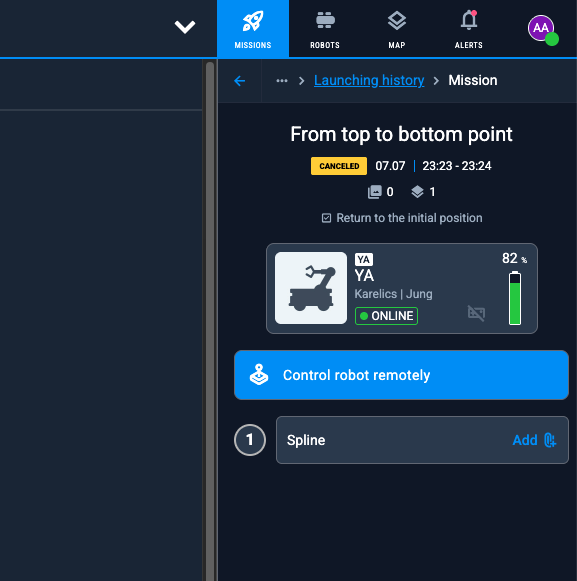
A Control robot remotely button is available on pipe inspection mission execution, so you can open teleoperation without leaving the mission.
Scheduled Upload Pause
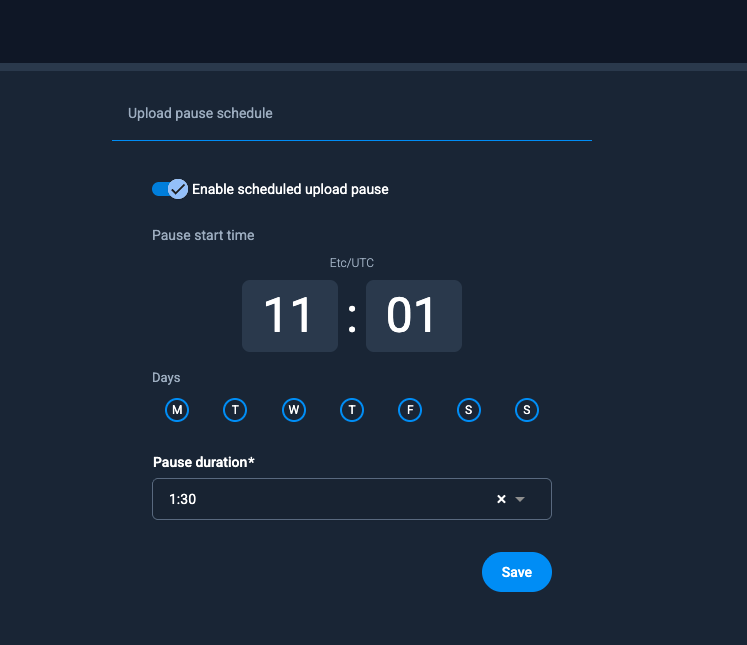
In project Upload settings, enable Upload pause schedule to pause all device uploads at a chosen Pause start time, on selected days, for a Pause duration. Use this to keep bandwidth free during inspections.
Enhanced Features
Video List Filters
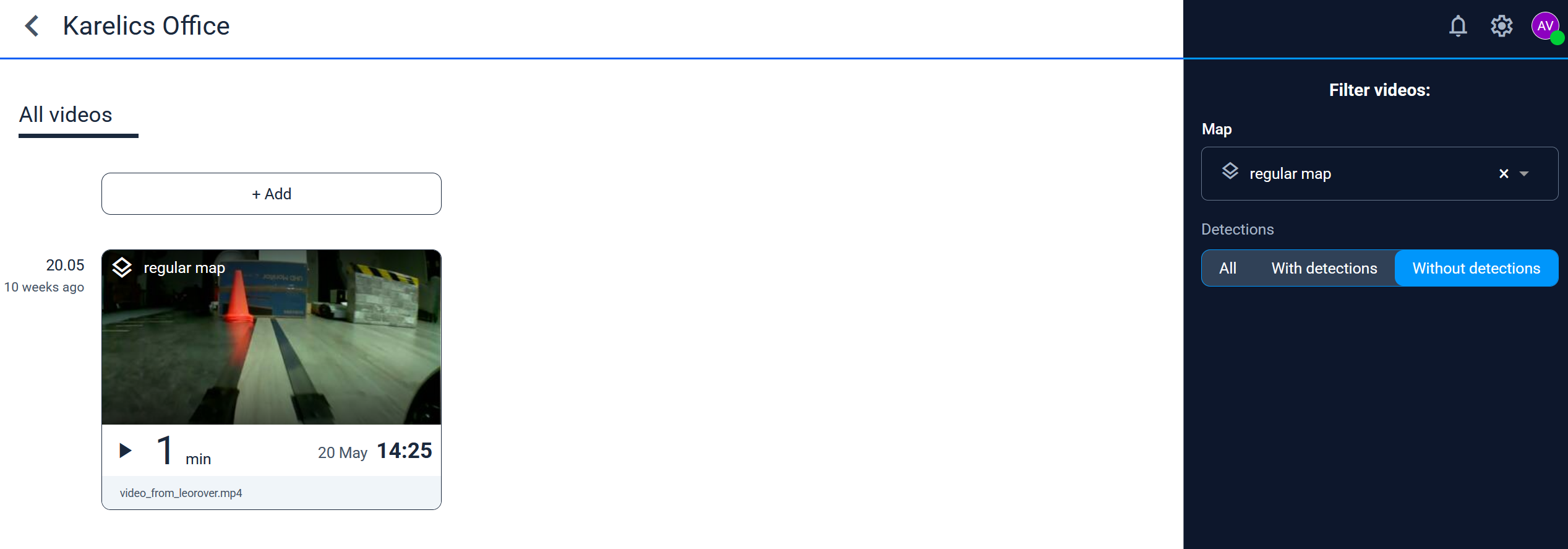
On All videos, the map filter shows which maps have videos. A Detections filter lets you show All, With detections, or Without detections.
All Detections During Measurement
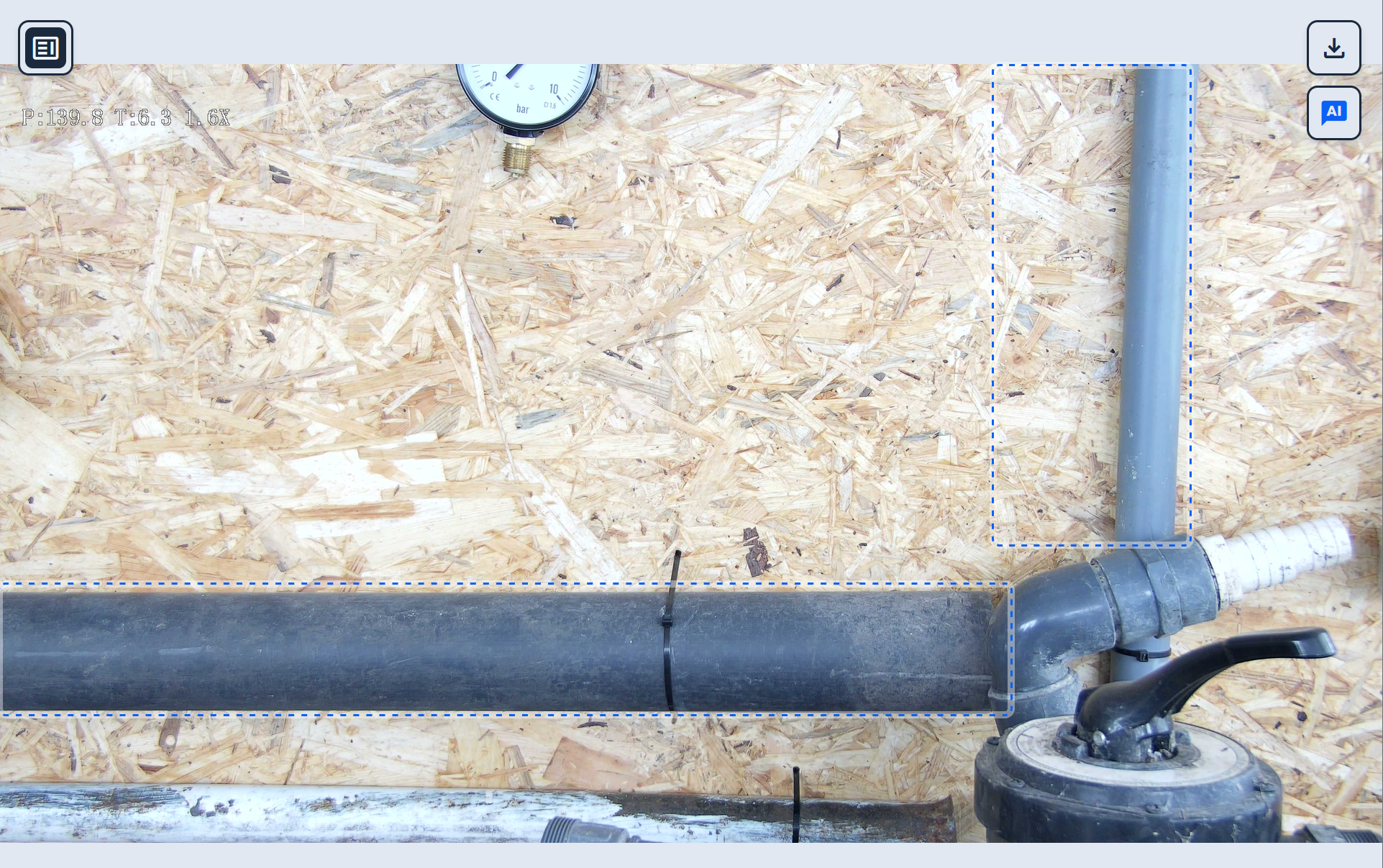
When you measure on a photo, every detection on that image stays visible, so you can dimension against the full set of findings instead of a single box.
Annotations on Zenith and Nadir
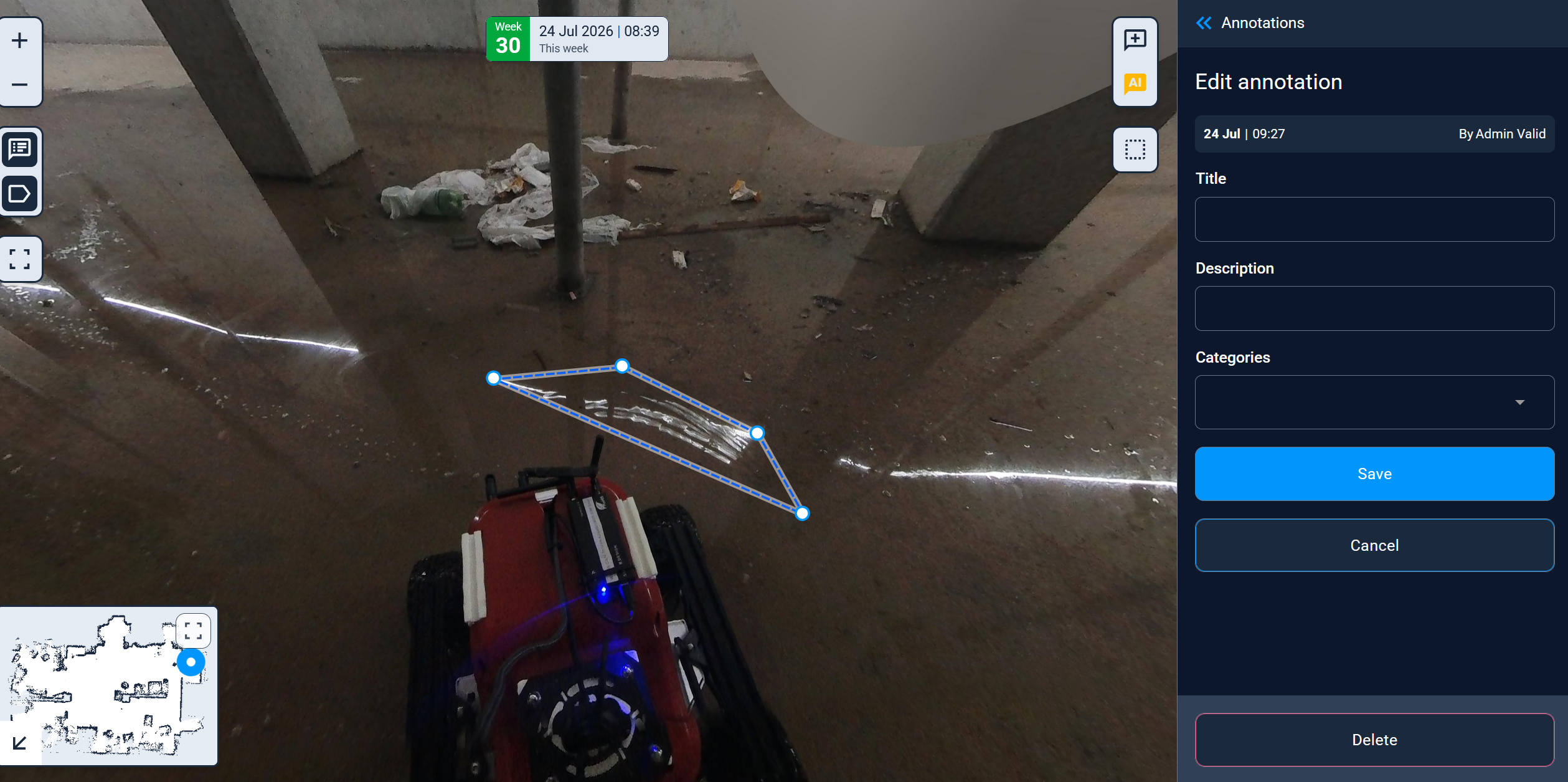
You can draw annotation shapes on 360° photos for objects directly above or below the camera — previously those zenith and nadir areas could not take a bounding box.
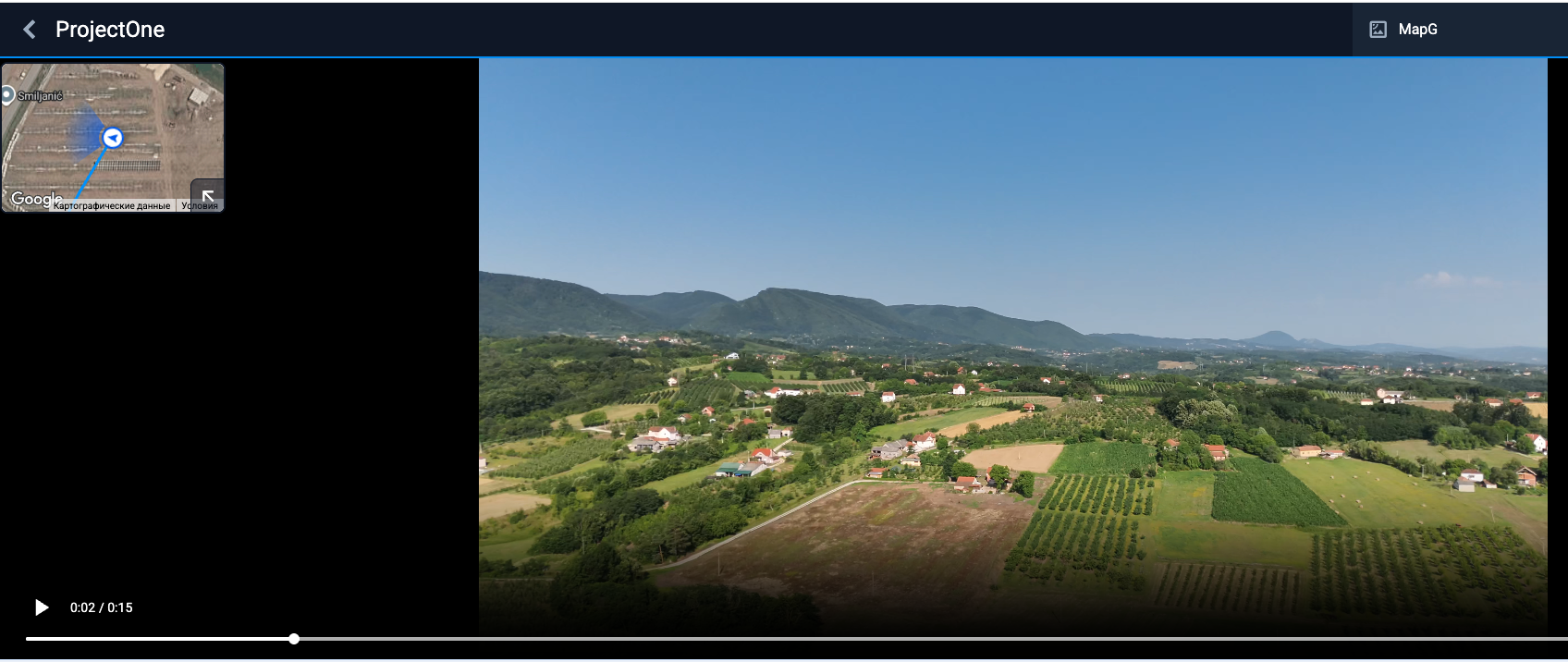
Video Geo Path
FlightHub and other geotagged videos now show the recorded path on a map while you play the clip, so you can follow where the camera was during the flight.
Other Changes
- Serbian (Srpski) is available as a Cloud language.
- Device managers can Unlink a robot from a project.
- Locations stay visible on GNSS maps instead of being filtered out of view.
- GNSS 360° photo galleries include a minimap so you can jump between photos on the map.
- Direct browser download for media files.
- Video annotations no longer break after watching a clip to the end, and empty terminator detections are hidden.
- Clearer handling when an inspection file cannot be processed because the input is invalid.
- FlightHub S3 storage can be configured per project.