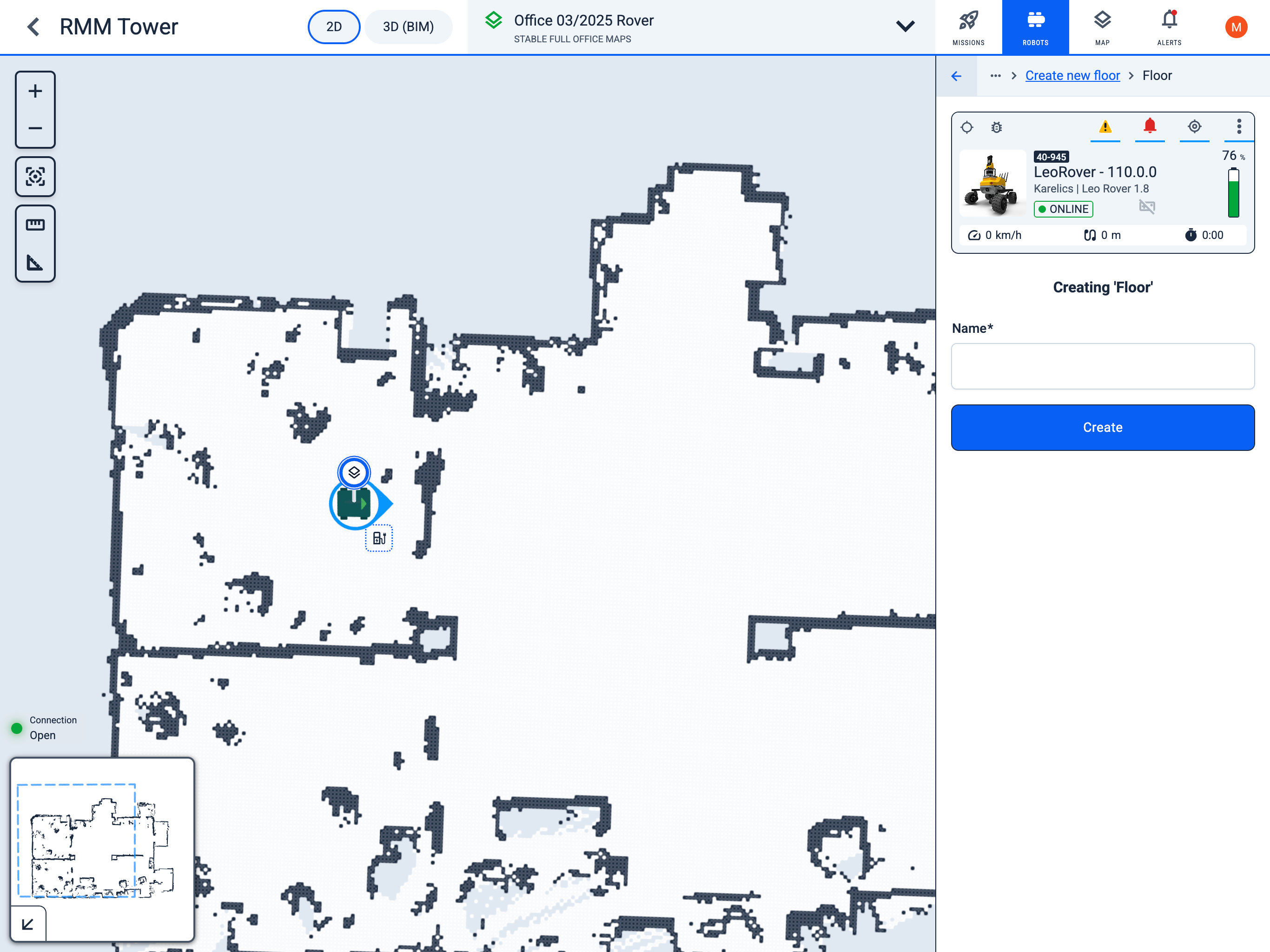
Create Floor
Operator Hub → Current Project → Workspace → Robots → Current Robot → Configuration → Create new floor → Create Floor
Create floor name
- Set a name for the new floor map and save it.
- Next, the mapping window will open, where you can guide the robot throughout the entire area that needs to be displayed on the map. For more details about the mapping process, see Mapping.